
Paycheque Calculator Canada
Turn the gross amount on one paycheque into what actually lands in your account. Pick weekly, bi-weekly, semi-monthly or monthly pay and your province, and see every deduction.
Use the calculator➜ Try EMOH Pay free➜
How do I calculate my biweekly paycheque?
To calculate a bi-weekly paycheque in Canada, multiply your gross pay per cheque by 26 to get annual income, work out federal and provincial tax, CPP and EI on that amount, then divide the total deductions by 26 and subtract them from one cheque. In Ontario, $2,500 gross every two weeks leaves about $1,957.
Assumes the same gross pay every period in 2026. Bonuses and overtime change the result.
How the paycheque calculator works
This paycheque calculator for Canada starts from a single cheque rather than an annual salary. Enter your gross pay per paycheque, the amount before any deductions. Choose your pay frequency, which tells the calculator how many cheques you get in a year. Then pick your province or territory, because each one has its own tax brackets.
Behind the scenes it annualizes your pay, applies the 2026 federal and provincial brackets, the basic personal amounts, CPP (or QPP in Quebec) and EI, then divides everything back down to one pay period. You see net pay per paycheque, the annual total, each deduction, and your average and marginal rates.
It assumes the same gross amount every period. If you earn a bonus, overtime or commission, enter a typical cheque and expect the real one to vary. If you know your yearly salary instead, a provincial tool such as the Ontario take-home pay calculator or the Canadian income tax calculator is quicker.
How do I calculate my bi-weekly paycheque by hand?
You calculate a bi-weekly paycheque by converting it to an annual figure, finding the yearly tax, CPP and EI on that income, and dividing those deductions by 26. Subtract the per-cheque deductions from your gross pay and you have your net pay. Payroll software does the same thing using the CRA's payroll tables.
- Annualize your pay. Multiply gross pay per cheque by 26. A $2,500 cheque becomes $65,000 a year.
- Work out federal tax. Apply the 2026 federal brackets (14% on the first $58,523, then 20.5%), then subtract the credit for the basic personal amount and your CPP and EI.
- Work out provincial tax the same way with your province's brackets and basic personal amount.
- Add CPP and EI. CPP is 5.95% of pay above the $3,500 yearly exemption, and EI is 1.63% of insurable earnings in 2026.
- Divide by 26 and subtract. Divide the annual deductions by 26 and take them off one gross cheque.
| Per cheque | Ontario | Alberta | British Columbia | Quebec |
|---|---|---|---|---|
| Federal tax | about $252 | about $252 | about $252 | about $210 |
| Provincial tax | about $109 | about $117 | about $107 | about $243 |
| CPP or QPP | about $141 | about $141 | about $141 | about $151 |
| EI (and QPIP in Quebec) | about $41 | about $41 | about $41 | about $44 |
| Net pay | about $1,957 | about $1,950 | about $1,960 | about $1,851 |
Quebec's federal tax is lower because residents get a 16.5% federal abatement, but provincial tax and QPP are higher, so net pay ends up lower overall.
Bi-weekly vs semi-monthly pay: what is the difference?
Bi-weekly pay arrives every second week, 26 times a year. Semi-monthly pay arrives twice a month on fixed dates, 24 times a year. On the same salary, each semi-monthly cheque is about 8% larger, but bi-weekly workers get two extra cheques.
| Pay frequency | Cheques a year | Gross per cheque on $60,000 | Budgeting tip |
|---|---|---|---|
| Weekly | 52 | about $1,154 | Budget by week; rent needs four cheques |
| Bi-weekly | 26 | about $2,308 | Two months a year have three paydays |
| Semi-monthly | 24 | $2,500 | Same dates each month, easy to match to bills |
| Monthly | 12 | $5,000 | Hold back a buffer until the next payday |
Some years have 27 bi-weekly paydays, depending on how the calendar falls. Employers handle this differently, so check with payroll if your cheque looks slightly smaller than usual that year.
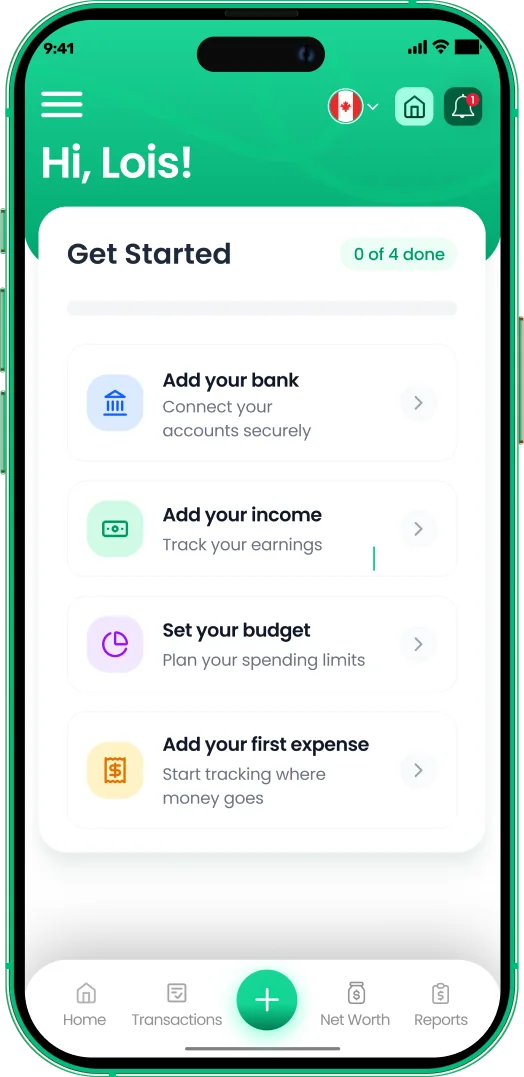
Track every paycheque
- Add each income source in seconds
- See income against spending every month
- Plan from your real take-home pay


Why does my paycheque change during the year?
Your net pay can rise late in the year even when your salary is unchanged. That happens because CPP and EI have annual maximums, and once you reach them nothing more is deducted until January.
- CPP maximum. In 2026, base CPP stops once you earn $74,600, and the second tier (4%) stops at $85,000. The most an employee pays is about $4,646.
- EI maximum. EI stops once insurable earnings reach $68,900, a maximum premium of about $1,123 outside Quebec.
- Raises and bonuses. A bonus is taxed at your marginal rate, and payroll may withhold more on it than on a regular cheque.
- Benefit and pension changes. Group insurance, pension contributions and union dues come off after tax is calculated and can change at renewal.
- TD1 forms. Claiming extra credits on your federal and provincial TD1 forms lowers the tax withheld on each cheque.
Budgeting around your paycheque
The net figure from this calculator is the number your budget should start from, not your salary. Plug it into the budget calculator to see how much can go to needs, wants and savings each pay period.
If you are paid by the hour, the hourly to salary calculator converts your wage first. And if every cheque seems gone before the next one, our guide to living paycheque to paycheque covers practical ways to build a buffer.
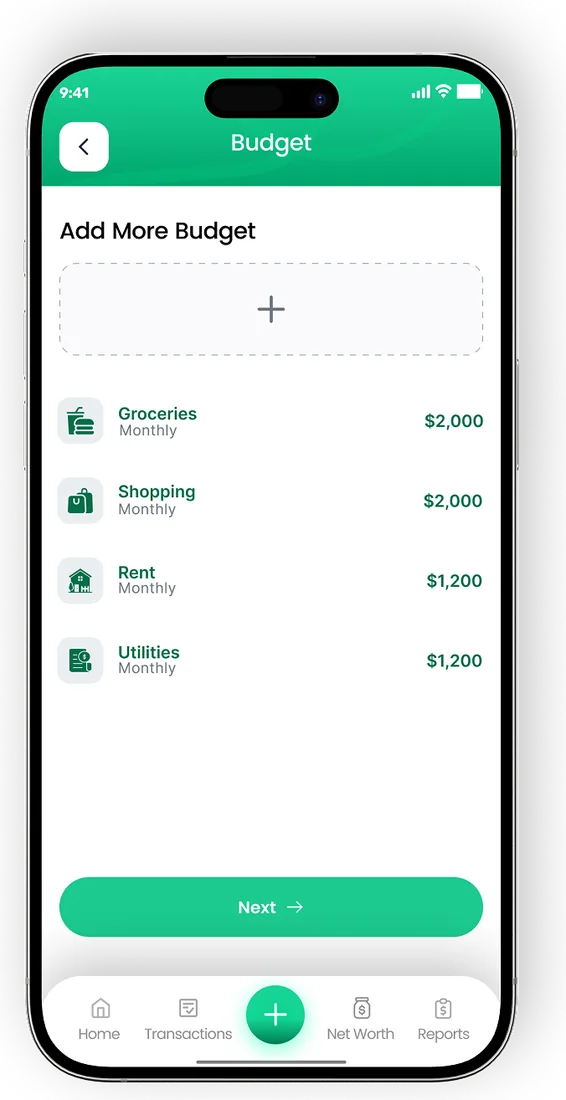
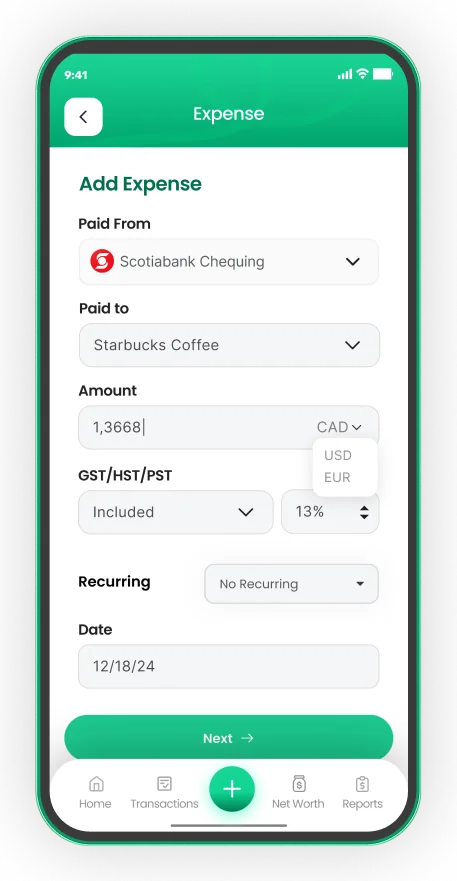
EMOH Pay lets you log each paycheque as income and set budgets with overspend alerts, so you can see what is left before the next payday. It is free to start on iPhone, Android and the web, and EMOH Pro adds automatic bank sync with Canadian banks.
Your income in EMOH Pay
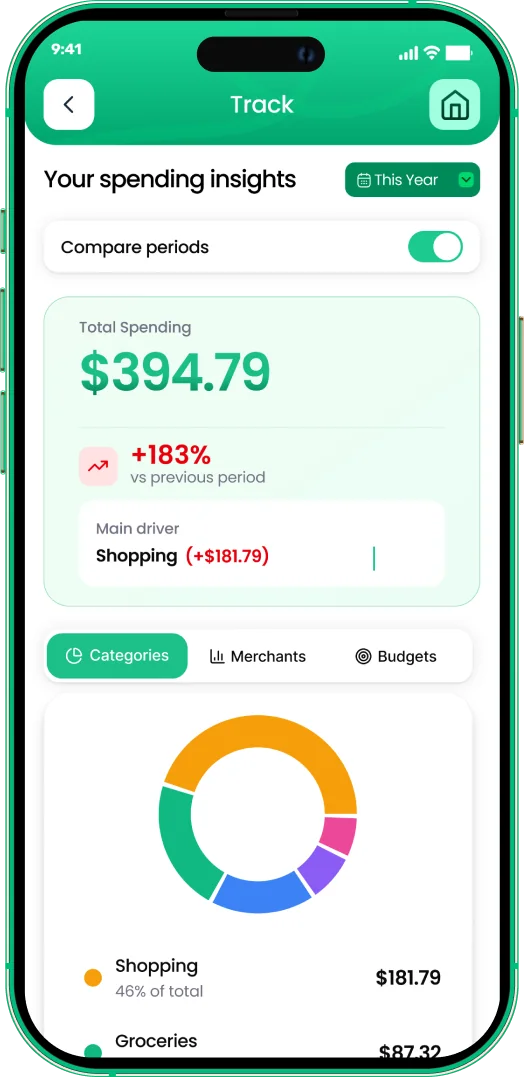

Put the numbers on autopilot
EMOH Pay tracks your spending, budgets and net worth on your phone and in the browser, always in sync. Free to start, made in Canada.
Get started free➜Paycheque Calculator Canada: frequently asked questions
What percentage of my paycheque goes to taxes in Canada?
For most employees earning $50,000 to $80,000, about 19% to 25% of gross pay goes to income tax, CPP and EI combined. The share rises with income and is higher in Quebec and Nova Scotia than in Alberta or BC.
Is this the same as a paycheck calculator?
Yes. Paycheque is the Canadian spelling and paycheck the American one. This paycheck calculator uses Canadian federal and provincial tax, CPP and EI, not US rules.
How many bi-weekly pay periods are in 2026?
Most bi-weekly employees get 26 paydays in a year, and occasionally 27 depending on the calendar and the day of the week payday falls on. Your employer's payroll calendar is the final word.
Why is my first January cheque smaller?
CPP and EI restart on 1 January. If you hit the maximums late the previous year, your December cheques were larger, so January can feel like a pay cut even though nothing changed.
Does the calculator include vacation pay or overtime?
No. It assumes the same gross amount every period. Vacation pay, overtime and bonuses are taxed as regular income, so enter a typical cheque and expect those periods to differ.
Related guides and tools
Estimate your 2026 Canadian income tax, CPP, EI and take-home pay in every province and territory, with federal and…
Ontario Take-Home Pay CalculatorFree Ontario salary calculator for 2026. See federal and Ontario tax, CPP, EI and your monthly or bi-weekly take-home pay…
Hourly to Salary CalculatorFree hourly to salary calculator. Convert an hourly wage to annual, monthly, bi-weekly and weekly pay, with tables for…
50/30/20 Budget CalculatorThe 50/30/20 rule splits after-tax income: 50% to needs, 30% to wants, 20% to savings. Enter your monthly take-home pay to…
BC Salary CalculatorFree BC salary calculator for 2026: see federal and BC income tax, CPP and EI on your salary, then your take-home pay per…
Living Paycheck to Paycheck: How to Break the CycleLiving paycheck to paycheck is stressful but fixable. Learn why it happens, the first steps to take, how to build a small…
Start free today
Free on iPhone, Android and the web. Upgrade to EMOH Pro anytime for bank sync and advanced AI.
Download for iOS➜ Get it on Android➜