
Your transactions, imported automatically
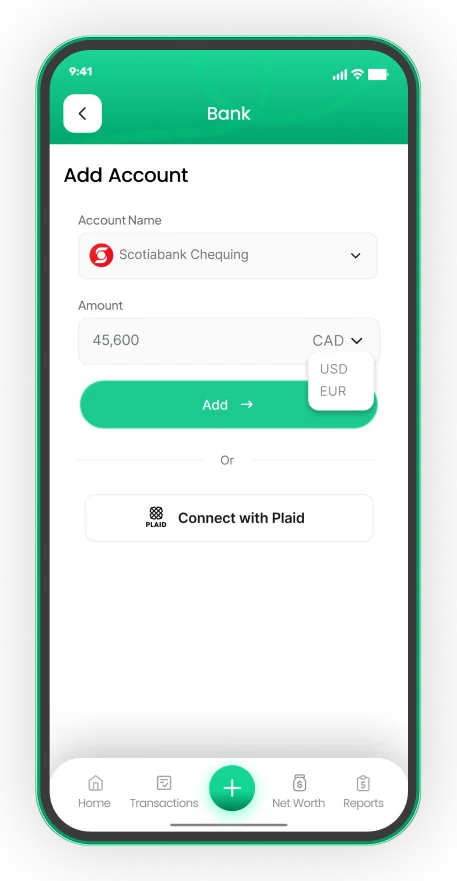
Connect your Canadian bank securely through Plaid and EMOH Pro imports transactions automatically — read-only, encrypted, and cancellable anytime.
Get started free➜ Try the web app➜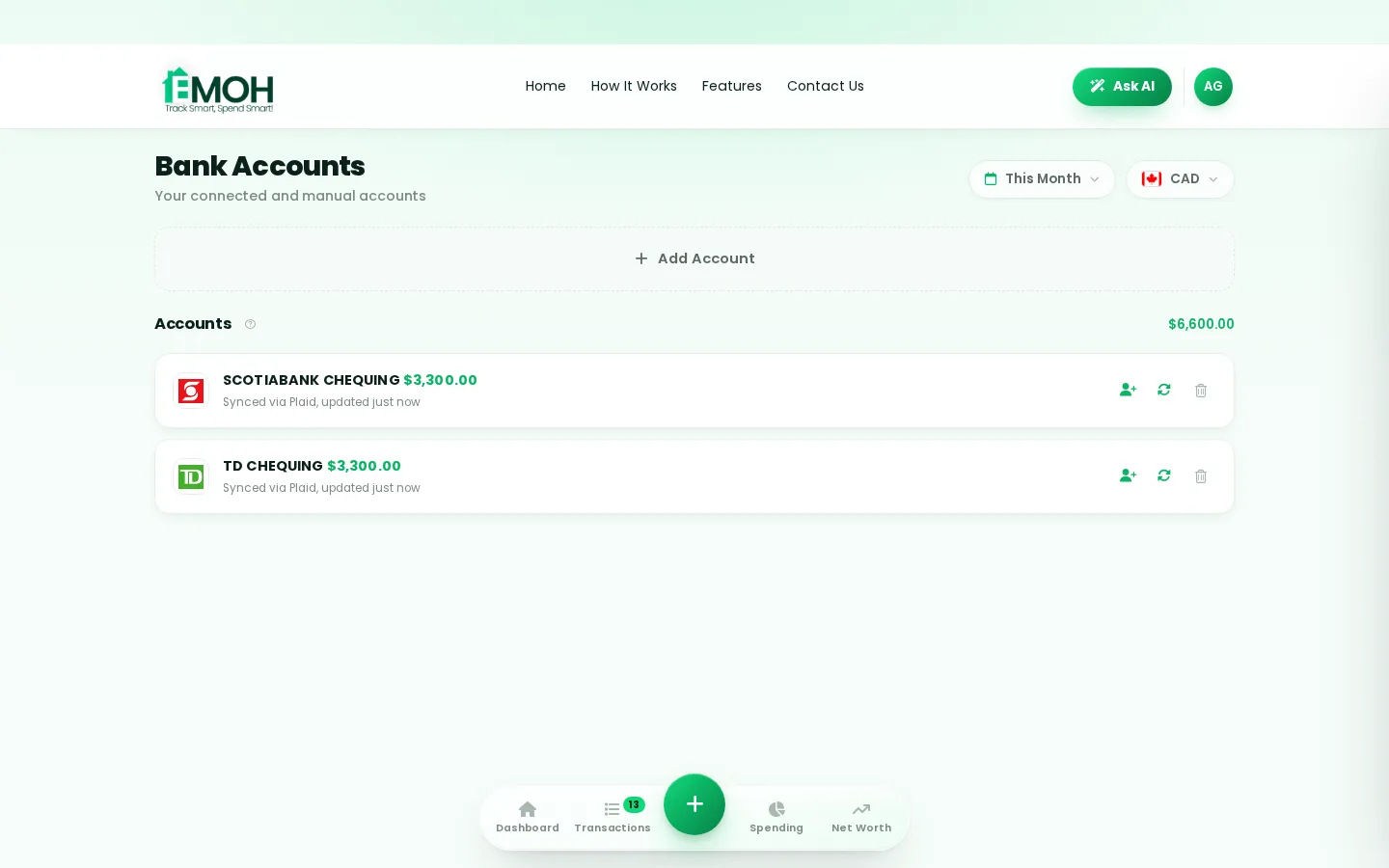
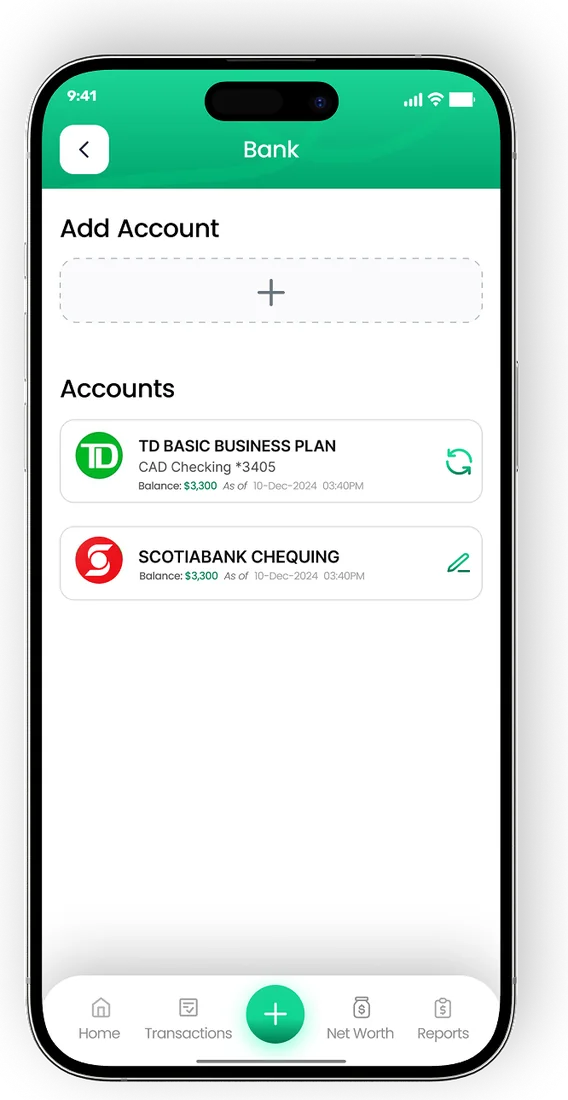
RBC, TD, Scotiabank, BMO, CIBC and more via Plaid.
EMOH can see transactions to categorize them — it can never move your money.
AES-256 encryption; your bank credentials are never stored by EMOH.

Made for real life
On your phone in the checkout line, on your laptop at the kitchen table — EMOH Pay is the same app everywhere, always in sync. Shared with family when you want it.
Start free➜Money problems we actually solve
Real questions from real people — and how EMOH Pay answers them:
Why a budgeting app with bank sync matters in 2026
Money moves fast — subscriptions renew quietly, prices creep, and paydays disappear into thirty small taps. A budgeting app with bank sync puts every dollar on one screen so nothing slips: what came in, what went out, and what's safely left to spend. EMOH Pay does this on your phone in your pocket and in the web app on your laptop, with everything synced in real time and protected by AES-256 encryption.
What to look for in a budgeting app with bank sync
The best budgeting app with bank sync is the one you'll still be using in March. Look for: a free tier that's genuinely useful (not a 7-day trial), Canadian support — CAD by default, GST/HST awareness, Canadian banks — effortless capture like 2-tap logging or automatic bank import, family sharing so everyone sees the same numbers, and clear privacy under Canadian law (PIPEDA). EMOH Pay checks every box, free to start.
Free vs EMOH Pro — which do you need?
Start free: budgets, expense tracking, net worth, savings goals, family sharing and the Daily Money Digest are all included, with no time limit. Upgrade to EMOH Pro — just $4.99/month, cancel anytime — when automatic bank sync via Plaid and advanced Ask AI analysis would save you time every week.
Free on iPhone, Android & Web · No card needed · 2-minute setup
How EMOH works
Managing money should be effortless. Four small steps, five minutes total:
- 1Make your account — free, on phone or web
- 2Enter your income & accounts
- 3Set budgets — your digital envelopes
- 4Track smart, spend smart — EMOH digests daily
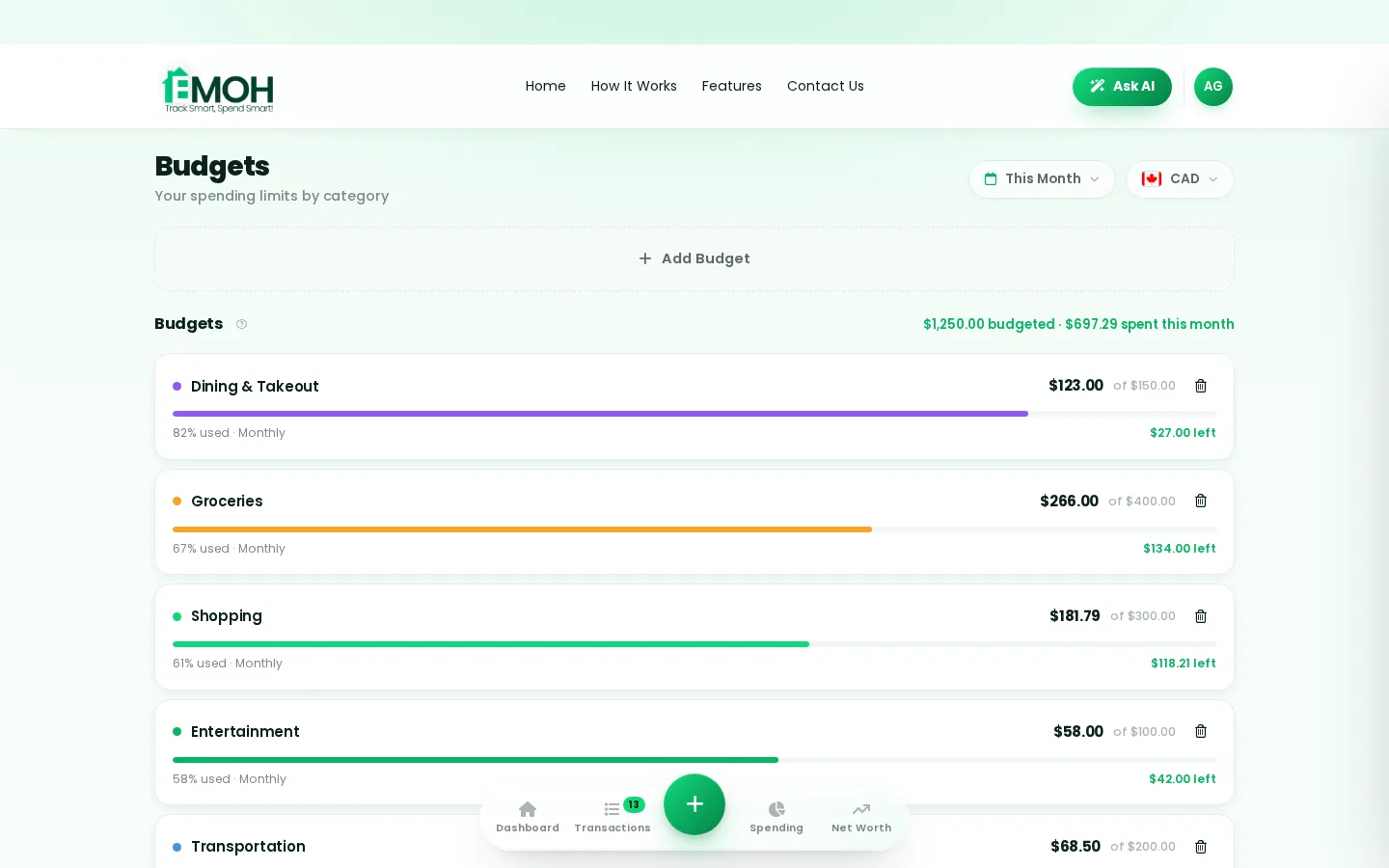
One account. Every screen.
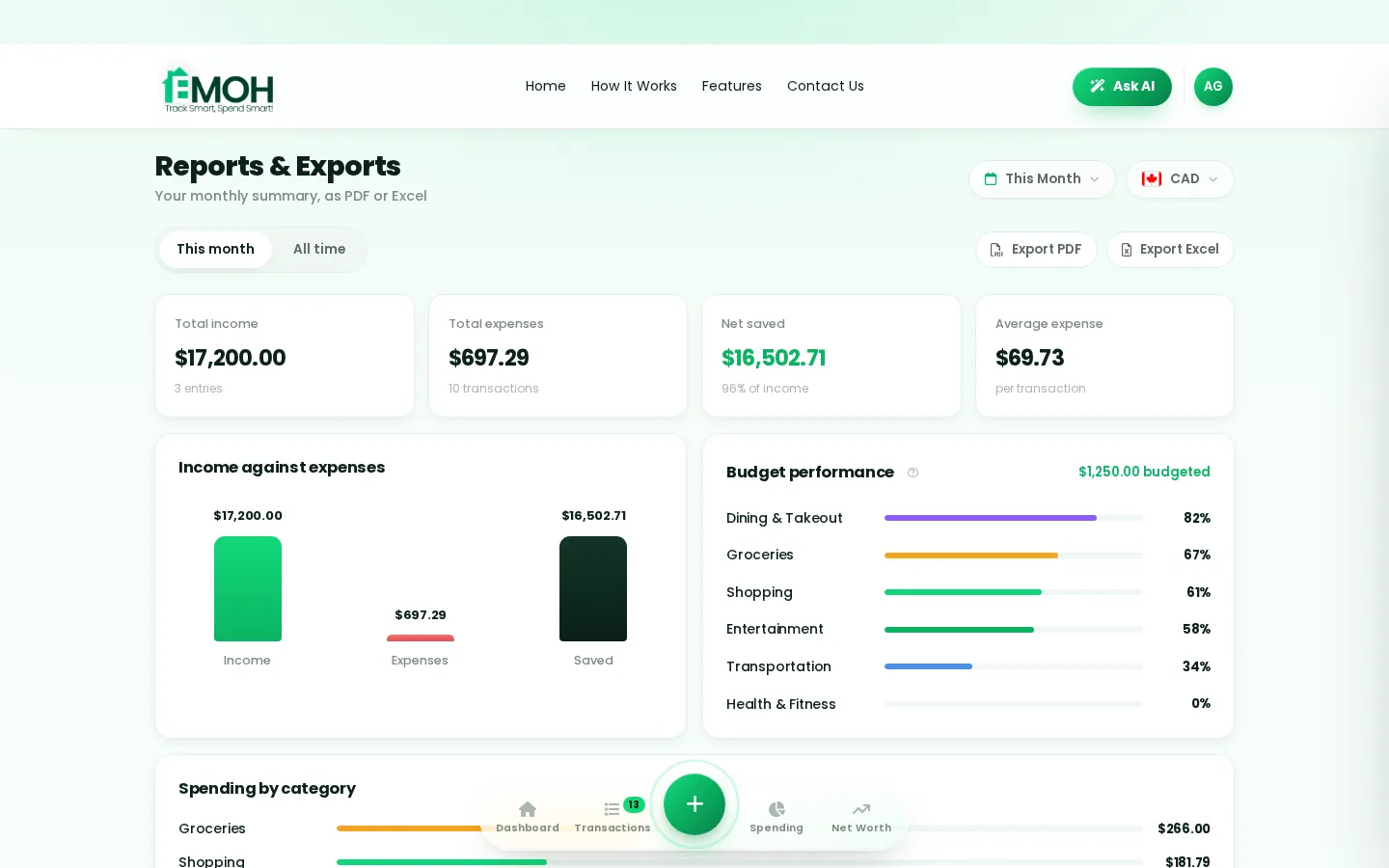
Phone in your pocket, web app on your laptop — the same live numbers everywhere, synced the second anything changes.
Rated ★★★★★ by our users


Follow the journey
Money tips, app updates and 30-second Reels — join the EMOH Pay community. #EMOHPay #SpendSmart
Frequently asked questions
Which banks work with EMOH Pay?
All major Canadian banks are supported through Plaid, read-only. Manual tracking works with any bank in any country.
Is EMOH Pay free?
EMOH Pay is free to start on iPhone, Android and the web — budgeting, expense tracking and net worth included. EMOH Pro lifts the limits for just $4.99/month — unlimited bank connections, family members and EMOH Smart, plus full report history and exports.
Does EMOH Pay work on my computer?
Yes. EMOH Pay has a full web app, so you can use it on your laptop or desktop — and everything syncs instantly with the mobile app on your phone.
Is my financial data safe?
Yes. EMOH Pay uses AES-256 encryption, bank connections are read-only through Plaid, and the app is built to Canadian PIPEDA privacy standards.
What should you know about everyday budgeting?
Everyday budgeting comes down to three habits: know what comes in, decide where it goes, and check in daily. EMOH Pay makes all three effortless — free expense tracking and budgets on phone and web, a Daily Money Digest each morning, and bank-grade AES-256 security throughout.
Real spending, really tracked
From the morning coffee to the monthly rent — Canadians log, tag and learn from every expense on EMOH Pay.



More from EMOH Pay
When it comes to managing money, choosing the right budgeting method can make all the difference. Two of the most popular…
Top Ad-Free Budgeting App of 2025 | Try EMOH Pay FreeIn 2025, managing personal finances shouldn’t come at the cost of privacy or focus. Yet, many budgeting apps still bombard…
AI Budgeting AppEMOH Pay's Ask AI is a conversational money assistant. Ask 'how much did I spend on groceries last month?' or 'can I afford…
Free Budget CalculatorThe 50/30/20 rule splits after-tax income: 50% to needs, 30% to wants, 20% to savings. Enter your monthly take-home pay to…
Expense Tracker AppEMOH Pay is a free expense tracker app built in Canada. Add expenses in two taps on your phone or laptop, snap receipts, and…
EMOH Pay vs YNABEMOH Pay vs YNAB compared honestly for 2026: price, Canadian features, family sharing, bank sync and learning curve — free…
Start free today
Free on iPhone, Android and the web. Upgrade to EMOH Pro anytime for bank sync and advanced AI.
Download for iOS➜ Get it on Android➜