
EMOH Pay Help Center
Setup guides, answers and account help — everything in plain language.
Get started free➜ Try the web app➜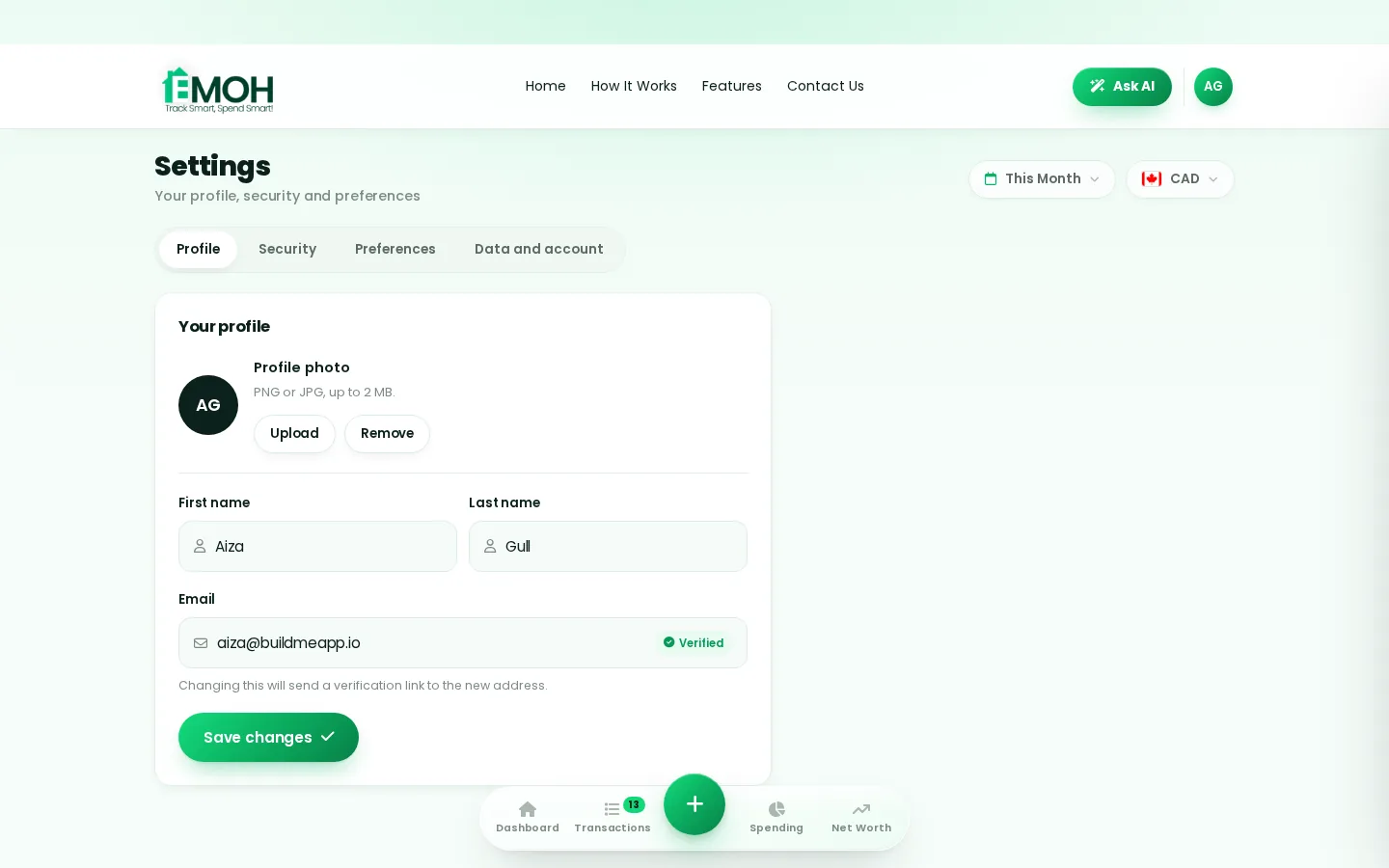
The 12 most common questions, answered directly.
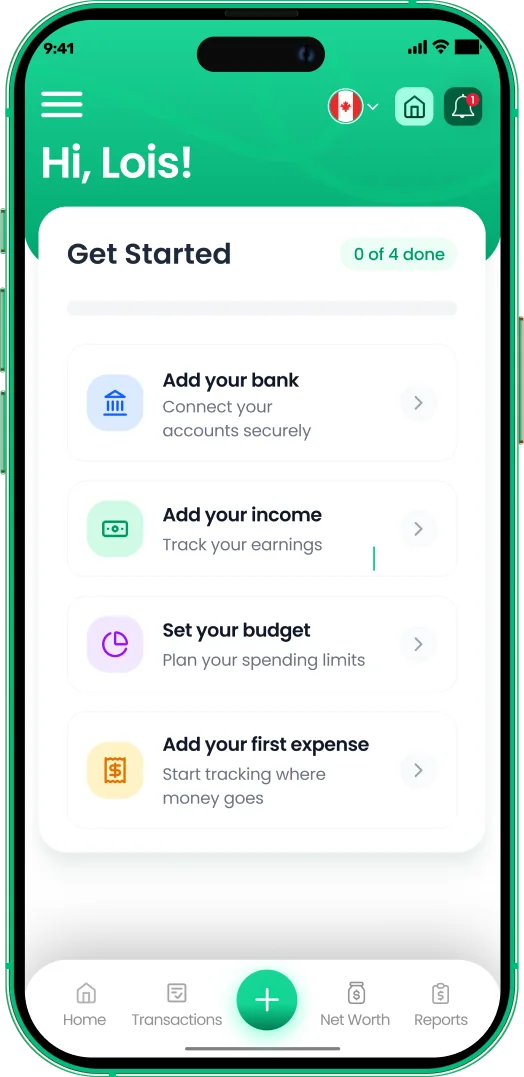
Getting Started with EMOH PaySet up EMOH Pay in five minutes: create your account, pick your currency, add your first account balance, set 3–5 category…
How to Connect Your BankConnect your Canadian bank in under two minutes with EMOH Pro: Settings → Linked Accounts → …
Setting Up Family SharingInvite family from Settings → Family → Invite Member. Each person gets their own login; budgets, expenses and goals become…
Pro Subscription & BillingEMOH Pro billing runs securely through Stripe. Manage, upgrade or cancel anytime from Settings → Subscription — cancellation…
Account removalHow to delete your account and data, permanently.
How to use every feature — detailed answers
How do I add my first expense?
Tap the green + button on any screen, enter the amount, pick a category and save. It takes two taps and works the same on iPhone, Android and the web app. Your budgets and reports update instantly.
How do I set up my first budget?
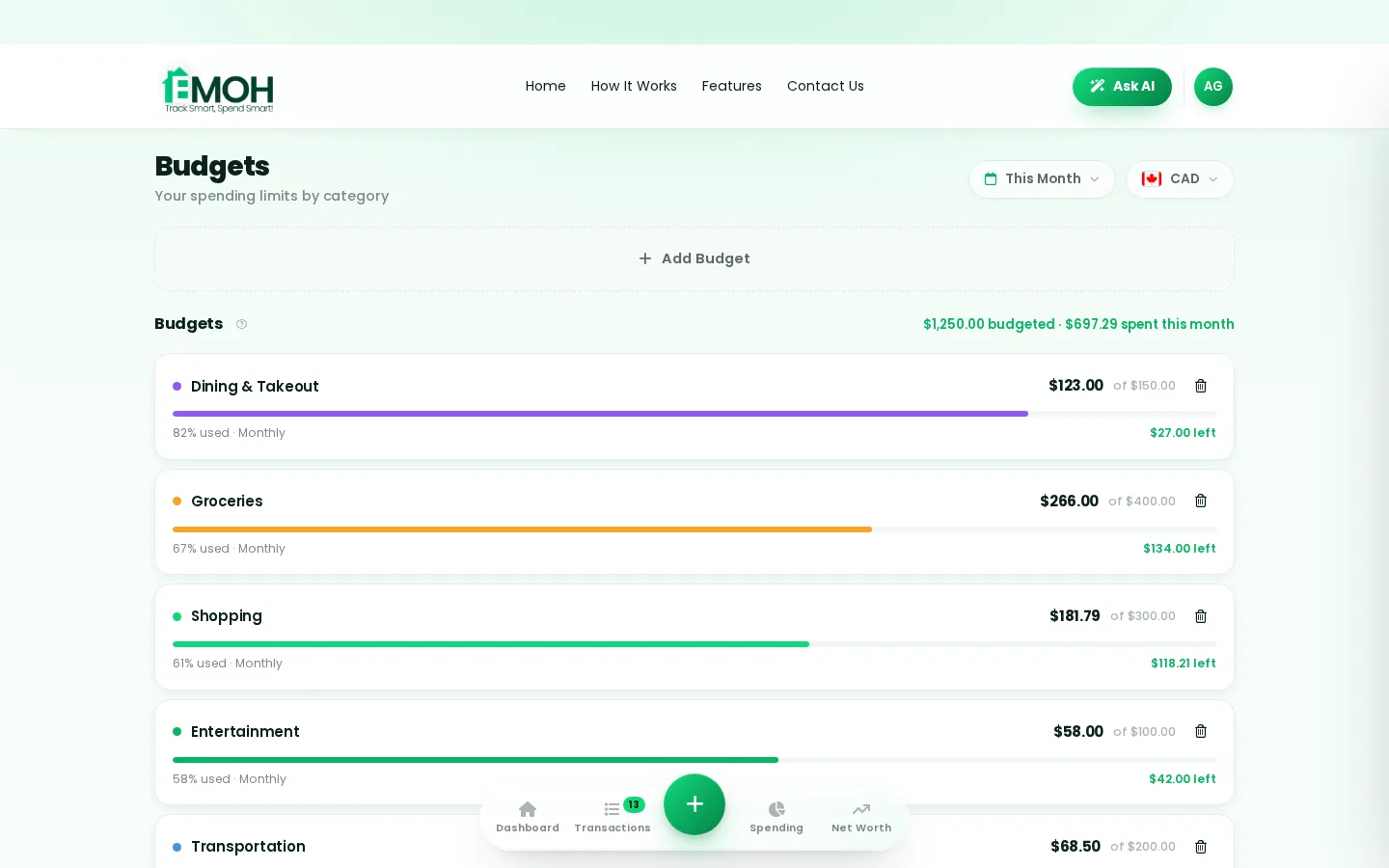
Open Budgets, tap Add budget, choose a category (groceries is a great first one) and set a monthly amount. Start with your top 3-5 spending categories — you can add more anytime, and EMOH alerts you gently before you overspend.
How do I add my income?
Open Income and tap Add income. Enter your pay amount and how often it arrives — EMOH uses it to show what is left to spend and whether you are spending less than you earn.
How do I track my net worth?
Open Net Worth and add your assets (bank accounts, TFSA, RRSP, property) and liabilities (cards, loans, mortgage). EMOH calculates assets minus debts and keeps the number current as you track.
How do I invite my partner or family?
Go to Settings → Family and tap Invite member. They get their own secure login, and you choose what is shared. Family sharing is included free — everyone sees the same live numbers.
How do I connect my bank account?
Bank sync is included on every plan — three connected banks on Free, unlimited on EMOH Pro ($4.99/month). Open Settings → Bank Accounts, then connect your Canadian bank through Plaid. The connection is read-only — EMOH can see transactions but can never move money.
How do I export a report for my accountant?
Open Reports, pick the month or period, and tap Export PDF or Export Excel. The GST/HST tracker keeps the tax portion of every expense separated so tax season is already organized.
How do I use Ask AI?
Tap Ask AI in the app header and ask a question in plain language — like "what was my biggest expense last month?" or "am I on track this week?". It answers from your own data instantly.
How do I set a savings goal?
Open Plan → Goals, name the goal (vacation, emergency fund, down payment), set a target amount, and contribute whenever you can. The progress ring shows exactly how close you are.
How do I track money in two currencies?
Add accounts in any of 148 currencies and EMOH converts them automatically, so your budgets and net worth stay accurate across countries — ideal for newcomers and families supporting relatives abroad.
How do I switch between phone and web?
Just log in with the same account at emohpay.com — everything syncs instantly in both directions. Track on your phone in the checkout line, review on the web at your desk.
What does EMOH Pro cost and include?
EMOH Pro is just $4.99/month and adds automatic bank sync via Plaid and advanced Ask AI analysis. Everything else — budgets, tracking, net worth, family sharing, GST/HST — is in the free tier, and you can cancel anytime.
What should you know about EMOH Pay help center?
EMOH Pay help center comes down to three habits: know what comes in, decide where it goes, and check in daily. EMOH Pay makes all three effortless — free expense tracking and budgets on phone and web, a Daily Money Digest each morning, and bank-grade AES-256 security throughout.
EMOH Pay help center: the essentials
Five minutes a week with a daily digest beats a perfect spreadsheet you abandon in February.
Money works better as a team sport — shared live numbers end the guesswork and the arguments.
You can start EMOH Pay help center today at $0 — no card required, on iPhone, Android or the web.
AES-256 encryption, read-only bank connections and PIPEDA-grade privacy keep your data yours.
Real spending, really tracked
From the morning coffee to the monthly rent — Canadians log, tag and learn from every expense on EMOH Pay.



Everything you need for EMOH Pay help center
Track Smart, Spend Smart! The complete toolkit, free to start:
Turn any month into a clean report you can share with a partner or accountant.
Automatic conversion for money that lives in more than one country.
Log any expense in two taps — or let bank sync do it automatically. Every dollar gets a category.
Vacations, emergencies, down payments — set the target and watch it fill.
Everyone sees the same live numbers, each with their own login. Free forever.
Ask questions about your own spending in plain language and get instant answers.
How to start EMOH Pay help center with EMOH Pay
Four small steps, five minutes total:
- 1Make your account — free, on phone or web
- 2Enter your income & accounts
- 3Set budgets — your digital envelopes
- 4Track smart, spend smart — EMOH digests daily
EMOH Pay vs. the usual ways to handle EMOH Pay help center
| EMOH Pay | Spreadsheet | Typical budgeting app | |
|---|---|---|---|
| Free tier | Free forever | Free | Limited trial |
| Paid tier | EMOH Pro — $4.99/mo | — | $10–15/mo |
| Expense tracking | ✔ Two taps or automatic | Manual entry | ✔ |
| Budgets & overspend alerts | ✔ Built in | ✖ None | Varies |
| Net worth tracking | ✔ Live | Formula gymnastics | Often paid add-on |
| Phone + web sync | ✔ Instant | ✖ Manual | Varies |
| Family sharing | ✔ Free | ✖ Shared-file chaos | Often paid add-on |
| GST/HST tracking | ✔ Automatic | ✖ Formula gymnastics | ✖ Rare |
| 148 currencies | ✔ Automatic conversion | ✖ None | Limited |
| Ask AI | ✔ Included | ✖ None | ✖ Rare |
| Daily Money Digest | ✔ Built in | ✖ None | Push spam |
| PDF & Excel exports | ✔ One tap | ✔ Manual | Varies |
| Bank sync (Canada) | ✔ Plaid, read-only — free up to 3 banks | ✖ None | US-first, patchy |
Everything above is free to start — and the full EMOH Pro upgrade is just $4.99/month, a third of what typical budgeting apps charge.
Real EMOH Pay help center problems we actually solve

EMOH Pay help center that fits real life
Money habits only stick when they fit the life you already live. EMOH Pay was built for the checkout line, the kitchen-table conversation and the Sunday five-minute review — not for accountants. Two taps to log an expense, one glance to know where you stand.
Get started free➜ See how it works➜Your money data, protected like a bank's
The same encryption standard banks use, protecting your data at rest and in transit.
Bank connections run through Plaid and can only read transactions — never move money.
Built in Canada to Canadian privacy law. Your data is yours — never sold, ever.
Track Smart, Spend Smart!



More from EMOH Pay
Managing personal finances can be challenging, particularly for those who are just starting. However, with the right…
How to Connect Your BankConnect your Canadian bank in under two minutes with EMOH Pro: Settings → Linked Accounts → Connect Bank → choose your bank…
Setting Up Family SharingInvite family from Settings → Family → Invite Member. Each person gets their own login; budgets, expenses and goals become…
Free Budget CalculatorThe 50/30/20 rule splits after-tax income: 50% to needs, 30% to wants, 20% to savings. Enter your monthly take-home pay to…
Ask AI About Your MoneyAsk AI is EMOH Pay's conversational money assistant: ask anything about your spending, budgets and goals in plain language…
Family Budgeting AppEMOH Pay is a family budgeting app made in Canada — shared budgets, shared goals, and everyone on the same page, from…
Can't find it?
Message support from inside the app — real humans, quick replies.
Download for iOS➜ Get it on Android➜