
Savings Goal Calculator
How much to save per month? Enter your target amount and months until deadline — get your required monthly contribution instantly.
Get started free➜ Try the web app➜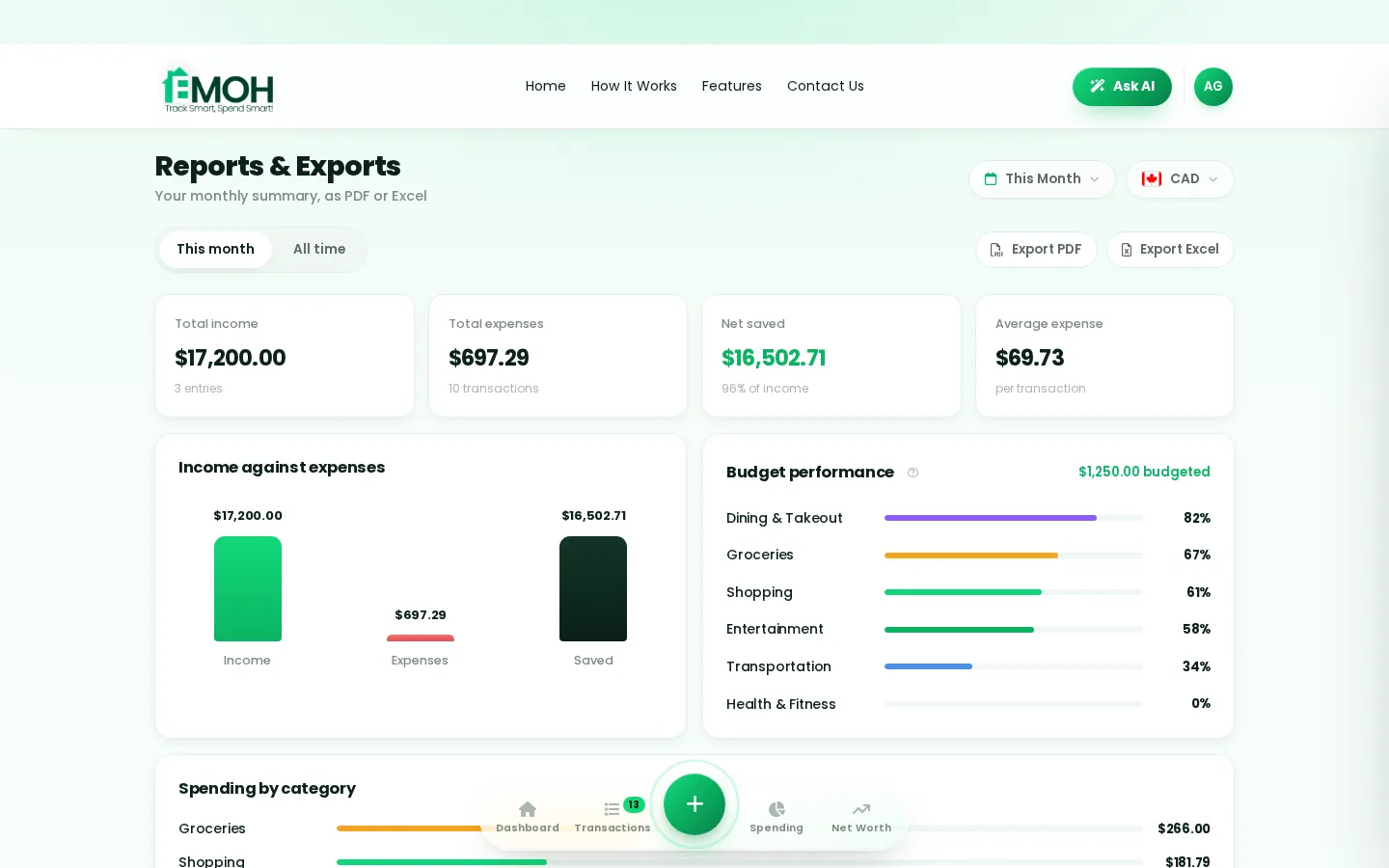

Want this automatic?
EMOH Pay does this math live from your real numbers — every day, on your phone and laptop. Free to start.
Start free➜Why a savings goal calculator matters in 2026
Money moves fast — subscriptions renew quietly, prices creep, and paydays disappear into thirty small taps. A savings goal calculator puts every dollar on one screen so nothing slips: what came in, what went out, and what's safely left to spend. EMOH Pay does this on your phone in your pocket and in the web app on your laptop, with everything synced in real time and protected by AES-256 encryption.
What to look for in a savings goal calculator
The best savings goal calculator is the one you'll still be using in March. Look for: a free tier that's genuinely useful (not a 7-day trial), Canadian support — CAD by default, GST/HST awareness, Canadian banks — effortless capture like 2-tap logging or automatic bank import, family sharing so everyone sees the same numbers, and clear privacy under Canadian law (PIPEDA). EMOH Pay checks every box, free to start.
Free vs EMOH Pro — which do you need?
Start free: budgets, expense tracking, net worth, savings goals, family sharing and the Daily Money Digest are all included, with no time limit. Upgrade to EMOH Pro — just $4.99/month, cancel anytime — when automatic bank sync via Plaid and advanced Ask AI analysis would save you time every week.
Free on iPhone, Android & Web · No card needed · 2-minute setup
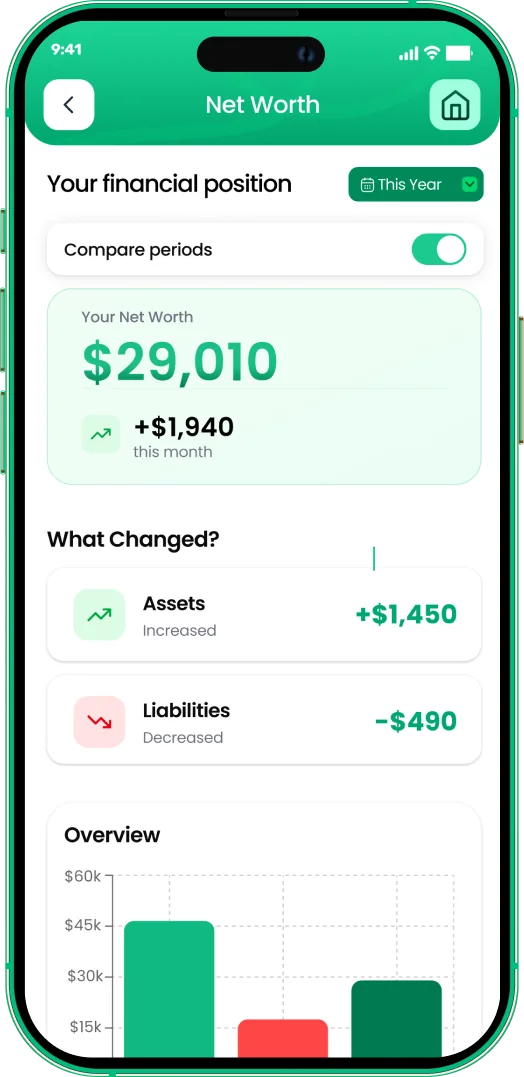
One account. Every screen.
Phone in your pocket, web app on your laptop — the same live numbers everywhere, synced the second anything changes.
Rated ★★★★★ by our users


Follow the journey
Money tips, app updates and 30-second Reels — join the EMOH Pay community. #EMOHPay #SpendSmart
Frequently asked questions
What if I can't save that much monthly?
Extend the timeline or trim the goal — the calculator updates live. EMOH Pay's savings goals then track your real pace against the plan.
Is EMOH Pay free?
EMOH Pay is free to start on iPhone, Android and the web — budgeting, expense tracking and net worth included. EMOH Pro lifts the limits for just $4.99/month — unlimited bank connections, family members and EMOH Smart, plus full report history and exports.
Does EMOH Pay work on my computer?
Yes. EMOH Pay has a full web app, so you can use it on your laptop or desktop — and everything syncs instantly with the mobile app on your phone.
Is my financial data safe?
Yes. EMOH Pay uses AES-256 encryption, bank connections are read-only through Plaid, and the app is built to Canadian PIPEDA privacy standards.
What should you know about savings goal calculator?
Savings goal calculator comes down to three habits: know what comes in, decide where it goes, and check in daily. EMOH Pay makes all three effortless — free expense tracking and budgets on phone and web, a Daily Money Digest each morning, and bank-grade AES-256 security throughout.
Savings goal calculator: the essentials
Five minutes a week with a daily digest beats a perfect spreadsheet you abandon in February.
You can start savings goal calculator today at $0 — no card required, on iPhone, Android or the web.
The first win in savings goal calculator is simply seeing where money goes. Tracking alone typically surfaces 10–15% of easy savings.
Auto-categorization, recurring bills and bank sync take the admin out of the habit.
Real spending, really tracked
From the morning coffee to the monthly rent — Canadians log, tag and learn from every expense on EMOH Pay.



Everything you need for savings goal calculator
Track Smart, Spend Smart! The complete toolkit, free to start:
Everyone sees the same live numbers, each with their own login. Free forever.
Digital envelopes for groceries, rent and fun, with gentle alerts before you overspend.
Log any expense in two taps — or let bank sync do it automatically. Every dollar gets a category.
Vacations, emergencies, down payments — set the target and watch it fill.
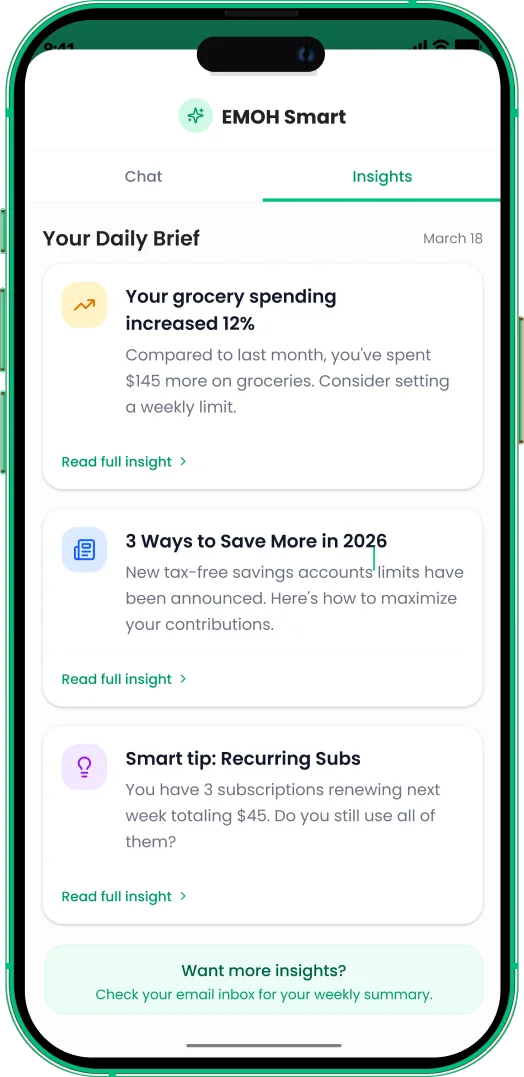
One calm summary every morning: what you spent, what's left, what needs attention.
Automatic conversion for money that lives in more than one country.
More from EMOH Pay
Create savings goals — emergency fund, trip, down payment — and EMOH Pay tracks progress and tells you if you're on pace.…
50/30/20 Budget CalculatorThe 50/30/20 rule splits after-tax income: 50% to needs, 30% to wants, 20% to savings. Enter your monthly take-home pay to…
Debt Payoff CalculatorSee your debt-free date: enter balance, interest rate and monthly payment to calculate payoff time and total interest. Free…
Expense Tracker AppEMOH Pay is a free expense tracker app built in Canada. Add expenses in two taps on your phone or laptop, snap receipts, and…
EMOH Pay vs YNABEMOH Pay vs YNAB compared honestly for 2026: price, Canadian features, family sharing, bank sync and learning curve — free…
Ask AI About Your MoneyAsk AI is EMOH Pay's conversational money assistant: ask anything about your spending, budgets and goals in plain language…
Start free today
Free on iPhone, Android and the web. Upgrade to EMOH Pro anytime for bank sync and advanced AI.
Download for iOS➜ Get it on Android➜