
How to Make a Budget

Creating a budget is one of the most impactful steps you can take to gain control over your finances. Whether you’re aiming to save for a big purchase, eliminate debt, or simply manage your money better, budgeting is the foundation of financial success. This guide will walk you through how to make a budget step by step, so you can feel empowered and in control of your financial future.
Why Budgeting Matters
At its core, a budget is your financial roadmap. It shows where your money comes from, how it’s spent, and where you can make adjustments. With a solid budget, you can:
- Reduce financial stress
- Save for future needs
- Avoid unnecessary debt
- Achieve long-term financial security
Whether you’re tackling student debt in Toronto or saving for a family trip, budgeting is the key to turning your financial dreams into reality. For even more insights on why budgeting matters, check out Canada.ca’s introductory guide to budgeting .
Step 1: Assess Your Financial Situation
Before building any plan, it’s essential to understand where you stand. Here’s how you can assess your financial health:
- Calculate your net income
This is the money you receive after taxes, benefits, and deductions are taken out. It’s the baseline for your budget.
- List all debts or liabilities
Include credit card balances, student loans, or car payments. If you’re feeling overwhelmed or stressed about financial decisions, consider exploring “therapy near me in Toronto” to support your mental well-being while you manage your money.
- Determine your assets
Note your savings, investments, and valuable possessions to better understand your financial worth.
You can also use innovative budgeting apps like EMOH Pay to easily track your financial snapshot in one place. By knowing your starting point, you can build a realistic budget tailored to your needs.
Step 2: Set Clear Financial Goals
What do you want your budget to achieve? Setting specific, measurable goals ensures your financial efforts are focused. Examples include:
- Saving $500 per month for an emergency fund
- Paying off $10,000 in credit card debt within a year
- Allocating $200 per month for a family getaway
Tip: Write down your goals and prioritize them. For instance, tackle high-interest debt before setting aside money for luxuries. For goal-setting resources.
Apps like EMOH Pay allow you to set and monitor multiple financial milestones within one dashboard, keeping you accountable as you work toward your objectives.
Step 3: Track Your Income and Expenses
Tracking is the backbone of budgeting. Here’s how to do it effectively:
- Record your income sources
Include your main salary, side hustles, rental income, or any other earnings.
- Track your expenses over a month
Use a budgeting app like EMOH Pay or a simple spreadsheet to categorize each expense. Include everything from rent to morning coffee runs. For additional tracking techniques.
Many people are surprised to learn how much they spend on “non-essentials.” This awareness plays a crucial role in reshaping spending habits.
Step 4: Categorize Your Spending
Divide your expenses into fixed and variable categories to clarify your financial picture:
- Fixed expenses
Mortgage/rent, debt payments, insurance, and utility bills.
- Variable expenses
Eating out, entertainment, retail shopping, and fuel.
Suggestion: The 50/30/20 rule is a popular budgeting guideline. Allocate 50% of your income to needs, 30% to wants, and 20% to savings or debt repayment.
Using EMOH Pay ’s customizable categories makes this process even easier, offering charts and summaries that visualize your spending breakdown at a glance.
Step 5: Choose a Budgeting Method
There’s no one-size-fits-all approach when it comes to budgeting. Consider these common methods and find one that works for your lifestyle:
- Zero-based budgeting
Every dollar is assigned a job. At the end of the month, your income minus expenses should equal zero.
- Envelope system
Use physical or digital “envelopes” for each spending category. When the envelope is empty, no more spending!
- Pay yourself first
Allocate savings or investment amounts before spending.
Experiment with different systems to learn which aligns with your personality and goals. For more options, see NerdWallet’s guide to budgeting methods .
You can experiment with these different approaches within apps like EMOH Pay , which adapts to your chosen structure and provides instant feedback.
Step 6: Adjust and Reassess Your Budget Regularly
Life changes, and so should your budget. Update your budget to reflect any shifts in:
- Income (e.g., promotions, job changes)
- Expenses (e.g., new subscriptions, moving costs)
- Goals (e.g., upcoming vacations or milestones)
Set a monthly calendar reminder to review your spending and ensure you’re staying on track. EMOH Pay offers reminders and alerts to help you stick to your goals efficiently .
FAQs:
1. What is the best budgeting app in Canada?
Popular apps like Mint, You Need a Budget (YNAB), PocketSmith, and EMOH Pay are excellent choices for Canadians. They help you track income and expenses effortlessly. For independent reviews .
2. How often should I revisit my budget?
At a minimum, review your budget monthly. For significant life changes, review it immediately. Tools like EMOH Pay provide automatic prompts for regular budget check-ins.
3. Can budgeting reduce financial stress?
Absolutely. A well-structured budget gives you control over your money, reducing uncertainty about bills or expenses. For deeper emotional challenges related to finances, using a smart budgeting app like EMOH Pay can help you feel more in control and less overwhelmed.
4. Is it hard to stick to a budget?
It can be challenging, especially at first. Start small, set realistic goals, and track progress to build confidence and consistency. Supportive platforms like EMOH Pay break down your budgeting journey into manageable steps.
Next Steps and Resources
Now that you know how to make a budget , it’s time to take action! Use these strategies to craft a financial plan today and start reaping the benefits.
Explore Related Content
- Top 10 Budgeting Apps in Canada 2025
- How the Canada Grocery Rebate Supports Low Income Canadians
- Why Budgeting Still Feels Hard – How EMOH Pay Makes It Easy
- How Can Students in Canada Graduate Debt-Free?
Try the free budget calculator
Reading is step one — EMOH Pay makes it automatic. Free to start on phone and web.
Open it➜What should you know about making a Budget?
Making a Budget comes down to three habits: know what comes in, decide where it goes, and check in daily. EMOH Pay makes all three effortless — free expense tracking and budgets on phone and web, a Daily Money Digest each morning, and bank-grade AES-256 security throughout.
Making a Budget: the essentials
You can start making a Budget today at $0 — no card required, on iPhone, Android or the web.
Auto-categorization, recurring bills and bank sync take the admin out of the habit.
The first win in making a Budget is simply seeing where money goes. Tracking alone typically surfaces 10–15% of easy savings.
Money works better as a team sport — shared live numbers end the guesswork and the arguments.
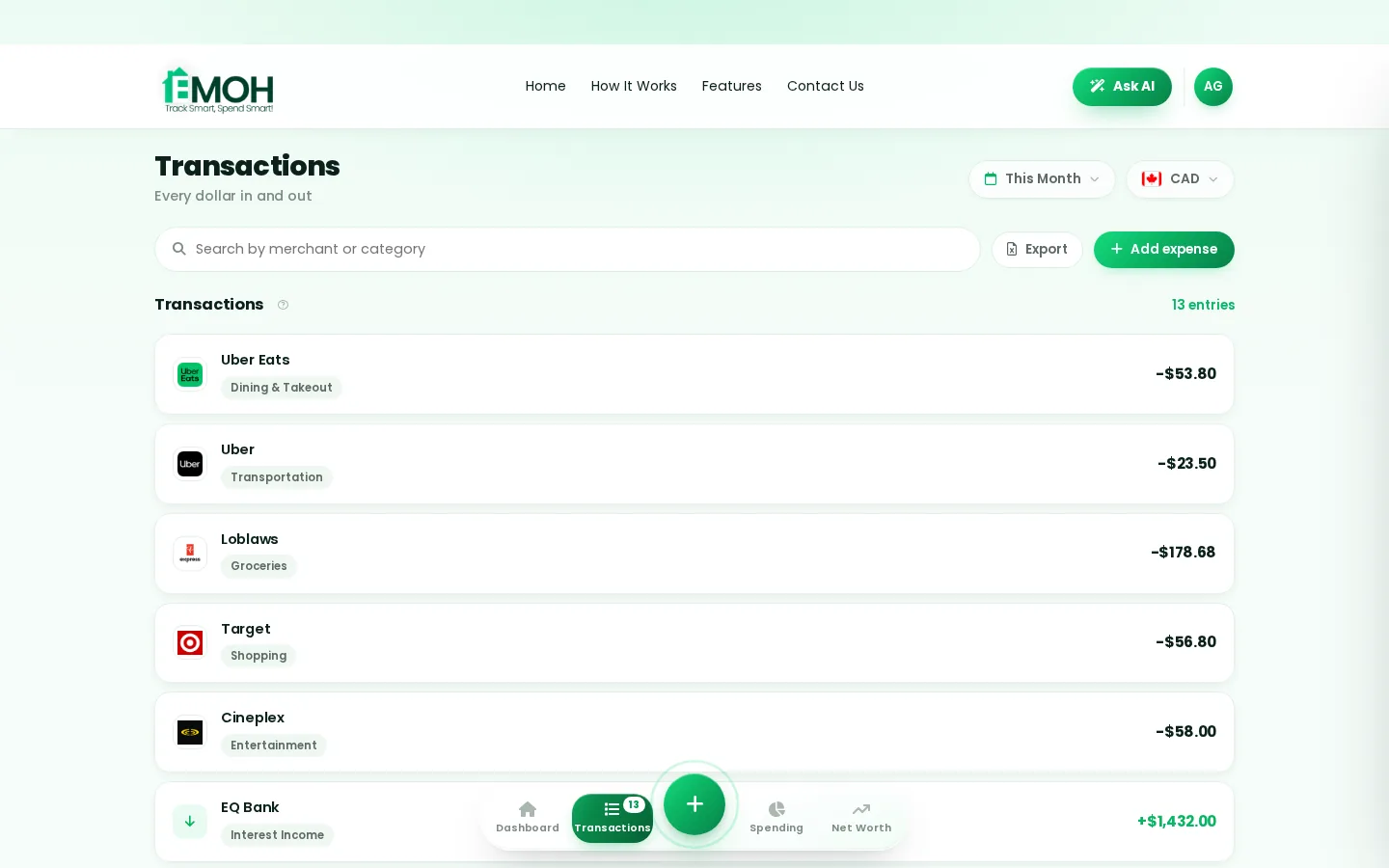
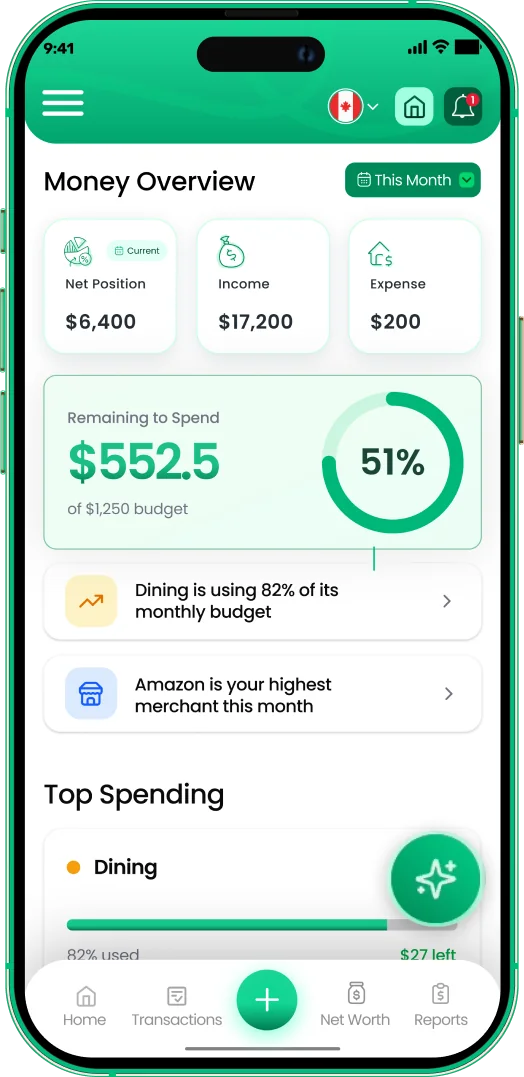
One app for making a Budget — on every screen.
Track on your phone in the checkout line, review on the web app at your desk. EMOH Pay keeps making a Budget in sync the second anything changes, so the numbers you act on are always current.
Start free on the web➜ Explore all features➜Real spending, really tracked
From the morning coffee to the monthly rent — Canadians log, tag and learn from every expense on EMOH Pay.


Everything you need for making a Budget
Track Smart, Spend Smart! The complete toolkit, free to start:
Ask questions about your own spending in plain language and get instant answers.
The tax portion of every expense, separated automatically for a calmer tax season.
Log any expense in two taps — or let bank sync do it automatically. Every dollar gets a category.
Turn any month into a clean report you can share with a partner or accountant.
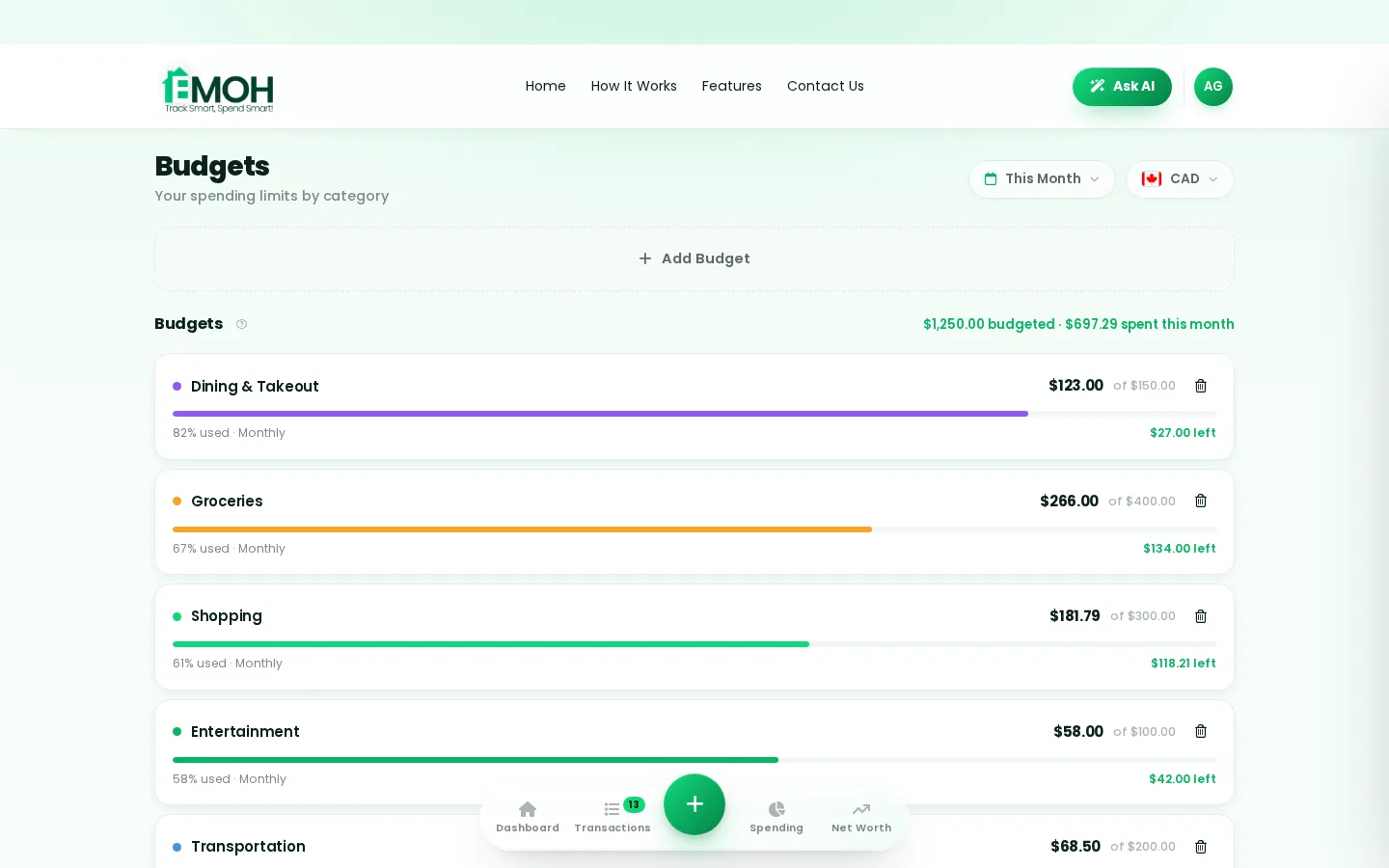
Digital envelopes for groceries, rent and fun, with gentle alerts before you overspend.
One calm summary every morning: what you spent, what's left, what needs attention.
How to start making a Budget with EMOH Pay
Four small steps, five minutes total:
- 1Make your account — free, on phone or web
- 2Enter your income & accounts
- 3Set budgets — your digital envelopes
- 4Track smart, spend smart — EMOH digests daily
EMOH Pay vs. the usual ways to handle making a Budget
| EMOH Pay | Spreadsheet | Typical budgeting app | |
|---|---|---|---|
| Free tier | Free forever | Free | Limited trial |
| Paid tier | EMOH Pro — $4.99/mo | — | $10–15/mo |
| Expense tracking | ✔ Two taps or automatic | Manual entry | ✔ |
| Budgets & overspend alerts | ✔ Built in | ✖ None | Varies |
| Net worth tracking | ✔ Live | Formula gymnastics | Often paid add-on |
| Phone + web sync | ✔ Instant | ✖ Manual | Varies |
| Family sharing | ✔ Free | ✖ Shared-file chaos | Often paid add-on |
| GST/HST tracking | ✔ Automatic | ✖ Formula gymnastics | ✖ Rare |
| 148 currencies | ✔ Automatic conversion | ✖ None | Limited |
| Ask AI | ✔ Included | ✖ None | ✖ Rare |
| Daily Money Digest | ✔ Built in | ✖ None | Push spam |
| PDF & Excel exports | ✔ One tap | ✔ Manual | Varies |
| Bank sync (Canada) | ✔ Plaid, read-only, free | ✖ None | US-first, patchy |
Everything above is free to start — and the full EMOH Pro upgrade is just $4.99/month, a third of what typical budgeting apps charge.
Real making a Budget problems we actually solve

Making a Budget that fits real life
Money habits only stick when they fit the life you already live. EMOH Pay was built for the checkout line, the kitchen-table conversation and the Sunday five-minute review — not for accountants. Two taps to log an expense, one glance to know where you stand.
Get started free➜ See how it works➜Your money data, protected like a bank's
The same encryption standard banks use, protecting your data at rest and in transit.
Bank connections run through Plaid and can only read transactions — never move money.
Built in Canada to Canadian privacy law. Your data is yours — never sold, ever.
Making a Budget — frequently asked questions
Is my financial data safe with EMOH Pay?
Yes. EMOH Pay uses AES-256 encryption, bank connections are read-only through Plaid, and the app is built to Canadian PIPEDA privacy standards. Your data is never sold.
Does EMOH Pay work on both phone and computer?
Yes. EMOH Pay has full apps for iPhone and Android plus a complete web app, and everything syncs instantly. Phone in your pocket, web app at your desk — the same live numbers everywhere.
How is EMOH Pay different from a spreadsheet?
Spreadsheets are flexible but manual: no reminders, no sync, no automatic categorization. EMOH Pay gives you the same control with live sync across devices, daily digests, gentle overspend alerts and one-tap reports.
Is EMOH Pay free for making a Budget?
Yes — EMOH Pay is free to start on iPhone, Android and the web. Budgeting, expense tracking and net worth are all included, which covers everything you need for making a Budget. EMOH Pro lifts the limits for just $4.99/month: unlimited family members and EMOH Smart, plus the newsletter, full report history and exports.
What is the best way to get started with making a Budget?
Start simple: create a free EMOH Pay account, enter your income and accounts, then set budgets for your top three spending categories. Most people are fully set up in about five minutes, and the Daily Money Digest keeps the habit going.
Can I share my budget with my family?
Yes — Family Account Sharing is included free for up to 3 family members, and unlimited on EMOH Pro. Each member gets their own login while budgets and expenses stay shared in real time, which makes making a Budget a team effort instead of a solo chore.
More from EMOH Pay
Six habits that build a budget and six that break it, from living beyond your means to skipping emergency savings. Aim to…
18 Best Saving Strategies for Families on a Tight BudgetBuild a realistic household budget, meal plan, buy in bulk, cut energy bills, shop second-hand and automate savings. 18…
Free Budget CalculatorThe 50/30/20 rule splits after-tax income: 50% to needs, 30% to wants, 20% to savings. Enter your monthly take-home pay to…
Net Worth TrackerEMOH Pay adds up cash, TFSA, RRSP, home and car, subtracts your mortgage and loans and charts net worth month by month, for…
Ask AI About Your MoneyAsk AI is EMOH Pay's conversational money assistant: ask anything about your spending, budgets and goals in plain language…
Start free today
Free on iPhone, Android and the web. Upgrade to EMOH Pro anytime for advanced AI and unlimited family sharing.
Download for iOS➜ Get it on Android➜
