
Raise Calculator
Enter your current salary, your raise and the inflation rate. See your new salary, the extra gross pay each month and your real raise after inflation, then learn how to estimate it after tax.
Use the calculator➜ Try EMOH Pay free➜
How much is my raise worth after tax?
Your raise is worth the extra gross pay multiplied by one minus your marginal tax rate. A 4% raise on $62,000 adds $2,480 a year before tax. At a combined marginal rate of 30%, you keep about $1,736, or roughly $145 a month, before payroll deductions such as CPP and EI and before inflation is taken into account.
How to use the raise calculator
The raise calculator answers the first question everyone has after a pay review: what does this raise mean in dollars? It works with any currency, though the tax notes below are for Canada.
The results show your new annual salary, the extra gross pay per month, and your real raise after inflation. The real raise is the number that tells you whether your buying power actually went up.
- Current salary. Enter your annual gross salary before tax. If you are paid hourly, convert it first with the hourly to salary calculator.
- Raise (%). Enter the percentage increase. If you only know the new salary, the raise is (new salary minus old salary) divided by old salary, times 100.
- Inflation (%). Enter the inflation rate you want to measure against. Statistics Canada publishes the Consumer Price Index every month. The Bank of Canada aims to keep inflation at 2%, the midpoint of a 1% to 3% target range.
- Read the results. Compare the extra monthly amount with your budget, and check the real raise to see if you are ahead of rising prices.
How much is a raise worth after tax?
A raise is taxed at your marginal rate, the rate on your next dollar of income, not your average rate. To estimate the after-tax value, multiply the raise by one minus your combined federal and provincial marginal rate. In Canada, subtract CPP and EI too if you are below their annual maximums.
The table shows what a $2,480 raise is worth at different marginal rates. The rates are examples, not your rate. Find your own with the income tax calculator or the tax brackets page.
| Combined marginal rate | Kept per year | Kept per month |
|---|---|---|
| 20% | $1,984 | $165 |
| 30% | $1,736 | $145 |
| 40% | $1,488 | $124 |
| 50% | $1,240 | $103 |
Payroll deductions also come off the raise if you are below the annual maximums. For 2026, employees contribute 5.95% to CPP on earnings between $3,500 and $74,600 and pay EI premiums of 1.63% on insurable earnings up to $68,900, according to the CRA. Quebec workers pay QPP and QPIP instead.
Moving into a higher tax bracket never reduces your take-home pay. Only the dollars above the threshold are taxed at the higher rate.
Real raise versus nominal raise
Your nominal raise is the percentage on your pay stub. Your real raise is what is left after inflation. If prices rise 2.5% and your pay rises 4%, your buying power grows by about 1.46%, not 4%.
The calculator uses the exact formula rather than simply subtracting inflation. The difference is small for low rates but grows when inflation is high. A raise below the inflation rate is a real pay cut, even though the number on your pay stub went up. The inflation calculator shows how much prices have changed between any two years.

Track every paycheque
- Add each income source in seconds
- See income against spending every month
- Plan from your real take-home pay


How to work out your raise percentage
If your employer gave you a new salary or hourly rate rather than a percentage, you can work out the percentage in a few seconds. Subtract the old pay from the new pay, divide by the old pay and multiply by 100.
- Salary example. From $62,000 to $64,480: $2,480 ÷ $62,000 × 100 = 4%.
- Hourly example. From $25.00 to $26.00 an hour: $1.00 ÷ $25.00 × 100 = 4%.
- Hourly to annual. A $1.00 hourly raise at 37.5 hours a week for 52 weeks adds $1,950 a year before tax. The salary to hourly calculator converts in either direction.
Bonuses and one-time payments are not raises. They do not carry into future years, so leave them out of this calculation.
What to do with your raise
The easiest time to save more is the month your raise starts, before the extra money blends into everyday spending. Deciding in advance protects you from lifestyle creep, where small upgrades quietly use up every increase.
- Estimate the after-tax monthly amount with the method above, or check your first new pay stub.
- Decide on a split, for example half to savings or debt and half to spending.
- Increase your automatic savings transfer or RRSP contribution on the same day the raise lands.
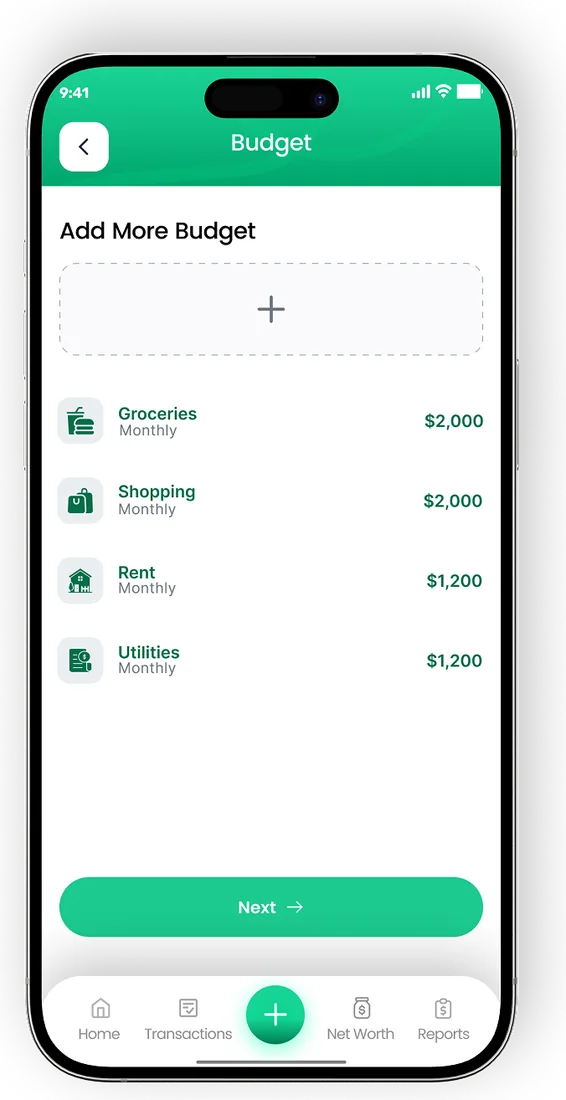
- Update your budget so the new income and the new savings line both show up.
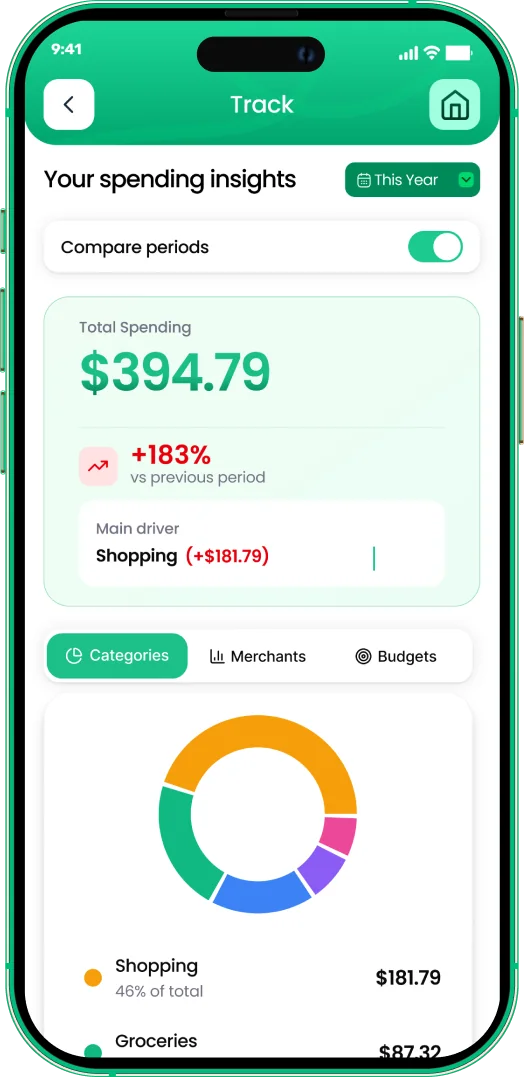
EMOH Pay's income tracking records each deposit as it arrives, so you can see the raise in your actual take-home pay. Set a savings goal for the extra money and the app shows your progress every month. It is free to start on iPhone, Android and the web.
Your income in EMOH Pay

Put the numbers on autopilot
EMOH Pay tracks your spending, budgets and net worth on your phone and in the browser, always in sync. Free to start, made in Canada.
Get started free➜Raise Calculator: frequently asked questions
What is a typical raise in Canada?
It varies by employer, industry and year. Many people compare their raise with the inflation rate from Statistics Canada, because a raise below inflation means buying power has fallen.
Does a raise push me into a higher tax bracket?
It might, but only the income above the bracket threshold is taxed at the higher rate. Your take-home pay always rises when your gross pay rises.
Why is my first pay stub after a raise smaller than expected?
The extra pay is taxed at your marginal rate, and CPP and EI may also apply. Timing matters too: a raise that starts mid-period may only be partly reflected on the first cheque.
How do I compare a raise with a new job offer?
Compare total compensation, not just salary: benefits, pension or RRSP matching, vacation and commuting costs. Run both salaries through the income tax calculator to compare take-home pay.
Is the raise calculator free?
Yes. It is free, works in your browser and does not need an account or email.
Related guides and tools
Free salary to hourly calculator: turn an annual salary into an hourly rate using your real hours per week and paid weeks…
Income Tax Calculator Canada 2026Estimate your 2026 Canadian income tax, CPP, EI and take-home pay in every province and territory, with federal and…
Inflation Calculator CanadaInflation calculator for Canada: see what a dollar amount from any year since 2000 is worth today, using Statistics Canada…
Hourly to Salary CalculatorFree hourly to salary calculator. Convert an hourly wage to annual, monthly, bi-weekly and weekly pay, with tables for…
Tax Brackets Canada 2026Tax brackets Canada 2026: federal rates from 14% to 33%, every provincial bracket, how marginal tax works and worked…
Paycheque Calculator CanadaPaycheque calculator for Canada: enter gross pay per cheque, pay frequency and province to see income tax, CPP, EI and your…
Start free today
Free on iPhone, Android and the web. Upgrade to EMOH Pro anytime for bank sync and advanced AI.
Download for iOS➜ Get it on Android➜