
How to Budget: The Complete Guide
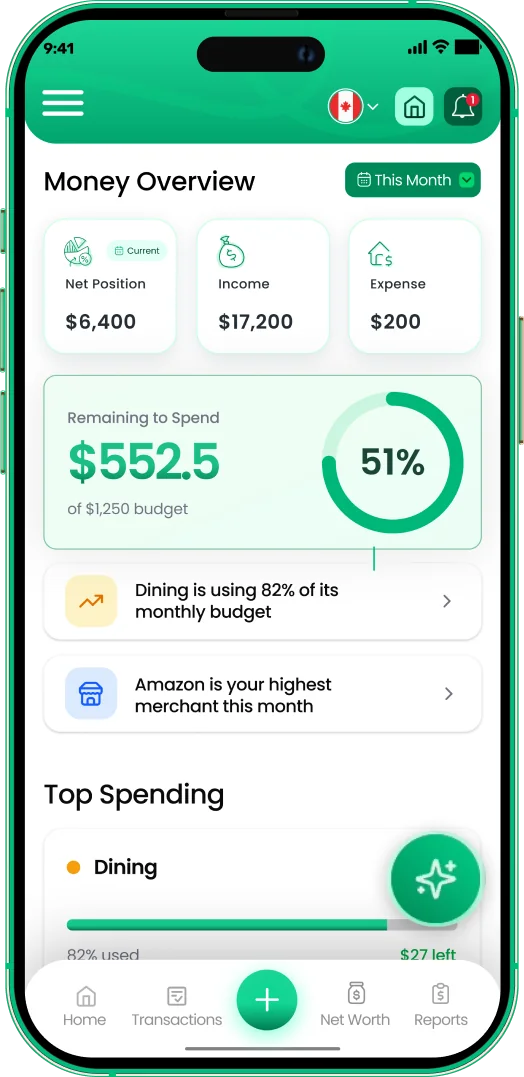
Budgeting is deciding where money goes before it leaves. This guide covers the 4 steps: know your income, list fixed costs, set category limits, and review weekly.
Get started free➜ Try the web app➜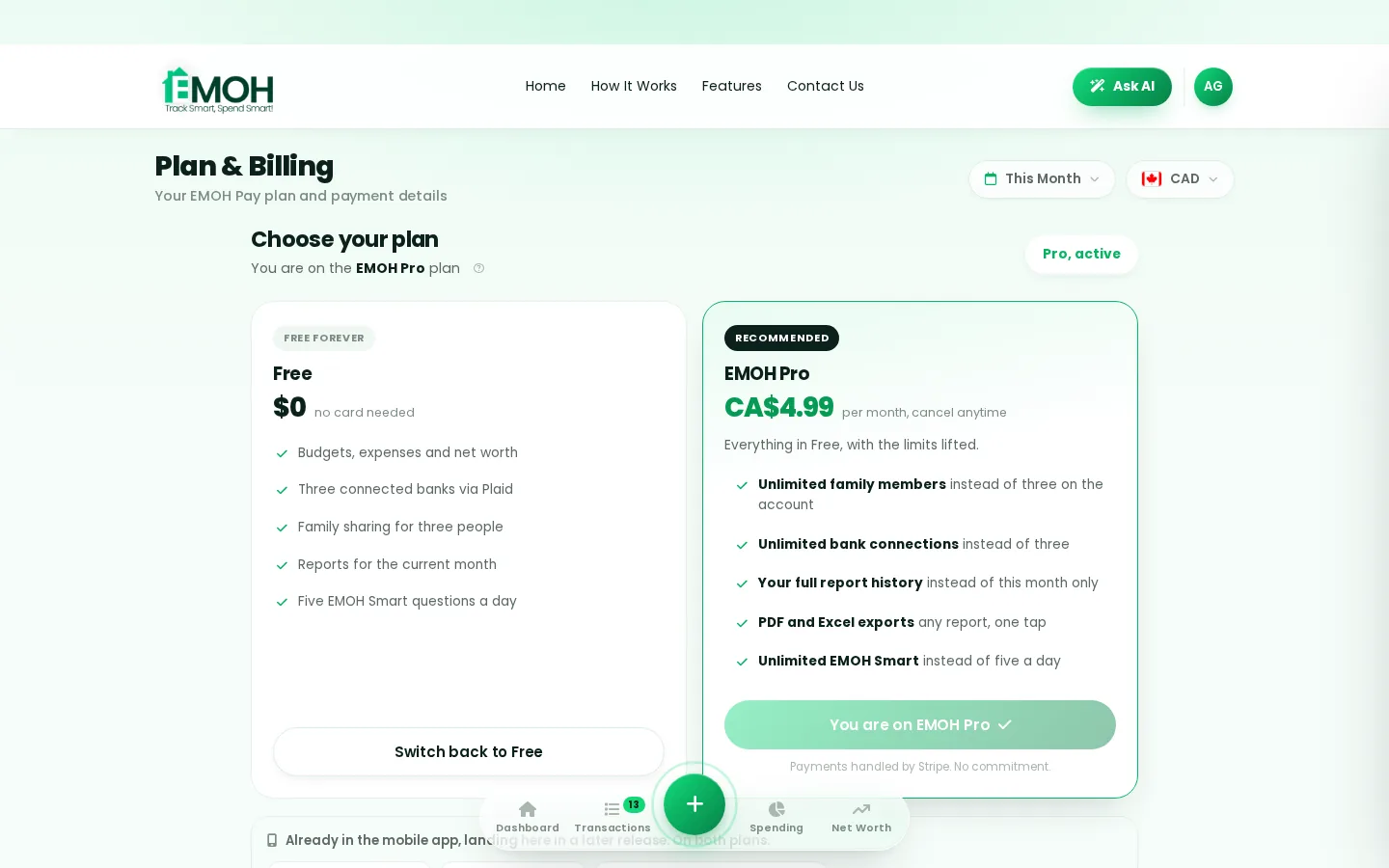
Step 1 — Know your real income
Use your after-tax, take-home amount. Irregular income? Average the last 3–6 months and budget on the low side.
Step 2 — List the non-negotiables
Rent, utilities, phone, insurance, minimum debt payments. These come off the top before any other decisions.
Step 3 — Give the rest a job
Split what remains across groceries, transport, fun and savings. The 50/30/20 rule is a solid starting point — 50% needs, 30% wants, 20% savings.
Step 4 — Review weekly, adjust monthly
Five minutes a week keeps a budget honest. EMOH Pay's Daily Money Digest does the checking for you.

Put the guide into practice
Reading is step one. EMOH Pay turns it into a system: budgets, tracking, goals and a daily digest — free to start.
Start free➜Free on iPhone, Android & Web · No card needed · 2-minute setup
How EMOH works
Managing money should be effortless. Four small steps, five minutes total:
- 1Make your account — free, on phone or web
- 2Enter your income & accounts
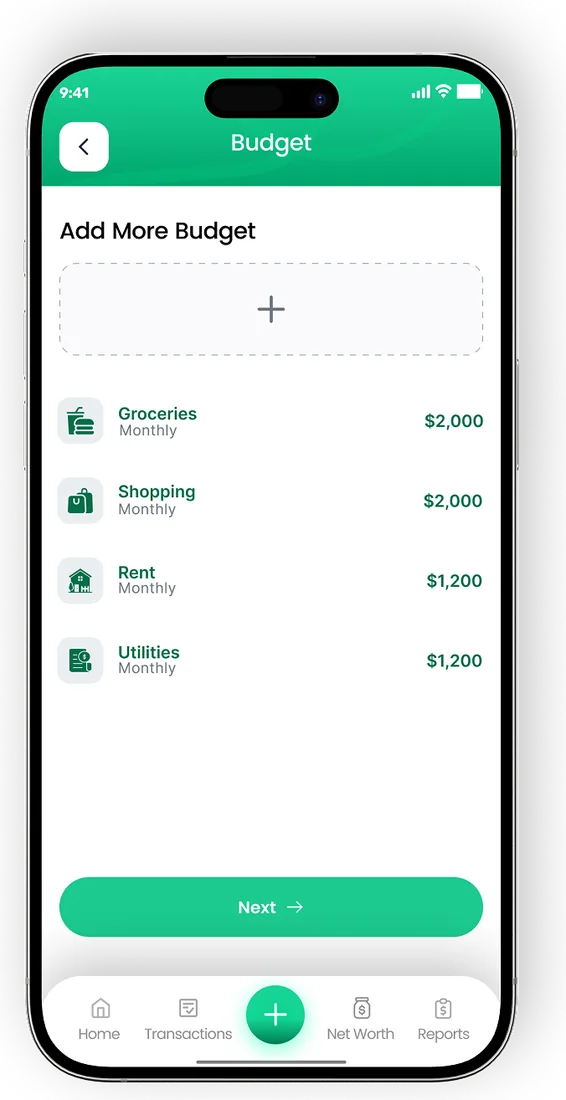
- 3Set budgets — your digital envelopes
- 4Track smart, spend smart — EMOH digests daily
One account. Every screen.
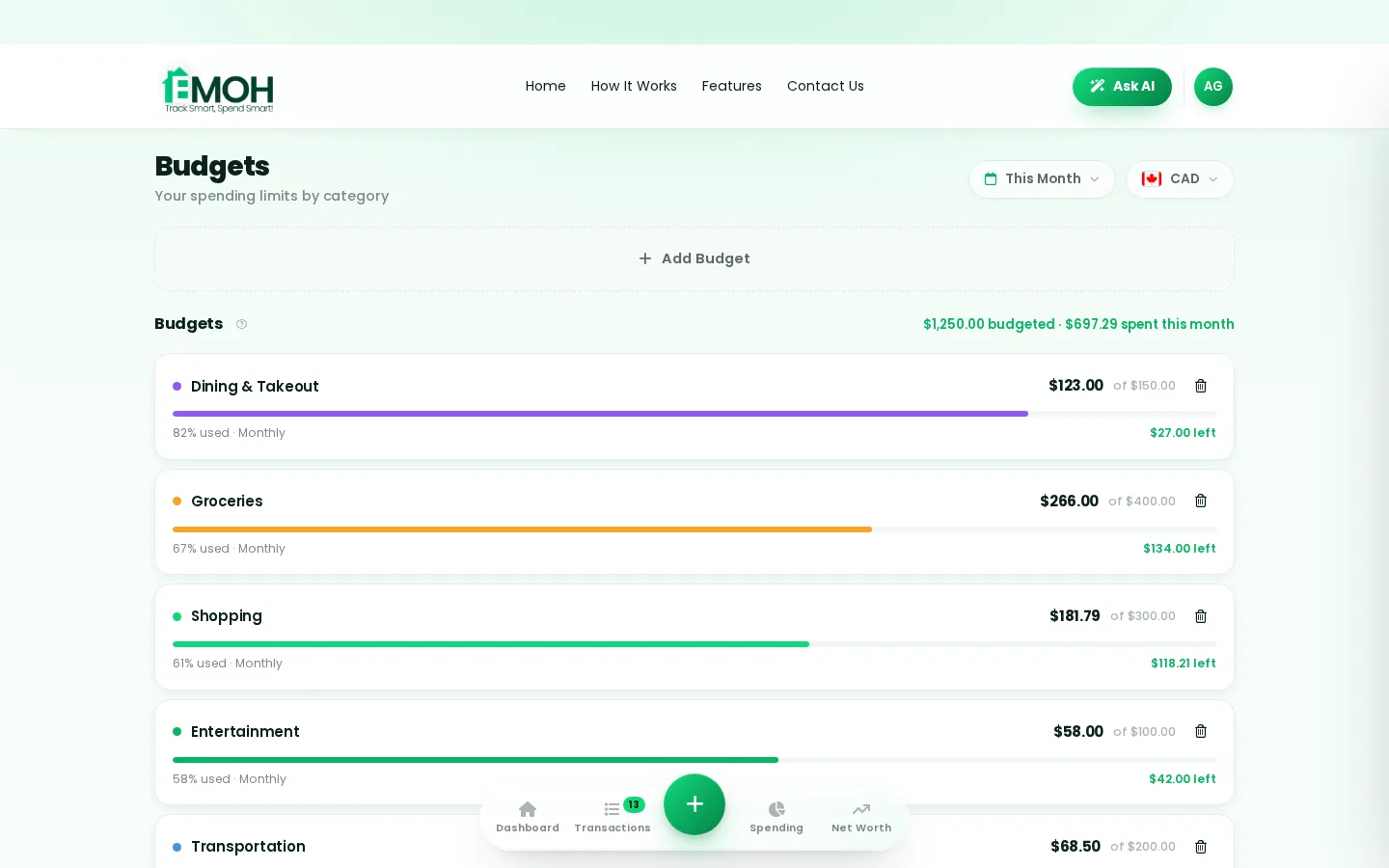
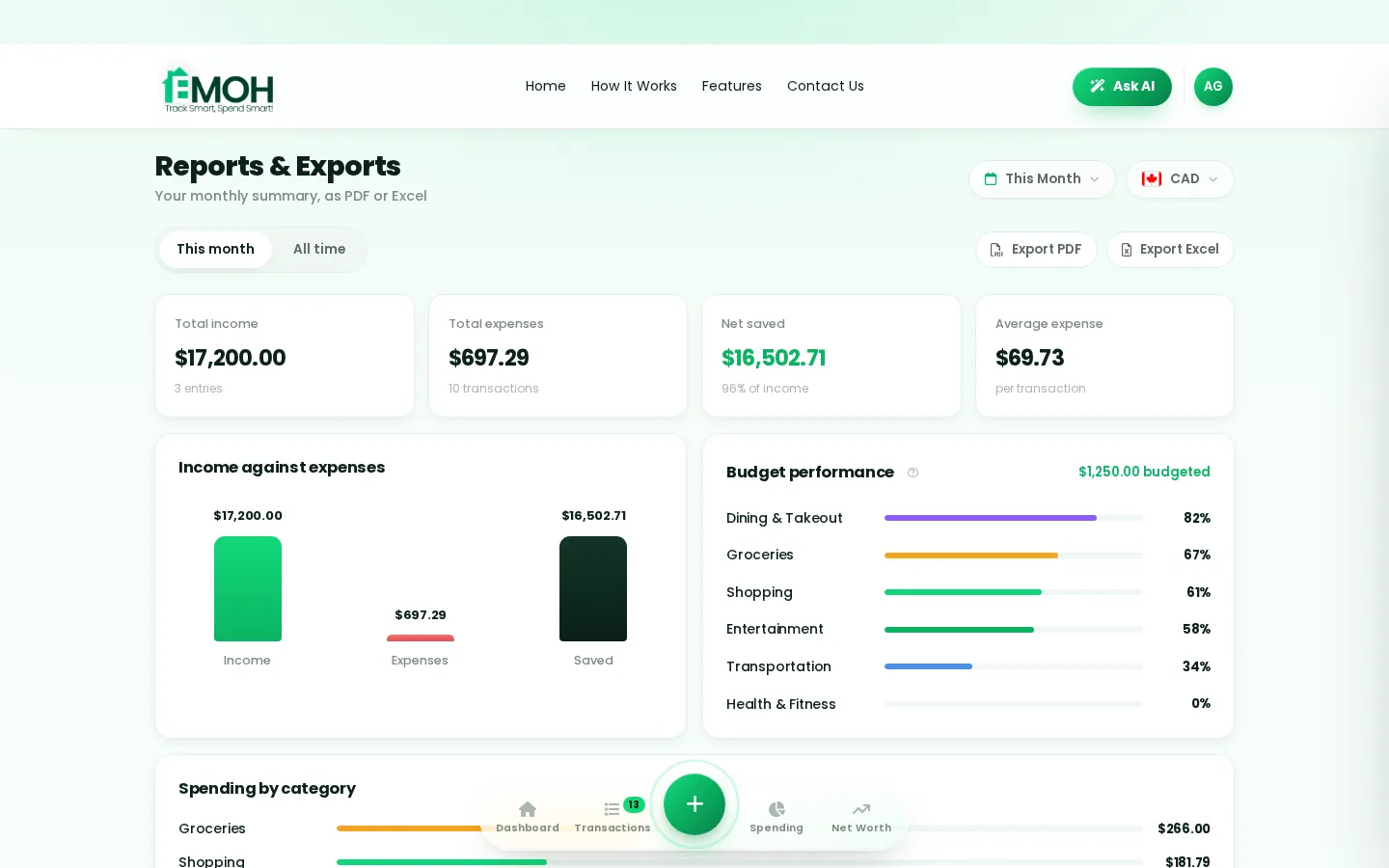
Phone in your pocket, web app on your laptop — the same live numbers everywhere, synced the second anything changes.
Rated ★★★★★ by our users


Follow the journey
Money tips, app updates and 30-second Reels — join the EMOH Pay community. #EMOHPay #SpendSmart
Frequently asked questions
How to Budget — where do I start?
Budgeting is deciding where money goes before it leaves. This guide covers the 4 steps: know your income, list fixed costs, set category limits, and review weekly.
Is EMOH Pay free?
EMOH Pay is free to start on iPhone, Android and the web — budgeting, expense tracking and net worth included. EMOH Pro lifts the limits for just $4.99/month — unlimited bank connections, family members and EMOH Smart, plus full report history and exports.
Does EMOH Pay work on my computer?
Yes. EMOH Pay has a full web app, so you can use it on your laptop or desktop — and everything syncs instantly with the mobile app on your phone.
Is my financial data safe?
Yes. EMOH Pay uses AES-256 encryption, bank connections are read-only through Plaid, and the app is built to Canadian PIPEDA privacy standards.
What should you know about budgeting?
Budgeting comes down to three habits: know what comes in, decide where it goes, and check in daily. EMOH Pay makes all three effortless — free expense tracking and budgets on phone and web, a Daily Money Digest each morning, and bank-grade AES-256 security throughout.
Budgeting: the essentials
Five minutes a week with a daily digest beats a perfect spreadsheet you abandon in February.
Auto-categorization, recurring bills and bank sync take the admin out of the habit.
You can start budgeting today at $0 — no card required, on iPhone, Android or the web.
The first win in budgeting is simply seeing where money goes. Tracking alone typically surfaces 10–15% of easy savings.
Real spending, really tracked
From the morning coffee to the monthly rent — Canadians log, tag and learn from every expense on EMOH Pay.



More from EMOH Pay
Best Family Budget Apps: EMOH Pay leads for Canadians, with honest rankings of the alternatives. Updated for 2026. Free to…
18 Best Saving Strategies for Families on a Tight BudgetManaging money can be difficult, particularly for budget-conscious families. But with the best saving strategies, it is…
50/30/20 Budget CalculatorThe 50/30/20 rule splits after-tax income: 50% to needs, 30% to wants, 20% to savings. Enter your monthly take-home pay to…
EMOH Pay vs YNABEMOH Pay vs YNAB compared honestly for 2026: price, Canadian features, family sharing, bank sync and learning curve — free…
Free Budgeting App CanadaEMOH Pay is a budgeting app made in Canada — free to start on iPhone, Android and the web. Set monthly budgets, track…
Best Budgeting Apps CanadaBest Budgeting Apps in Canada: EMOH Pay leads for Canadians, with honest rankings of the alternatives. Updated for 2026.…
Start free today
Free on iPhone, Android and the web. Upgrade to EMOH Pro anytime for bank sync and advanced AI.
Download for iOS➜ Get it on Android➜