
Subscription Cost Calculator
Enter how many subscriptions you pay for and their average monthly price. See the cost per month, per year and over several years, and what the same money could grow to if invested.
Use the calculator➜ Try EMOH Pay free➜
How much do my subscriptions cost per year?
To find your yearly subscription cost, add up every monthly subscription and multiply by 12, then add any plans billed annually. Eight subscriptions averaging $14 a month cost $112 a month, $1,344 a year and $6,720 over five years. Invested at 6% instead, that $112 a month would grow to about $7,800.
How the subscription cost calculator works
The subscription cost calculator multiplies the number of subscriptions by their average monthly price to get your monthly total. It then shows the yearly cost, the total over the number of years you choose, and what the same monthly amount would be worth if invested at 6% a year instead.
Small monthly prices are easy to ignore. Seeing them as a yearly or five-year figure makes it much easier to decide which ones are worth keeping.
- Number of subscriptions. Count everything that renews automatically: streaming, music, cloud storage, apps, news, gym, meal kits, gaming and software.
- Average monthly price. Add up the monthly prices and divide by the number of subscriptions. For annual plans, divide the yearly price by 12 before averaging. Include sales tax.
- Years. How far ahead you want to look. The calculator uses five years if you leave it blank.
- Read the result. You see the monthly, yearly and multi-year cost, plus the invested alternative.
What subscriptions cost over time
The table shows how different subscription bundles add up. The final column assumes the monthly amount is invested at 6% a year for five years, compounded monthly.
| Subscriptions | Per month | Per year | Over 5 years | Invested at 6% for 5 years |
|---|---|---|---|---|
| 5 at $12 | $60 | $720 | $3,600 | about $4,190 |
| 8 at $14 | $112 | $1,344 | $6,720 | about $7,810 |
| 12 at $15 | $180 | $2,160 | $10,800 | about $12,560 |
For figures on what households typically spend, see our guide to average subscription spending. This calculator is for working out your own number.
How to find every subscription you pay for
Most people underestimate their subscription count because charges are spread across different cards, app stores and billing dates. A proper audit takes about half an hour.
- Go through the last three months of bank and credit card statements, since some services bill quarterly.
- Check the subscription lists in your phone's app store account and in PayPal or other payment services.
- Search your email for words such as receipt, renewal, trial and membership.
- Look for annual renewals in the last year, such as antivirus software, domain names or warehouse club memberships.
- List each one with its price, billing cycle, renewal date and who in the household uses it.
Once you have the list, total it and enter the count and average price above. Many people find the yearly figure is the first time they see the true cost, which makes the next step, deciding what to cut, much easier.
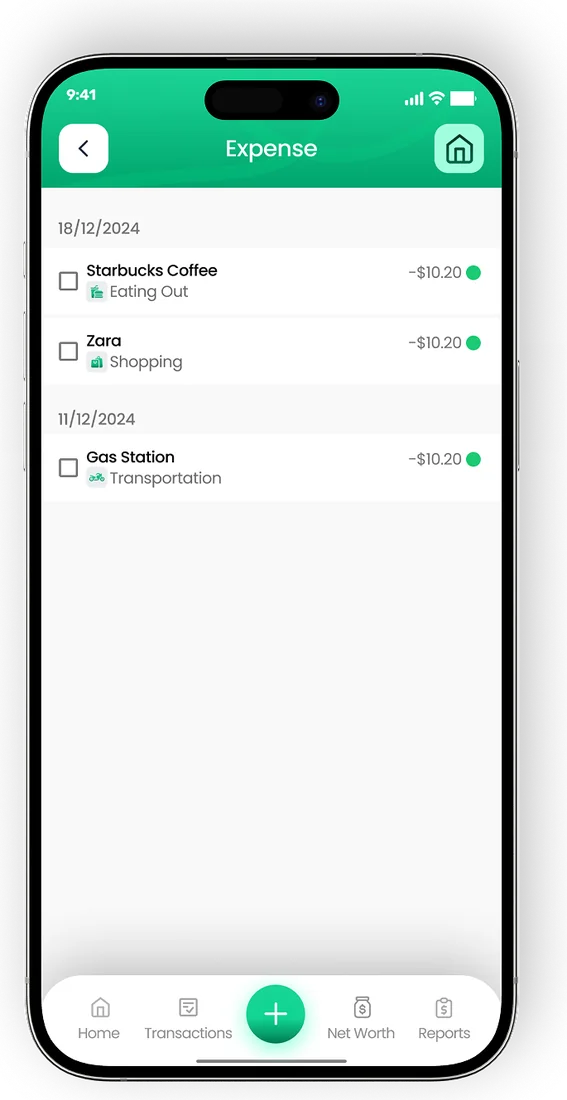
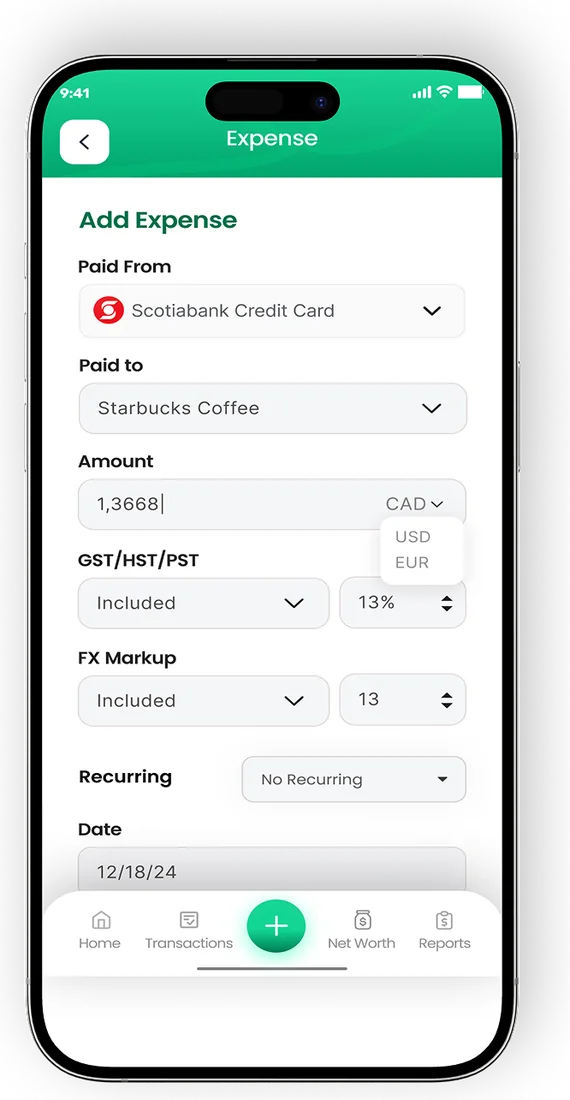
Log a purchase in two taps
- Smart categories sort every transaction
- Tag who spent what in a shared household
- Export PDF or Excel reports any month


Which subscriptions should I cancel?
Cancel any subscription you have not used in the past month, and any that duplicates another service you already pay for. For the rest, compare the monthly price with how often you use it. A $15 service used 30 times a month is cheap; the same price used twice is not. The cost per use calculator makes that comparison quick.
- Rotate streaming services. Keep one or two at a time and switch when you have watched what you wanted.
- Check family and bundle plans. Sharing a family plan within your household can cost less than several individual plans.
- Compare annual and monthly billing. Annual plans are often cheaper per month, but only for services you are sure to keep.
- Set reminders for free trials. Note the end date the day you sign up, and cancel before the first charge if you are unsure.
- Watch for price increases. Services raise prices over time, so review your list at least once a year.
Track subscriptions so they do not creep back
Subscriptions tend to return after a clean-up because new trials and one-off sign-ups quietly renew. The fix is to treat them like any other bill.
EMOH Pay's bill tracking lists recurring charges with their due dates, and the daily money digest flags what is coming up so a renewal never catches you off guard. You can also set a monthly budget for subscriptions with an overspend alert. The bill tracker app page shows how it works.
If you cancel a few services, move the savings somewhere useful straight away, such as an emergency fund or a savings goal. The compound interest calculator shows what a regular monthly amount can grow into over longer periods. For more ideas, see our tips to save money.
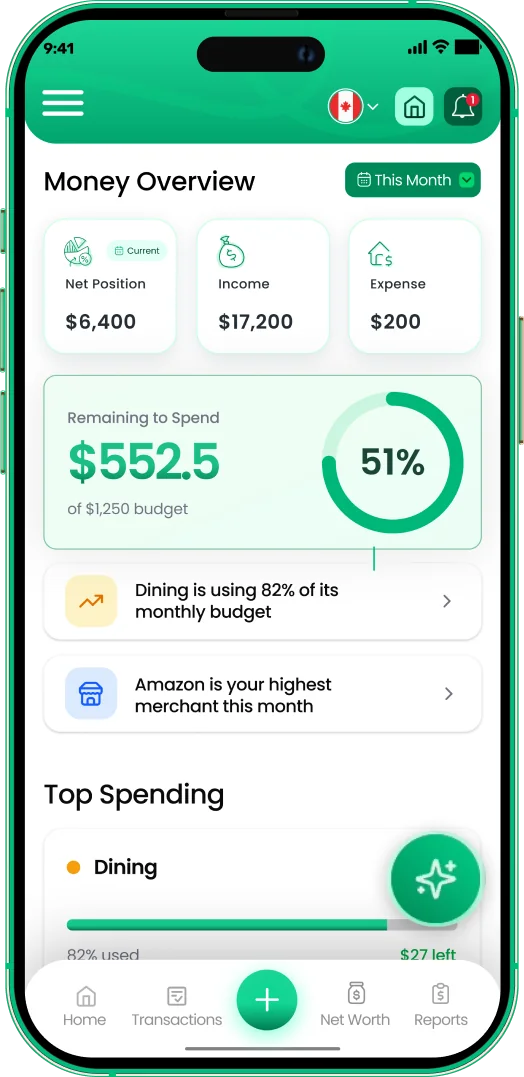
Track every dollar
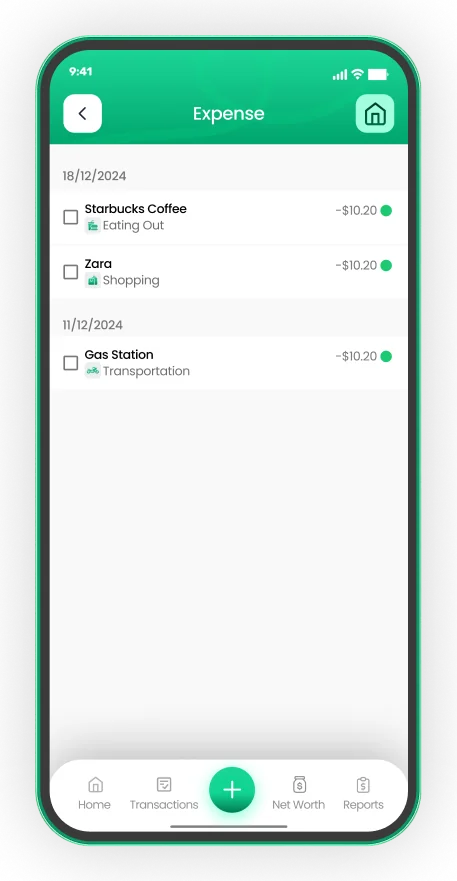

Put the numbers on autopilot
EMOH Pay tracks your spending, budgets and net worth on your phone and in the browser, always in sync. Free to start, made in Canada.
Get started free➜Subscription Cost Calculator: frequently asked questions
How do I calculate the yearly cost of a subscription?
Multiply the monthly price by 12. For a service billed weekly, multiply by 52. Add sales tax, since the listed price often excludes it.
How do I include annual subscriptions in the calculator?
Divide the yearly price by 12 to get a monthly equivalent, then include it when working out your average monthly price.
Why does the calculator show an invested amount?
It shows the opportunity cost: what the same monthly money could grow to at a 6% annual return. It is an illustration, since real returns vary and are not guaranteed.
How many subscriptions is too many?
There is no set number. The useful test is whether you use each one enough to justify its price and whether your total fits comfortably within your monthly budget for wants.
Can I get a refund after forgetting to cancel?
It depends on the service's terms and where you live. Contact the company promptly, and check your provincial consumer protection office if a charge seems unfair.
Can an app track my subscriptions for me?
Yes. EMOH Pay is free to start on iPhone, Android and the web and lets you add each subscription as a recurring bill with its renewal date. With EMOH Pro, automatic bank sync for Canadian banks brings in charges so new ones are easier to spot.
Sources and further reading
Related guides and tools
How much do people spend on subscriptions? What the numbers can and cannot tell you, typical costs by type and a 15-minute…
Bill & Subscription TrackerEMOH Pay tracks recurring bills and subscriptions — rent, phone, Netflix, gym — with reminders before they hit and totals…
Cost Per Use CalculatorFree cost per use calculator: enter the price, how often you will use it and how long it lasts to see the real cost of each…
No-Buy Challenge: How to Do ItA no-buy challenge means buying only essentials for a set time. Learn how to set rules, build a need list, try a low buy…
Compound Interest CalculatorFree compound interest calculator. Enter a starting amount, monthly contribution, return and years to see how your savings…
Average Subscription Spending (2026)How much do people spend on subscriptions? What the numbers can and cannot tell you, typical costs by type and a 15-minute…
Start free today
Free on iPhone, Android and the web. Upgrade to EMOH Pro anytime for bank sync and advanced AI.
Download for iOS➜ Get it on Android➜