
CAD to PKR Converter + Budget Planner
Convert Canadian dollars to Pakistani rupees, subtract transfer costs and plan how much of your income goes home each month, including Ramadan and Eid. No sign-up, no email.
Use the calculator➜ Try EMOH Pay free➜
How do I budget in CAD and PKR?
To budget in CAD and PKR, plan in Canadian dollars since that is what you earn, and treat money sent to Pakistan as a fixed monthly bill. Convert at the rate your provider actually offers, subtract fees, add a buffer for CAD to PKR rate changes, and save ahead for Ramadan, Eid and Qurbani so seasonal giving never strains you.
How to use the CAD to PKR converter
The converter above turns a Canadian dollar amount into Pakistani rupees at an indicative rate for 2026, then shows what arrives after transfer costs. Add your income and it also works out a monthly remittance budget. Rates move every day, so treat the result as a planning figure and check the CAD to PKR rate today with your provider before you send.
Here is what each field does:
- Amount in CAD: the Canadian dollars you plan to send or convert.
- Transfer fee (%): your provider's total cost as a percentage. Include both the upfront fee and the gap between the provider's rate and the mid-market rate for a realistic figure.
- Share of your CAD income to send home (%): the percentage of monthly take-home pay you set aside for family in Pakistan.
- Monthly income in CAD (optional): your take-home pay. Add it to see your monthly remittance budget in CAD and PKR.
What moves the CAD to PKR rate?
The CAD to PKR rate reflects the value of the Canadian dollar and the Pakistani rupee against each other and against the US dollar. Interest rates, inflation, oil prices and Pakistan's balance of payments all play a part. The rupee has seen large moves against major currencies in recent years, so rate risk deserves a place in your budget.
The rate shown in a search is usually the mid-market rate. Providers add a margin, so the rate you receive is lower. For planning, add a buffer to your monthly transfer rather than trying to time the market. The currency converter covers other currency pairs, and the Bank of Canada publishes daily reference rates for the Canadian dollar.
Sample conversions from CAD to PKR
| You send (CAD) | Converted (PKR) | After 1.5% cost (PKR) |
|---|---|---|
| $100 | Rs 20,300 | Rs 19,996 |
| $250 | Rs 50,750 | Rs 49,989 |
| $500 | Rs 101,500 | Rs 99,978 |
| $1,000 | Rs 203,000 | Rs 199,955 |
| $2,000 | Rs 406,000 | Rs 399,910 |
On a $1,000 transfer, each extra percentage point of cost takes about Rs 2,000 away from your family at this rate. Comparing what actually arrives across providers is usually the quickest saving available.
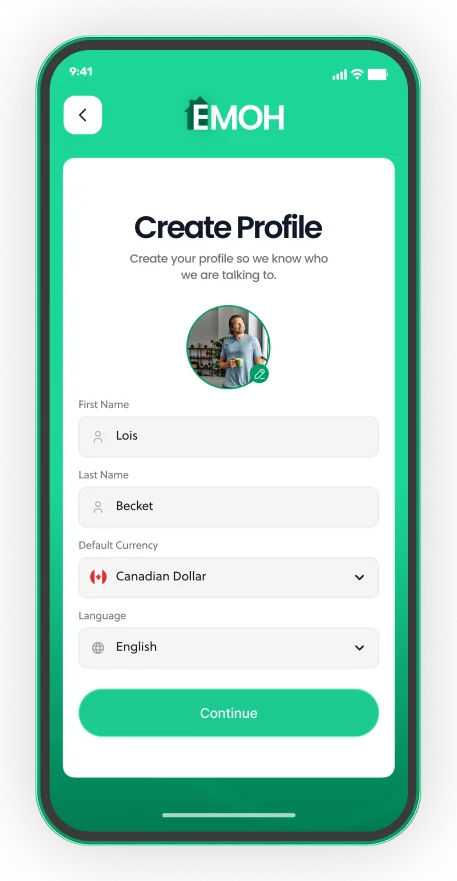
Your home currency, any spending currency
- 148 currencies with automatic conversion
- Record FX markup on card purchases
- Phone and web always in sync


Sending money from Canada to Pakistan
Canada has a large Pakistani community, particularly in the Greater Toronto Area, and many families send money home each month for parents' living costs, education, medical bills or property back in Pakistan.
Common ways to send include online money transfer services that deposit into a Pakistani bank account, transfers to mobile wallets such as JazzCash and Easypaisa, bank wires and cash pick-up through agents. Businesses that send money from Canada must be registered with FINTRAC, so check a provider's registration before you use it. Informal channels such as hundi or hawala carry legal and fraud risks and leave no record if something goes wrong.
Roshan Digital Account
The State Bank of Pakistan's Roshan Digital Account lets non-resident Pakistanis open a bank account in Pakistan remotely and hold funds for investment or family use. It can simplify regular transfers if you manage money in Pakistan yourself.
Tax on money sent to family
Canada has no gift tax, so sending your own after-tax money to family is not usually taxed in Canada. Your family should check how Pakistani tax rules apply to what they receive.
Budgeting for Ramadan, Eid and Qurbani
Remittances to Pakistan often rise before Ramadan and the two Eids, when families spend more on food, clothes and gifts, and when Zakat and Qurbani are due. These costs are predictable, which means you can save for them in advance instead of stretching one month's budget.
Set up a sinking fund for each one. Estimate the amount, divide it by the months until the date and set that aside each month. Because the Islamic calendar is lunar, Ramadan and Eid move about 10 to 11 days earlier each year, so check the dates annually. Our guide to sinking funds walks through the method.
- List the year's seasonal costs: Ramadan groceries, Eid gifts, Zakat and Qurbani.
- Estimate each amount in PKR and convert it to CAD with a buffer.
- Divide by the number of months until each date.
- Save that amount monthly in a separate savings goal.
- Send from the fund a week or two early so money arrives in time.
A worked monthly budget in CAD and PKR
Say you take home $4,000 CAD a month in Mississauga and send 15% to your parents. The planner gives a monthly remittance budget of $600 CAD. At the illustrative rate of 203 and a 1.5% cost, about Rs 119,973 arrives. You also save $60 a month toward Eid and Qurbani and keep a small family emergency fund.
Our guide to budgeting when sending money home covers how to choose the right share and handle unplanned requests, and the remittance fees guide explains how to compare providers.
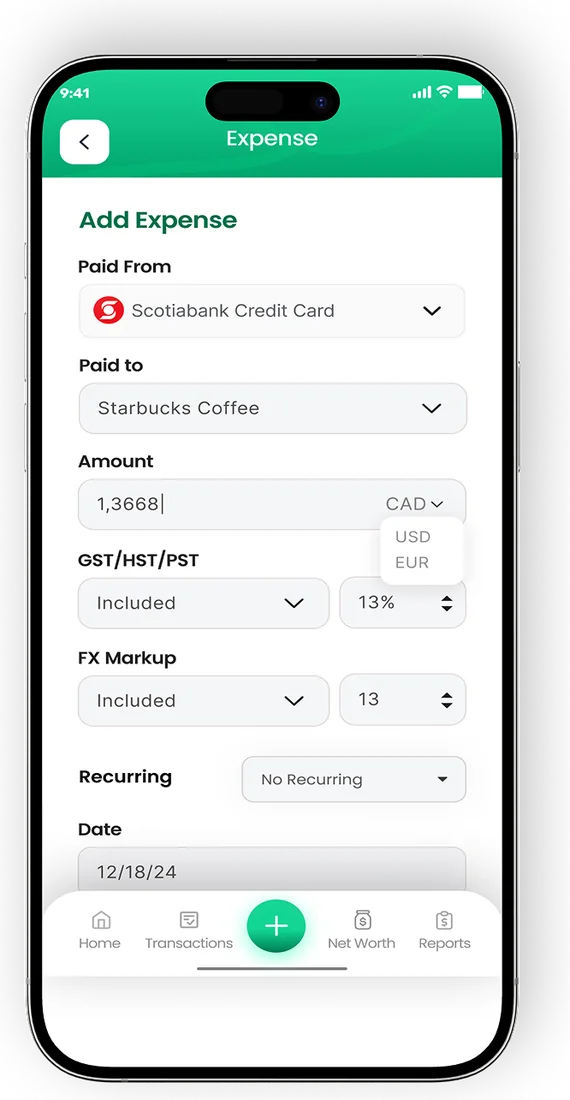
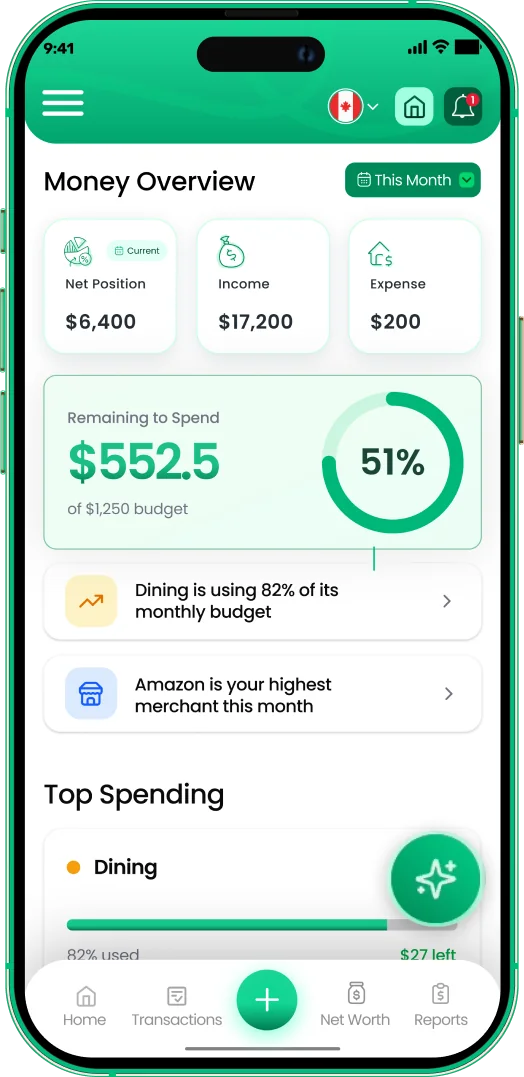
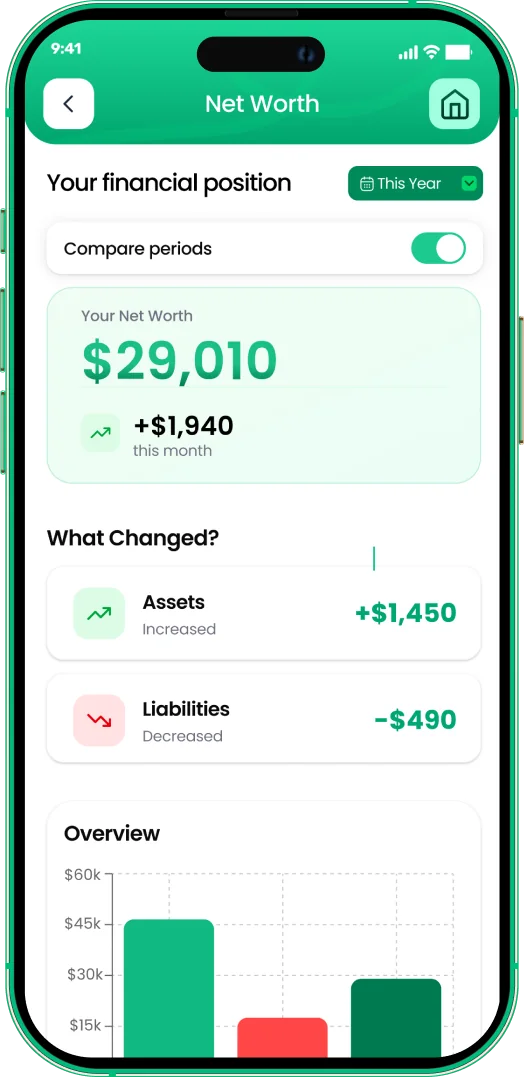
EMOH Pay supports 148 currencies with automatic conversion, so each transfer can be logged in rupees and shown in Canadian dollars within one budget. Set the monthly transfer as a recurring bill and use savings goals for Eid and emergencies. It is free to start on iPhone, Android and the web; see all EMOH Pay features.
Every currency in one app

Put the numbers on autopilot
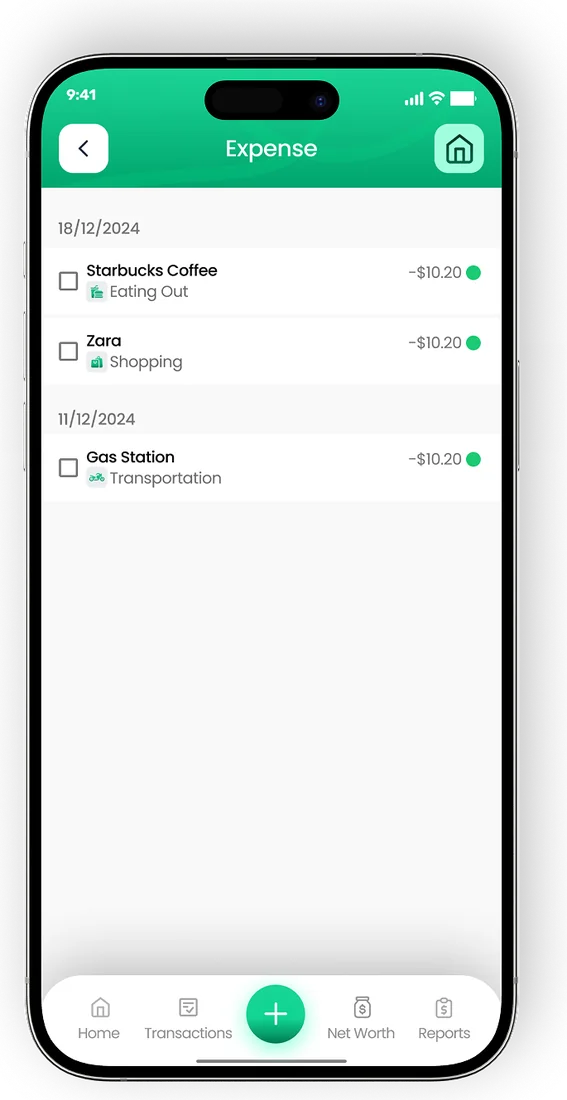
EMOH Pay tracks your spending, budgets and net worth on your phone and in the browser, always in sync. Free to start, made in Canada.
Get started free➜CAD to PKR Converter + Budget Planner: frequently asked questions
Is the CAD to PKR rate in this tool live?
No. The tool uses an indicative 2026 rate for planning. Rates change throughout the day, so check the live rate with your provider before sending.
Why do I get fewer rupees than the rate I see online?
Online searches usually show the mid-market rate. Providers add a margin on top of their fee, so you receive a lower rate. Enter the total cost in the fee field for a realistic result.
Can I send money to JazzCash or Easypaisa from Canada?
Many transfer services offer mobile wallet delivery to Pakistan. Check that the provider is registered with FINTRAC and confirm the recipient's wallet details before sending.
What is the cheapest way to send CAD to PKR?
Compare the total rupees received across two or three registered providers for the same amount, and send fewer, larger transfers. Costs vary by provider, speed and delivery method.
Should I budget in CAD or PKR?
Budget in CAD if you earn in Canada. Convert what your family needs into CAD, add a buffer for rate changes, and treat it as a fixed monthly bill.
Sources and further reading
Related guides and tools
Quick conversion between major currencies (indicative 2026 rates — live rates inside the EMOH Pay app, with 148 currencies…
How to Budget When Sending Money HomeBuild a remittance budget that supports family without draining your own savings: how much money to send home, handling…
Remittance Fees ExplainedRemittance fees explained simply: upfront fees, exchange margins and receiving charges, with a worked example and the…
CAD to INR Converter + Budget PlannerConvert CAD to INR, see what arrives after transfer fees and plan a monthly budget for sending money to India. Indicative…
Budgeting App for PakistanEMOH Pay works in Pakistan: budget in PKR plus 147 other currencies, on your phone and the web. Track PKR spending and…
Sinking Funds: What They Are and How to Use ThemSinking funds turn big irregular costs into small monthly savings. Learn how they work, common sinking fund categories, a…
Start free today
Free on iPhone, Android and the web. Upgrade to EMOH Pro anytime for bank sync and advanced AI.
Download for iOS➜ Get it on Android➜