
CAD to INR Converter + Budget Planner
Convert Canadian dollars to Indian rupees, subtract transfer costs and see what share of your income goes home each month. No sign-up, no email.
Use the calculator➜ Try EMOH Pay free➜
How do I budget in CAD and INR?
To budget in CAD and INR, plan in Canadian dollars, since that is what you earn, and treat money sent to India as a fixed monthly bill. Convert at the rate your provider actually offers, subtract fees, and add a small buffer for CAD to INR rate changes so your family receives a steady amount without straining your own budget.
How to use the CAD to INR converter
The converter above turns a Canadian dollar amount into Indian rupees at an indicative rate for 2026, then shows what arrives after transfer fees. It also works out a monthly remittance budget if you add your income. Rates change every day, so treat the result as a planning figure and check the CAD to INR rate today with your provider before you send.
Each field has a specific job:
- Amount in CAD: the Canadian dollars you plan to send or convert.
- Transfer fee (%): your provider's cost as a percentage. For a realistic number, include both the upfront fee and the gap between the provider's rate and the mid-market rate.
- Share of your CAD income to send home (%): the percentage of monthly take-home pay you want to set aside for family in India.
- Monthly income in CAD (optional): your take-home pay. Add it to see your monthly remittance budget in both CAD and INR.
What affects the CAD to INR rate?
The CAD to INR rate reflects the value of the Canadian dollar and the Indian rupee against each other, which moves with interest rates, commodity prices, trade and investor sentiment. The rate you see in a search is usually the mid-market rate. Banks and transfer services add a margin to it, so the rate you actually get is lower.
For budgeting, the swings matter more than the exact rate on any one day. A move of a few percent over a month changes what your family receives on a fixed CAD transfer. That is why a small buffer in your remittance budget is useful. The Bank of Canada publishes daily reference rates for the Canadian dollar against major currencies, and the currency converter covers other pairs.
Sample conversions from CAD to INR
| You send (CAD) | Converted (INR) | After 1.5% cost (INR) |
|---|---|---|
| $100 | ₹6,120 | ₹6,028 |
| $500 | ₹30,600 | ₹30,141 |
| $1,000 | ₹61,200 | ₹60,282 |
| $1,634 | ₹100,000 (1 lakh) | ₹98,500 |
| $2,000 | ₹122,400 | ₹120,564 |
Notice how the cost scales with the amount. On larger transfers, a small difference in the exchange margin can matter more than the flat fee, so compare what actually arrives rather than the advertised fee alone.
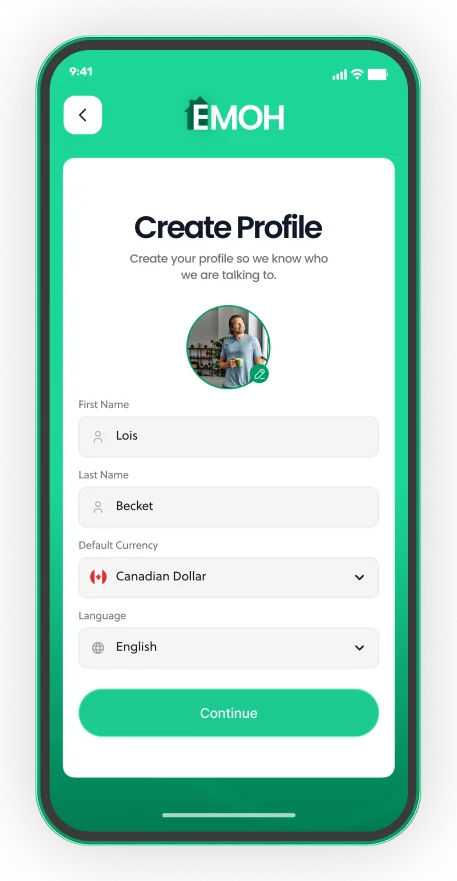
Your home currency, any spending currency
- 148 currencies with automatic conversion
- Record FX markup on card purchases
- Phone and web always in sync


Sending money from Canada to India
India is the world's largest recipient of remittances, according to the World Bank, and Canada has one of the biggest Indian communities outside India. Many senders support parents, pay for a sibling's education, cover a home loan EMI or build savings in India for the future.
Common ways to send include online money transfer services that deposit directly into an Indian bank account, wire transfers from a Canadian bank, and cash pick-up through agents. Providers that transfer money from Canada must be registered with FINTRAC, Canada's financial intelligence agency, which is worth checking before you use a new service.
NRE and NRO accounts
Non-resident Indians often receive money into NRE or NRO accounts, which the Reserve Bank of India regulates. NRE accounts hold money earned abroad and are generally repatriable; NRO accounts hold income earned in India. Which one fits depends on the money's source and purpose, so ask your bank.
Tax on money sent to family
Canada has no gift tax, so sending your own after-tax money to family is not usually taxed in Canada. India generally does not tax gifts from close relatives, but rules differ for other gifts, so your family should confirm with a tax adviser in India.
A worked monthly budget in CAD and INR
Say you take home $4,500 CAD a month in Toronto and decide to send 15% to your parents. The planner gives a monthly remittance budget of $675 CAD. At the illustrative rate of 61.2 and a 1.5% cost, about ₹40,690 arrives. You add a $25 buffer for rate changes and a $50 monthly contribution to a family emergency fund.
- Pay essentials first: rent, groceries, transit, phone and debt minimums.
- Move your own savings on payday, even if it is a small amount.
- Schedule the $675 transfer to India on the same date each month.
- Keep the $25 buffer and $50 emergency amount in a separate savings goal.
- Record the rupees that actually arrived so next month's plan is accurate.
Our guide to budgeting when sending money home covers how to choose the right share and handle unplanned requests. The remittance fees guide explains how to compare providers.
Track CAD and INR in one budget
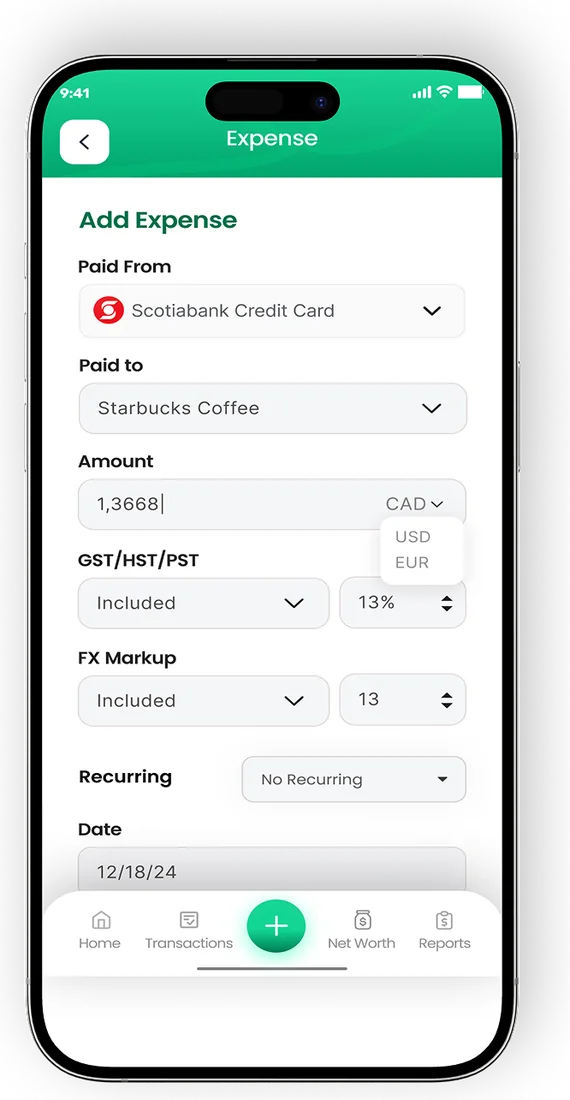
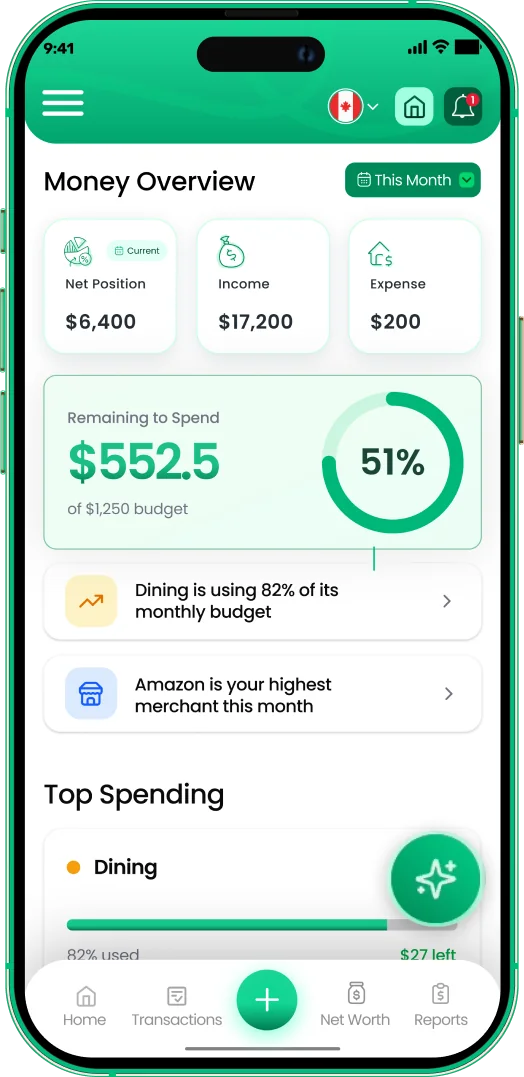
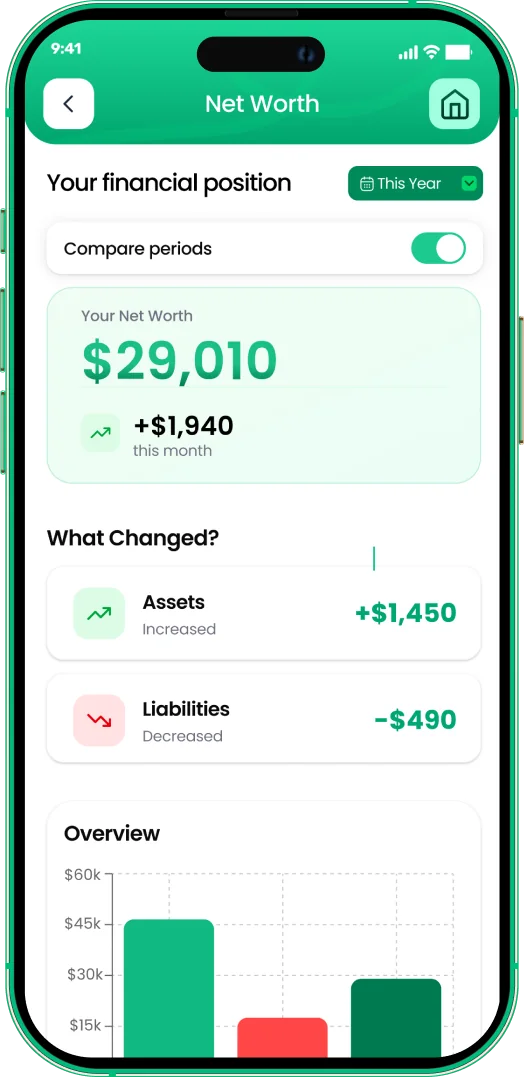
Once money leaves your account, it is easy to lose track of how much you have sent over a year. EMOH Pay supports 148 currencies with automatic conversion, so you can log each transfer in rupees and see it in Canadian dollars inside the same budget as your rent and groceries. Set the transfer as a recurring bill with a reminder and use a savings goal for the family emergency fund.
EMOH Pay is free to start on iPhone, Android and the web, and EMOH Pro adds automatic bank sync for Canadian banks. See the full list of EMOH Pay features, or read the multi-currency budgeting guide for a system that works across currencies.
Every currency in one app
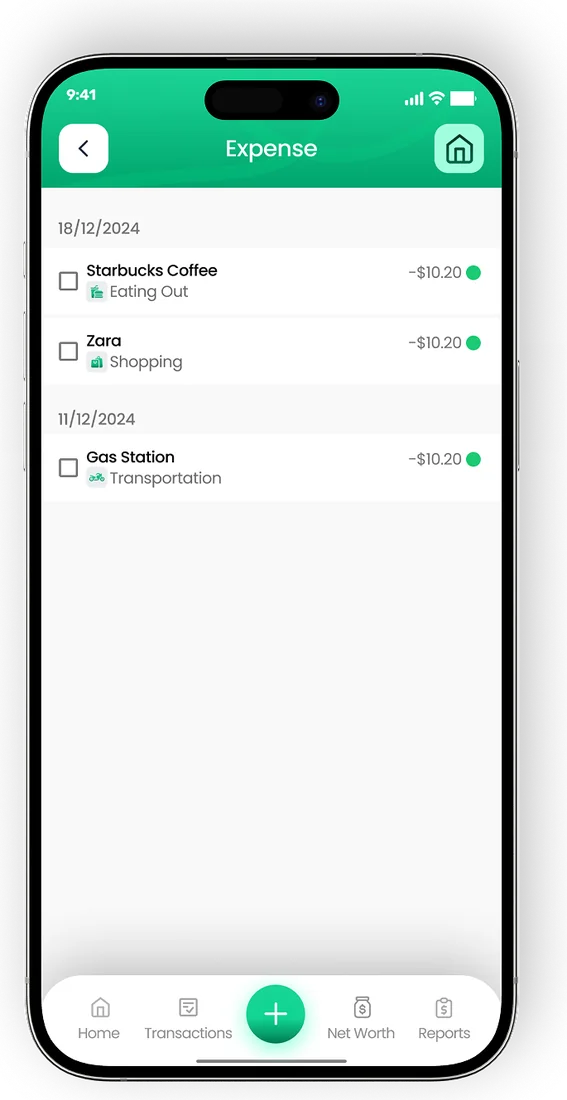

Put the numbers on autopilot
EMOH Pay tracks your spending, budgets and net worth on your phone and in the browser, always in sync. Free to start, made in Canada.
Get started free➜CAD to INR Converter + Budget Planner: frequently asked questions
Is the CAD to INR rate in this tool live?
No. The tool uses an indicative 2026 rate for planning. Exchange rates change throughout the day, so check the live rate with your bank or transfer provider before sending.
Why is the rate I get lower than the rate on Google?
Search results usually show the mid-market rate. Banks and transfer services add a margin on top of their fees, so the rate you receive is lower. Enter that margin in the fee field for a realistic result.
What is the cheapest way to send CAD to INR?
It depends on the amount, speed and provider. Compare the total rupees that arrive across two or three FINTRAC-registered providers, and send fewer, larger transfers where you can.
How many Canadian dollars is 1 lakh rupees?
One lakh is ₹100,000. At the tool's indicative rate of 61.2, that is about $1,634 CAD before fees. Use today's rate for an exact figure.
Should I budget in CAD or INR?
Budget in CAD if you earn in Canada. Convert the INR amount your family needs into CAD, add a small buffer for rate changes, and treat it as a fixed monthly bill.
Sources and further reading
Related guides and tools
Quick conversion between major currencies (indicative 2026 rates — live rates inside the EMOH Pay app, with 148 currencies…
How to Budget When Sending Money HomeBuild a remittance budget that supports family without draining your own savings: how much money to send home, handling…
Remittance Fees ExplainedRemittance fees explained simply: upfront fees, exchange margins and receiving charges, with a worked example and the…
CAD to PKR Converter + Budget PlannerConvert CAD to PKR, see what arrives after transfer fees and plan a monthly budget for sending money to Pakistan. Indicative…
Budgeting App for IndiaEMOH Pay works in India: budget in INR plus 147 other currencies, on your phone and the web. Budget in rupees with full…
Multi Currency Budget AppEMOH Pay supports 148 currencies with live conversion — perfect for expats, travellers, newcomers and anyone whose money…
Start free today
Free on iPhone, Android and the web. Upgrade to EMOH Pro anytime for bank sync and advanced AI.
Download for iOS➜ Get it on Android➜