
Budget Percentage Calculator
Choose your own percentages for needs, wants and savings. Enter your take-home pay and see exactly how many dollars each share gets, and whether your split adds up to 100%.
Use the calculator➜ Try EMOH Pay free➜
What percentage of income should go to each category?
A common starting point is about 50 to 60% of take-home pay for needs, 20 to 30% for wants and 10 to 20% for savings and debt. Within needs, keep housing under about 30% of gross income, the level CMHC uses to define affordable housing. Adjust the percentages to your city, family and goals.
How the budget percentage calculator works
The budget percentage calculator takes your monthly take-home pay and splits it into three shares using percentages you choose. It converts each percentage into a dollar amount and tells you whether your split adds up to 100%.
It starts at 50/30/20, but the point is to change it. If your rent is high, raise needs. If you are paying off debt aggressively, raise savings and debt. For the classic three-bucket plan with a full category breakdown, the budget calculator is set up around the 50/30/20 rule.
- Monthly take-home income. What reaches your account after tax and deductions. For irregular pay, use a cautious monthly average.
- Needs (%). Housing, utilities, groceries, transportation, insurance, child care and minimum debt payments.
- Wants (%). Dining out, entertainment, subscriptions, travel, hobbies and shopping beyond the basics.
- Savings and debt (%). Emergency fund, retirement and other savings, plus debt payments above the minimum.
- Check the total. The calculator flags any split that does not add up to 100% so you can adjust it.
Popular budget percentage splits compared
Several named budgets are really just different percentage splits. The table shows what each gives on $4,500 of monthly take-home pay.
| Split | Needs | Wants | Savings and debt | Best for |
|---|---|---|---|---|
| 50/30/20 | $2,250 | $1,350 | $900 | A balanced default |
| 60/20/20 | $2,700 | $900 | $900 | High-rent cities |
| 70/20/10 | $3,150 | included in 70% | $900 savings, $450 extra debt or giving | Tight budgets with debt |
| 80/20 | $3,600 | included in 80% | $900 | People who dislike tracking categories |
Each method has its own guide: the 50/30/20 rule, the 70/20/10 budget and the 80/20 budget. If you would rather give every dollar a specific job, see zero-based budgeting for beginners.
What percentage of income should go to each budget category?
There is no official percentage for most categories, but the ranges below are widely used starting points for take-home pay. Housing is the exception with a published benchmark: CMHC considers housing affordable when it costs less than 30% of a household's before-tax income. Use these as a first draft, then adjust to your real bills.
Your totals will not fit every range at once. If housing takes more, trim transportation or wants rather than dropping savings to zero.
| Category | Typical range | Notes |
|---|---|---|
| Housing and utilities | 25 to 35% | CMHC's affordability benchmark is under 30% of gross income |
| Transportation | 10 to 15% | Car payment, insurance, fuel, transit |
| Groceries | 10 to 15% | Higher for larger families |
| Insurance and health | 5 to 10% | Life, disability, dental, prescriptions |
| Debt beyond minimums | 5 to 15% | Temporarily higher while paying off debt |
| Savings and investing | 10 to 20% | Emergency fund first, then long-term goals |
| Personal and fun | 5 to 10% | Dining out, hobbies, entertainment |
Budgets that update themselves
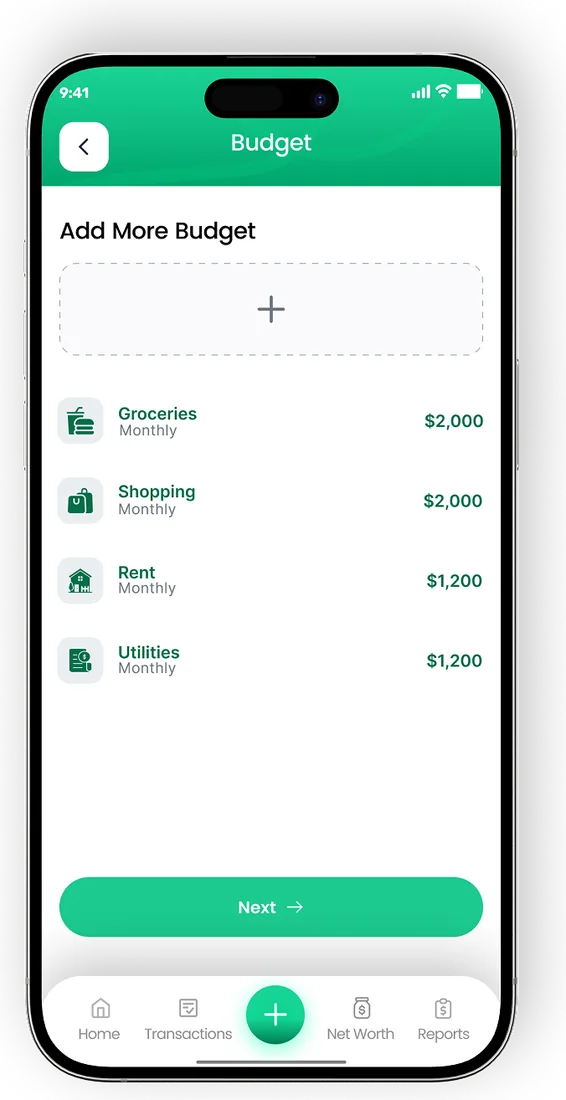
- Set monthly limits for every category
- See what is left to spend in real time
- Get a nudge before a category runs out


How to choose your own budget percentages
The best split is one based on what you actually spend, adjusted towards what you want. Start with real numbers, not ideals.
- Add up last month's spending by category from your bank and card statements.
- Divide each category by your take-home pay to get today's percentages.
- Set a savings percentage first, even if it is small, and protect it.
- Fit needs next. Fixed costs are hard to change quickly, so note any that are far above the range.
- Give wants whatever is left, and adjust in small steps over a few months.
Knowing which costs are fixed and which can flex makes this easier. Our explainer on fixed vs variable expenses helps you sort them.
Keep your percentages on track
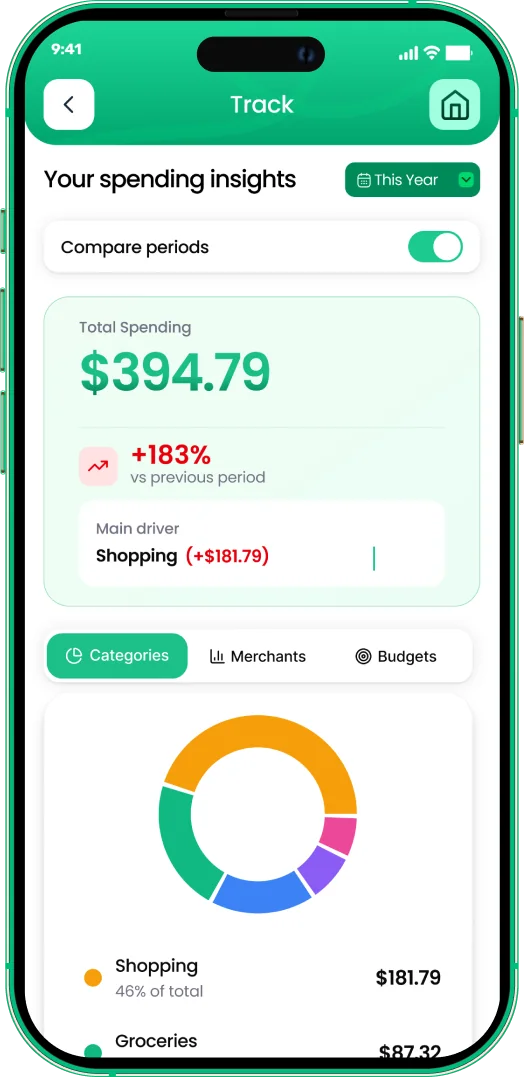
A split only works if you can see it during the month, not just at the end. EMOH Pay lets you turn your percentages into category budgets with overspend alerts, and reports show the share of income each category actually used. Family sharing with separate logins means everyone in a household works from the same plan.
Review your split every few months or whenever your income or rent changes. A raise is a good moment to lift the savings percentage before lifestyle costs catch up.
If your percentages keep slipping in the same category, that is useful information rather than failure. It usually means the category needs a bigger share and another needs a smaller one, not that you need more willpower.
Plan your month in EMOH Pay

Put the numbers on autopilot
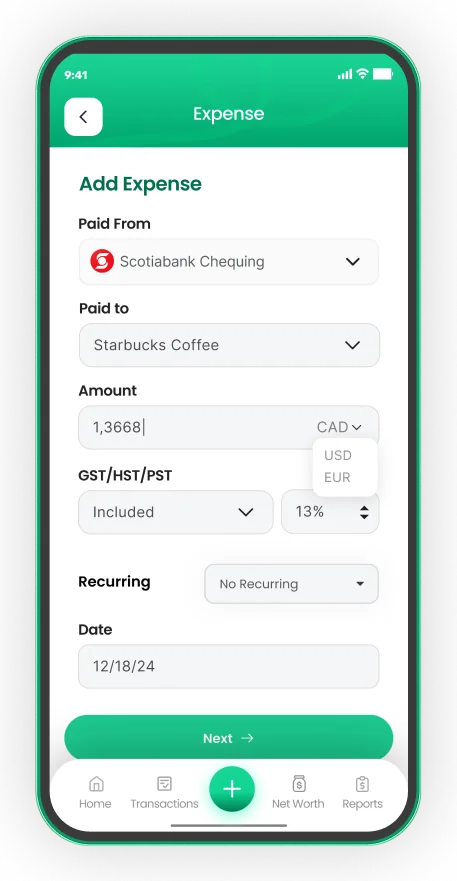
EMOH Pay tracks your spending, budgets and net worth on your phone and in the browser, always in sync. Free to start, made in Canada.
Get started free➜Budget Percentage Calculator: frequently asked questions
What is a good budget percentage for rent?
CMHC defines affordable housing as costing less than 30% of before-tax household income. In high-cost cities many people pay more, so balance it by keeping transportation and wants lower.
Should budget percentages use gross or net income?
Most budget splits, including this calculator, use take-home pay because that is what you can spend. Housing affordability benchmarks such as CMHC's use gross income, so check which one a guideline refers to.
What if my needs are more than 60% of my income?
That is common in expensive cities or on a single income. Keep a small savings percentage anyway, look for one large cost to reduce over time, and take a smaller share for wants until needs come down.
Is 50/30/20 the best budget split?
It is a good default, not a rule. A 60/20/20 or 70/20/10 split can be more realistic when housing costs are high, and a higher savings share suits people with aggressive goals.
How often should I change my budget percentages?
Review them every few months and after any big change in income, rent or family size. Small, regular adjustments are easier to stick to than a complete rebuild.
Can I set budget percentages in an app?
Yes. In EMOH Pay you can turn each percentage into a monthly category budget and get an alert when you overspend. It is free to start on iPhone, Android and the web, and couples or families can share one plan with separate logins.
Sources and further reading
Related guides and tools
The 50/30/20 rule splits after-tax income: 50% to needs, 30% to wants, 20% to savings. Enter your monthly take-home pay to…
The 50/30/20 Rule ExplainedThe 50/30/20 rule splits take-home pay into 50% needs, 30% wants and 20% savings. See what counts in each bucket, worked…
The 70/20/10 Budget RuleThe 70/20/10 budget puts 70% of take-home pay toward living costs, 20% into savings and 10% to debt or giving. See examples…
The 80/20 BudgetThe 80/20 budget saves 20% of take-home pay first and lets you spend the other 80% freely. See how it works, an 80/20 budget…
Budgeting Methods Compared50/30/20, zero-based, envelopes or pay-yourself-first — the best budgeting method is the one you'll still be using in March.…
Fixed vs Variable ExpensesFixed vs variable expenses explained: what each means, examples, where periodic bills fit and how to budget for each so…
Start free today
Free on iPhone, Android and the web. Upgrade to EMOH Pro anytime for bank sync and advanced AI.
Download for iOS➜ Get it on Android➜