
USD to PHP Converter + Budget Planner
Convert US dollars to Philippine pesos for money sent from the US, or for dollar income earned from the Philippines. Rates are indicative; check the live rate before you convert.
Use the calculator➜ Try EMOH Pay free➜
How do I budget in USD and PHP?
To budget in USD and PHP, decide which currency your life runs on. If you live in the US, budget in dollars and set a fixed monthly amount to send home. If you earn dollars in the Philippines, convert expected income to pesos after fees, budget in pesos, and hold a buffer for weaker months and rate swings.
Budget in the currency you spend. A Filipino nurse in California budgets in dollars and treats money sent home as a fixed bill. A virtual assistant in Cebu paid by US clients budgets in pesos and treats the USD to PHP conversion as the point where income becomes real.
The calculator above works for both. Amount in USD is the transfer or payout. Transfer fee (%) is the combined cost of the platform, provider or bank; turn a flat fee into a percentage by dividing it by the amount. Share of your USD income to send home and monthly income in USD are optional and suit senders planning a monthly amount.
Our currency converter handles every other pair, and the EMOH Pay features page explains how multi-currency tracking works. Sending from Canada instead? Use the CAD to PHP converter.
USD to PHP today: why the rate you get is lower
The USD to PHP rate in search results is the mid-market rate. Remittance providers, banks and freelance payment platforms convert at their own rate, usually a margin below it, and many add a fee. The total cost is what matters, measured as pesos received for the same dollars.
The Bangko Sentral ng Pilipinas publishes a daily peso reference rate against the US dollar, a useful benchmark for judging a quote. The rate in this tool is an indicative 2026 figure for planning only.
| Scenario | Fee | Exchange margin | Pesos received |
|---|---|---|---|
| Mid-market, no costs | $0 | 0% | ₱57,000 |
| Low-margin provider | $2 | 0.5% | ₱56,602 |
| "Zero fee" offer | $0 | 2% | ₱55,860 |
| Platform withdrawal with fee and margin | 3% ($30) | 2.5% | ₱53,908 |
On US$1,000 a month, the best and worst options differ by about ₱2,700, or roughly ₱32,000 a year. See remittance fees explained for a full comparison method.
Sending money from the US to the Philippines
- Delivery options. Money can arrive as a Philippine bank deposit, in e-wallets such as GCash and Maya, or as cash pickup. Wallets suit everyday bills; bank deposits suit tuition and savings.
- Disclosures and cancellation. US rules overseen by the CFPB require providers to show the exchange rate, fees and amount received before you pay, and you can generally cancel within 30 minutes for a full refund.
- Cash funding costs more from 2026. A 1% federal excise tax applies to remittances paid for with cash, money orders or similar instruments from 1 January 2026. Bank-funded and US card-funded transfers are generally exempt. Confirm with the IRS.
- Benefits paid abroad. US retirees and veterans living in the Philippines can often receive US benefits there. Check eligibility with the paying agency before you move.
Earning US dollars as a freelancer in the Philippines
Many Filipinos work remotely for US clients and are paid in dollars through payment platforms. For budgeting, the dollar invoice is not your income; the pesos that land after platform fees and conversion are. Track the effective rate you receive each month, not the headline rate.
Income from clients can swing month to month. Budget on a conservative average of the last few months, keep a buffer of one to three months of expenses, and set aside tax and contributions from each payout. Our guide to budgeting with irregular income explains the buffer method.
Self-employed Filipinos generally register with the Bureau of Internal Revenue, and some qualify for an optional 8% income tax on gross receipts above ₱250,000. Voluntary SSS, PhilHealth and Pag-IBIG contributions build social protection. Confirm your obligations with the BIR and each agency.
Your home currency, any spending currency
- 148 currencies with automatic conversion
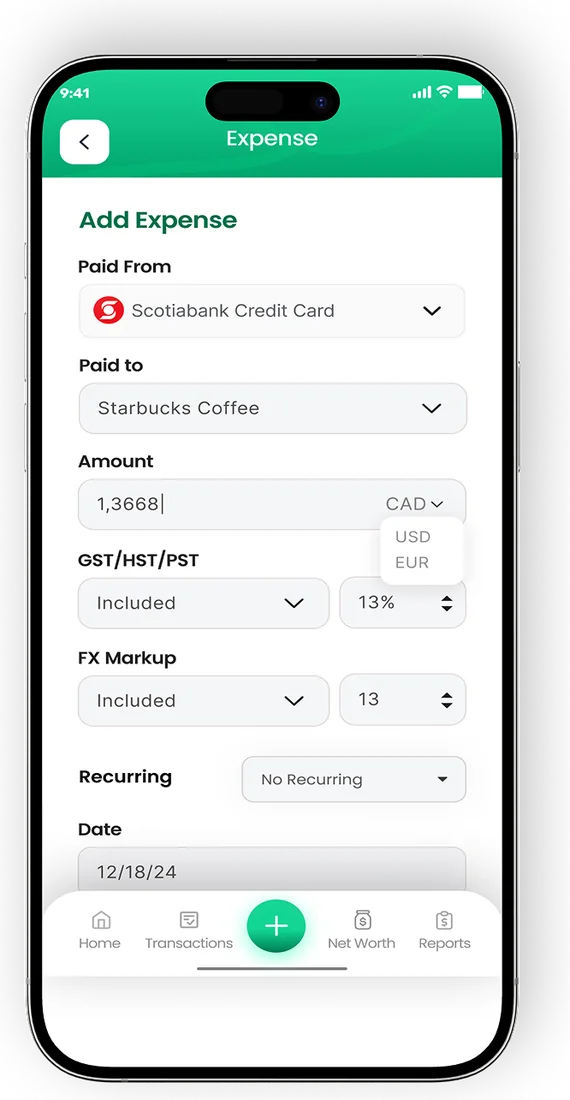
- Record FX markup on card purchases
- Phone and web always in sync


Sample peso budget for a freelancer paid in dollars
This example assumes a freelancer in a Metro Manila suburb earning US$1,200 a month, converted at 57 pesos per dollar with 2% in total costs, which leaves about ₱67,000. It is illustrative, not a statistic.
| Category | PHP per month | Notes |
|---|---|---|
| Rent | ₱12,000 | Studio or shared unit |
| Food and groceries | ₱12,000 | Mix of market and eating out |
| Electricity and water | ₱4,000 | Air conditioning drives this |
| Internet and mobile | ₱2,500 | Fibre plus a backup data plan |
| Transport | ₱3,000 | Jeepney, rideshare, occasional taxi |
| Family support | ₱10,000 | Parents or siblings |
| SSS, PhilHealth, Pag-IBIG | ₱3,000 | Voluntary contributions |
| Tax set-aside | ₱5,000 | Held back from each payout |
| Emergency fund and savings | ₱8,000 | Build one to three months first |
| Personal and leisure | ₱5,000 | Flexible |
| Buffer | ₱2,500 | Rate swings and slow months |
For more on local costs, see the cost of living in Manila and budgeting app for the Philippines. The freelancer budgeting app page covers tracking uneven income.
Tips for a steady USD to PHP budget
- Pick one budget currency: dollars if you live in the US, pesos if you live in the Philippines.
- Compare pesos received across two or three providers or withdrawal methods for your usual amount.
- Fund US transfers from a bank account to avoid the 2026 cash remittance tax.
- Convert freelance income in planned amounts rather than every small payment if flat fees apply.
- Track it all in EMOH Pay, free on iPhone, Android and the web. It converts across 148 currencies automatically, and family sharing gives relatives their own login to the same budget.
Every currency in one app
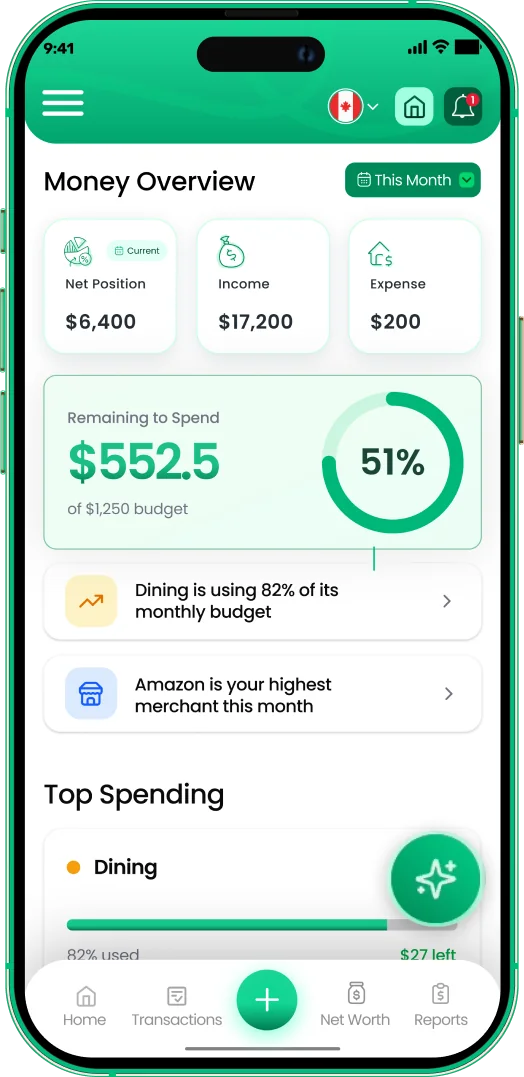
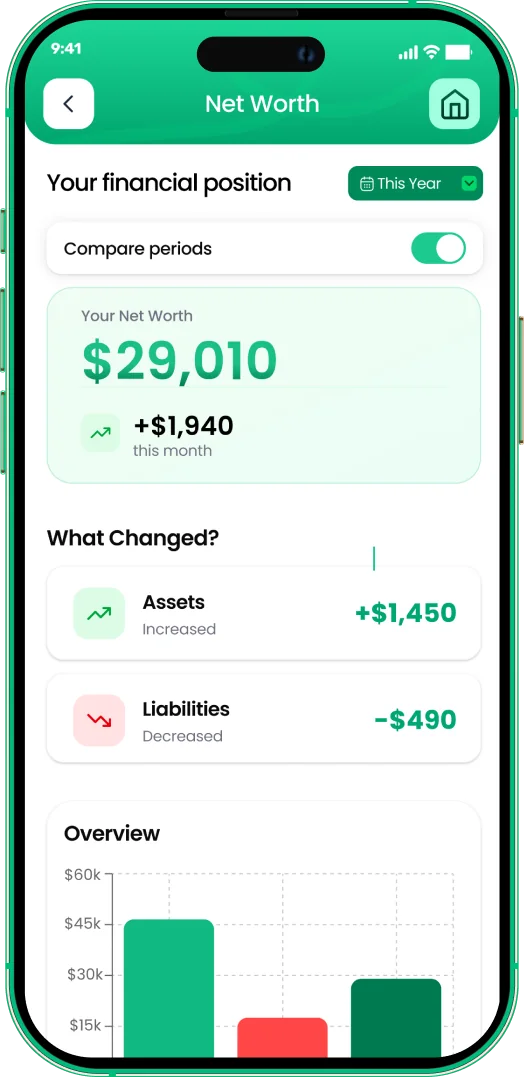

Put the numbers on autopilot
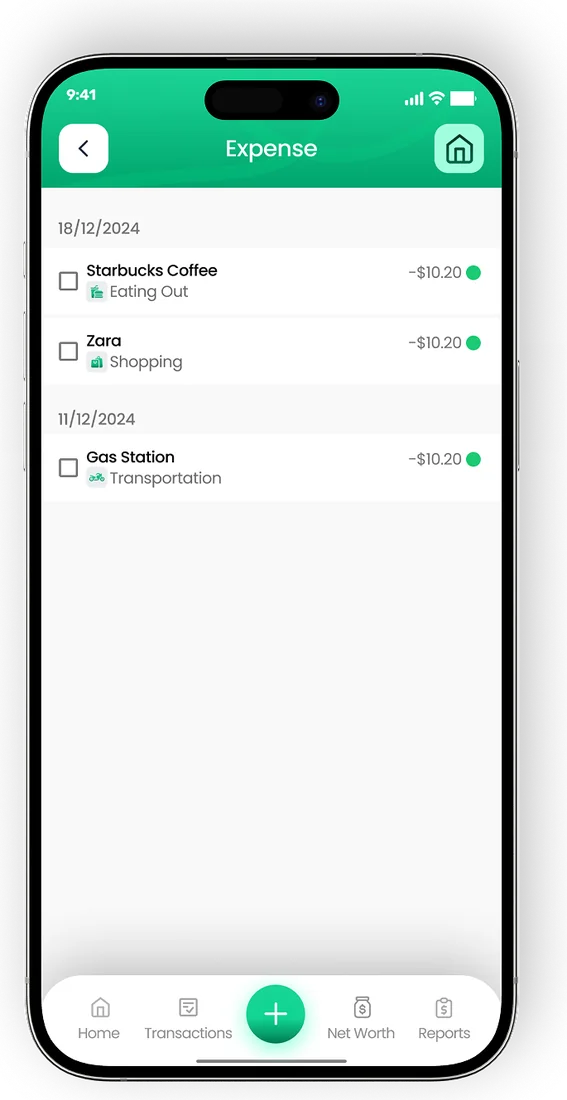
EMOH Pay tracks your spending, budgets and net worth on your phone and in the browser, always in sync. Free to start, made in Canada.
Get started free➜USD to PHP Converter + Budget Planner: frequently asked questions
Is the USD to PHP rate in this calculator live?
No. It uses an indicative 2026 rate for planning. Check the live rate and your provider's quote before converting.
What is the cheapest way to send dollars to the Philippines?
Compare the pesos delivered for the same amount across licensed providers. Bank-funded online transfers to a bank account or e-wallet are often cheaper than cash-funded transfers, but check each time.
How should a freelancer paid in USD budget?
Budget in pesos using a conservative average of recent income after fees, keep a buffer of one to three months of expenses, and set aside tax and contributions from every payout.
Is there a US tax on sending money to the Philippines?
Since 2026, remittances funded with cash, money orders or similar instruments carry a 1% US federal excise tax. Bank and US card-funded transfers are generally exempt. Check IRS guidance.
Can family in the Philippines share my budget?
Yes. EMOH Pay's family sharing gives each person a separate login to one shared budget, and amounts can be shown in pesos or dollars.
Related guides and tools
Quick conversion between major currencies (indicative 2026 rates — live rates inside the EMOH Pay app, with 148 currencies…
CAD to PHP Converter + Budget PlannerConvert CAD to PHP, see what transfer fees cost in pesos and plan how much of your Canadian pay to send home each month.…
Budgeting App for PhilippinesEMOH Pay works in Philippines: budget in PHP plus 147 other currencies, on your phone and the web. Budget in pesos, track…
Cost of Living in Manila (2026)Cost of living in Manila for 2026: condo rent in and out of the CBDs, Meralco bills, transport, taxes and sample budgets in…
Built for irregular incomeEMOH Pay tracks freelance income, separates GST/HST for tax time, and smooths irregular months into a budget you can…
Remittance Fees ExplainedRemittance fees explained simply: upfront fees, exchange margins and receiving charges, with a worked example and the…
Start free today
Free on iPhone, Android and the web. Upgrade to EMOH Pro anytime for bank sync and advanced AI.
Download for iOS➜ Get it on Android➜