
CAD to PHP Converter + Budget Planner
Convert Canadian dollars to Philippine pesos, subtract the transfer fee and set a monthly amount to send home that your Canadian budget can carry. Rates are indicative; check the live rate before you send.
Use the calculator➜ Try EMOH Pay free➜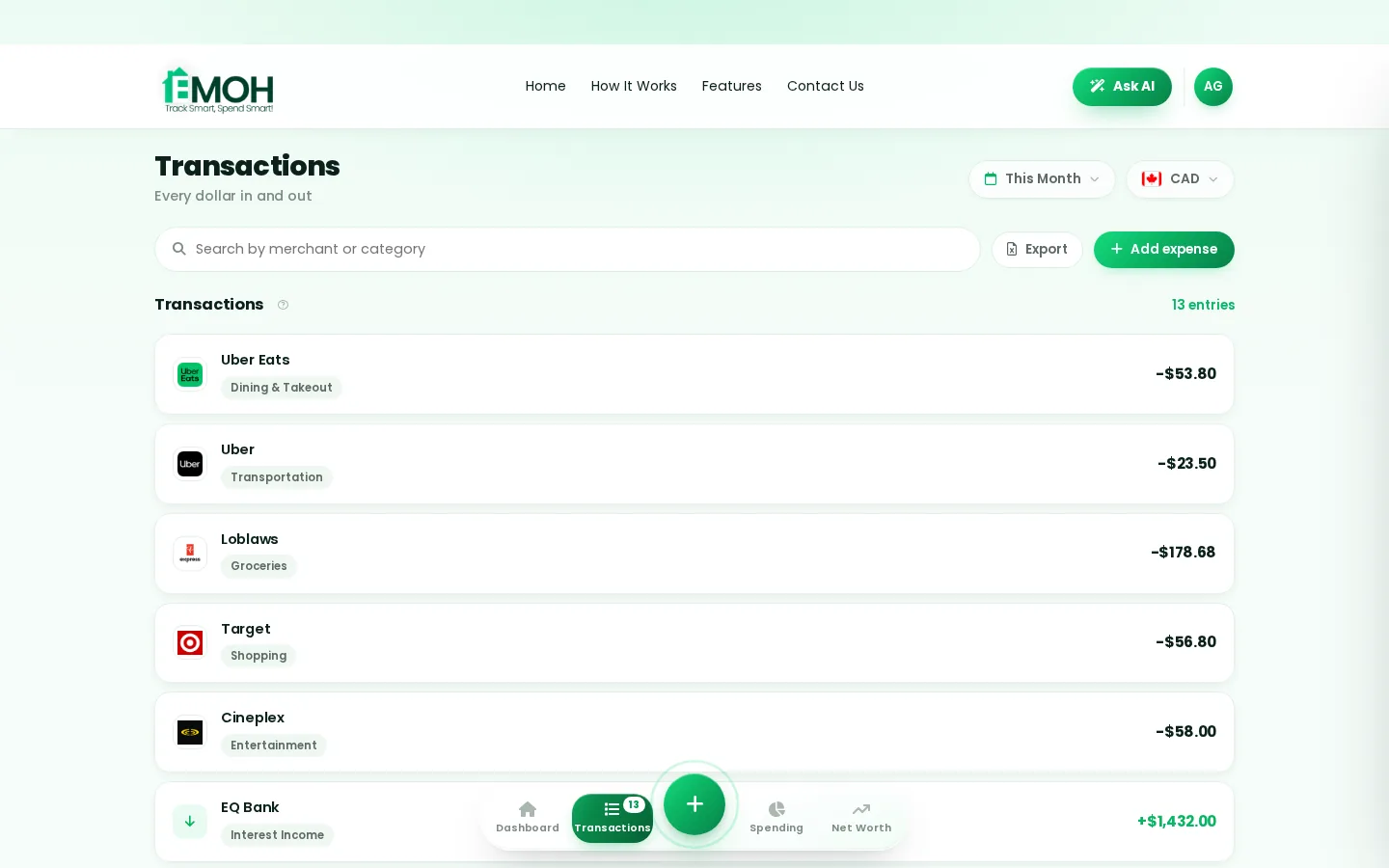
How do I budget in CAD and PHP?
To budget in CAD and PHP, plan and pay your bills in Canadian dollars, then treat money sent to the Philippines as a fixed monthly CAD expense, such as 10% to 20% of take-home pay. Convert that amount to pesos after fees and exchange margin so your family knows what to expect, and review it whenever the rate moves.
Earn and spend in Canadian dollars, and decide the CAD to PHP transfer as a fixed line in your budget before anything else is spent. Most people who send money home pick a share of take-home pay, often 10% to 20%, convert it to pesos after fees and tell family the peso amount they can count on each month.
The calculator above does this in one step. Amount in CAD is what you plan to send. Transfer fee (%) is the provider's fee as a percentage; if you pay a flat fee, divide it by the amount you send. Share of your CAD income to send home and monthly income in CAD are optional and turn a single conversion into a monthly plan.
Your Canadian costs come first. Rent, groceries and transit in Canada do not shrink when the peso weakens, so a budget that only works at a good rate is a budget that will break. Our currency converter covers every other pair, and the EMOH Pay features page shows how multi-currency tracking works inside the app.
CAD to PHP today: why your rate differs from the one you see
The CAD to PHP rate quoted in search results is the mid-market rate, the midpoint between what banks pay to buy and sell each currency. Providers rarely give you that rate. They add an exchange margin, a few tenths of a percent to several percent, and many also charge a flat or percentage fee.
That is why two services that both say "no fee" can deliver very different peso amounts. The honest comparison is the number of pesos that arrive for the same number of dollars. The rate in this tool is an indicative 2026 figure for planning only, so check a live CAD to PHP rate on the day you send.
The Bank of Canada publishes daily reference rates for major currencies, and the Bangko Sentral ng Pilipinas publishes a daily peso reference rate. Neither is a rate you can transact at, but both are useful for checking how far a provider's quote sits from the market.
What $500 really becomes in pesos
The table uses an illustrative mid-market rate of 41 pesos per Canadian dollar and three hypothetical providers. It is an example of the maths, not a quote from any real service.
| Scenario | Fee | Exchange margin | Pesos received |
|---|---|---|---|
| Mid-market, no costs | $0 | 0% | ₱20,500 |
| "No fee" provider | $0 | 2% | ₱20,090 |
| Low margin, flat fee | $10 | 0.5% | ₱19,990 |
| Higher fee and margin | $25 | 3% | ₱18,891 |
On a $500 transfer, the gap between the best and worst of the three providers is about ₱1,200. Sent monthly, that adds up to roughly ₱14,000 a year, money that could cover school supplies or a few weeks of groceries. Our guide to remittance fees explained walks through how to compare providers on total cost.
Ways to send money from Canada to the Philippines
- Online money transfer services. Usually the cheapest for regular amounts. You fund the transfer from a Canadian bank account and choose how it is received.
- Bank deposit in the Philippines. Money lands in the recipient's peso account. Good for larger sums, school fees and savings.
- E-wallets. Many providers can deliver to Philippine mobile wallets such as GCash and Maya, which family can use for bills and shopping.
- Cash pickup. Useful for relatives without a bank account, but often carries a higher fee or margin.
- Bank wire from your Canadian bank. Simple and familiar, but international wire fees and margins can make it expensive for small monthly amounts.
Whatever you use, check that the company is registered as a money services business with FINTRAC, Canada's financial intelligence agency. On the Philippine side, remittance and transfer companies are supervised by the Bangko Sentral ng Pilipinas.
Your home currency, any spending currency
- 148 currencies with automatic conversion
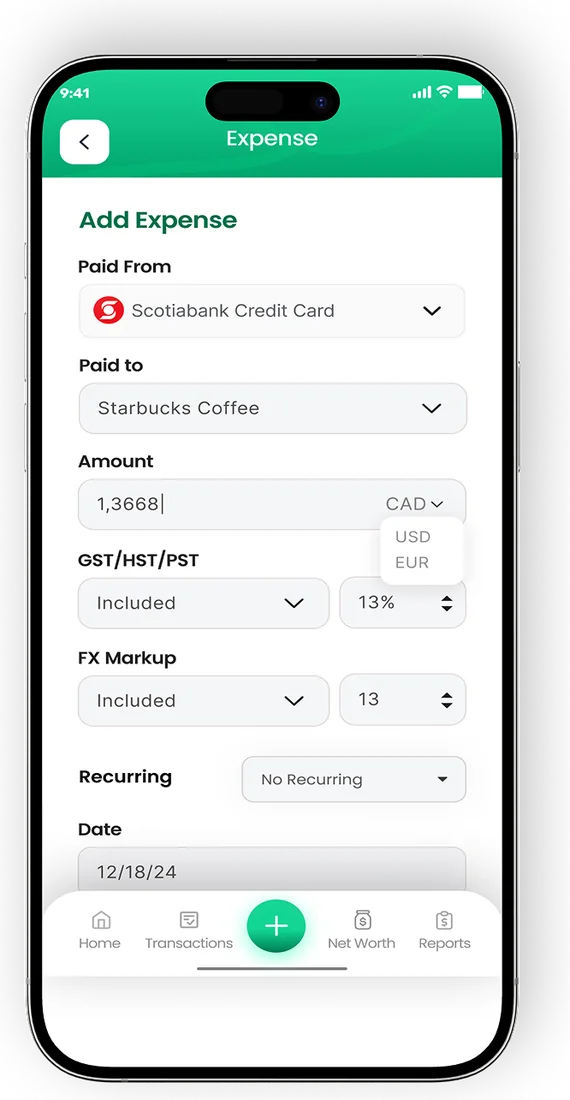
- Record FX markup on card purchases
- Phone and web always in sync


Sample budget: sending money home from a Canadian paycheque
This example assumes a single person in a mid-sized Canadian city with $3,800 a month in take-home pay who sends 15% home. It is an illustration, not a statistic.
| Category | CAD per month | Notes |
|---|---|---|
| Rent (shared or one-bedroom) | $1,450 | The biggest line in most cities |
| Groceries | $400 | Cook at home most days |
| Transit and phone | $200 | Monthly pass plus a basic plan |
| Utilities and internet | $120 | Often split with roommates |
| Money sent to the Philippines | $570 | About ₱23,000 after costs |
| Emergency fund and savings | $500 | Build three months of expenses first |
| Personal, clothing, eating out | $400 | Flexible |
| Buffer | $160 | Absorbs rate swings and surprises |
The buffer matters. If the peso strengthens, you either send more dollars or your family receives fewer pesos, and that choice should be made in advance. Our guide to building a budget for sending money home covers how to set the share, and budgeting app for the Philippines shows how family on the other end can track spending in pesos.
Tips for a steady CAD to PHP plan
- Agree a peso amount with family and send the matching CAD amount, adjusting it once a quarter rather than every week.
- Compare total pesos received, not headline fees, across two or three registered providers.
- Send fewer, larger transfers when a provider charges a flat fee, as long as your own cash flow allows it.
- Plan ahead for heavy months such as the start of the school year and the Christmas season.
- Keep your own emergency fund in Canada before raising the amount you send. Check what living costs look like on the other side with our guide to the cost of living in Manila.
- Record each transfer in EMOH Pay in CAD. It converts across 148 currencies automatically, so you can see both the dollars you sent and the pesos they became.
Every currency in one app

Put the numbers on autopilot
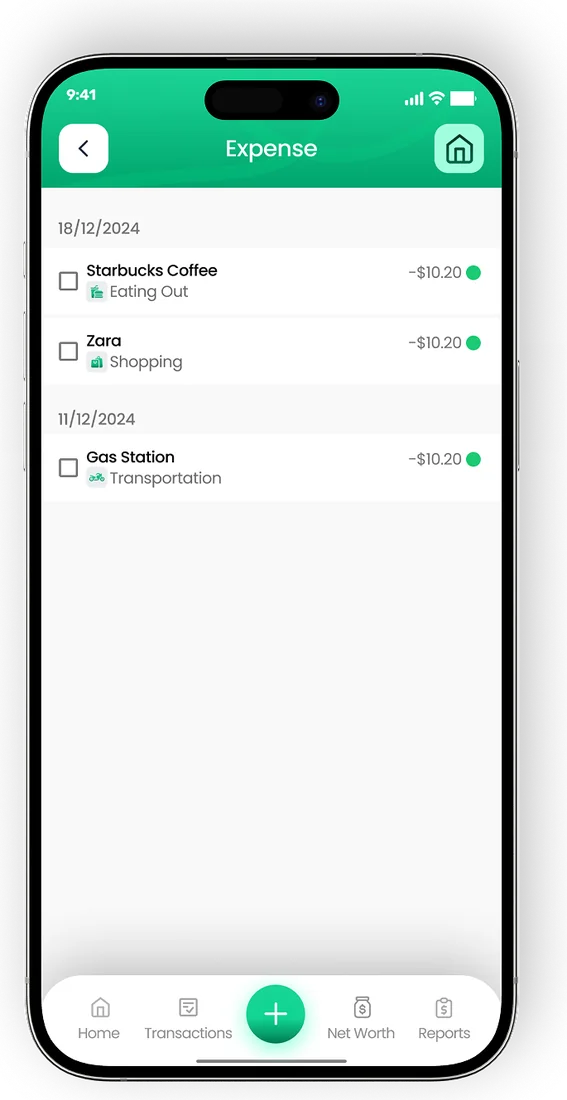
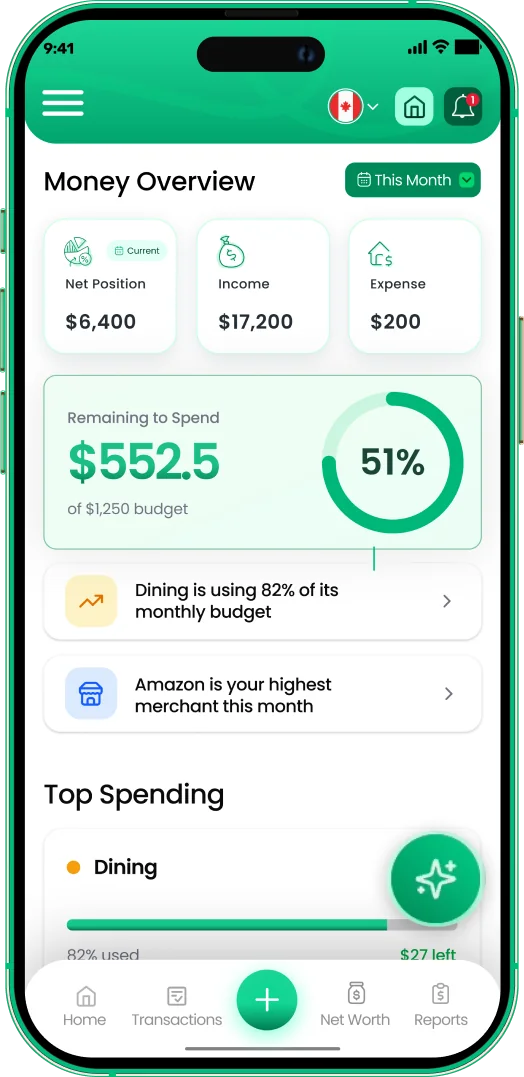
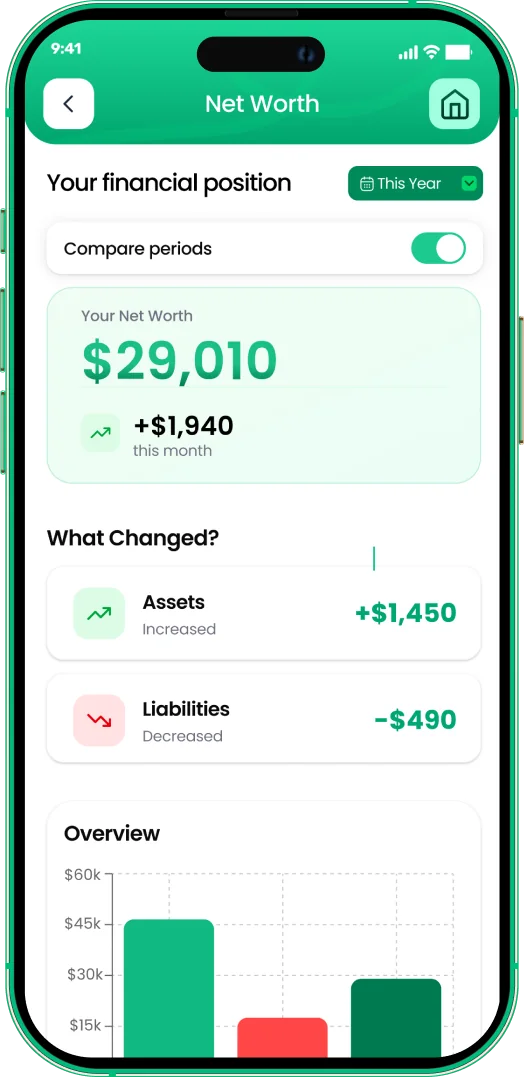
EMOH Pay tracks your spending, budgets and net worth on your phone and in the browser, always in sync. Free to start, made in Canada.
Get started free➜CAD to PHP Converter + Budget Planner: frequently asked questions
Is the CAD to PHP rate in this calculator live?
No. It uses an indicative 2026 rate for planning. Rates change every business day, so check a live rate and your provider's quote before you send.
What is the cheapest way to send money from Canada to the Philippines?
It depends on the amount and how it is received. Compare the pesos delivered for the same dollar amount across registered providers, since a low fee can hide a wide exchange margin.
How much of my income should I send home?
There is no official rule. Many people send 10% to 20% of take-home pay, but only after rent, essentials and their own emergency savings in Canada are covered.
Are large transfers reported in Canada?
Banks and money services businesses report international electronic funds transfers of $10,000 or more to FINTRAC. This is a reporting rule, not a limit, and it does not stop legitimate transfers.
Can my family in the Philippines see the budget too?
Yes. EMOH Pay is free on iPhone, Android and the web, and family sharing gives each person their own login while you share one budget, with amounts shown in the currency you choose.
Sources and further reading
Related guides and tools
Quick conversion between major currencies (indicative 2026 rates — live rates inside the EMOH Pay app, with 148 currencies…
USD to PHP Converter + Budget PlannerConvert USD to PHP, see what fees take from each transfer or payout and plan a peso budget, whether you send money home or…
How to Budget When Sending Money HomeBuild a remittance budget that supports family without draining your own savings: how much money to send home, handling…
Remittance Fees ExplainedRemittance fees explained simply: upfront fees, exchange margins and receiving charges, with a worked example and the…
Budgeting App for PhilippinesEMOH Pay works in Philippines: budget in PHP plus 147 other currencies, on your phone and the web. Budget in pesos, track…
Cost of Living in Manila (2026)Cost of living in Manila for 2026: condo rent in and out of the CBDs, Meralco bills, transport, taxes and sample budgets in…
Start free today
Free on iPhone, Android and the web. Upgrade to EMOH Pro anytime for bank sync and advanced AI.
Download for iOS➜ Get it on Android➜