
TFSA Contribution Room Calculator
Find out how much you can still put in your TFSA this year. Enter the year you turned 18, your total contributions and past withdrawals and get an estimate of your 2026 room.
Use the calculator➜ Try EMOH Pay free➜
How much TFSA room do I have?
Your TFSA room is every annual limit since the year you turned 18 (or 2009, if later), minus everything you have contributed, plus any withdrawals from previous years. Someone who was 18 or older and resident in Canada in 2009 and has never contributed has $109,000 of room in 2026.
Assumes Canadian residency every year since you turned 18. Your official room is in CRA My Account.
How the TFSA contribution room calculator works
The TFSA contribution room calculator adds up every annual dollar limit you have been eligible for and compares that with what you have put in. It needs three numbers.
Year you turned 18 sets when your room started. If you turned 18 before 2009, enter 2009, the year TFSAs launched. Total contributions to date is everything you have deposited across all your TFSAs, not the current balance. Withdrawals made before this year are added back, because the CRA restores withdrawn amounts on 1 January of the following year.
The result shows your estimated room for 2026, your cumulative limit since you became eligible, and this year's annual limit. If contributions exceed your limit, it warns you, because the CRA charges tax on excess amounts. For what a TFSA is and how it works, start with our guide to what a TFSA is.
How much can I put in my TFSA?
You can put in your total unused room: the sum of annual limits since you turned 18 and became a Canadian resident, less contributions, plus earlier withdrawals. If you have never contributed and were 18 or older in 2009, that is $109,000 in 2026. Room carries forward forever, so unused years are never lost.
| Year you turned 18 | Cumulative room in 2026 |
|---|---|
| 2009 or earlier | $109,000 |
| 2010 | $104,000 |
| 2012 | $94,000 |
| 2014 | $83,500 |
| 2015 | $78,000 |
| 2016 | $68,000 |
| 2018 | $57,000 |
| 2020 | $45,500 |
| 2022 | $33,500 |
| 2024 | $21,000 |
| 2026 | $7,000 |
The 2026 annual dollar limit is $7,000. For every year's limit since 2009 and how the government indexes it, see our page on the TFSA limit for 2026.
What adds to and what reduces your TFSA room
Most TFSA mistakes come from misunderstanding what counts. The rules are simple once you separate contributions from the account's value.
- Adds room: each new calendar year's dollar limit, starting the year you turn 18 and are resident with a valid SIN.
- Adds room: any withdrawal, but only from 1 January of the following year, not immediately.
- Reduces room: every contribution, including money you put back in the same year you took it out.
- Does not count: investment growth, interest and dividends. A TFSA that grows from $50,000 to $80,000 does not use extra room.
- Does not restore room: investment losses. If $10,000 falls to $6,000, the lost $4,000 of room does not come back.
- Does not count: a direct transfer between two of your TFSAs at different institutions, as long as the institutions move it for you.
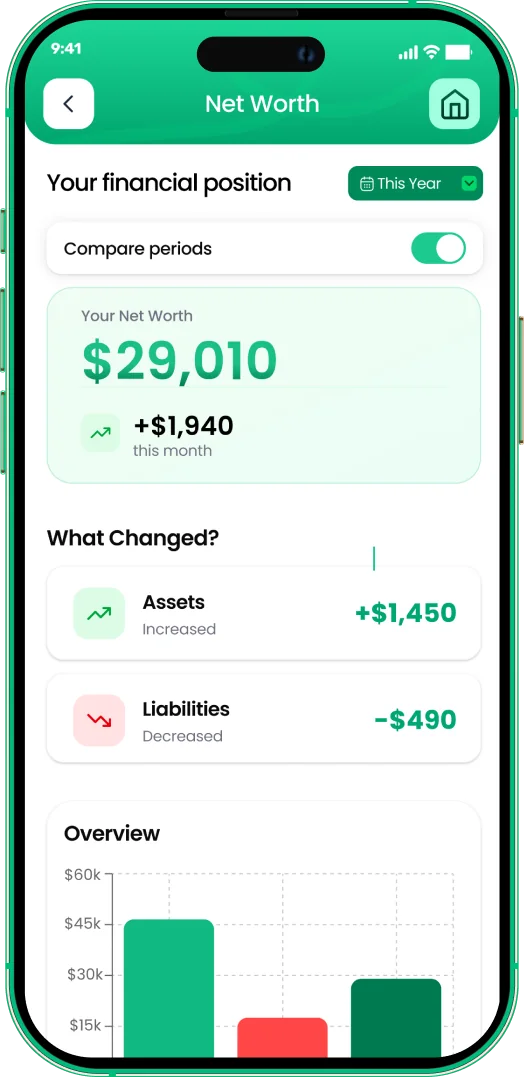
Watch your net worth grow
- Add assets and debts in any of 148 currencies
- See what changed month by month
- Set savings goals and track progress


Worked example: re-contributing after a withdrawal
Timing is the part most people get wrong. Here is one example, following the same logic the calculator uses.
- Someone who turned 18 in 2015 has a cumulative limit of $78,000 in 2026.
- They have contributed $60,000 in total over the years, leaving $18,000 of room.
- In March 2025 they withdrew $10,000 for a car. That amount is added back on 1 January 2026, so their 2026 room is $28,000.
- If they withdraw another $5,000 in June 2026 and put it back in October 2026, the re-contribution uses $5,000 of current room. The June withdrawal itself only comes back in January 2027.
Enter 2015, $60,000 and $10,000 in the calculator and it returns $28,000, matching the example.
What happens if I over-contribute to my TFSA?
If you contribute more than your available room, the CRA charges a tax of 1% per month on the highest excess amount in each month until you withdraw it or new room absorbs it. The CRA may send a letter and you may need to file a TFSA return. Remove any excess as soon as you notice it.
Why CRA My Account can be out of date
Financial institutions report TFSA transactions to the CRA after the year ends, so the room shown in CRA My Account early in the year may not include your latest contributions or withdrawals. Keep your own running record.
Newcomers and non-residents
You only earn TFSA room for years you are a resident of Canada and at least 18. In the year you become a resident you receive that year's full limit. Contributions made while a non-resident can attract a separate 1% monthly tax.
Tracking your TFSA alongside your budget
Once you know your room, the next question is how much you can contribute each month without squeezing your spending. The budget calculator helps you find that number, and the TFSA vs RRSP calculator shows which account suits your next dollar.
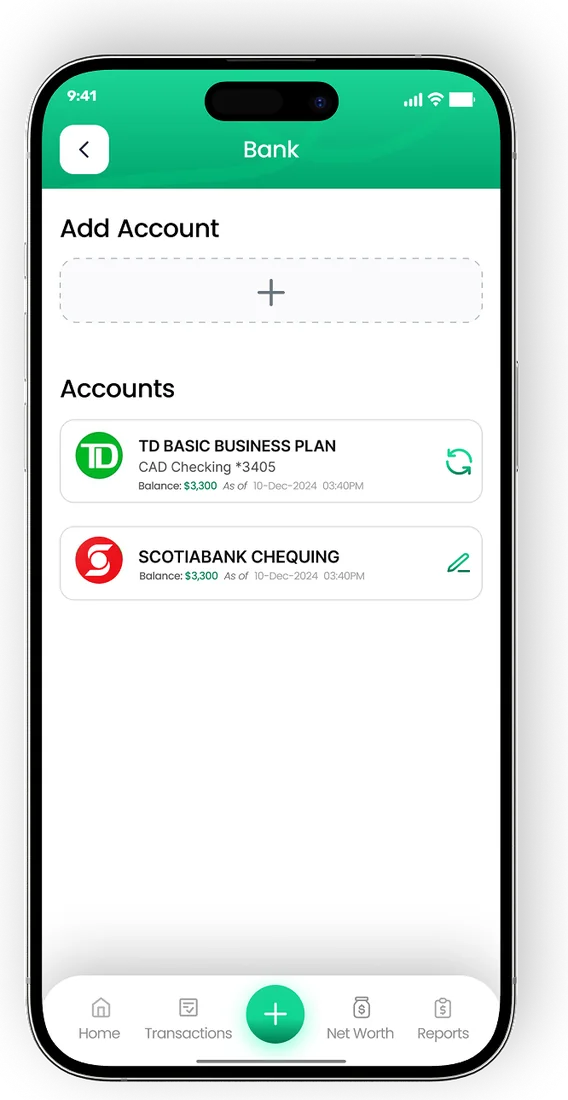
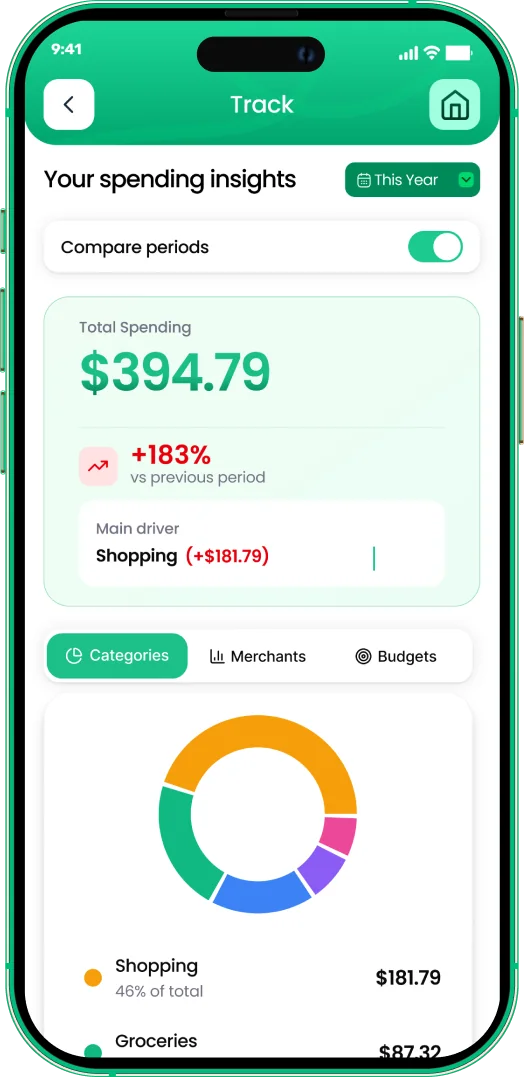
In EMOH Pay you can set a savings goal for your TFSA, log each contribution and watch your net worth grow. It is free to start on iPhone, Android and the web, and keeping your own record of deposits and withdrawals makes the CRA's timing rules much easier to follow.
Your net worth in EMOH Pay
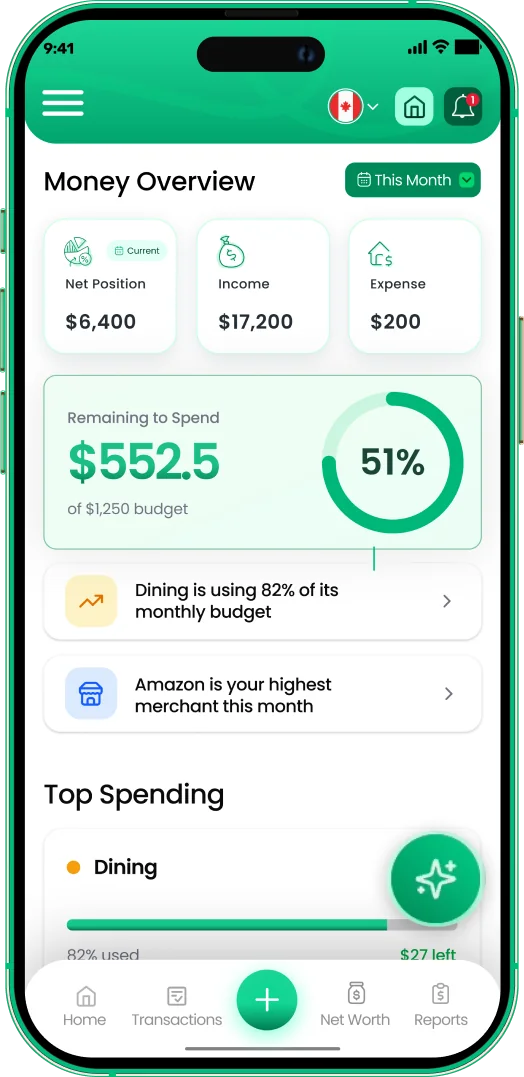
Put the numbers on autopilot
EMOH Pay tracks your spending, budgets and net worth on your phone and in the browser, always in sync. Free to start, made in Canada.
Get started free➜TFSA Contribution Room Calculator: frequently asked questions
Where can I find my official TFSA room?
Your official TFSA contribution room is in CRA My Account and on your notice of assessment. It may not reflect transactions from the current year, so add or subtract anything you have done since January.
Do I get TFSA room if I did not open an account?
Yes. Room builds every year from the year you turn 18, as long as you are a Canadian resident with a valid SIN, whether or not you have opened a TFSA.
Can I put back money I withdrew this year?
Only if you have other unused room. A withdrawal is added back to your room on 1 January of the following year. Re-contributing sooner uses current room and can create an excess.
Does TFSA growth count against my room?
No. Only contributions reduce your room. Interest, dividends and capital gains inside a TFSA do not use room, and a withdrawal of the full grown balance restores the full amount the next year.
Is TFSA room shared between accounts?
Yes. Your room is a single personal limit across all your TFSAs at every bank or brokerage. Opening a second account does not give you extra room.
Sources and further reading
Related guides and tools
What is a TFSA? A plain-language definition of Canada's Tax-Free Savings Account: how it works, what you can hold…
TFSA Contribution Limit 2026The TFSA limit for 2026 is $7,000, bringing total room to $109,000 for anyone eligible since 2009. See every year's limit…
TFSA vs RRSP CalculatorTFSA vs RRSP: compare your tax rate today with your expected rate in retirement and see which account leaves you with more…
RRSP CalculatorFree RRSP calculator for 2026: see the tax refund on your contribution, what it really costs after tax, your new room and…
FHSA CalculatorFHSA calculator: see how your First Home Savings Account grows year by year, when you hit the $40,000 lifetime limit and how…
50/30/20 Budget CalculatorThe 50/30/20 rule splits after-tax income: 50% to needs, 30% to wants, 20% to savings. Enter your monthly take-home pay to…
Start free today
Free on iPhone, Android and the web. Upgrade to EMOH Pro anytime for bank sync and advanced AI.
Download for iOS➜ Get it on Android➜