
Budgeting App That Connects to TD
TD Canada Trust customers can import transactions into a budgeting app through a read-only Plaid connection. Here is how to set it up, which accounts to include and how to handle US dollar and cross-border accounts.
Get started free➜ Download the app➜
Can I connect my TD account to a budgeting app?
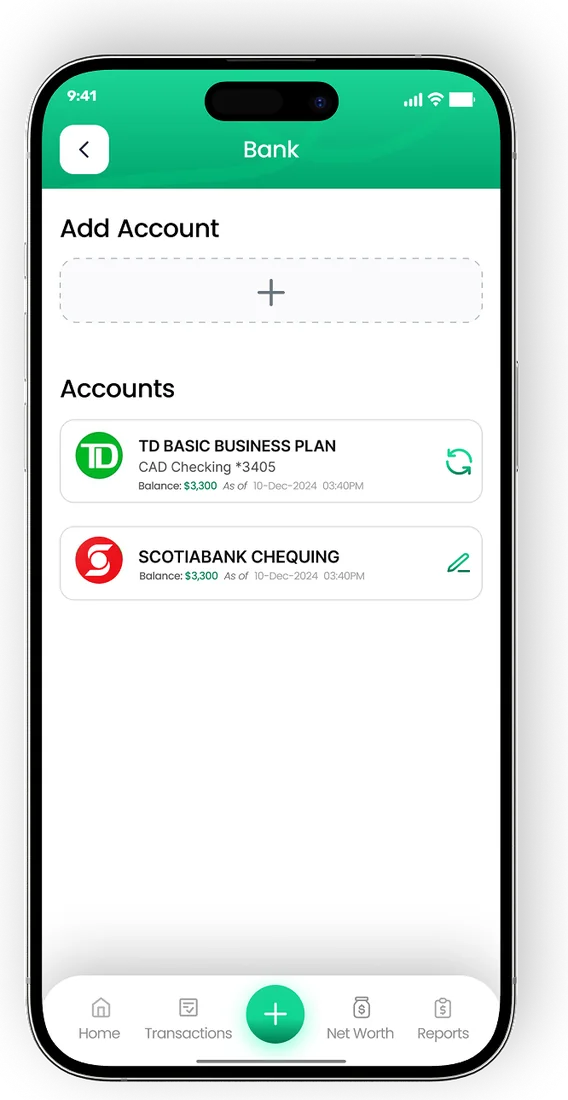
Yes. TD Canada Trust accounts can be connected to a budgeting app such as EMOH Pay through Plaid, a secure data connection service. The connection is read-only: the app imports and categorizes transactions but cannot move money. In EMOH Pay, automatic bank sync comes with EMOH Pro at $4.99 a month, and manual tracking is free.
Yes. A TD budgeting app setup works through Plaid, which links your TD Canada Trust accounts to the app after you sign in through a secure window. Once connected, new transactions flow into your budget without you typing them in.
The access is read-only, so the app can see balances and transactions but cannot pay bills, send e-Transfers or change anything in your TD accounts. You can disconnect whenever you like.
EMOH Pay is an independent Canadian app with no partnership with TD. It connects to TD the same way it connects to other Canadian banks, which our budgeting app with bank sync page explains in full.
How to connect TD to a budget app
- Sign up for EMOH Pay free on iPhone, Android or the web, then upgrade to EMOH Pro for bank sync.
- Go to Settings, then Linked Accounts, and tap Connect Bank.
- Search for TD Canada Trust and select it.
- Sign in with your TD EasyWeb credentials in the secure Plaid window, or on TD's own page if you are redirected, and approve any security code.
- Choose which TD accounts to share.
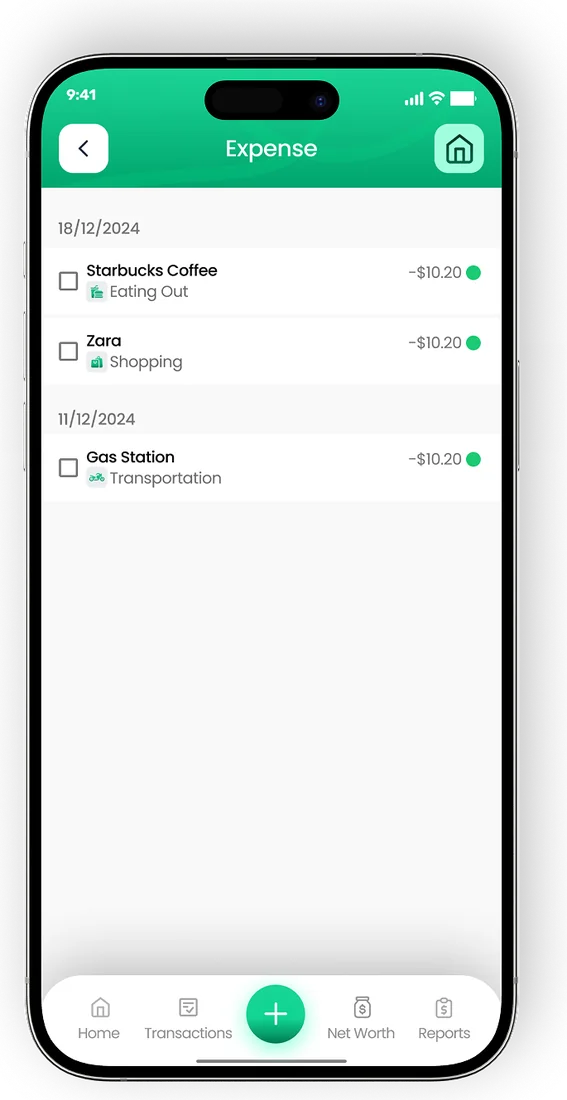
- Check your first imported transactions and recategorize anything that looks off. The app remembers your corrections.
If something does not connect as expected, our how to connect your bank help page covers common fixes and how to disconnect.
Which TD accounts can you track?
Most people start with the accounts where everyday spending happens: chequing and credit cards. Adding savings, investments and loans turns a budget into a full picture of your net worth. Coverage can vary by account type, so check in the app which TD accounts are available to sync.
| TD account type | Typical way to track it | Why include it |
|---|---|---|
| Chequing | Bank sync on EMOH Pro | Where most bills and debit spending land |
| Savings | Bank sync on EMOH Pro | Shows progress toward savings goals |
| TD credit cards | Bank sync on EMOH Pro | Card spending is often the biggest budget leak |
| Investments, TFSA, RRSP | Sync if available, or update the balance manually | Counts toward net worth |
| Mortgage or line of credit | Sync if available, or add manually as a debt | Shows what you owe alongside what you own |
| TD Bank US accounts | Track manually in US dollars | Bank sync is confirmed only for Canadian banks |
TD expense tracker: why use a separate budgeting app?
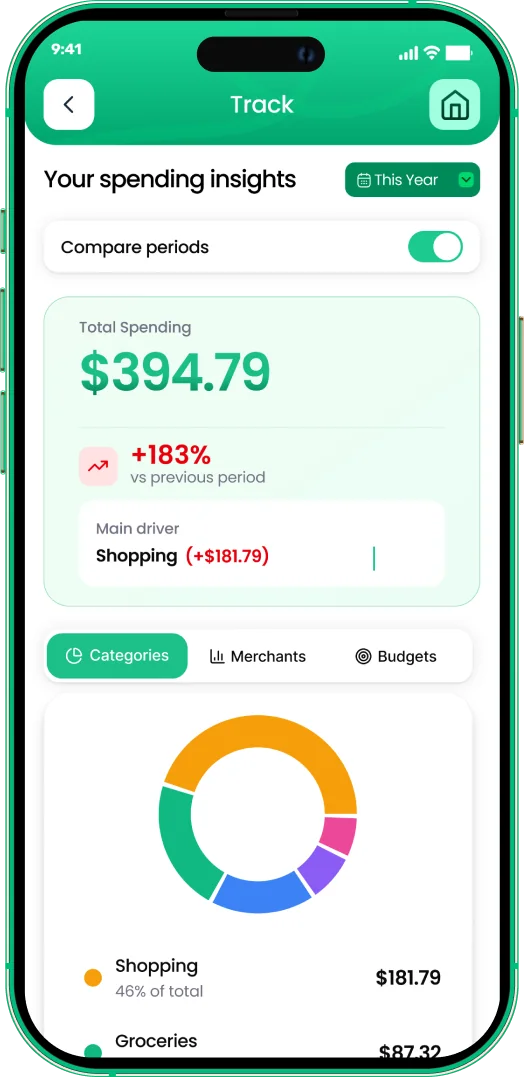
TD's own app shows your transactions and offers some spending insights for your TD accounts, which is useful if TD is your only bank. A separate budgeting app helps when you want one plan across several institutions, or when you want to set limits before the month starts instead of reviewing it afterwards.
- All your banks together. Combine TD with accounts at other Canadian banks in one budget.
- Budgets with alerts. Set a monthly limit per category and get a warning before you go over.
- Shared household budgets. Family sharing lets partners see the same live budget with separate logins, even if only one of you banks with TD.
- Bills and receipts. Track upcoming bills and attach receipt photos to expenses.
- A daily money digest that summarizes yesterday's spending and what is left to spend.
Plenty of people keep using the TD app for banking and use a budgeting app for planning. For more on the automatic side, read how to track expenses automatically.
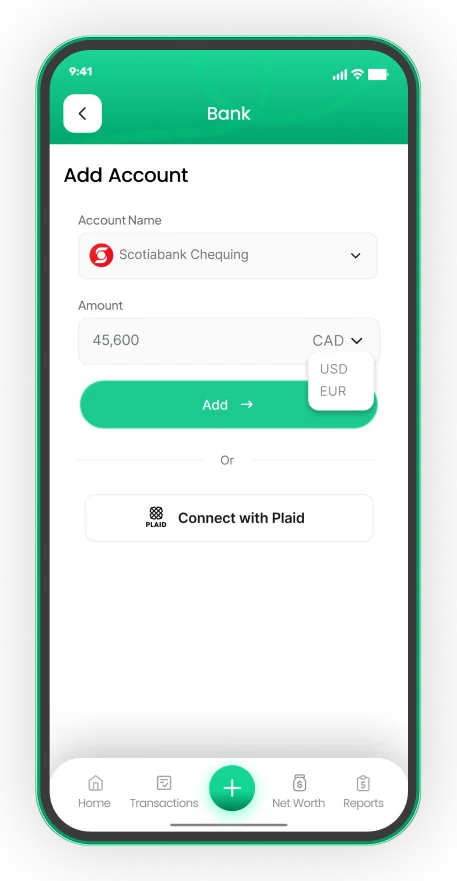
Connect your Canadian bank, read-only
- Secure read-only connection through Plaid on EMOH Pro
- Transactions arrive and categorize automatically
- Your banking password is never shared with EMOH Pay


Budgeting with TD accounts in Canada and the US
TD has a large presence on both sides of the border, and many Canadians hold a US dollar account for travel, winters in the south or cross-border work. Automatic bank sync in EMOH Pay is confirmed only for Canadian banks, so add US accounts manually and update them when you review your budget.
EMOH Pay supports 148 currencies with automatic conversion, so a US dollar balance shows in Canadian dollars in your net worth and reports. Our multi-currency budget app page explains how conversion works across accounts.
Is connecting TD to a budgeting app safe?
With a Plaid connection, you enter your TD credentials in Plaid's window or on TD's page, and EMOH Pay receives read-only data. EMOH Pay never stores your bank password, encrypts data with AES-256, never sells it and follows PIPEDA, Canada's private-sector privacy law. See our security page for details.
Automatic sync is optional. The free plan covers budgets, expense tracking, net worth and savings goals with quick manual entry. If you want TD transactions imported for you, compare plans on EMOH Pro pricing. Banking with RBC as well? See the RBC budgeting app guide.
Connect your bank
Put the numbers on autopilot
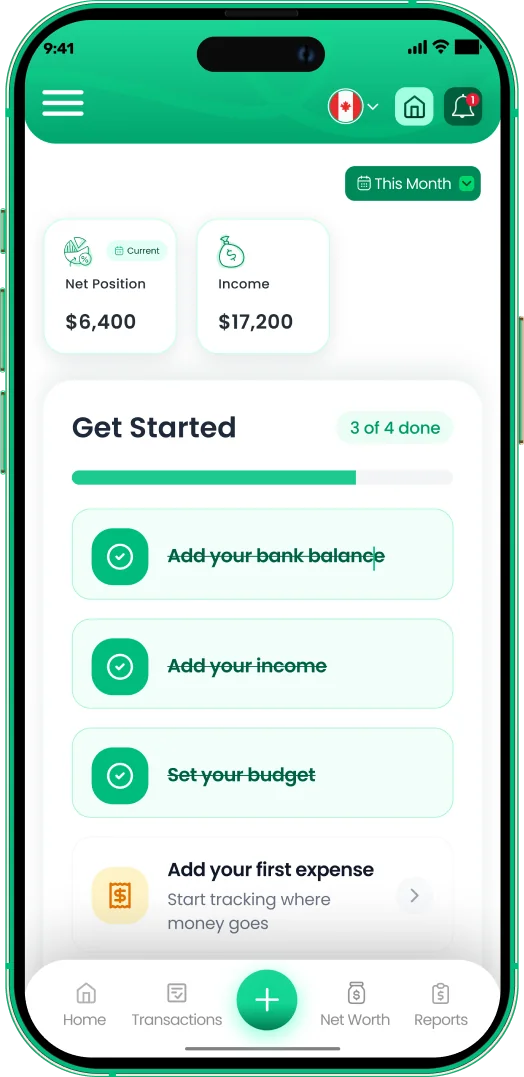
EMOH Pay tracks your spending, budgets and net worth on your phone and in the browser, always in sync. Free to start, made in Canada.
Get started free➜Budgeting App That Connects to TD: frequently asked questions
Does TD work with budgeting apps?
Yes. TD Canada Trust accounts can be linked to budgeting apps that use a data connection service such as Plaid. The connection is read-only, and you decide which accounts to share.
Is EMOH Pay affiliated with TD?
No. EMOH Pay is an independent Canadian budgeting app. It connects to TD through Plaid in the same way as other Canadian banks, and has no partnership with TD.
Can I sync my TD Bank US account?
Automatic bank sync in EMOH Pay is confirmed only for Canadian banks. You can add a TD Bank US account manually in US dollars, and EMOH Pay converts it to Canadian dollars in your totals.
Can the app see my TD password or move money?
No. You enter your credentials with Plaid or TD, not EMOH Pay, and the connection is read-only. The app cannot make payments or transfers.
How much does TD bank sync cost in EMOH Pay?
Bank sync is included in EMOH Pro at $4.99 a month. Manual tracking, budgets and savings goals are free to start.
Sources and further reading
Related guides and tools
Connect your Canadian bank securely through Plaid and EMOH Pro imports transactions automatically — read-only, encrypted…
How to Connect Your BankConnect your Canadian bank in under two minutes with EMOH Pro: Settings → Linked Accounts → Connect Bank → choose your bank…
Budgeting App That Connects to RBCLooking for an RBC budgeting app? See how to connect RBC accounts to a budget app read-only through Plaid, what imports and…
Budgeting App That Connects to ScotiabankNeed a Scotiabank budgeting app? See how to connect Scotiabank accounts to a budget app read-only through Plaid, plus tips…
Budgeting App That Connects to BMOSearching for a BMO budgeting app? See how to connect BMO accounts to a budget app read-only through Plaid, what it costs…
Multi Currency Budget AppEMOH Pay supports 148 currencies with live conversion — perfect for expats, travellers, newcomers and anyone whose money…
Start free today
Free on iPhone, Android and the web. Upgrade to EMOH Pro anytime for bank sync and advanced AI.
Download for iOS➜ Get it on Android➜