
Budgeting App That Connects to RBC
You can link RBC chequing, savings and credit card accounts to a budgeting app with a read-only connection. Here is how it works, what is safe to share and how an independent app differs from the RBC Mobile app.
Get started free➜ Download the app➜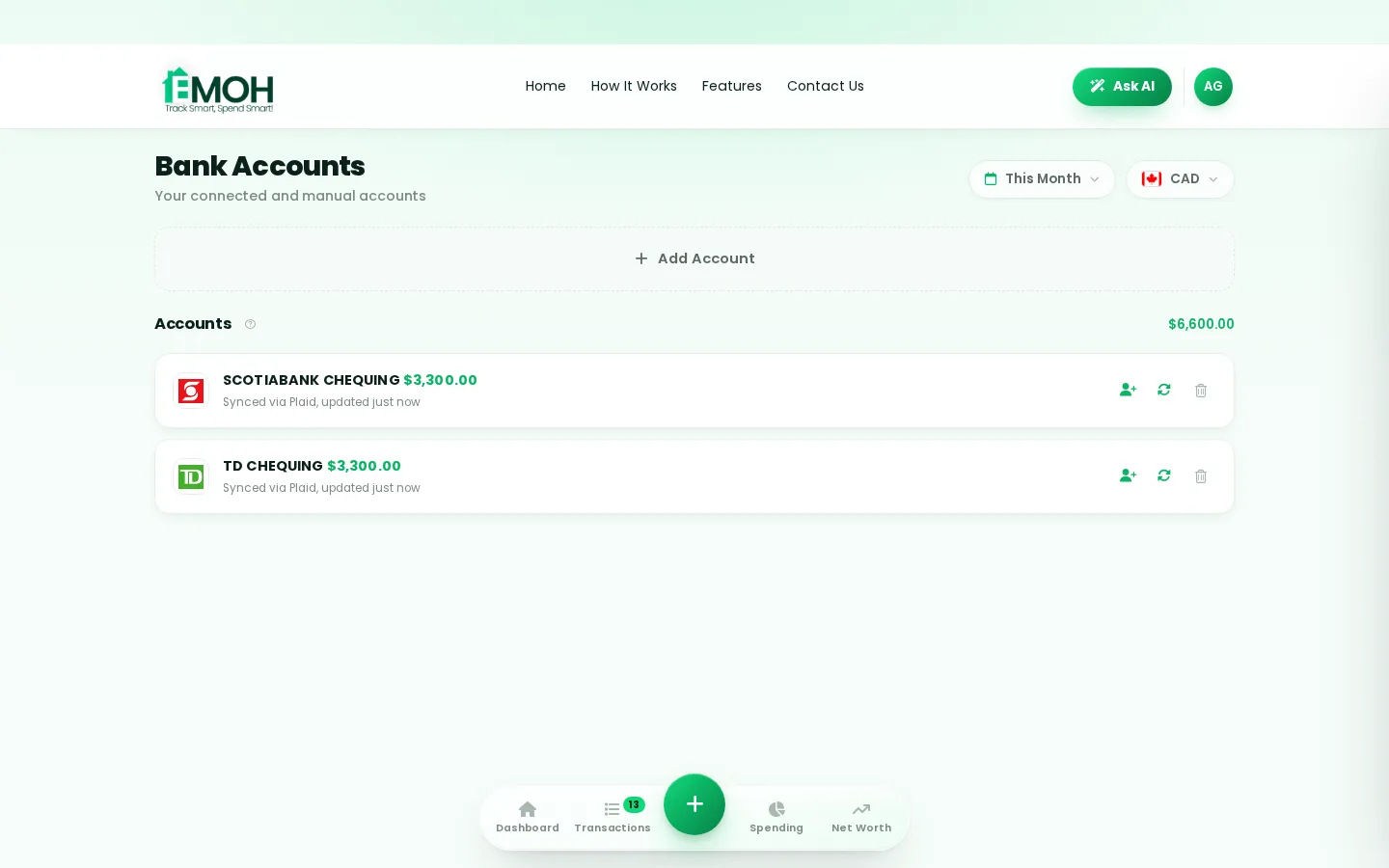
Can I connect my RBC account to a budgeting app?
Yes. You can connect RBC accounts to a budgeting app such as EMOH Pay through Plaid, a secure data connection service. The link is read-only, so the app can import and categorize transactions but can never move money. In EMOH Pay, automatic bank sync is part of EMOH Pro at $4.99 a month; manual tracking is free.
Yes. Royal Bank of Canada customers can connect their accounts to an RBC budgeting app setup through a data connection service called Plaid. You sign in through a secure window, choose which accounts to share, and your transactions start importing into the app automatically.
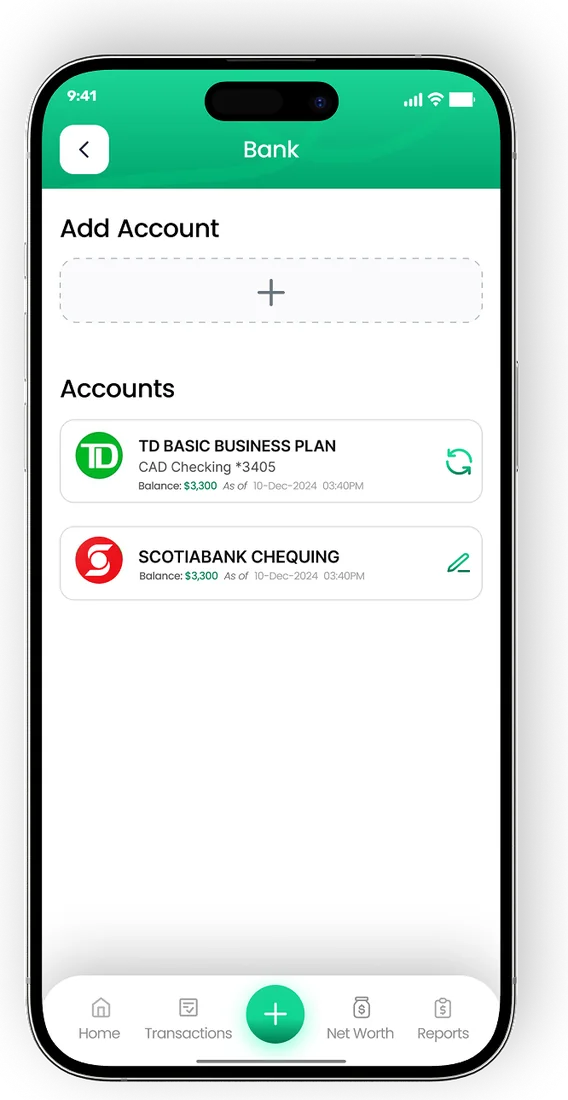
The connection is read-only. A budgeting app can see balances and transactions so it can categorize them, but it cannot make payments, transfers or changes to your RBC accounts. You can remove the connection at any time from the app, and you can also review connected apps through your bank.
EMOH Pay is not affiliated with or endorsed by RBC. The connection works the same way it does for other Canadian banks, which is explained in full on our budgeting app with bank sync page.
How to connect RBC to EMOH Pay
Connecting RBC takes a couple of minutes. You need an EMOH Pro subscription and your usual RBC Online Banking sign-in details. Have your phone nearby in case RBC asks for a verification code.
- Create a free EMOH Pay account on iPhone, Android or the web at emohpay.com, then upgrade to EMOH Pro.
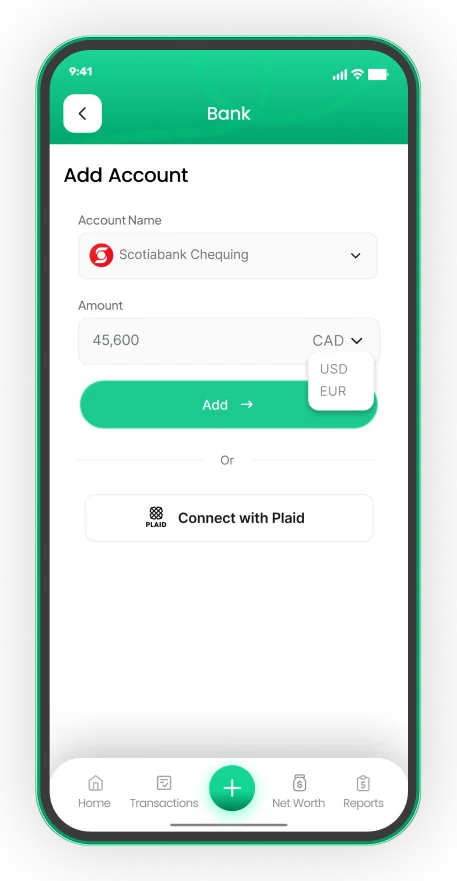
- Open Settings, go to Linked Accounts and choose Connect Bank.
- Search for RBC Royal Bank in the list of Canadian banks.
- Sign in through the secure Plaid window, or your bank's own sign-in page if you are redirected, and complete any verification step.
- Pick the accounts you want to share, such as chequing, savings and credit cards.
- Review how your first transactions have been categorized and adjust any that need it. EMOH Pay learns from your changes.
Step-by-step help, including how to disconnect, is on our how to connect your bank help page. Coverage can vary by account type, so check in the app which of your RBC accounts are available before relying on them.
Is it safe to connect RBC to a budget app?
Connecting through Plaid is designed so that the budgeting app never sees or stores your RBC password. You enter your credentials in Plaid's window or on your bank's page, and the app receives read-only transaction data. EMOH Pay encrypts your data with AES-256, never sells it and follows Canada's PIPEDA privacy law.
- Read-only access. No payments, transfers or account changes are possible through the connection.
- No stored credentials. EMOH Pay does not keep your RBC sign-in details.
- Your choice of accounts. Share only the accounts you want to budget with.
- Easy to revoke. Disconnect in Linked Accounts at any time, and the import stops immediately.
Read more about how your data is protected on our security page, and see our guide to budgeting app privacy in Canada for questions to ask any app.
RBC expense tracker: bank app or independent budgeting app?
The RBC Mobile app already shows your balances and transactions, and it offers some built-in insights. For many people that is enough. An independent budgeting app earns its place when your money is spread across more than one institution, or when you want to plan ahead rather than just review spending.
| What you need | RBC Mobile app | Independent budgeting app |
|---|---|---|
| See RBC balances and transactions | Yes | Yes, through a read-only connection |
| Include accounts at other banks | Designed mainly for RBC accounts | Yes, other Canadian banks through Plaid |
| Category budgets with overspend alerts | Check the RBC app for current tools | Yes |
| Savings goals and net worth across all accounts | RBC accounts only | All accounts, including manual ones |
| Share a live budget with a partner | Through joint accounts | Yes, family sharing with separate logins |
| Track cash and foreign accounts | Not its main purpose | Yes, manually in 148 currencies |
Many RBC clients use both: the RBC app for banking tasks such as paying bills and sending transfers, and a budgeting app for planning. There is no conflict between them.
Connect your Canadian bank, read-only
- Secure read-only connection through Plaid on EMOH Pro
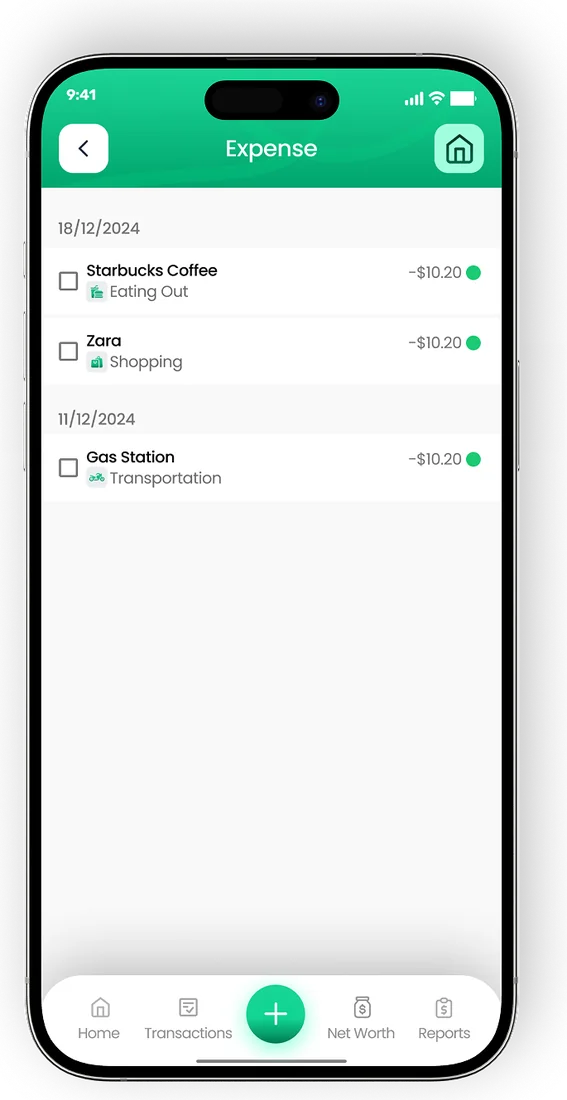
- Transactions arrive and categorize automatically
- Your banking password is never shared with EMOH Pay


What an RBC budgeting app setup can do for you
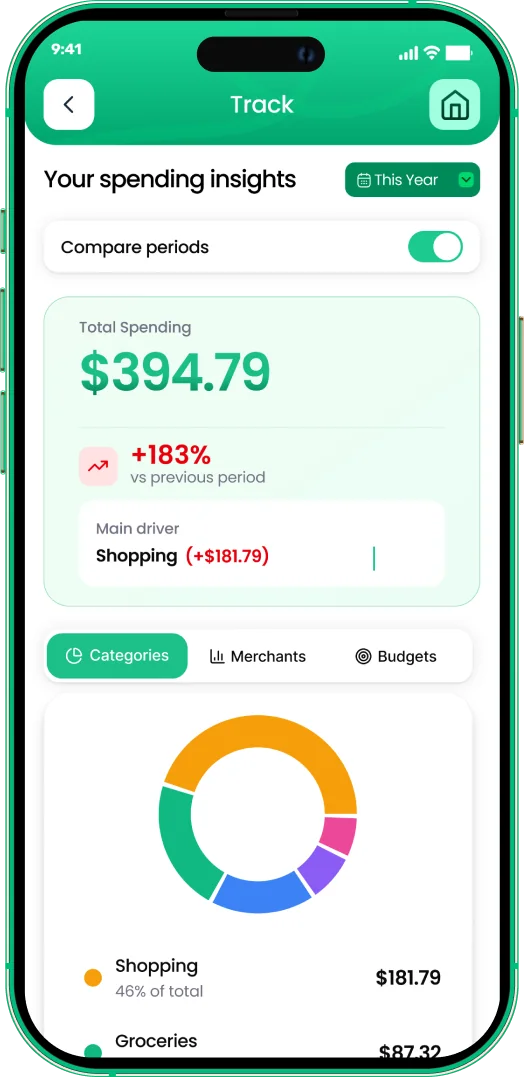
See every account in one place
If you bank with RBC but hold a credit card or a TFSA elsewhere, a budgeting app puts them side by side. Your net worth updates as balances change.
Budget by category, not by account
Imported transactions are sorted into categories such as groceries, transit and dining. You set a monthly limit for each, and EMOH Pay warns you before you overspend.
Handle cross-border money
Some RBC clients also hold US dollar accounts or accounts outside Canada. Bank sync is confirmed only for Canadian banks, so add those accounts manually. EMOH Pay converts 148 currencies automatically, which our multi-currency budget app page explains.
Keep tax records tidy
Freelancers and small business owners with RBC business or personal accounts can use GST/HST tracking to separate the tax on each expense, then export reports to PDF or Excel.
Do you need bank sync at all?
Not necessarily. EMOH Pay is free to start and lets you log expenses by hand in a couple of taps, which many people prefer because it keeps them aware of every purchase. Automatic bank sync on EMOH Pro suits people who have many transactions, several accounts or little time.
A sensible approach is to track manually for a month on the free plan, then decide. If you want automatic imports from RBC, compare plans on the EMOH Pro pricing page. Customers of other banks can see our TD budgeting app guide.
Connect your bank
Put the numbers on autopilot
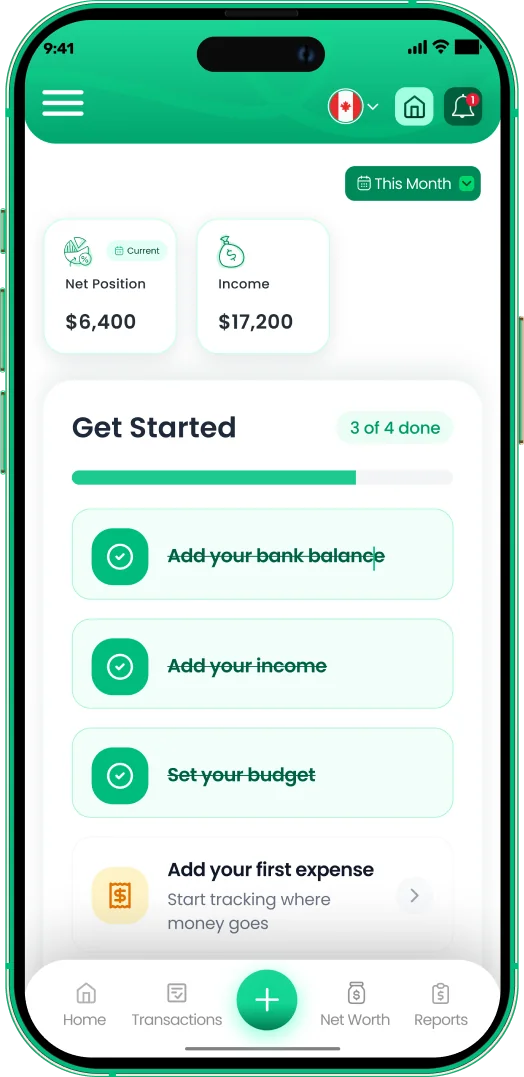
EMOH Pay tracks your spending, budgets and net worth on your phone and in the browser, always in sync. Free to start, made in Canada.
Get started free➜Budgeting App That Connects to RBC: frequently asked questions
Does RBC work with budgeting apps?
Yes. RBC accounts can be connected to budgeting apps that use a data connection service such as Plaid. The connection is read-only, and you choose which accounts to share. Check in the app which RBC account types are available.
Is EMOH Pay an official RBC app?
No. EMOH Pay is an independent Canadian budgeting app and has no partnership with RBC. It connects to RBC accounts the same way it connects to other Canadian banks, through Plaid.
Can a budgeting app move money out of my RBC account?
No. The connection is read-only. EMOH Pay can import balances and transactions to categorize them, but it cannot make payments, transfers or any changes to your account.
How much does it cost to sync RBC with EMOH Pay?
Automatic bank sync is part of EMOH Pro, which costs $4.99 a month. The free plan includes budgets, expense tracking, net worth and savings goals with manual entry.
What happens if I change my RBC password?
The connection may pause until you sign in again. Open Linked Accounts in EMOH Pay and reconnect RBC to resume automatic imports.
Sources and further reading
Related guides and tools
Connect your Canadian bank securely through Plaid and EMOH Pro imports transactions automatically — read-only, encrypted…
How to Connect Your BankConnect your Canadian bank in under two minutes with EMOH Pro: Settings → Linked Accounts → Connect Bank → choose your bank…
Budgeting App That Connects to TDWant a TD budgeting app? See how to connect TD chequing, savings and credit cards to a budget app read-only through Plaid…
Budgeting App That Connects to ScotiabankNeed a Scotiabank budgeting app? See how to connect Scotiabank accounts to a budget app read-only through Plaid, plus tips…
Budgeting App That Connects to BMOSearching for a BMO budgeting app? See how to connect BMO accounts to a budget app read-only through Plaid, what it costs…
EMOH Pay Pricing — Free & Pro PlansEMOH Pay is free to start. EMOH Pro adds automatic bank sync and advanced AI for just $4.99/month. Cancel anytime. Free to…
Start free today
Free on iPhone, Android and the web. Upgrade to EMOH Pro anytime for bank sync and advanced AI.
Download for iOS➜ Get it on Android➜