
Home Office Expenses in Canada: What You Can Claim
Working from home can lower your tax bill, but only if you qualify and claim the right costs. Here is how the work from home deduction works for employees and for the self-employed.
Get started free➜ Download the app➜
What home office expenses can I claim?
Employees who qualify can claim a share of rent, electricity, heat, water, home internet access fees and minor repairs, plus office supplies they use up. Commission employees can also claim home insurance and property tax. Self-employed people can claim those costs plus mortgage interest. Your share is based on the space you use for work.
Who can claim home office expenses in Canada?
You can claim home office expenses in Canada as an employee if your employer required you to work from home and signed Form T2200, and your workspace meets one of two tests. Self-employed people claim business-use-of-home expenses under similar space tests. Either way, you need receipts and a reasonable way to measure the space.
The temporary flat rate method, which allowed $2 a day without receipts, applied only to the 2020, 2021 and 2022 tax years. From 2023 onward, employees must use the detailed method.
- Test one: the workspace is where you mainly do your job, meaning more than 50% of the time for at least four consecutive weeks.
- Test two: the space is used only for earning employment or business income, and you use it regularly and continuously to meet clients or customers.
- Employer sign-off: employees need a completed T2200 confirming the work-from-home requirement and that you are not reimbursed for these costs.
What expenses can you claim for a home office?
What you can deduct depends on how you earn your income. The biggest difference is that salaried employees cannot claim ownership costs such as mortgage interest, property tax or depreciation.
| Expense | Salaried employee | Commission employee | Self-employed |
|---|---|---|---|
| Rent | Yes, your share | Yes, your share | Yes, your share |
| Electricity, heat and water | Yes | Yes | Yes |
| Home internet access fees | Yes | Yes | Yes |
| Maintenance and minor repairs | Yes | Yes | Yes |
| Office supplies used up (paper, ink) | Yes | Yes | Yes |
| Home insurance | No | Yes | Yes |
| Property tax | No | Yes | Yes |
| Mortgage interest | No | No | Yes |
| Mortgage principal, furniture, renovations | No | No | Not as an expense; some items through capital cost allowance |
Self-employed people who claim capital cost allowance on the home itself should get advice first, because it can affect the principal residence exemption when you sell. Our guide to self-employed taxes in Canada covers the wider picture.
How to calculate your work from home deduction
The CRA expects a reasonable basis for the share you claim. Most people use floor area: the size of the workspace divided by the total finished area of the home, including hallways, bathrooms and kitchens. If the space is also used for personal things, you then reduce the claim by the share of hours it is used for work.
- Measure the workspace and the total finished area of your home.
- Divide the first by the second to get your workspace percentage.
- If the space is shared, multiply by the hours used for work each week divided by 168.
- Add up the year's eligible costs from receipts and bills.
- Multiply the total by your percentage to get the amount to claim.
| Cost for the year | Amount | Claim at 10% |
|---|---|---|
| Rent ($2,000 a month) | $24,000 | $2,400 |
| Electricity and heat | $1,500 | $150 |
| Home internet access | $900 | $90 |
| Total | $26,400 | $2,640 |
A deduction lowers taxable income, not tax directly. At a combined marginal rate of about 30%, a $2,640 claim is worth roughly $790 in tax. Check your own rate with our income tax calculator for Canada.
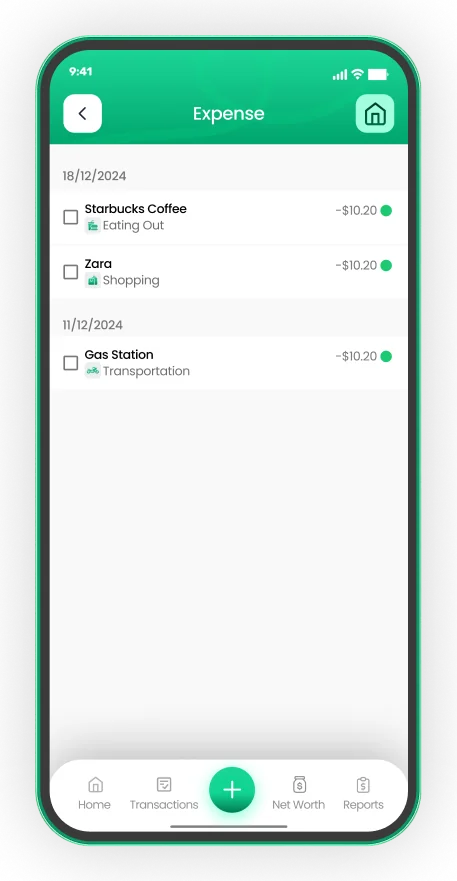
GST/HST on every expense
- Record GST/HST as you log each purchase
- Mark recurring bills once
- Export tax-ready PDF or Excel reports


Which forms do you need?
Employees: T2200 and T777
Your employer completes and signs Form T2200, Declaration of Conditions of Employment. You keep it with your records rather than sending it in. You then calculate the claim on Form T777, Statement of Employment Expenses, and enter the total on line 22900 of your return.
Self-employed: T2125
Sole proprietors report business-use-of-home expenses on Form T2125, Statement of Business or Professional Activities. The claim cannot create or increase a business loss. Any amount you cannot use carries forward to next year, provided you still earn income from the same business.
Keep records for six years
The CRA can ask for receipts, bills, your floor-plan measurements and the T2200. Keep them for at least six years from the end of the tax year they relate to.
Common mistakes with home office claims
- Claiming without a T2200. An employee who simply chose to work from home, with no employer requirement, cannot claim.
- Using the old flat rate. The $2 a day method is gone. Claims for 2023 and later need actual costs.
- Claiming ownership costs as an employee. Mortgage interest and depreciation are for the self-employed only.
- Forgetting reimbursements. If your employer paid you back for internet or supplies, subtract that amount.
- Losing receipts. Snap each bill as it arrives. EMOH Pay stores receipt photos against each expense, so year-end paperwork is already sorted. See our receipt tracker app.
How to track home office costs through the year
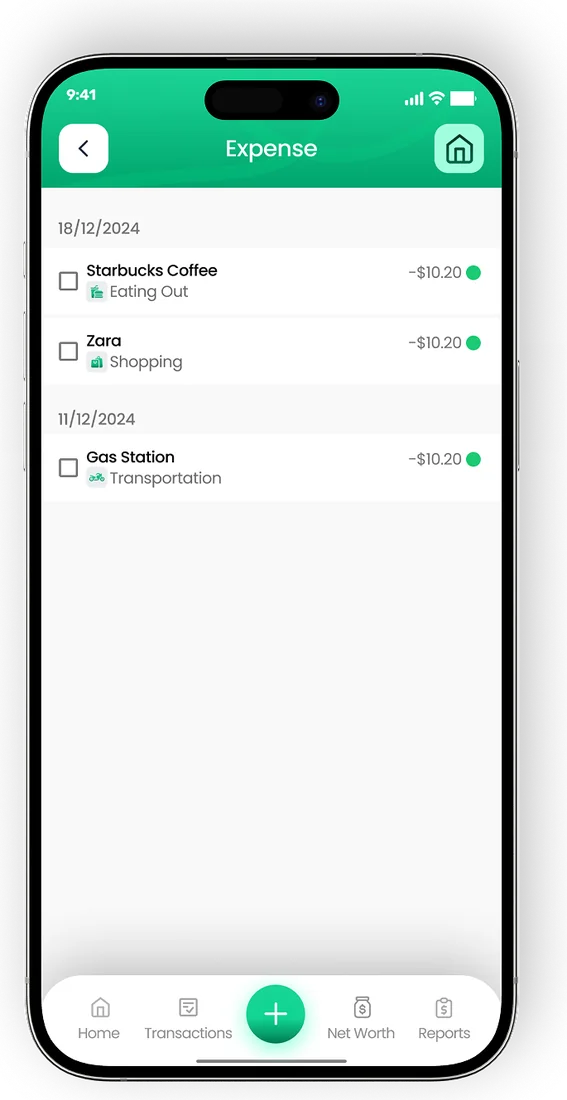
Most home office claims fail on paperwork, not eligibility. Tag rent, utilities and internet in a separate category from January, and export a report before you file. EMOH Pay's reports export to PDF and Excel, and its GST/HST tracking helps self-employed users who are registered claim input tax credits on the same bills.
When you are ready to file, our tax filing deadline guide lists the key dates, and the tax expense tracker guide shows how to set up categories that match CRA forms.
Tax-ready tracking
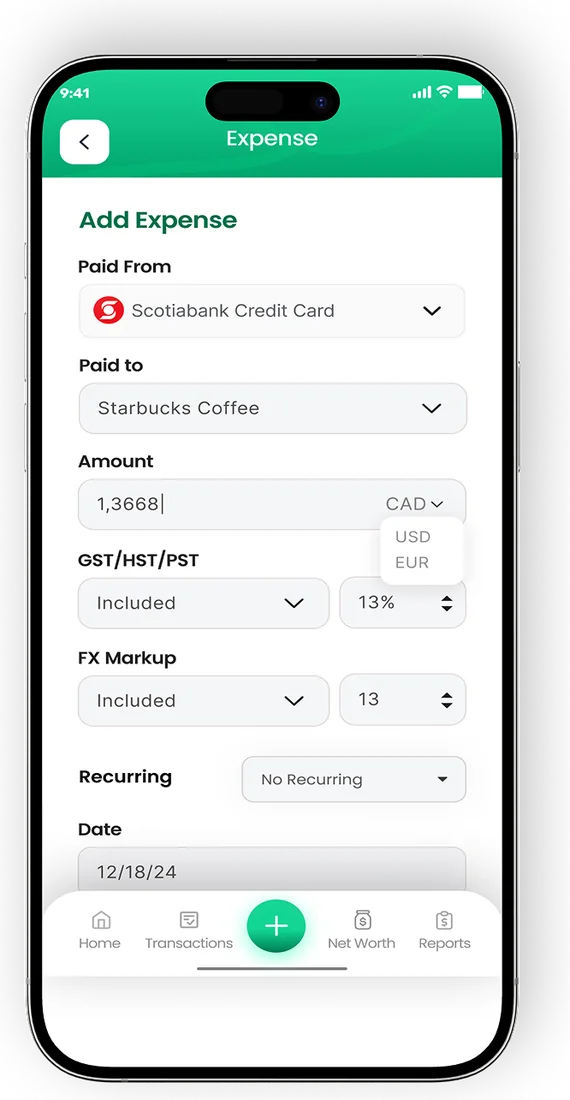

Put the numbers on autopilot
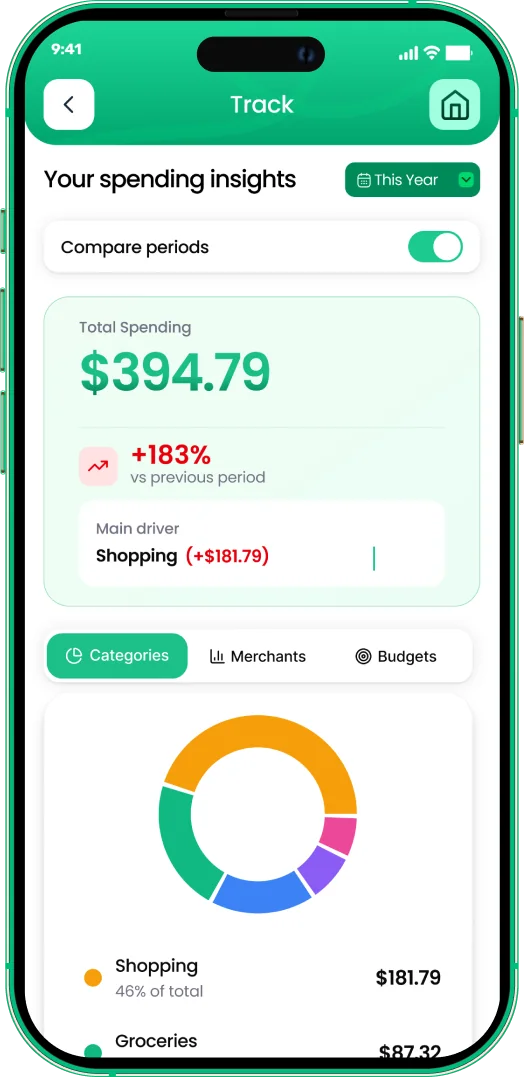
EMOH Pay tracks your spending, budgets and net worth on your phone and in the browser, always in sync. Free to start, made in Canada.
Get started free➜Home Office Expenses in Canada: What You Can Claim: frequently asked questions
Can I still claim $2 a day for working from home?
No. The temporary flat rate method applied only to 2020, 2021 and 2022. For 2023 and later years, employees must use the detailed method with actual costs and a signed T2200.
Can I claim home office expenses if I work from home only part of the week?
Yes, if your workspace is where you work more than 50% of the time over at least four consecutive weeks. A hybrid worker who is in the office three days a week usually does not meet that test for the space.
Can I deduct my internet bill?
You can deduct the work share of monthly home internet access fees. Connection and installation fees are not deductible for employees.
Do homeowners who are employees get a bigger deduction?
Usually not. Salaried employees cannot claim mortgage interest, property tax, home insurance or depreciation. Commission employees can add property tax and home insurance.
Can I claim furniture or a new computer?
Employees generally cannot deduct furniture or computers. Self-employed people can deduct these through capital cost allowance over several years rather than all at once.
Sources and further reading
Related guides and tools
Tax deadline Canada 2026: 30 April for most people, 15 June for the self-employed. See every filing, payment and instalment…
Self-Employed Taxes in CanadaSelf employed taxes in Canada explained: income tax, both halves of CPP, GST/HST and instalments, with a worked 2026 example…
The Ultimate Guide to a Tax Expense Tracker in CanadaTax season in Canada can feel like a marathon you didn’t sign up for. For self-employed individuals, freelancers, and small…
Snap it. Saved forever.Photograph receipts as you spend and EMOH Pay attaches them to transactions — searchable, organized and backed up for…
Income Tax Calculator Canada 2026Estimate your 2026 Canadian income tax, CPP, EI and take-home pay in every province and territory, with federal and…
Built for irregular incomeEMOH Pay tracks freelance income, separates GST/HST for tax time, and smooths irregular months into a budget you can…
Start free today
Free on iPhone, Android and the web. Upgrade to EMOH Pro anytime for bank sync and advanced AI.
Download for iOS➜ Get it on Android➜