
Budgeting App That Connects to Desjardins
Connect your Desjardins accounts to EMOH Pay and build a budget that fits Quebec life, from QST on receipts to shared household costs.
Get started free➜ Download the app➜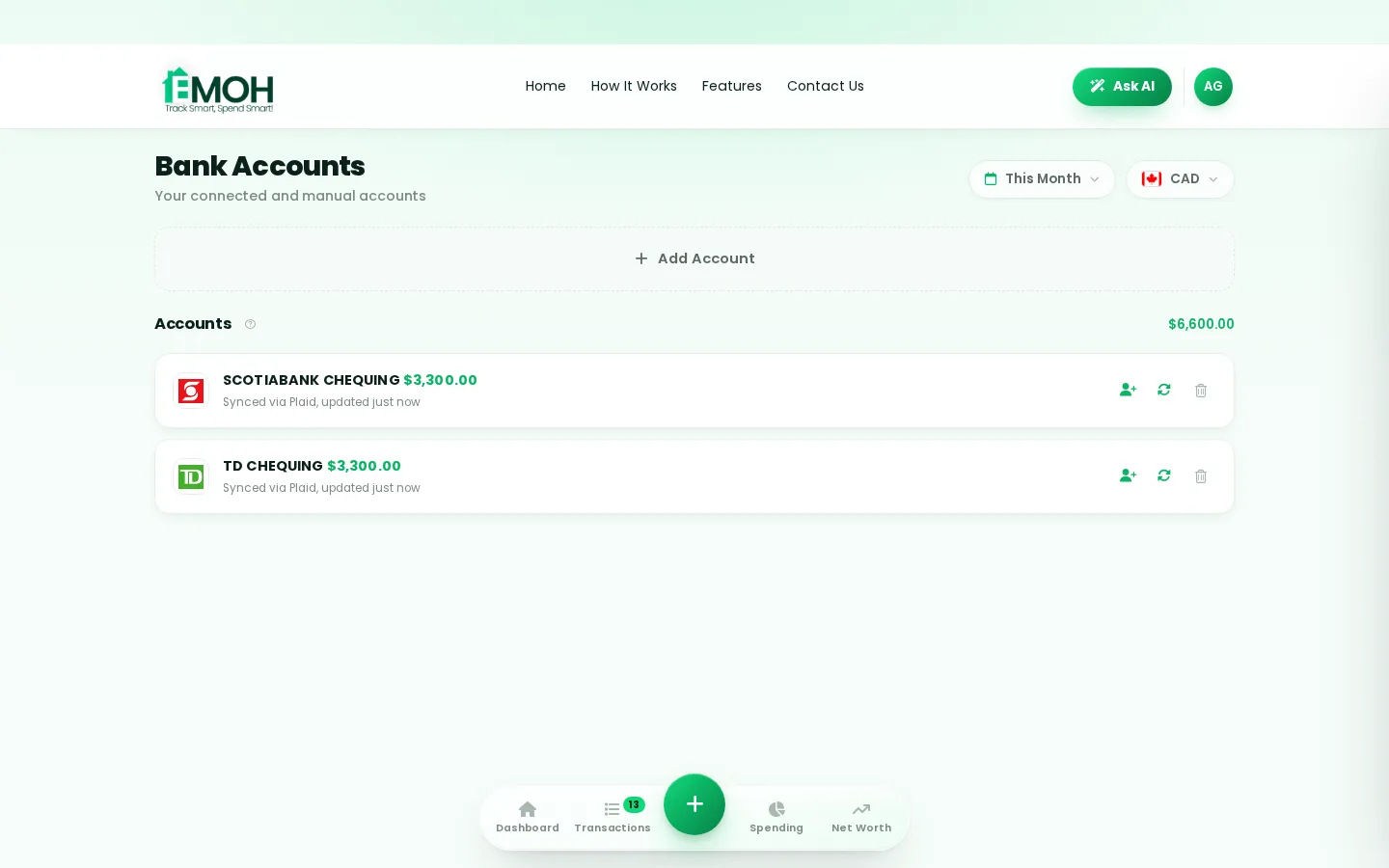
Can I connect my Desjardins account to a budgeting app?
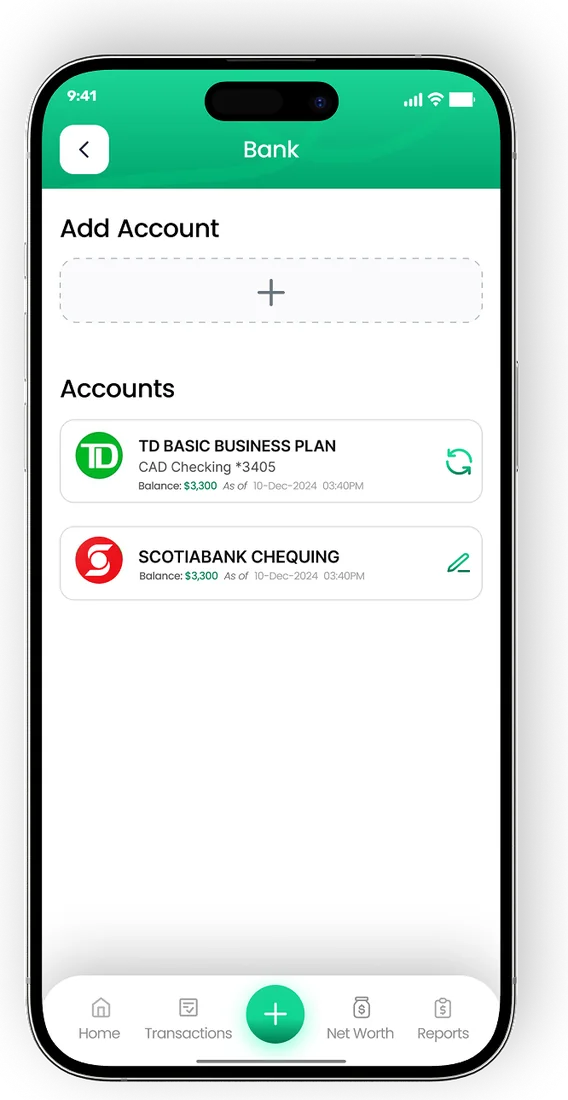
Yes. A Desjardins budgeting app can connect to your caisse accounts through a read-only service such as Plaid, importing transactions without any ability to move money. In EMOH Pay, automatic bank sync comes with EMOH Pro at $4.99 a month, and you can track Desjardins accounts manually for free on any plan.
What a Desjardins budgeting app does
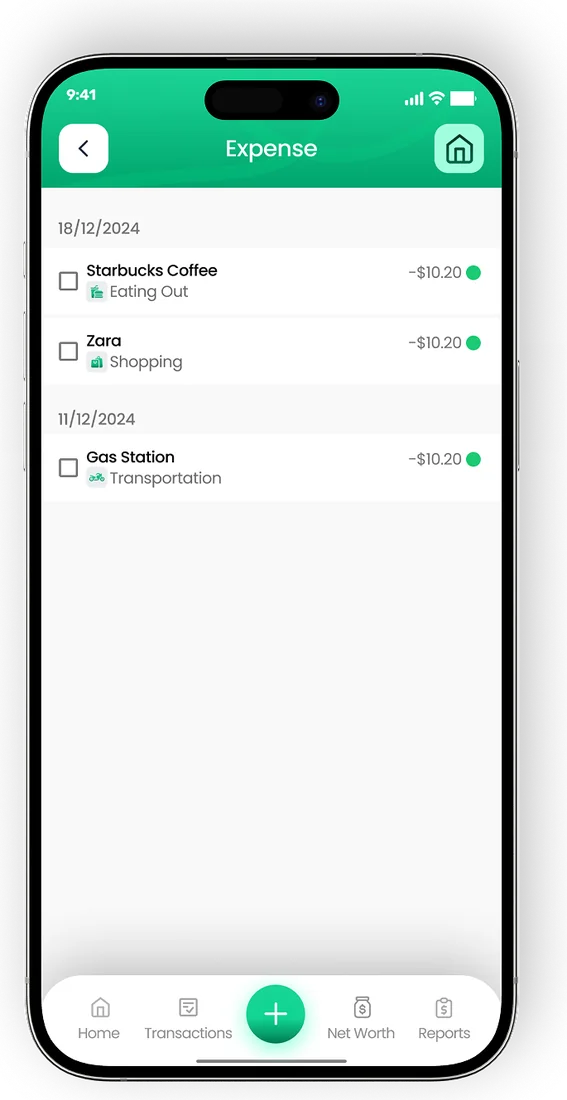
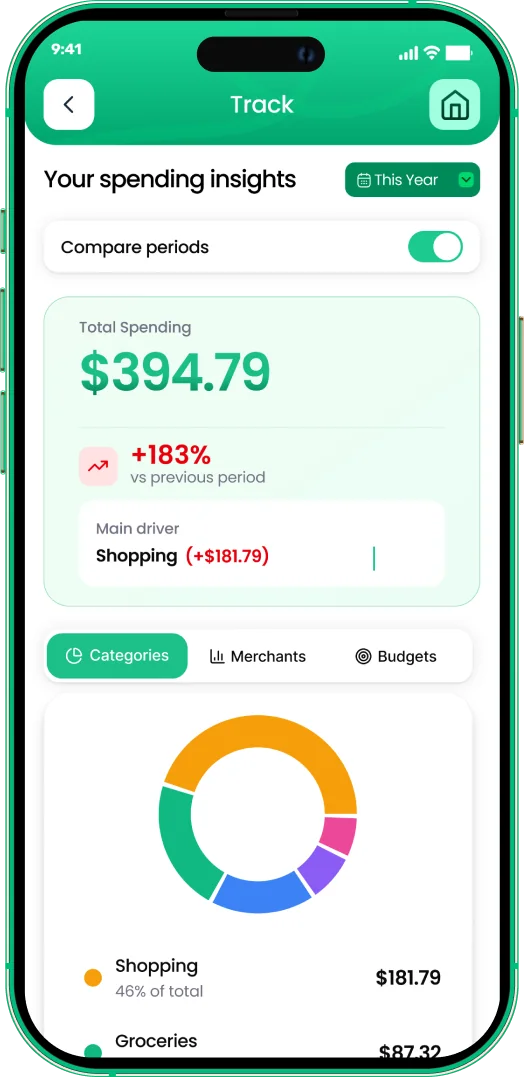
A Desjardins budgeting app pulls transactions from your Desjardins accounts into a budget, sorts them into categories and shows how each category compares with your plan. You connect once through a secure sign-in window and new transactions keep arriving.
Desjardins is a cooperative financial group made up of caisses, and its members often hold chequing, savings, credit cards and a mortgage there. Its own app shows those accounts well. A separate budgeting app adds the rest of your financial life, such as a card from another bank, a partner's accounts or cash spending, and turns it into one budget.
EMOH Pay uses Plaid for this connection. Access is read-only, so the app can categorize transactions but cannot make transfers or payments. The budgeting app with bank sync page covers how sync works in more detail.
How to connect Desjardins to a budget app
Setup follows the standard Plaid flow. Exact labels can change over time, so use the prompts inside the app as your guide.
- Create a free EMOH Pay account on iPhone, Android or at emohpay.com.
- Move to EMOH Pro if you want automatic bank sync. Manual tracking remains free.
- Open the linked accounts section in settings and choose connect a bank.
- Search for Desjardins in the institution list.
- Sign in through the secure Plaid window using your AccèsD online banking details. EMOH Pay never receives your password.
- Pick the accounts to share, such as your chequing account, savings or Desjardins credit card.
- Review the first import, then set budgets for groceries, housing, transport and other main categories.
Coverage can vary by account type and by caisse. Confirm each account appears in the connection list inside the app before relying on it. The bank connection help guide has troubleshooting steps.
Budgeting for Quebec: GST, QST and household costs
Quebec has its own sales tax, the QST, charged alongside the federal GST. For most households that simply means receipts show two taxes. For freelancers and small business owners who claim input tax credits and input tax refunds, keeping the tax portion of each expense organized saves real time at filing.
EMOH Pay's GST/HST tracking separates the federal tax on expenses automatically. For QST, add it in a note or a dedicated category so it is easy to total later, and use the QST calculator to check amounts on a receipt.
| Quebec budgeting task | How to handle it in a budget app |
|---|---|
| Separating GST on business expenses | Use GST/HST tracking so the federal tax portion is recorded automatically |
| Recording QST for input tax refunds | Keep QST in a note or category and export totals to PDF or Excel |
| Planning around Quebec take-home pay | Base the budget on net pay after both provincial and federal deductions |
| Sharing costs with a partner | Use family sharing so each person has a login to the same live budget |
| Keeping receipts for tax time | Attach receipt photos to transactions as you spend |
If you are building a budget from scratch, the budgeting in Quebec guide covers provincial costs, and the Quebec salary calculator shows what your pay looks like after deductions.
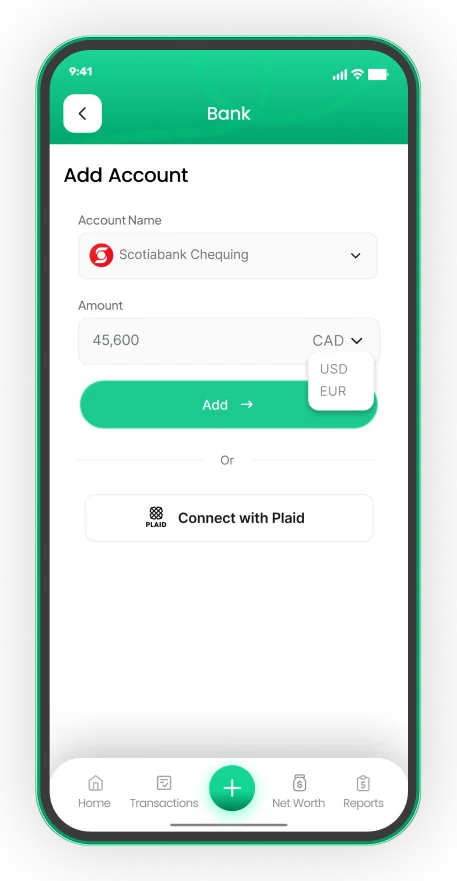
Connect your Canadian bank, read-only
- Secure read-only connection through Plaid on EMOH Pro
- Transactions arrive and categorize automatically
- Your banking password is never shared with EMOH Pay


Is it safe to connect Desjardins to a budgeting app?
Connecting Desjardins to a budgeting app is generally safe when three things are true: the connection is read-only, your credentials go to the connection provider rather than the app, and stored data is encrypted. Check each point for any app, and review Desjardins' own guidance on third-party access to your accounts.
In EMOH Pay, you sign in through Plaid, so your AccèsD password is never stored by EMOH Pay. Data is encrypted with AES-256, never sold, and handled under PIPEDA. Disconnecting takes a moment and stops syncing immediately.
App security is separate from deposit protection. Deposits at Desjardins caisses in Quebec are covered by the deposit insurance plan administered by the Autorité des marchés financiers rather than by CDIC. The AMF website explains what is covered.
Desjardins alongside other banks
See the National Bank budgeting app guide if you also bank there, or compare plans on the EMOH Pro pricing page.
- One budget, many institutions. Connect National Bank, RBC, TD or any other supported Canadian bank next to Desjardins so your totals are complete.
- Transfers are not spending. Tag moves between your own accounts as transfers to keep reports accurate.
- Net worth in one figure. Savings, mortgage and other debts roll into a live net worth view.
- Money in other currencies. If you spend time in the United States or hold foreign accounts, 148 currencies convert automatically to Canadian dollars.
Connect your bank
Put the numbers on autopilot
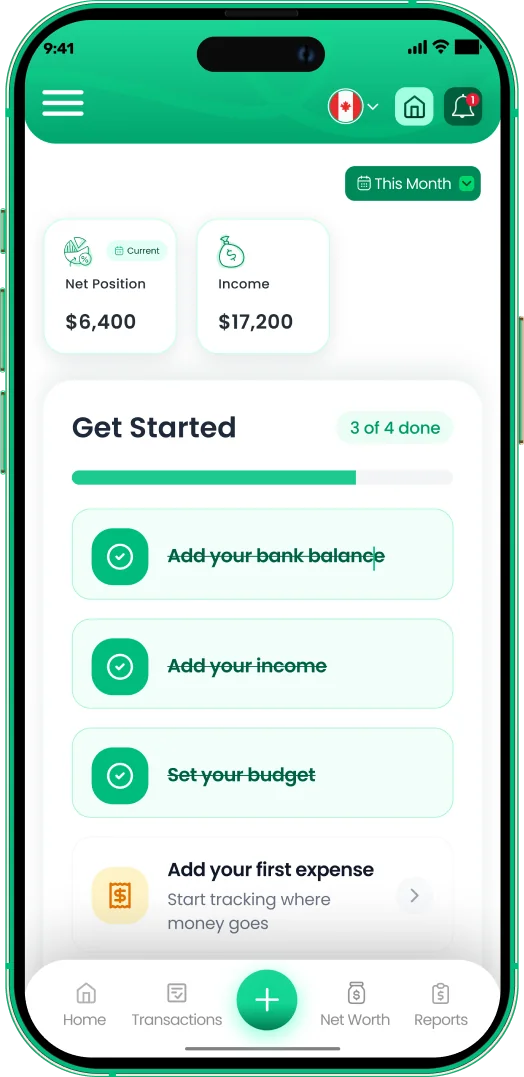
EMOH Pay tracks your spending, budgets and net worth on your phone and in the browser, always in sync. Free to start, made in Canada.
Get started free➜Budgeting App That Connects to Desjardins: frequently asked questions
Is EMOH Pay a Desjardins product?
No. EMOH Pay is an independent app from EMOH PAY INC. It connects to Desjardins through Plaid and has no partnership with Desjardins.
Do I need EMOH Pro to budget with Desjardins accounts?
Only for automatic sync. The free plan lets you add Desjardins accounts manually with budgets, alerts, goals and reports included.
Can the app make payments from my caisse account?
No. The link is read-only. EMOH Pay can read transactions and balances but cannot move money or pay bills.
Does EMOH Pay track QST automatically?
EMOH Pay tracks GST/HST automatically. Record QST in a note or its own category so you can total it and export it for your records.
What if my Desjardins account does not appear?
Coverage can vary by account type. Search again by name, check the help guide, and track the account manually in the meantime.
Sources and further reading
Related guides and tools
Connect your Canadian bank securely through Plaid and EMOH Pro imports transactions automatically — read-only, encrypted…
How to Connect Your BankConnect your Canadian bank in under two minutes with EMOH Pro: Settings → Linked Accounts → Connect Bank → choose your bank…
Budgeting App That Connects to National BankSearching for a National Bank budgeting app? Learn how to connect National Bank to a budget app with read-only sync, track…
Budgeting in QuebecBudgeting in Quebec: sales tax is 5% GST + 9.975% QST, minimum wage $15.75/hr, typical rent $1,100/month. Lowest big-city…
QST Calculator (Quebec)Free QST calculator for Quebec. Enter any amount to add 5% GST and 9.975% QST, see each tax separately, and learn how to…
EMOH Pay Pricing — Free & Pro PlansEMOH Pay is free to start. EMOH Pro adds automatic bank sync and advanced AI for just $4.99/month. Cancel anytime. Free to…
Start free today
Free on iPhone, Android and the web. Upgrade to EMOH Pro anytime for bank sync and advanced AI.
Download for iOS➜ Get it on Android➜