
Budgeting App That Connects to National Bank
Bring your National Bank chequing, cards and mortgage payments into EMOH Pay and plan the month around bills, not surprises.
Get started free➜ Download the app➜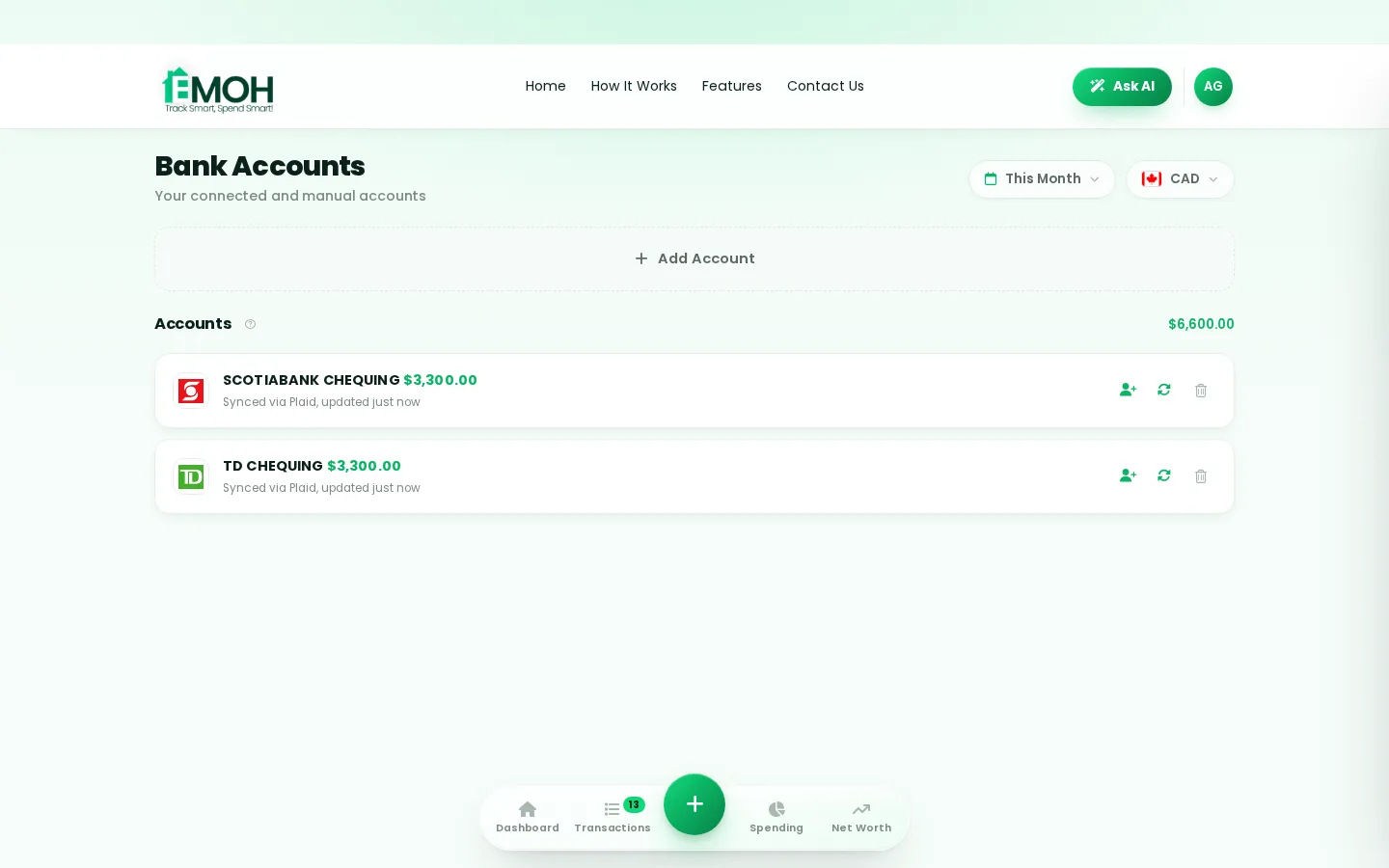
Can I connect my National Bank account to a budgeting app?
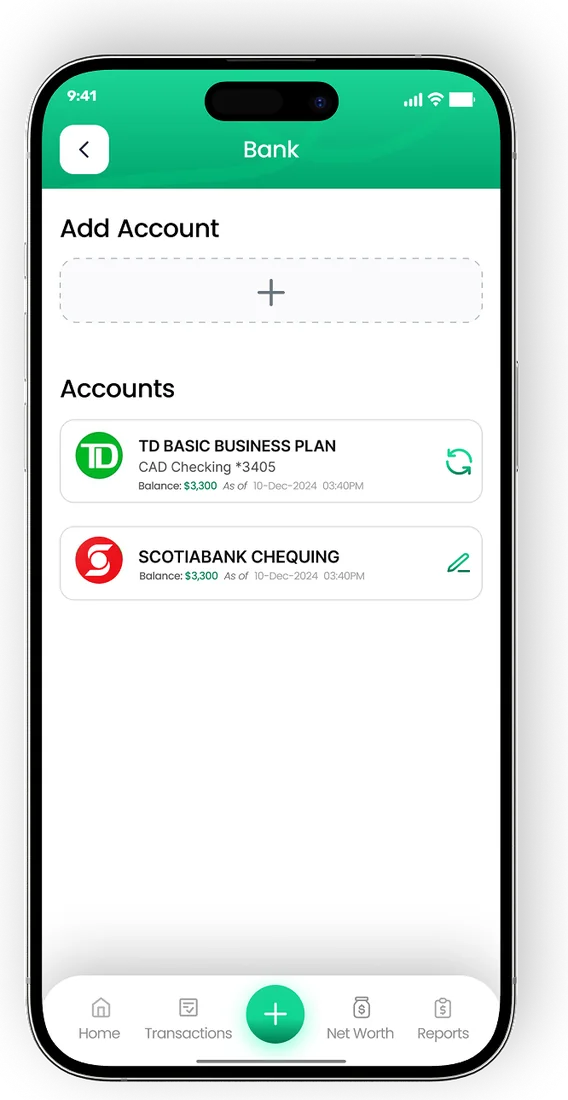
Yes. A National Bank budgeting app can connect to your National Bank of Canada accounts through a read-only service such as Plaid, which imports transactions but cannot move money. In EMOH Pay, automatic bank sync is part of EMOH Pro at $4.99 a month, while manual tracking of National Bank accounts is free on every plan.
How a National Bank budgeting app helps
A National Bank budgeting app connects to your accounts, imports each transaction and sorts it into a category, so you can see spending against a monthly plan without typing everything in. The connection is set up once through a secure sign-in and keeps running in the background.
National Bank of Canada is headquartered in Montreal and serves customers across the country. Its app is good for day-to-day banking. A budgeting app adds planning: budgets with alerts, upcoming bills, savings goals and your accounts at other institutions in the same view.
EMOH Pay connects through Plaid with read-only access. It can see transactions to categorize them but can never move money, pay a bill or change a setting. The budgeting app with bank sync page explains the full picture.
How to connect National Bank to a budget app
These are the usual steps for a Plaid connection. Screen names may change, so follow the in-app prompts if anything looks different.
- Download EMOH Pay free on iPhone or Android, or sign up on the web.
- Choose EMOH Pro for automatic sync, or keep the free plan and track manually.
- Open linked accounts in settings and tap connect a bank.
- Search for National Bank of Canada in the list.
- Sign in through the secure Plaid window with your National Bank online banking details. EMOH Pay never sees your password.
- Select the accounts to include, such as chequing, savings and credit cards.
- Review the first import and add your recurring payments as bills.
Coverage can vary by account type. Check that each National Bank account you want appears in the connection list inside the app before relying on it. The bank connection help guide covers common fixes.
Planning the month around bills
The biggest payments in most budgets are predictable: mortgage or rent, utilities, insurance, phone and car costs. Once National Bank is connected, these show up as they post. Turning them into tracked bills means you see them coming instead of discovering them afterwards.
| Recurring payment | Where it usually comes from | Budget tip |
|---|---|---|
| Mortgage or rent | Chequing account, often on a fixed date | Set it as a bill so the budget reserves it before anything else |
| Hydro, heating and internet | Pre-authorized debit from chequing | Track the monthly average so winter bills are not a shock |
| Insurance premiums | Chequing or credit card | Note annual renewals and save for them monthly |
| Phone and streaming | Usually credit card | Review subscriptions every few months and cancel unused ones |
| Credit card payment | Chequing to card | Record it as a transfer so purchases are not counted twice |
EMOH Pay's bill tracker sends reminders before due dates, and the list of monthly expenses is a useful checklist for anything you may have missed.
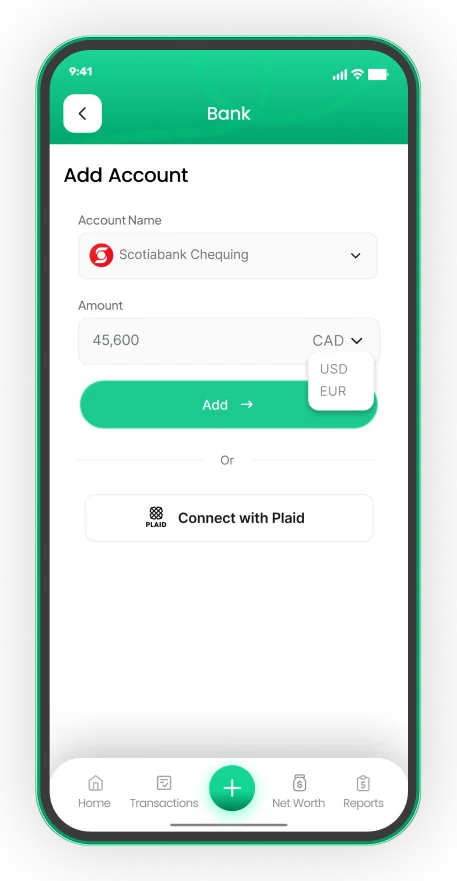
Connect your Canadian bank, read-only
- Secure read-only connection through Plaid on EMOH Pro
- Transactions arrive and categorize automatically
- Your banking password is never shared with EMOH Pay


Is it safe to connect National Bank to a budgeting app?
Connecting National Bank to a reputable budgeting app is generally safe when the link is read-only, your login details go to the connection provider instead of the app, and stored data is encrypted. Confirm all three for any app you consider, and keep your online banking password unique to your bank.
With EMOH Pay, your sign-in happens in Plaid's secure window, so EMOH Pay does not store your banking credentials. Data is protected with AES-256 encryption, never sold, and handled under PIPEDA. You can disconnect at any time and syncing stops straight away.
Deposit protection is separate from app security. National Bank is a CDIC member, and CDIC's website lists which deposits are insured and the coverage limits.
Sharing a National Bank budget with your household
Couples and families often split accounts: one partner banks with National Bank, the other elsewhere, and a joint account covers shared bills. A shared budget puts all of it in one place.
- Separate logins. Family sharing gives each person their own login to the same budget, so no one shares banking passwords.
- Shared and personal categories. Keep groceries and housing shared while each person keeps a personal spending budget.
- Live numbers. Both partners see the same totals the moment a transaction syncs or is added.
- Monthly reports. Export a PDF or Excel summary for a money check-in or for tax records.
National Bank and your other accounts
Most people hold more than one bank. Connect every supported Canadian institution you use so income, bills and savings line up. If you also bank with Desjardins, see the Desjardins budgeting app guide, and compare plans on the EMOH Pro pricing page.
Connect your bank
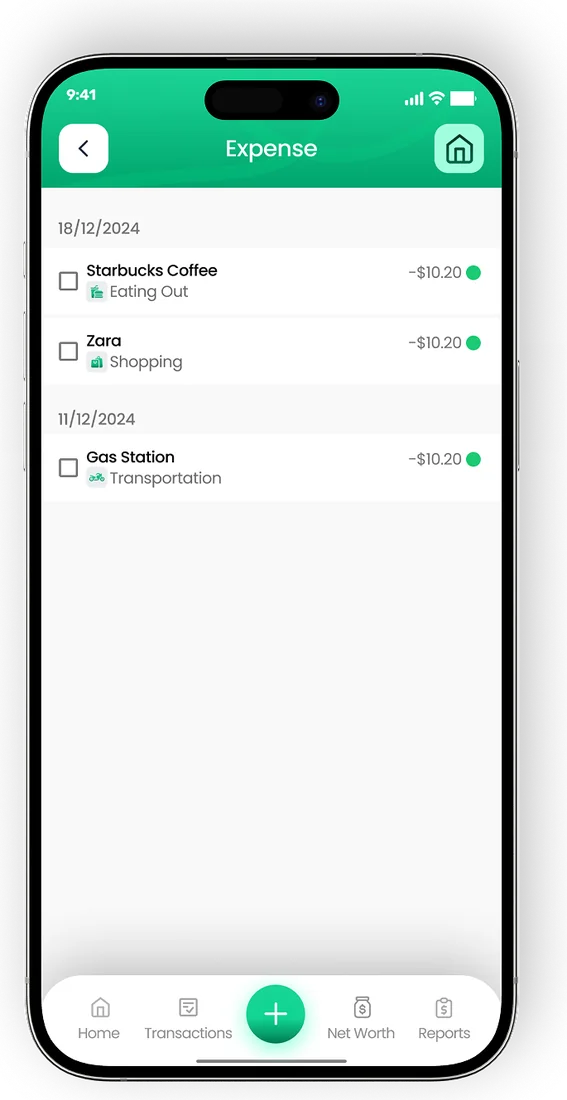
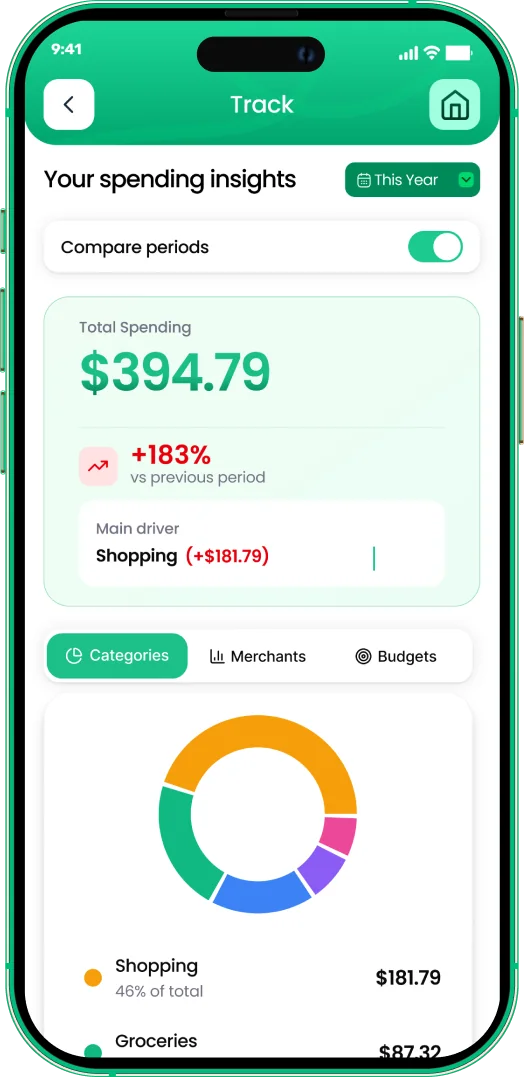
Put the numbers on autopilot
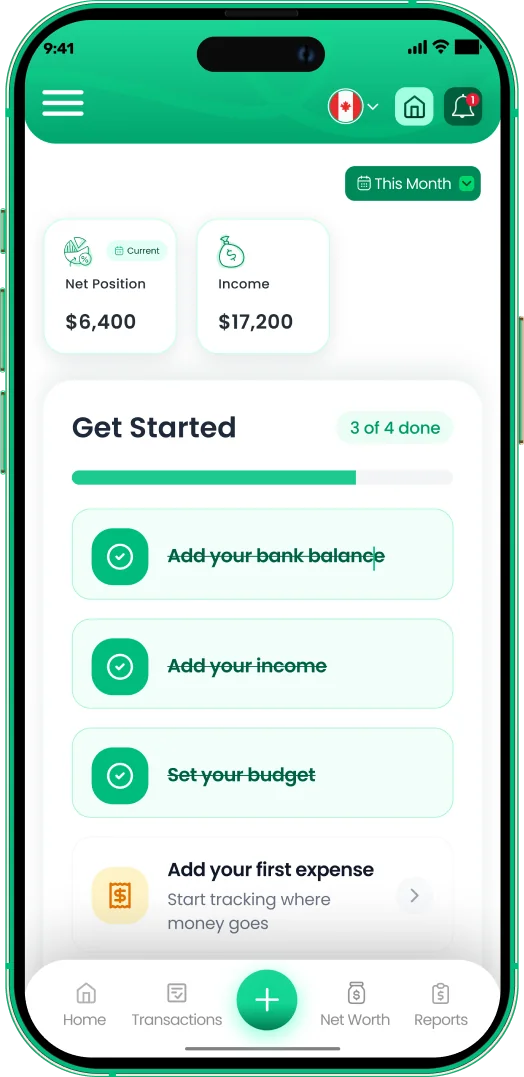
EMOH Pay tracks your spending, budgets and net worth on your phone and in the browser, always in sync. Free to start, made in Canada.
Get started free➜Budgeting App That Connects to National Bank: frequently asked questions
Is EMOH Pay partnered with National Bank?
No. EMOH Pay is an independent Canadian app. It connects to National Bank through Plaid and has no partnership with the bank.
Is bank sync free?
Automatic bank sync is part of EMOH Pro at $4.99 a month. Budgets, expense tracking, bills, goals and net worth are free with manual entry.
Can the app see my mortgage balance?
It depends on which account types are available through the connection. Check the list in the app, and add a mortgage manually if it does not appear so your net worth stays accurate.
Can EMOH Pay move money from my National Bank account?
No. The connection is read-only. EMOH Pay reads transactions and balances but cannot transfer funds or make payments.
Can I use EMOH Pay on a computer?
Yes. The web app runs in any browser at emohpay.com and stays in sync with the iPhone and Android apps. There is no separate desktop download.
Sources and further reading
Related guides and tools
Connect your Canadian bank securely through Plaid and EMOH Pro imports transactions automatically — read-only, encrypted…
How to Connect Your BankConnect your Canadian bank in under two minutes with EMOH Pro: Settings → Linked Accounts → Connect Bank → choose your bank…
Budgeting App That Connects to DesjardinsNeed a Desjardins budgeting app? See how to connect Desjardins to a budget app with read-only sync, track GST and QST, and…
Bill & Subscription TrackerEMOH Pay tracks recurring bills and subscriptions — rent, phone, Netflix, gym — with reminders before they hit and totals…
Family Sharing — One Budget, Separate LoginsEMOH Pay Family Sharing: one household budget with separate logins for every member — everyone sees the same live numbers…
EMOH Pay Pricing — Free & Pro PlansEMOH Pay is free to start. EMOH Pro adds automatic bank sync and advanced AI for just $4.99/month. Cancel anytime. Free to…
Start free today
Free on iPhone, Android and the web. Upgrade to EMOH Pro anytime for bank sync and advanced AI.
Download for iOS➜ Get it on Android➜