
Split Bill Calculator
Enter the bill total, how many people are paying and the tip you want to leave. You get each person's share, the tip and the grand total in one step.
Use the calculator➜ Try EMOH Pay free➜

How do I split a bill fairly?
Split a bill fairly by agreeing on the method before you pay: divide it equally when everyone ordered about the same, and split it by item when orders differ a lot. Add tax and tip to each share in proportion, so the person with the $40 main pays more tip than the person with a $12 salad.
How to use the split bill calculator
This split bill calculator does an equal split with a tip. It asks for three things, and each one maps to a line on your receipt.
The result shows what each person pays, the total tip and the grand total including the tip. Round each share up to the nearest dollar if you are paying cash, and give any leftover to the server.
- Bill total. Enter the amount on the receipt. If the receipt already includes sales tax, enter that final figure. If it shows a subtotal and tax separately, add them together first.
- People. Enter how many people are paying, not how many sat at the table. If one person is being treated, leave them out and the others will absorb their share.
- Tip (%). Enter the percentage you want to leave. The calculator applies it to the bill total you entered. Enter 0 for takeout or a bill that already includes a service charge.
- Read the result. Each person's share includes their part of the tip, so no one needs to work out the tip separately.
What is the fairest way to split a bill?
The fairest way to split a bill is the one everyone agrees to before the food arrives. Equal splits are fastest and work when orders are similar. Itemized splits are fairer when one person had drinks and another had water. Income-based splits suit couples and roommates who share costs every month.
Each method trades speed for precision. Pick the lightest one the group is comfortable with, because a slow, awkward split at the table costs more goodwill than a few dollars of difference.
| Method | How it works | Best for |
|---|---|---|
| Equal split | Total plus tip divided by the number of people | Similar orders, shared plates, close friends |
| Itemized split | Each person pays for what they ordered, plus their share of tax and tip | Big differences in orders or drinks |
| Shared items plus personal items | Split shared starters and bottles equally, then add each person's own main | Group dinners with some shared dishes |
| Proportional to income | Each person pays a share that matches their share of household income | Couples and roommates splitting rent and bills |
| Take turns | One person pays this time, another next time | Regular meetups with the same people |
Worked example: splitting a $186.40 dinner four ways
Four friends share a dinner that comes to $186.40 including tax. They agree on a 15% tip and an equal split.
| Line | Amount |
|---|---|
| Bill total (including tax) | $186.40 |
| Tip at 15% | $27.96 |
| Grand total | $214.36 |
| Each of 4 people pays | $53.59 |
Now suppose one friend only had a $14 salad and water. An itemized split is fairer here. Take that $14, add the same proportion of tax and tip the rest of the table is paying, and have them pay that amount. The other three split whatever is left equally.
A quick rule of thumb for the proportional part: work out each person's share of the pre-tip bill, then apply the same share to the tip. Someone who ordered 10% of the food pays 10% of the tip.
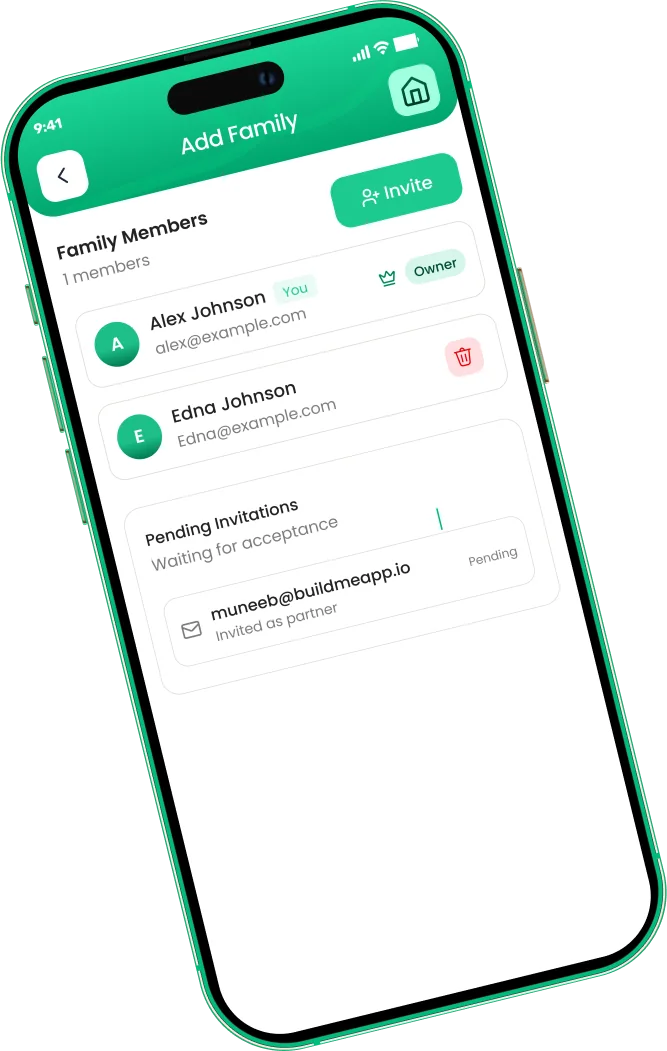
Budget together, with separate logins
- Invite a partner or family by email
- Everyone sees the same live budget
- Tag who spent what, free on every plan


Should you tip on the amount before or after tax?
Many people tip on the pre-tax subtotal, because tax is not part of the service. Others tip on the final total because it is simpler. Neither is wrong. Tipping on the total adds only a small amount: in Ontario, where HST is 13%, a 15% tip on a $100 subtotal is $15.00 before tax and about $16.95 after tax.
This calculator tips on whatever you enter as the bill total. If you prefer to tip on the subtotal, you can lower the tip percentage slightly, or enter the subtotal, note the tip, and add the tax back when you pay. Our GST/HST calculator shows the tax rate for each province if you need to separate it.
- Check for a service charge. Some restaurants add an automatic gratuity for larger groups. If it is on the receipt, set the tip to 0.
- Takeout and counter service. Tipping is more flexible here, and many people tip less or not at all.
- Travelling abroad. Tipping customs vary a lot by country. Check local norms, and use the currency converter to see what the bill means in your home currency.
Splitting recurring bills with roommates or a partner
A restaurant bill is a one-off. Rent, utilities, internet and groceries repeat every month, so the method matters more over time. Equal splits are common, but they can feel unfair when one person has the bigger room or earns much less.
Our guide to splitting bills with roommates walks through room-size and usage-based splits, and the guide on how to split finances as a couple covers proportional and joint-account approaches. For households that share costs every month, a shared record helps more than any calculator.
Keep a running tally instead of settling every time
When the same people share costs often, record who paid what and settle up once a month. It avoids small transfers after every coffee and makes the balance visible to everyone.
Track your own share in your budget
Only your share of a split bill is your spending. If you pay the full $214 and get $160 back, your real dining cost was $54. Recording it that way keeps your budget honest.
Track shared spending without the spreadsheet
EMOH Pay's family sharing gives each person in a household their own login to the same budget, so shared expenses like groceries and utilities are visible to everyone as they happen. You can log a split meal as your share only, attach the receipt, and see it in your dining budget straight away.
It is free to start on iPhone, Android and the web, always in sync, and works in 148 currencies with automatic conversion if you split costs on a trip.
Budget together
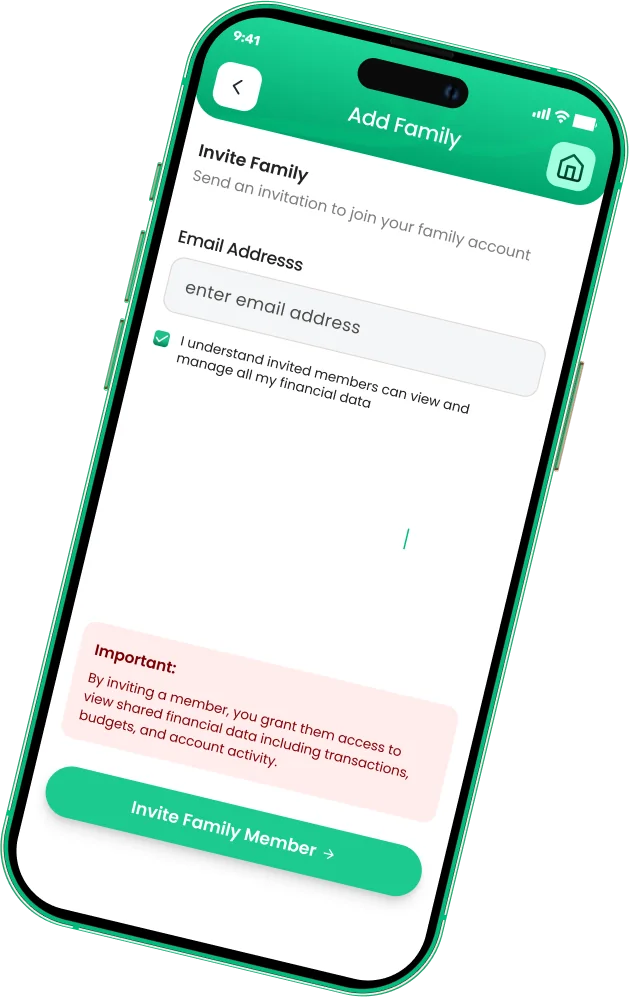
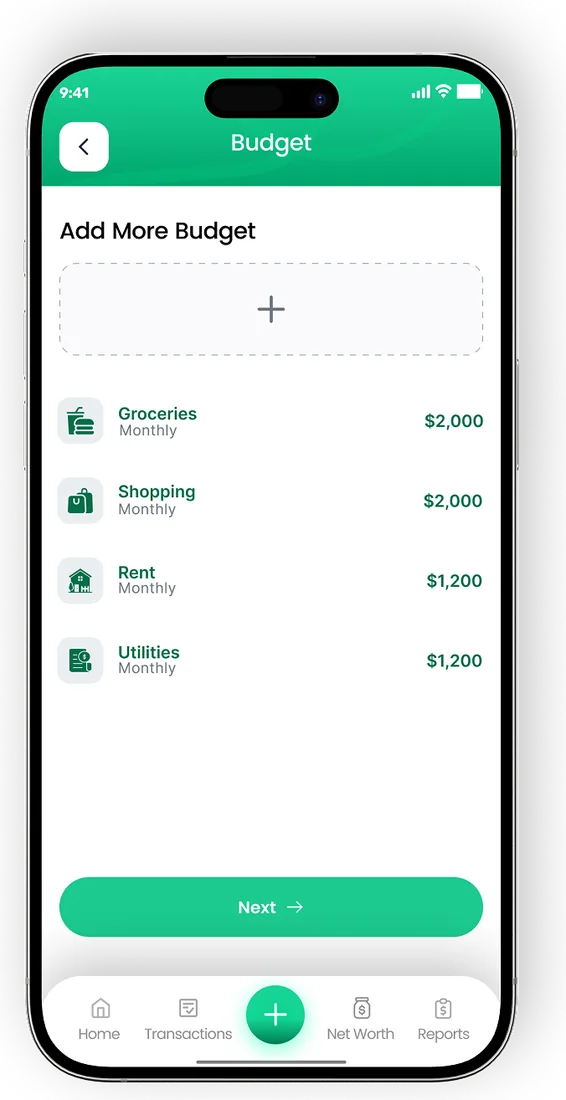

Put the numbers on autopilot
EMOH Pay tracks your spending, budgets and net worth on your phone and in the browser, always in sync. Free to start, made in Canada.
Get started free➜Split Bill Calculator: frequently asked questions
How do I split a bill with different amounts?
Add up what each person ordered, then give each person the same share of tax and tip as their share of the food. Someone who ordered 30% of the subtotal pays 30% of the tax and 30% of the tip.
Does the calculator include tax?
It uses whatever total you enter. If your receipt shows a subtotal and tax separately, add them together and enter the result as the bill total.
How do I split a bill when one person is being treated?
Enter only the number of people who are paying. The calculator divides the full bill, including the guest's share, among them.
What if the numbers do not divide evenly?
Shares are shown to the cent. When paying by card, one person can round up by a cent or two. When paying cash, round everyone up to the nearest dollar and leave the difference as extra tip.
Is this split bill calculator free?
Yes. It is free, runs in your browser and does not ask for an email or account.
Sources and further reading
Related guides and tools
How to split bills with roommates fairly: four methods for rent and utilities, worked examples, what to put in writing and…
How to Split Finances as a CoupleHow to split finances as a couple: joint vs separate vs hybrid accounts, proportional splits by income, a worked example and…
Family Expense Sharing AppEMOH Pay's Family Account Sharing lets partners and family members share budgets and expenses in real time — everyone sees…
GST/HST Calculator (All Provinces)Calculate Canadian sales tax for any province instantly: enter an amount, pick your province, and see GST, PST/QST and total…
Travel Budget CalculatorUse this free travel budget calculator to total flights, accommodation, food and activities for any trip, with a 10% buffer…
Currency ConverterQuick conversion between major currencies (indicative 2026 rates — live rates inside the EMOH Pay app, with 148 currencies…
Start free today
Free on iPhone, Android and the web. Upgrade to EMOH Pro anytime for bank sync and advanced AI.
Download for iOS➜ Get it on Android➜