
How We Rank Budgeting Apps
EMOH Pay makes a budgeting app and also compares budgeting apps. That is a conflict of interest, so here is exactly how rankings are made and how you can check them.
Get started free➜ Download the app➜
How are these apps ranked?
Apps are ranked by using the current version of each one and scoring it on six criteria: bank sync reliability, ease of setup, budgeting method, reporting depth, multi-currency support and pricing. Features and prices are checked against each provider's own site, dated at the time of writing, and competitors' strengths are stated even where they beat EMOH Pay.
Why a budgeting app review methodology matters
A budgeting app review methodology is the set of rules used to decide which app ranks where. It matters because rankings are only useful if you can see how they were made. Many list articles never explain their criteria, which makes it impossible to tell testing from marketing.
EMOH PAY INC. makes EMOH Pay, so any comparison we publish has a built-in bias toward our own app. We cannot remove that bias, but we can be open about it and use the same criteria for every app. This page backs every comparison on the site, including best budgeting apps 2026 and best budgeting apps in Canada. The wider rules for all content are in our editorial guidelines.
How we compare apps: the six criteria
How we compare apps comes down to six criteria applied to every app on a list. Each one reflects a question real users ask before they commit: will it connect, will I keep using it, does it fit how I budget, and what will it cost?
| Criterion | What we check | Why it matters |
|---|---|---|
| Bank sync reliability | Which countries and banks connect, whether connections are read-only and how often they need re-linking | Broken sync turns an automatic app into a manual one |
| Ease of setup | Time and steps from download to a first working budget | Most people abandon an app in the first week if setup is painful |
| Budgeting method | Which methods the app supports, such as zero-based, 50/30/20 or envelopes, and how flexible categories are | The best app is one that matches how you already think about money |
| Reporting depth | Spending reports, net worth tracking, trends and export options | Reports are how you learn from last month |
| Multi-currency support | Number of currencies, automatic conversion and handling of accounts in different currencies | Essential for newcomers, expats and anyone paid or spending in two currencies |
| Pricing | Free plan limits, paid plan cost, trial terms and what is locked behind the paywall | The total cost over a year, not just the headline price |
How each app is tested
Each app is tested by installing the current public version and using it for normal budgeting tasks. We set up an account, create a budget, add transactions, run reports and try the features the provider advertises. Claims we cannot test directly are checked against the provider's own documentation.
- Install the current version on at least one phone platform and the web, where a web version exists.
- Create a budget from scratch and note the steps and any friction.
- Add a month of sample transactions, including a shared expense and a purchase in a second currency.
- Check reports, exports and net worth features.
- Confirm prices, plan limits and feature availability on the provider's own pricing page.
- Record the date of testing so every comparison can say "at the time of writing".
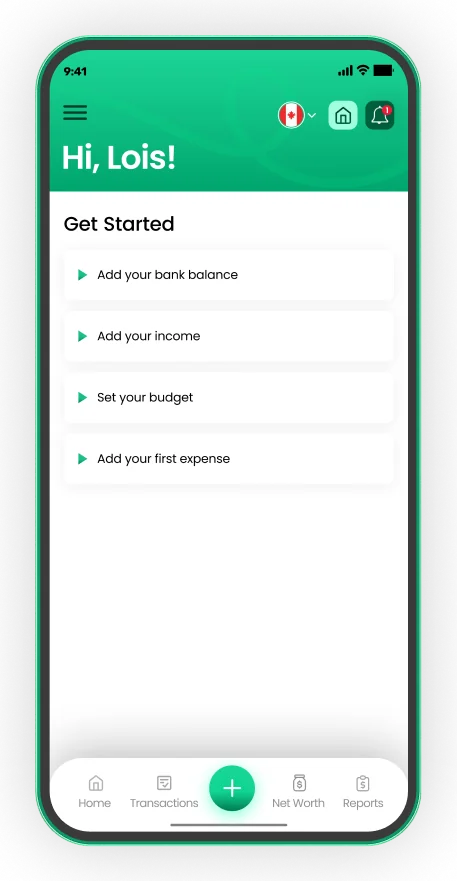
Set up in about five minutes
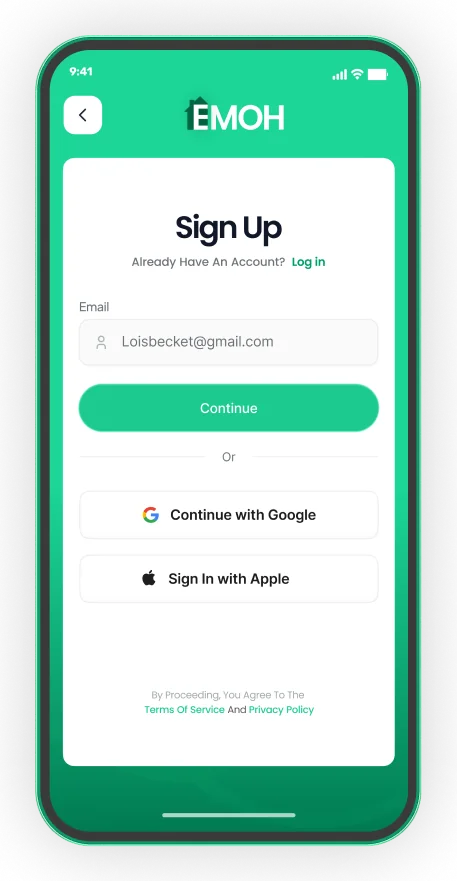
- Sign up with email, Google or Apple
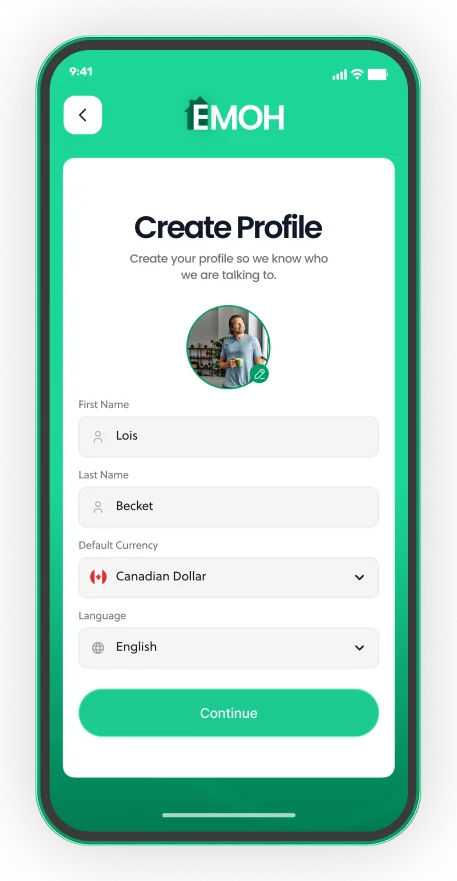
- Pick your default currency and language
- Add income, a budget and your first expense


How do we handle our own app in rankings?
We handle EMOH Pay in rankings by applying the same six criteria to it as to every competitor and by disclosing on every comparison page that we make it. Where another app does something better, such as a longer track record or a feature we do not offer, the comparison says so plainly.
- Disclosure. Every comparison names EMOH PAY INC. as the maker of EMOH Pay.
- Stated limits. We say what EMOH Pay does not do. For example, it has no native desktop app; the web app runs in any browser. Bank sync is available on EMOH Pro for Canadian banks.
- Accurate prices. EMOH Pay is free to start, and EMOH Pro is $4.99 a month. Competitor prices are taken from their own sites and dated.
- No paid placement. Positions on our lists are not sold to other companies.
Head-to-head comparisons versus list pages
We publish two kinds of comparison. List pages, such as Mint alternatives or free YNAB alternatives, help you shortlist several options. Head-to-head pages, such as EMOH Pay vs YNAB, compare two apps criterion by criterion so you can make a final choice.
Both use the six criteria. A head-to-head page goes deeper on each one and ends with who each app suits best, rather than a single winner for everyone.
How often are rankings updated?
Rankings are re-checked whenever a provider changes its prices or plans, when an app launches or removes a major feature, and on a regular review cycle for every comparison page. The date on the page shows when it was last checked.
Apps change quickly, so always confirm the current price and features on the provider's site before subscribing. If you notice something out of date, let us know through the contact page and we will re-check it.
Get started in minutes
Put the numbers on autopilot
EMOH Pay tracks your spending, budgets and net worth on your phone and in the browser, always in sync. Free to start, made in Canada.
Get started free➜How We Rank Budgeting Apps: frequently asked questions
Is EMOH Pay always ranked first?
Not necessarily. Rankings depend on the six criteria and on who a list is for. Where another app suits a reader better, the comparison says so.
Do companies pay to appear in your rankings?
No. Placement on our comparison pages is not sold, and we disclose that EMOH PAY INC. makes EMOH Pay.
Where do competitor prices come from?
From each provider's own pricing page at the time of writing. Prices change, so check the provider's site before you subscribe.
Why do you include apps that compete with EMOH Pay?
Because a comparison that leaves out strong competitors is not useful. Readers deserve a fair view of the options.
How can I report an outdated comparison?
Send the page address and what has changed through our contact page. We re-check the app and update the page.
Sources and further reading
Related guides and tools
The EMOH Pay editorial policy: how we write, which sources we trust, how each figure is checked, how we treat our own…
Meet the EMOH Pay TeamMeet the EMOH Pay team at EMOH PAY INC.: who makes EMOH Pay, how the product, security, editorial and support roles work…
Best Budgeting Apps 2026: 10 Tested and RankedThe right budgeting app won’t just track your spending — it will change how you relate to money entirely. But in 2026, there…
Best Budgeting Apps in Canada (2026)Best Budgeting Apps in Canada: EMOH Pay leads for Canadians, with honest rankings of the alternatives. Updated for 2026.…
EMOH Pay vs YNAB (2026): Free vs $109 a YearEMOH Pay vs YNAB compared honestly for 2026: price, Canadian features, family sharing, bank sync and learning curve — free…
About EMOH Pay: The Canadian Budgeting AppAbout EMOH PAY INC.: the Canadian company behind EMOH Pay. Track Smart, Spend Smart!. Free budgeting app made in Canada…
Start free today
Free on iPhone, Android and the web. Upgrade to EMOH Pro anytime for bank sync and advanced AI.
Download for iOS➜ Get it on Android➜