
Budgeting App That Connects to CIBC
Link your CIBC accounts to EMOH Pay through Plaid and see every transaction beside your other banks, cards and savings, with budgets and alerts built in.
Get started free➜ Download the app➜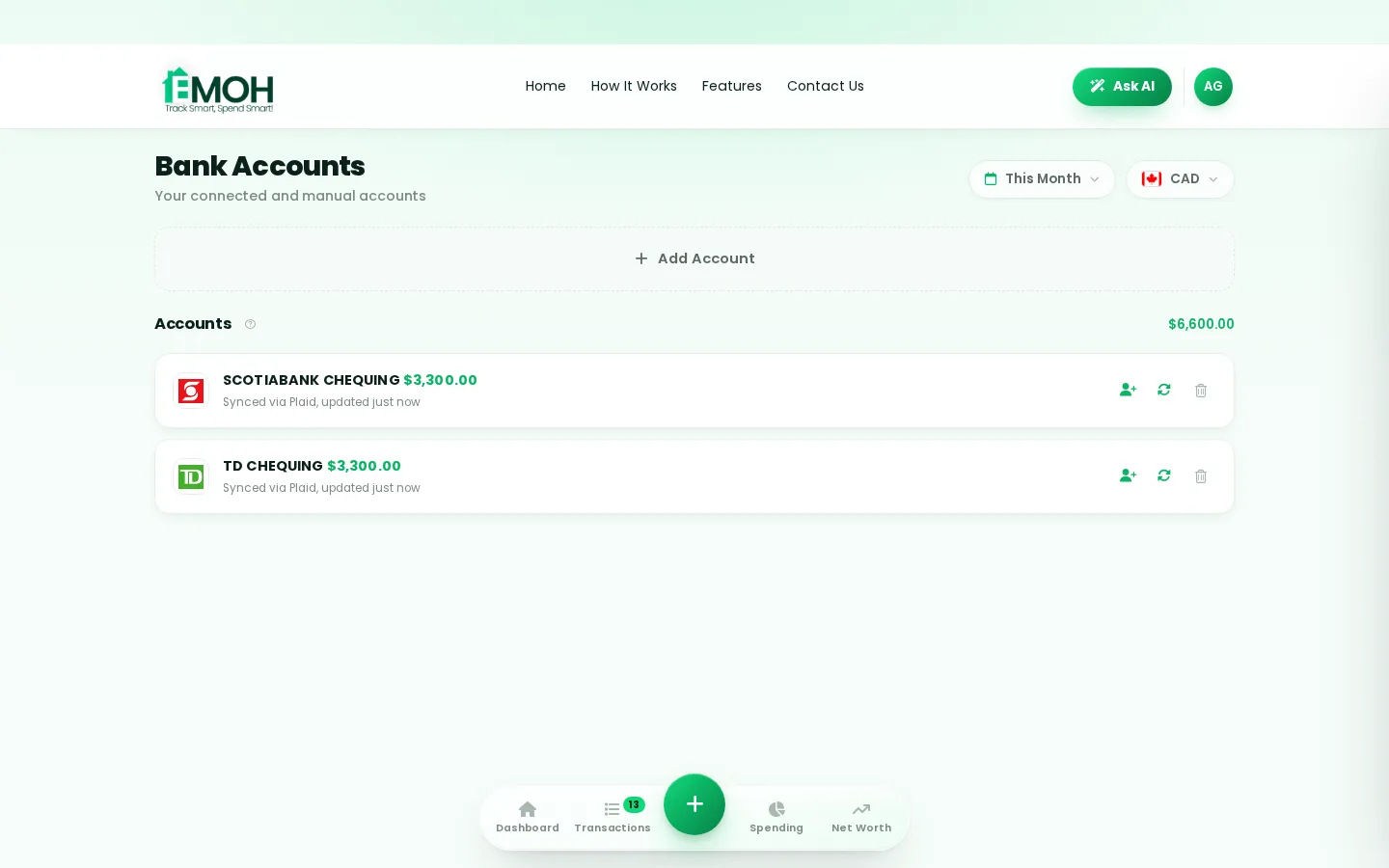
Can I connect my CIBC account to a budgeting app?
Yes. A CIBC budgeting app can link to your CIBC accounts through a secure, read-only connection such as Plaid, which imports transactions without being able to move money. In EMOH Pay, bank sync is part of EMOH Pro at $4.99 a month; you can also track CIBC spending manually for free on any plan.
How a CIBC budgeting app works
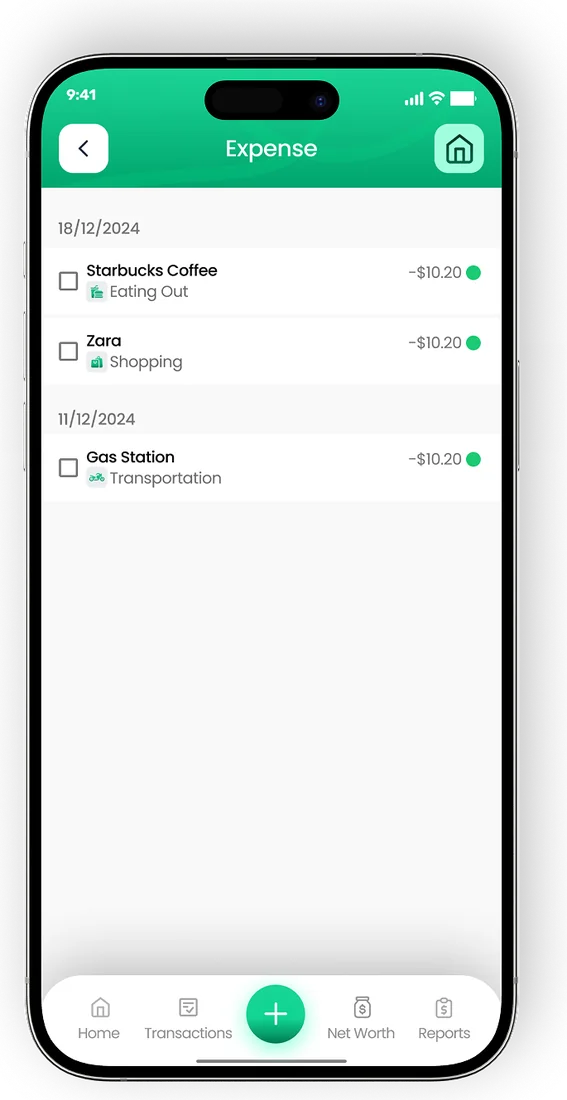
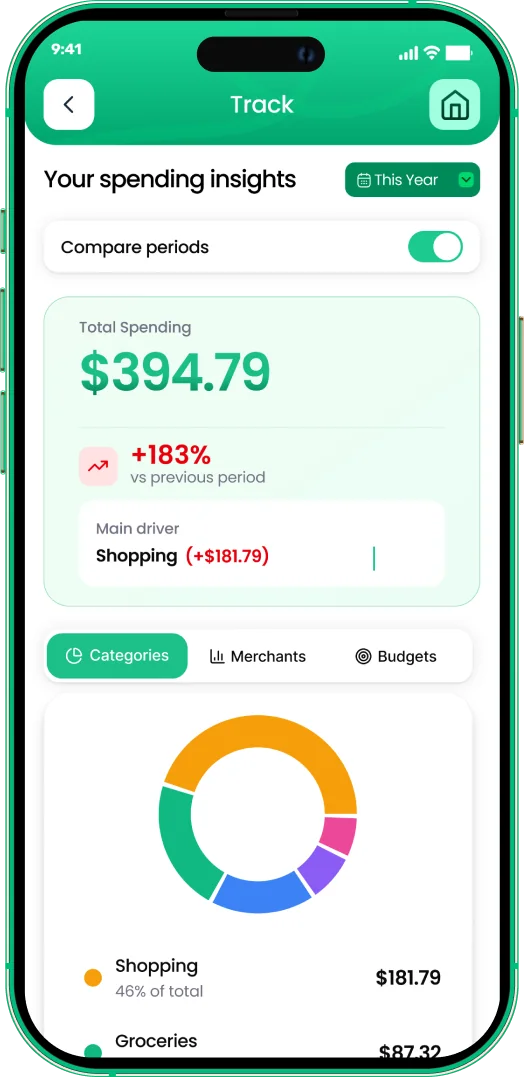
A CIBC budgeting app works by reading your transaction history through a secure data connection, then sorting each purchase into a category so you can compare spending against a budget. You sign in through a protected window, pick the accounts to share, and new transactions arrive automatically from then on.
Your bank's own app already shows balances and recent activity. What it cannot do well is show your CIBC chequing account next to a credit card from another bank, a savings account at an online bank and cash spending, all against one budget. That combined view is the main reason people connect CIBC to a budget app.
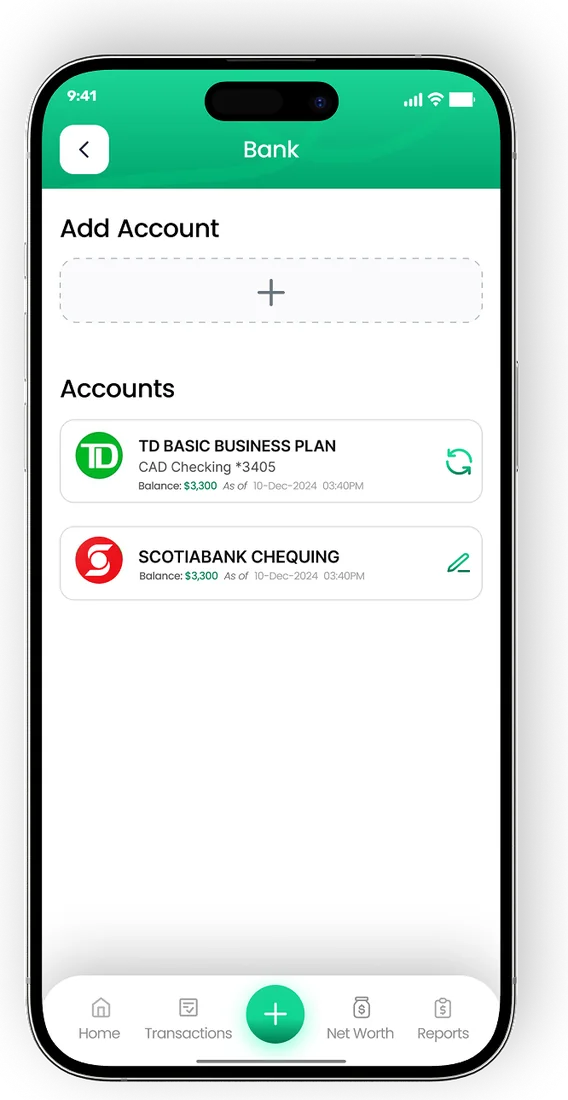
In EMOH Pay, the connection runs through Plaid, a widely used data network. The link is read-only. EMOH Pay can see transactions to categorize them, but it cannot move money, pay bills or change anything in your CIBC account. Read more on the budgeting app with bank sync page.
How to connect CIBC to a budget app, step by step
Connecting takes a few minutes. The steps below follow the usual pattern for a Plaid connection. Exact screen names can change, so follow the prompts in the app.
- Create a free EMOH Pay account on iPhone, Android or the web at emohpay.com.
- Upgrade to EMOH Pro if you want automatic bank sync. Manual tracking stays free.
- Open the linked accounts area in settings and choose to connect a bank.
- Search for CIBC in the list. If you bank with Simplii Financial, CIBC's direct bank, search for it separately.
- Sign in through the secure Plaid window using your CIBC online banking details. EMOH Pay never sees or stores your password.
- Choose which accounts to share, such as chequing, savings or credit cards, then confirm.
- Review the first import, adjust any categories and set budgets for your main spending areas.
Coverage can vary by account type. Check that each CIBC account you want to track appears in the connection list inside the app before relying on it. Our bank connection help guide covers troubleshooting.
What imports from CIBC, and what stays manual
Once connected, most people see their everyday card and account activity flow in automatically. Some items still benefit from a quick manual touch.
| Item | How it is tracked | Tip |
|---|---|---|
| Debit purchases and e-Transfers | Imported from connected chequing accounts | Rename recurring e-Transfers, such as rent, so they categorize the same way each month |
| Credit card purchases | Imported from connected card accounts | Record the card payment as a transfer so spending is not counted twice |
| Pre-authorized debits | Imported as they post | Add them as bills so you get a reminder before they come out |
| Cash spending | Manual entry in two taps | Log cash at the time you spend it, or it tends to disappear |
| Accounts at other institutions | Connected separately or tracked manually | Add every account so your net worth is complete |
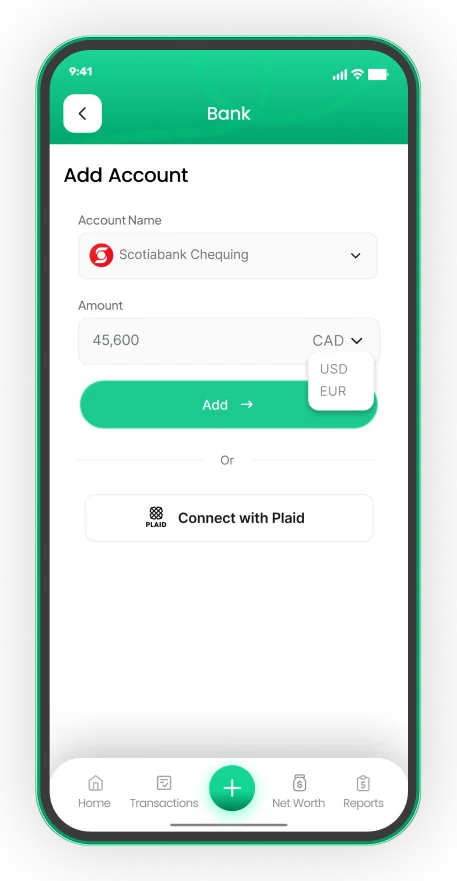
Connect your Canadian bank, read-only
- Secure read-only connection through Plaid on EMOH Pro
- Transactions arrive and categorize automatically
- Your banking password is never shared with EMOH Pay


Is it safe to connect CIBC to a budgeting app?
Connecting CIBC to a reputable budgeting app is generally considered safe when the link is read-only, your credentials go to the connection provider rather than the app, and the app encrypts stored data. Those three checks matter more than any marketing claim, so confirm each one before you connect.
With EMOH Pay, your CIBC sign-in happens inside Plaid's secure window, so EMOH Pay never stores your banking password. Data is protected with AES-256 encryption, never sold, and handled under Canada's PIPEDA privacy law. You can disconnect a bank at any time, and the link stops immediately.
It is also worth reading your bank's own guidance on sharing account access with third-party apps, and keeping your online banking password unique. The security page explains how EMOH Pay protects your information in more detail.
CIBC's own tools versus a separate budgeting app
Many banks, CIBC included, offer spending summaries inside their apps. These are convenient if every account you own is at the same bank. A separate app becomes useful once your money is spread out.
- One view across banks. A budgeting app shows CIBC beside a credit card, line of credit or savings account elsewhere, so your totals are real.
- Budgets with alerts. EMOH Pay warns you before a category is overspent, not only after.
- Shared household budgets. Family sharing gives a partner their own login to see the same live numbers.
- Tax and currency features. GST/HST tracking helps freelancers, and 148 currencies with automatic conversion help anyone with money in more than one country.
- Exports. PDF and Excel reports are ready for a partner, a tax preparer or your own records.
Getting the most from CIBC bank sync
Sync removes the typing, but a budget still needs a short weekly check. Spend five minutes reviewing new transactions, fixing any odd categories and moving money between budgets if one runs hot. The daily money digest summarizes what changed so you do not have to open every account.
If you also bank with RBC, TD, Scotiabank or BMO, the same process applies. See the guides for the RBC budgeting app and TD budgeting app connections, and compare plans on the EMOH Pro pricing page.
Connect your bank
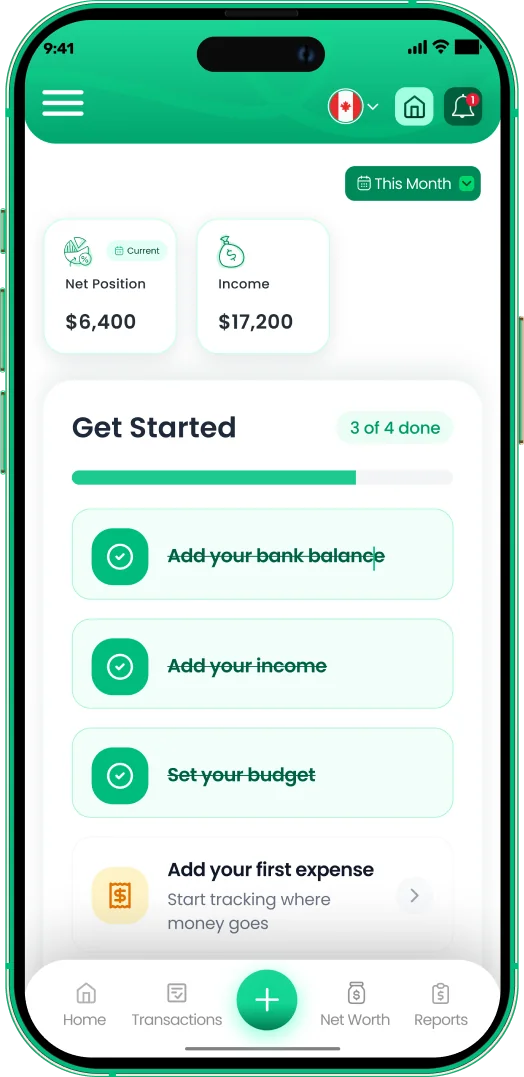
Put the numbers on autopilot
EMOH Pay tracks your spending, budgets and net worth on your phone and in the browser, always in sync. Free to start, made in Canada.
Get started free➜Budgeting App That Connects to CIBC: frequently asked questions
Is EMOH Pay affiliated with CIBC?
No. EMOH Pay is an independent app. It connects to CIBC accounts through Plaid, a third-party data network, and has no partnership with CIBC.
Do I need EMOH Pro to track CIBC spending?
Only for automatic bank sync. You can enter CIBC transactions manually on the free plan, with budgets, alerts and reports included.
Can EMOH Pay move money out of my CIBC account?
No. The connection is read-only. EMOH Pay can read transactions to categorize them but cannot transfer funds, pay bills or change account settings.
Does Simplii Financial connect the same way?
Simplii Financial is CIBC's direct bank and is usually listed separately in connection tools. Search for it by name in the app and check it appears before relying on it.
How do I disconnect CIBC later?
Open the linked accounts area in settings and remove the connection. Syncing stops immediately. You can also review connected apps from your bank's security settings where available.
Sources and further reading
Related guides and tools
Connect your Canadian bank securely through Plaid and EMOH Pro imports transactions automatically — read-only, encrypted…
How to Connect Your BankConnect your Canadian bank in under two minutes with EMOH Pro: Settings → Linked Accounts → Connect Bank → choose your bank…
Budgeting App That Connects to RBCLooking for an RBC budgeting app? See how to connect RBC accounts to a budget app read-only through Plaid, what imports and…
Budgeting App That Connects to TDWant a TD budgeting app? See how to connect TD chequing, savings and credit cards to a budget app read-only through Plaid…
Budgeting App That Connects to ScotiabankNeed a Scotiabank budgeting app? See how to connect Scotiabank accounts to a budget app read-only through Plaid, plus tips…
EMOH Pay Pricing — Free & Pro PlansEMOH Pay is free to start. EMOH Pro adds automatic bank sync and advanced AI for just $4.99/month. Cancel anytime. Free to…
Start free today
Free on iPhone, Android and the web. Upgrade to EMOH Pro anytime for bank sync and advanced AI.
Download for iOS➜ Get it on Android➜