
Budgeting App That Connects to Tangerine
Tangerine is often the second bank: the savings account, the no-fee chequing, the backup card. EMOH Pay puts it on one screen with everything else.
Get started free➜ Download the app➜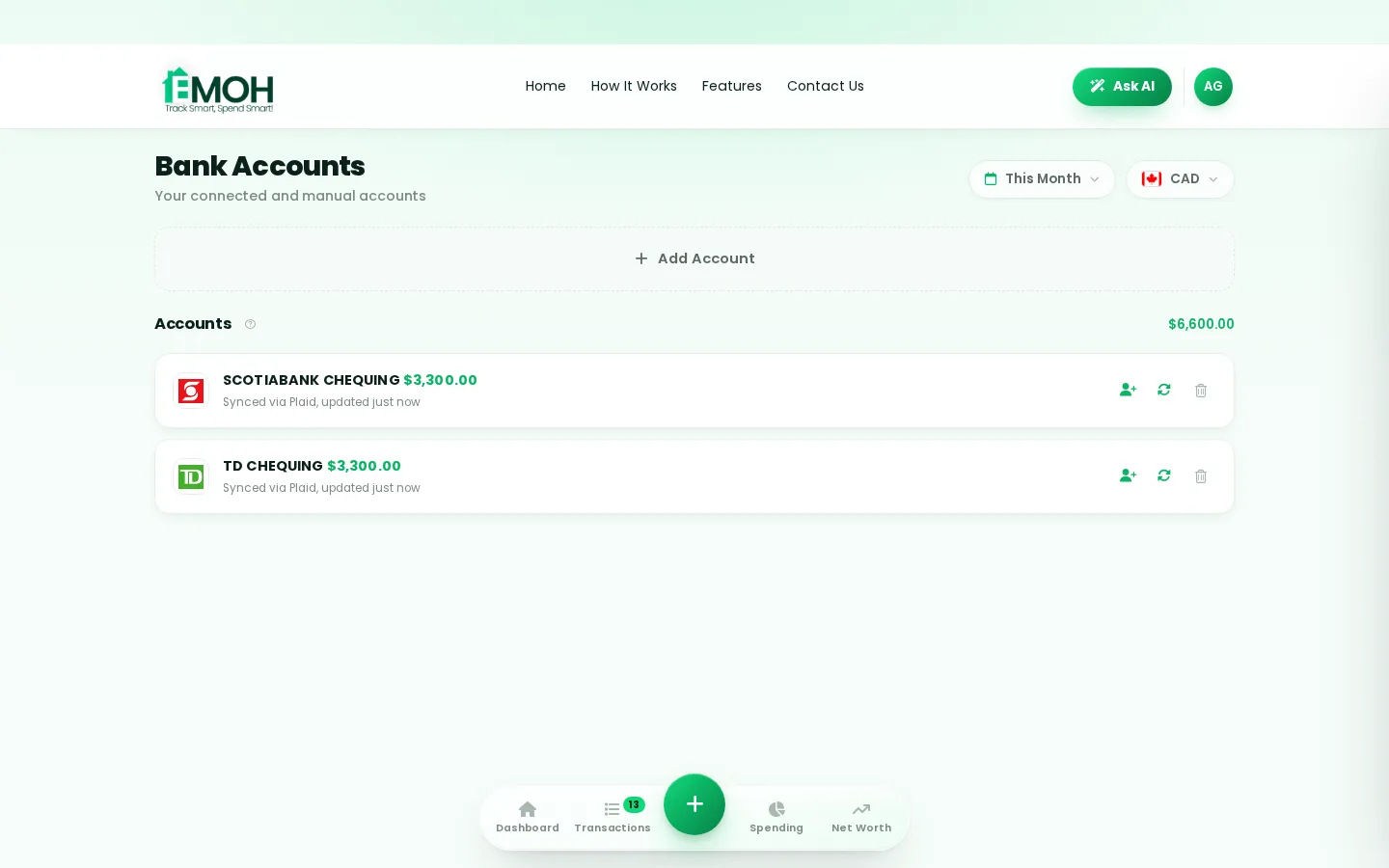
Can I connect my Tangerine account to a budgeting app?
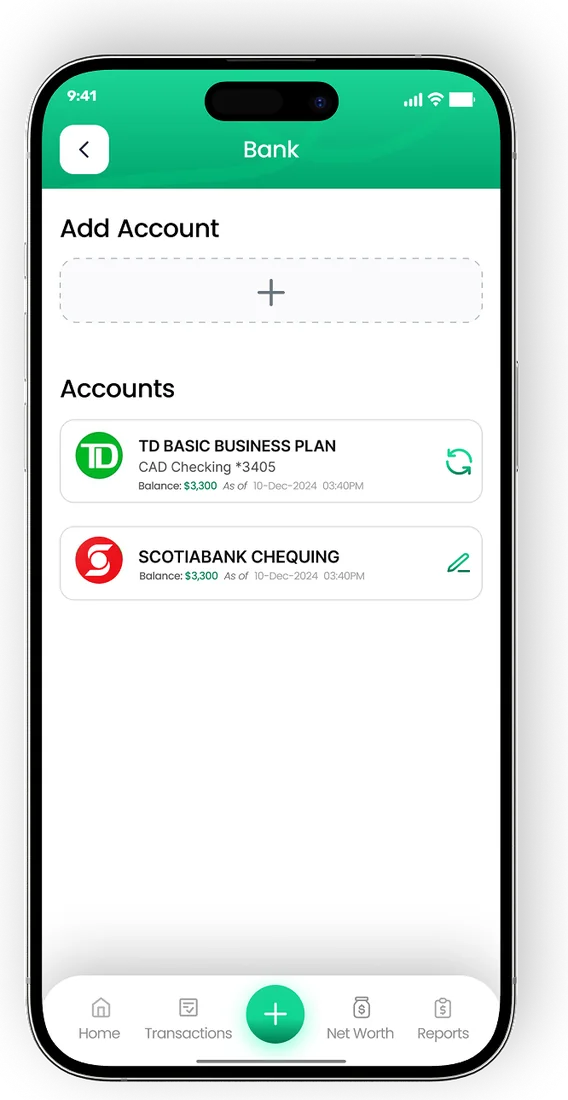
Yes. A Tangerine budgeting app can connect to your Tangerine accounts through a read-only service such as Plaid, which imports balances and transactions but cannot move money. In EMOH Pay, automatic bank sync is included with EMOH Pro at $4.99 a month, and manual tracking of Tangerine accounts is free on every plan.
Why connect Tangerine to a budget app?
A Tangerine budgeting app is most useful when Tangerine is one of several places your money lives. Tangerine is an online bank owned by Scotiabank, and many Canadians use it for a savings account or a no-fee chequing account alongside a main bank. Connecting it means your savings progress and spending sit in the same budget.
Without a combined view, it is easy to lose track. Pay lands at one bank, bills leave from another, and savings sit at Tangerine where you rarely look. A budget app that syncs all of them shows what is really left to spend and how close you are to each goal.
EMOH Pay connects through Plaid with read-only access. It can see transactions and balances to categorize them, but it can never move money or change your Tangerine account. The budgeting app with bank sync page explains how sync works across banks.
How to connect Tangerine to a budget app
The process is the same for any bank supported through Plaid. Screen names can change, so follow the prompts you see in the app.
- Sign up for EMOH Pay free on iPhone, Android or the web.
- Choose EMOH Pro if you want automatic sync. You can skip this and track manually.
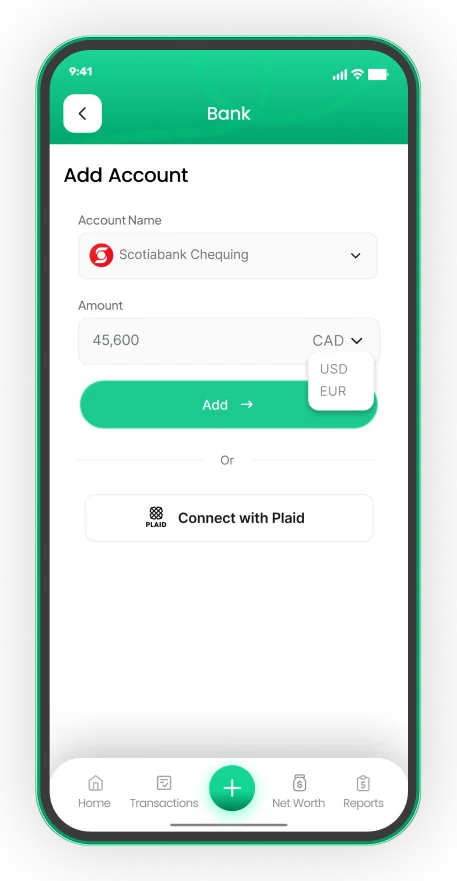
- Go to the linked accounts area in settings and select connect a bank.
- Search for Tangerine. Scotiabank is listed separately if you also bank there.
- Sign in through the secure Plaid window with your Tangerine client number or username and PIN. EMOH Pay never sees your credentials.
- Select the accounts to share, such as chequing, savings or a credit card.
- Check the first import and link your savings account to a savings goal.
Coverage can differ by account type. Confirm that each Tangerine account appears in the connection list in the app before relying on it. See the bank connection help guide if an account does not show up.
Tracking Tangerine savings goals
Many people open a Tangerine savings account for one reason: to keep savings out of sight of everyday spending. That works, but it also hides your progress. Linking the account to a goal fixes that without making the money easier to spend.
| Goal | How to set it up | What you see |
|---|---|---|
| Emergency fund | Target three to six months of essential costs | Months of expenses covered, updated as the balance changes |
| Vacation | Set the trip cost and a date | The monthly amount needed to get there on time |
| Car or home repairs | Treat it as a sinking fund with a yearly target | Whether you are ahead or behind for the year |
| Down payment | Link the savings account that holds it | Progress toward the total, alongside your net worth |
EMOH Pay's savings goal app features show each goal as a progress bar. If you are unsure how much to set aside, the savings goal calculator works out a monthly amount from a target and a date.
Connect your Canadian bank, read-only
- Secure read-only connection through Plaid on EMOH Pro
- Transactions arrive and categorize automatically
- Your banking password is never shared with EMOH Pay


Is it safe to link Tangerine to a budgeting app?
Linking Tangerine to a budgeting app is generally safe when the connection is read-only, your banking credentials go to the connection provider rather than the app, and stored data is encrypted. Check those points for any app before you connect, and use a unique online banking password.
In EMOH Pay, you sign in through Plaid's secure window, so EMOH Pay does not store your Tangerine PIN. Data is protected with AES-256 encryption, never sold, and handled in line with PIPEDA, Canada's private-sector privacy law. You can disconnect whenever you like and syncing stops at once.
Deposits at Tangerine are a separate matter from app security. Tangerine is a CDIC member, and the Canada Deposit Insurance Corporation explains which deposits are covered and up to what limits on its website.
Tangerine and your main bank in one budget
Most Tangerine customers also hold accounts elsewhere. The value of a budgeting app comes from putting them together, then treating transfers between them correctly so nothing is counted twice.
- Mark transfers as transfers. Moving money from chequing to Tangerine savings is not spending. Tag it once and future moves follow the same rule.
- Connect every account. Add your main bank too, whether that is Scotiabank, RBC, TD, BMO or CIBC, so income and bills appear in one place.
- Watch your net worth. Savings, debts and investments roll up into one live net worth figure.
- Share with a partner. Family sharing gives each person their own login to the same budget, with no password swapping.
Free tracking or EMOH Pro?
You do not need to pay to budget with Tangerine accounts. The free plan covers budgets with overspend alerts, expense tracking, savings goals, bill tracking and net worth, with manual entry taking a couple of taps. EMOH Pro adds automatic bank sync via Plaid and advanced AI for $4.99 a month. Compare the plans on the EMOH Pro pricing page.
Connect your bank
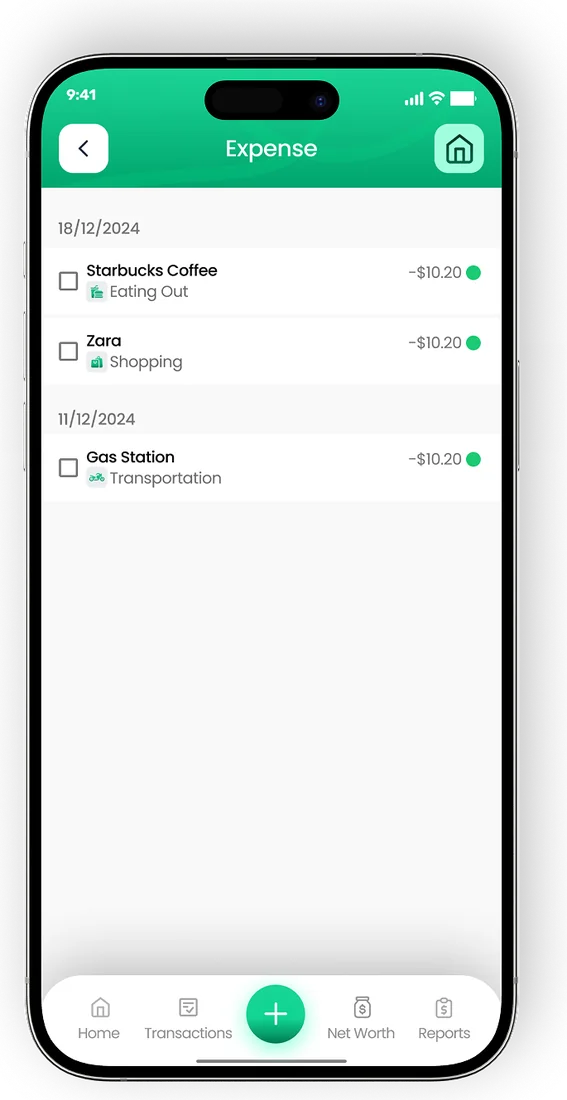
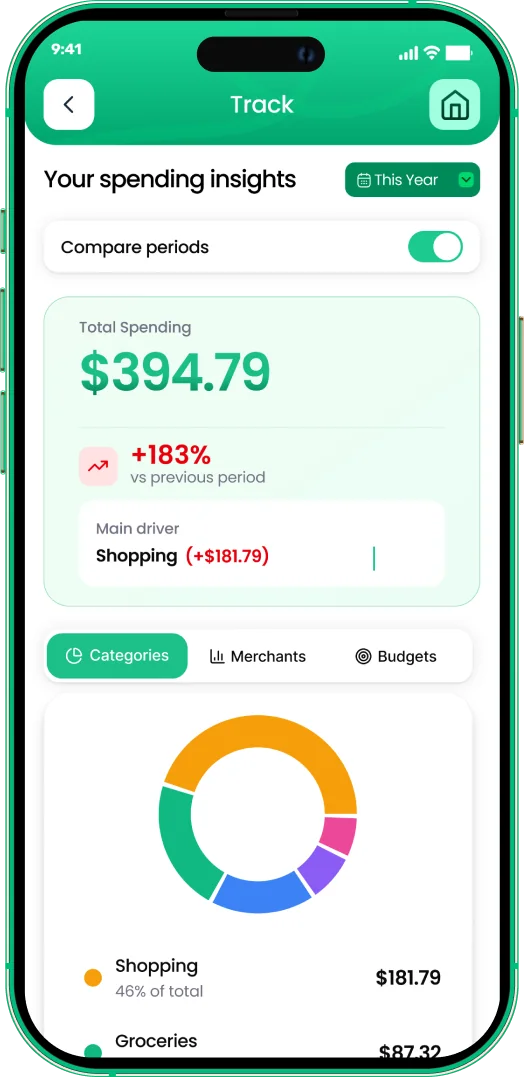
Put the numbers on autopilot
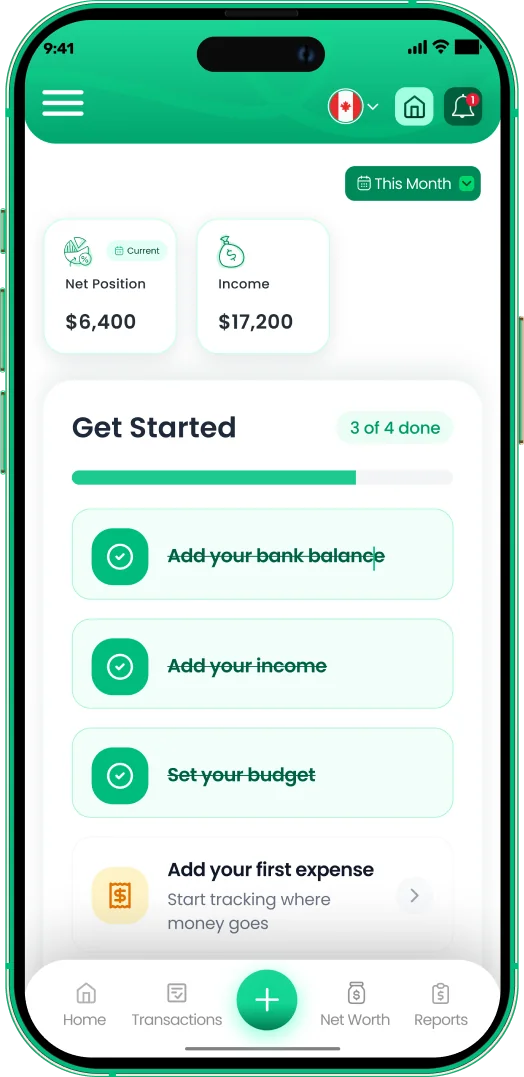
EMOH Pay tracks your spending, budgets and net worth on your phone and in the browser, always in sync. Free to start, made in Canada.
Get started free➜Budgeting App That Connects to Tangerine: frequently asked questions
Is EMOH Pay part of Tangerine or Scotiabank?
No. EMOH Pay is an independent Canadian app. It connects to Tangerine through Plaid and has no partnership with Tangerine or Scotiabank.
Will connecting Tangerine let the app move my savings?
No. The connection is read-only. EMOH Pay can view balances and transactions but cannot transfer money or change settings.
Can I track Tangerine without bank sync?
Yes. Add your Tangerine accounts manually on the free plan and update balances or transactions as you go. Budgets, goals and reports all work the same way.
Why does a transfer to Tangerine show as spending?
If both accounts are connected, tag the movement as a transfer. That removes it from spending totals while keeping both balances accurate.
Can my partner see our Tangerine savings goal?
Yes. With family sharing, a partner gets a separate login and sees the same goals and budgets in real time.
Sources and further reading
Related guides and tools
Connect your Canadian bank securely through Plaid and EMOH Pro imports transactions automatically — read-only, encrypted…
Budgeting App That Connects to ScotiabankNeed a Scotiabank budgeting app? See how to connect Scotiabank accounts to a budget app read-only through Plaid, plus tips…
How to Connect Your BankConnect your Canadian bank in under two minutes with EMOH Pro: Settings → Linked Accounts → Connect Bank → choose your bank…
Give every dollar a destinationCreate savings goals — emergency fund, trip, down payment — and EMOH Pay tracks progress and tells you if you're on pace.…
Budgeting App That Connects to CIBCLooking for a CIBC budgeting app? See how to connect CIBC to a budget app with read-only bank sync, what imports, how it…
EMOH Pay Pricing — Free & Pro PlansEMOH Pay is free to start. EMOH Pro adds automatic bank sync and advanced AI for just $4.99/month. Cancel anytime. Free to…
Start free today
Free on iPhone, Android and the web. Upgrade to EMOH Pro anytime for bank sync and advanced AI.
Download for iOS➜ Get it on Android➜