
Budgeting App for Windows PC
Windows users can budget with desktop software, an Excel workbook or a web app that syncs with their phone. Here is how the options compare and how to set EMOH Pay up on Windows 11.
Get started free➜ Download the app➜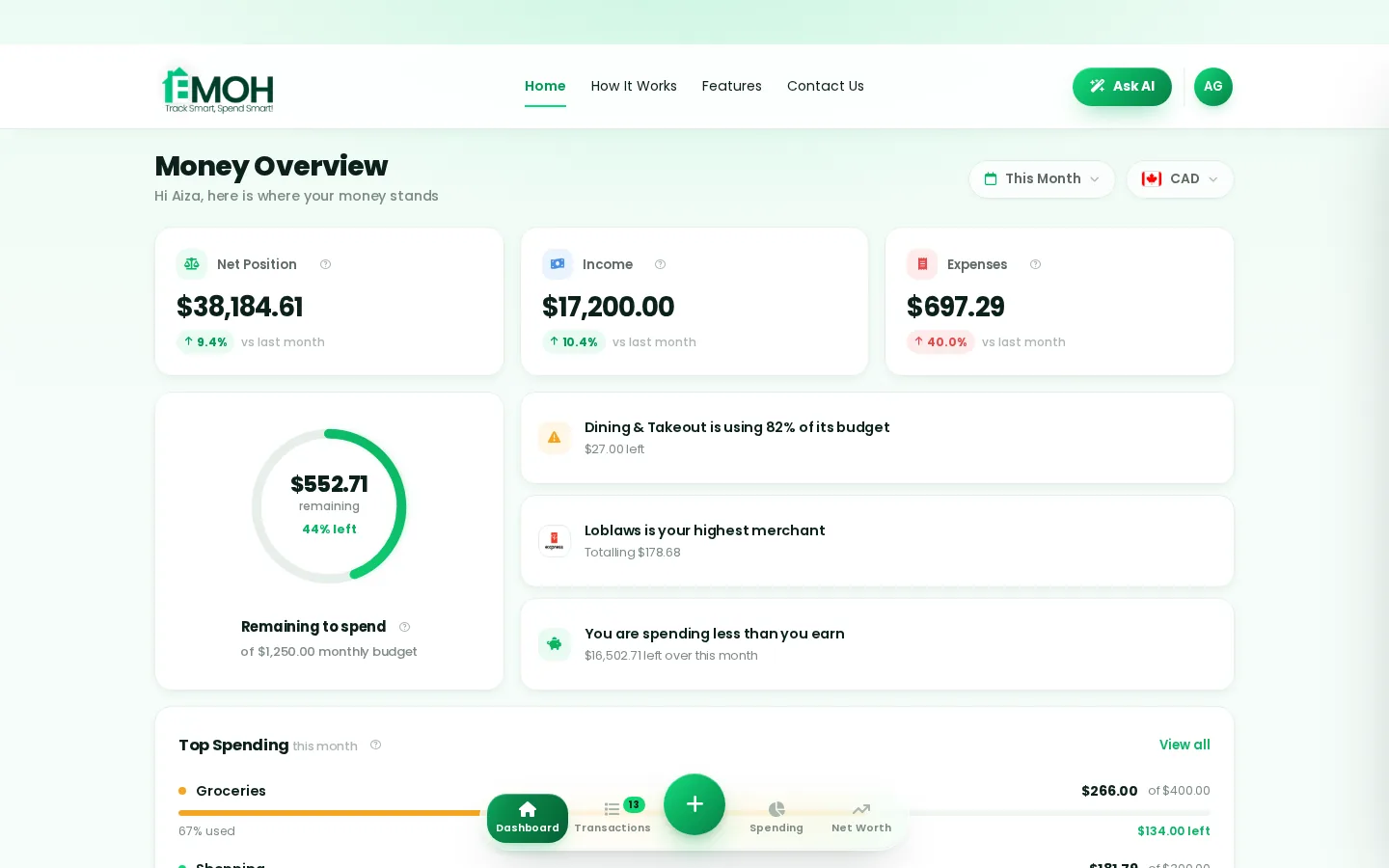
Is there a budgeting app for Windows?
Yes. You can budget on Windows with desktop budgeting software for PC, an Excel workbook or a browser-based app. Browser apps need no install and stay in sync with your phone. EMOH Pay runs in Edge, Chrome or Firefox on any Windows PC, can be pinned to the taskbar like an app and is free to start.
Budgeting software for PC: the three options
Budgeting software for PC comes in three forms. Desktop programs are installed on your computer and keep data locally or in their own cloud. Web apps run in your browser and share an account with your phone. Excel workbooks are fully custom but completely manual.
The right choice depends on where you spend and when you review. If you log purchases on your phone and plan on your PC, you need something that syncs between the two.
| Option | Strengths | Trade-offs |
|---|---|---|
| Desktop software | Rich features, can work offline | Tied to one computer unless the vendor offers sync; often a paid licence or subscription |
| Web app in your browser | No install, same data on phone and PC, updates automatically | Needs an internet connection |
| Excel workbook | Total control, familiar tool | Manual entry, no alerts, harder to update from a phone |
What is the best budget app for Windows 11?
The best budget app for Windows 11 is one that keeps your PC and phone in step, is quick to update and protects your data. For most people that means a web app with good phone apps. People who want a traditional desktop ledger may prefer installed software.
At the time of writing (September 2026), established desktop choices include Quicken, which sells Windows software, and Moneydance, which runs on Windows, Mac and Linux. Microsoft stopped selling Microsoft Money long ago, and its Money in Excel add-on was retired in 2023, so there is no built-in Microsoft budgeting tool today. Check each vendor's site for current pricing and features. Our Quicken alternative page compares Quicken with EMOH Pay for Canadians.
- Phone sync. The budget should update on your PC and phone without exports.
- Speed. Adding an expense should take seconds, or the habit will not last.
- Bank support. Automatic sync depends on your country and bank.
- Security. Look for encryption, read-only bank access and a clear promise not to sell your data.
How to use EMOH Pay on Windows 11
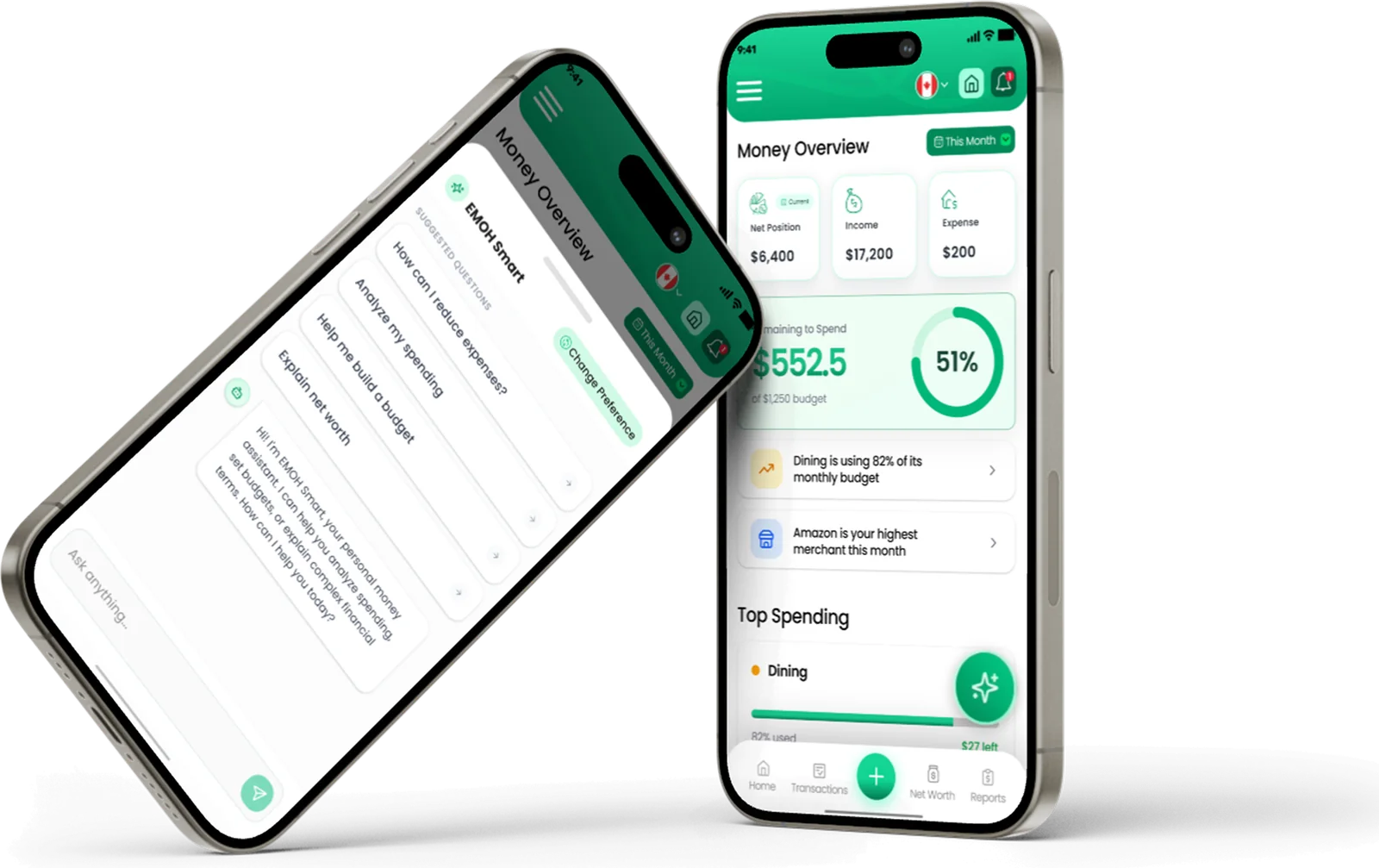
EMOH Pay does not have a native Windows program. Its web app runs in Edge, Chrome or Firefox and uses the same account as the iPhone and Android apps, so your PC and phone always show the same numbers.
Modern browsers can install a website as an app with its own window and taskbar icon. Here is how to do it in Microsoft Edge, which comes with Windows 11.
- Open Edge and go to emohpay.com, then sign in or create a free account.
- Open the Settings and more menu (the three dots), choose Apps, then Install this site as an app.
- Confirm the name EMOH Pay and click Install. It opens in its own window.
- Right-click its icon on the taskbar and choose Pin to taskbar, or pin it to Start.
- Install the phone app and sign in with the same account so everything stays in sync.
Chrome offers a similar option in its menu. Menu labels change between browser versions, so look for an install or create shortcut option.
Set up in about five minutes
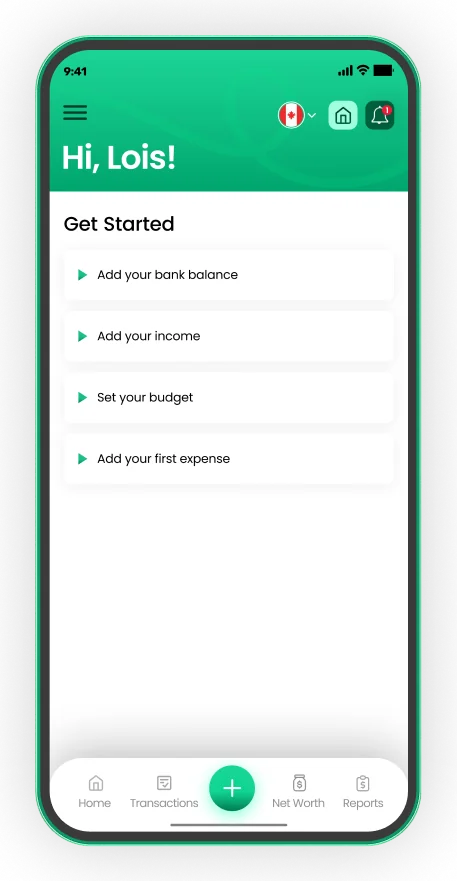
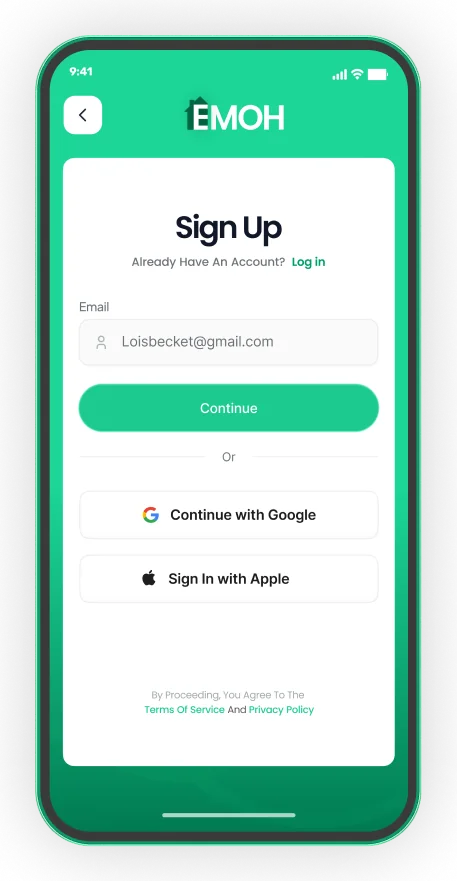
- Sign up with email, Google or Apple
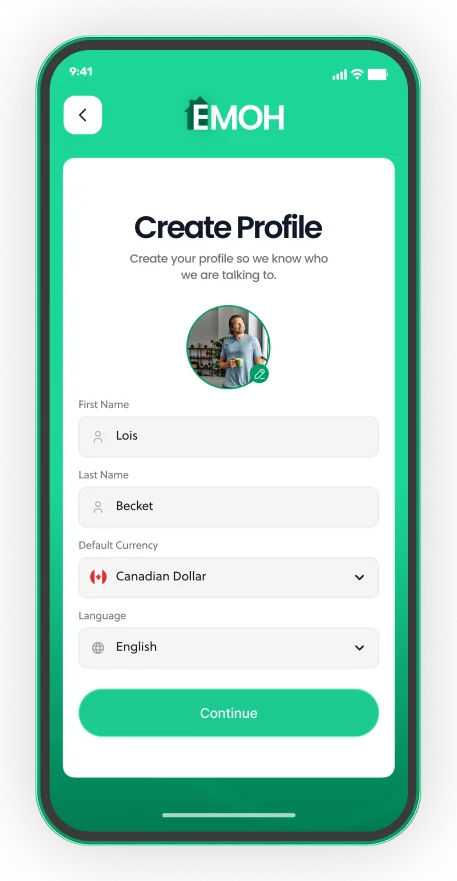
- Pick your default currency and language
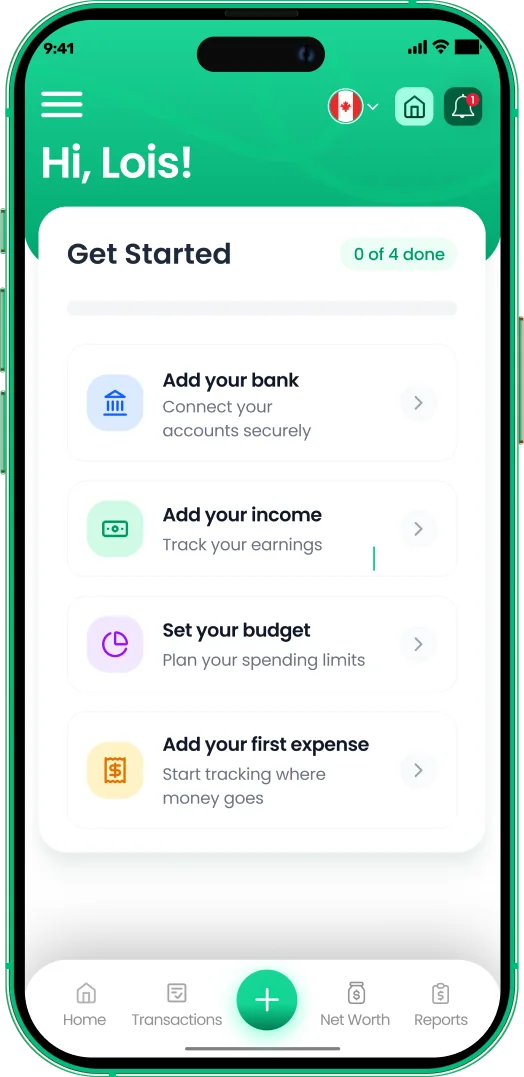
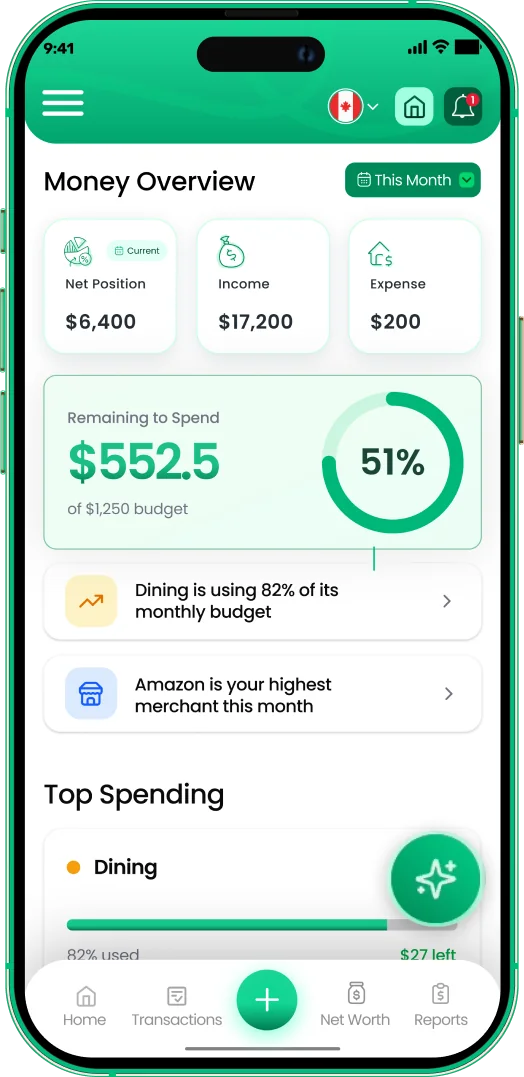
- Add income, a budget and your first expense


Excel versus a budgeting app on Windows
Excel is already on many Windows PCs and is a capable budgeting tool. You can build a monthly plan, use SUMIF to total categories and add conditional formatting for overspending. Our free budget template gives you a ready-made starting point.
The weak point is data entry. Every purchase has to be typed, usually at your desk, and there are no alerts to warn you before a category runs out. Our full comparison of a budgeting app versus a spreadsheet explains when each makes sense.
EMOH Pay exports to Excel as well as PDF, so you can track day to day in the app and still build your own analysis in a workbook.
Do you need budgeting software installed on your PC?
You do not need budgeting software installed on your PC to budget well. A browser-based app gives you the same core tools without installs, updates or backups to manage. Installed software makes most sense if you want offline access or prefer to keep files on your own machine.
If you share a PC with family members, a web app with separate logins is often simpler than a single desktop file. Each person signs in to their own account and sees the shared budget.
EMOH Pay features on your PC
Everything in EMOH Pay works in the browser on Windows: expense tracking, budgets with overspend alerts, bill tracking, savings goals, net worth, receipts, reports, Ask AI, a daily money digest, family sharing, GST/HST tracking and PDF or Excel exports, in 148 currencies.
It is free to start. EMOH Pro costs $4.99 a month and adds automatic bank sync with Canadian banks through Plaid and advanced AI. Learn more about the budgeting web app, browse all features or read the Mac guide.
Get started in minutes
Put the numbers on autopilot
EMOH Pay tracks your spending, budgets and net worth on your phone and in the browser, always in sync. Free to start, made in Canada.
Get started free➜Budgeting App for Windows PC: frequently asked questions
Is there an EMOH Pay app for Windows?
There is no native Windows program. The EMOH Pay web app runs in any Windows browser, and you can install it from Edge or Chrome so it opens in its own window with a taskbar icon.
Does Windows 11 come with budgeting software?
No. Windows 11 does not include a budgeting app. Excel, where available, can be used with a budget template.
Is Microsoft Money still available?
No. Microsoft discontinued Microsoft Money many years ago, and its later Money in Excel add-on was retired in 2023.
Can I use a budgeting app on Windows without internet?
Desktop software can often work offline. Web apps, including EMOH Pay, need an internet connection.
Will my PC and phone show the same budget?
With EMOH Pay, yes. The web app and the phone apps use the same account and stay in sync.
Sources and further reading
Related guides and tools
EMOH Pay's full web app: budgets, reports and net worth in the browser, always in sync with the iPhone and Android app. Made…
Budgeting App for MacLooking for a budgeting app for Mac? Compare native Mac apps, browser apps and Numbers, see what matters on macOS and how to…
Download EMOH Pay — iOS, Android & WebDownload EMOH Pay free on the App Store or Google Play, or use the full web app in your browser. One synced account…
Budgeting App vs Spreadsheet: Which Is Better in 2026?Spreadsheets are flexible but fragile: manual entry, broken formulas, no reminders, one device. EMOH Pay automates the…
Free Budget TemplateDownload a free monthly budget template (CSV — opens in Excel or Google Sheets) with Canadian categories and the 50/30/20…
EMOH Pay Features — Budgets, Tracking, AI & MoreAll EMOH Pay features: expense tracking, budgets, net worth, Ask AI, family sharing, GST/HST, multi-currency and more. Free…
Start free today
Free on iPhone, Android and the web. Upgrade to EMOH Pro anytime for bank sync and advanced AI.
Download for iOS➜ Get it on Android➜