
Best Expense Tracker Apps 2026
We compared six widely used expense tracking apps on what they are built for, where they run, how they charge and how well they handle receipts and currencies. We make EMOH Pay, so we list it and say where others fit better.
Get started free➜ Download the app➜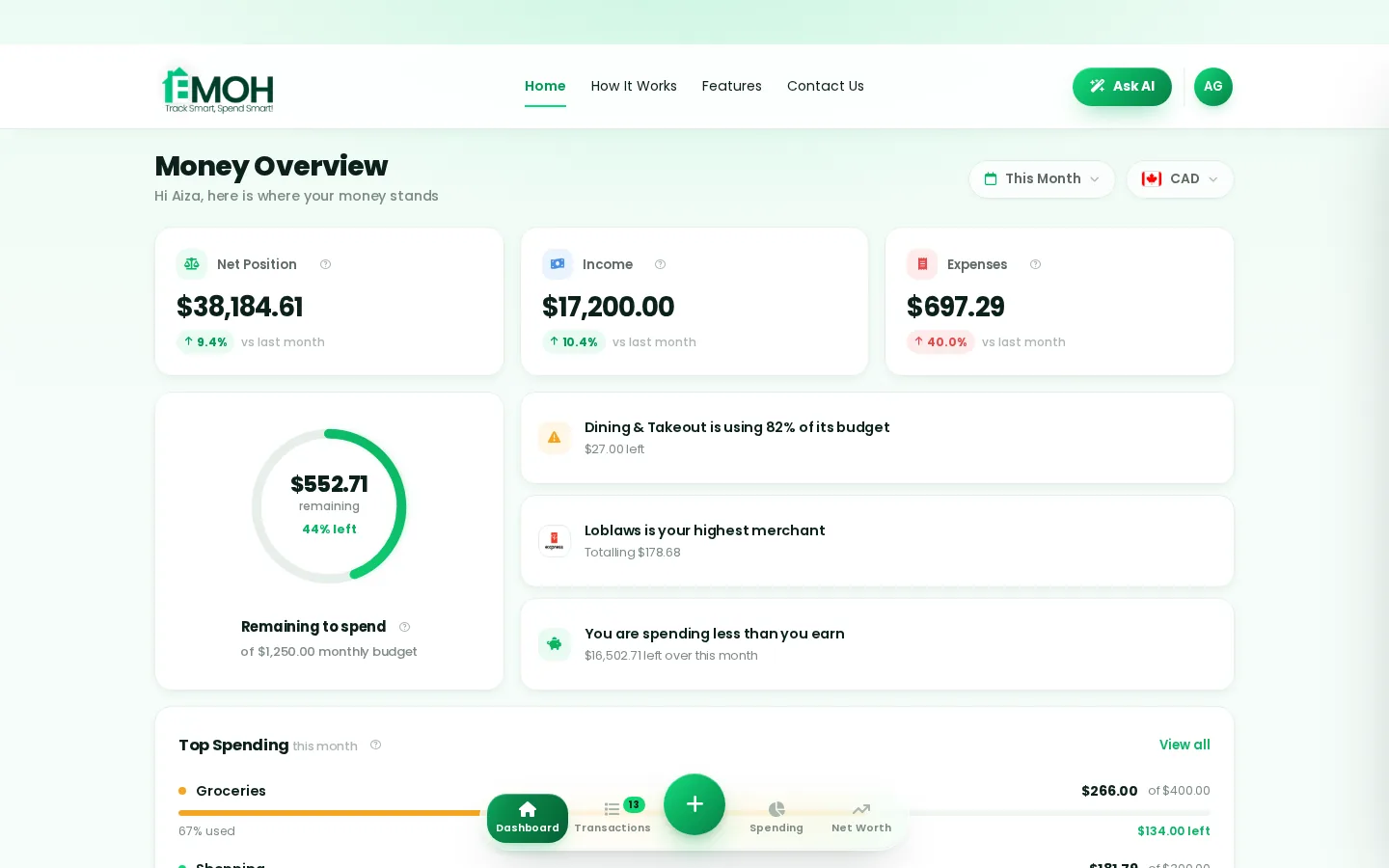
What is the best expense tracker app?
The best expense tracker app depends on what you track. For personal and family spending with budgets, EMOH Pay, Spendee and Wallet by BudgetBakers are strong choices. For business expense reports and receipts, Expensify is built for the job. Money Manager suits manual trackers, and YNAB suits people who want strict zero-based budgeting.
Best expense tracker apps at a glance
An expense tracker app records what you spend, sorts it into categories and shows where the money goes. Some stop there. Others add budgets, receipts, shared accounts and bank sync. The table compares six popular options at the time of writing (September 2026). Features and pricing change, so check each app before you commit.
Canadian readers should also see our best expense tracker apps in Canada, which focuses on Canadian bank support, CAD and GST/HST.
| App | Best for | Platforms | Pricing model |
|---|---|---|---|
| EMOH Pay | Personal and family spending with budgets | iPhone, Android, web | Free to start; Pro $4.99/month |
| Expensify | Work expenses and receipt-based reports | iPhone, Android, web | Free and paid plans |
| Spendee | Shared wallets and simple personal tracking | iPhone, Android | Free with premium upgrade |
| Wallet by BudgetBakers | Tracking across many accounts and currencies | iPhone, Android, web | Free with premium upgrade |
| Money Manager (Realbyte) | Detailed manual logging | Android, iPhone | Free with paid version |
| YNAB | Zero-based budgeting with tracking | iPhone, Android, web | Subscription after free trial |
What makes a good expense tracking app?
A good expense tracking app makes logging fast, categories clear and reports useful. It should warn you before you overspend, keep receipts with transactions and work on every device you use. Bank sync, multi-currency and sharing are valuable if they match your life, but speed of entry matters most.
- Fast entry. Adding an expense should take a few seconds, or you will stop.
- Clear categories. Sensible defaults you can edit, plus recurring expenses.
- Receipts. Snap a photo and attach it to the transaction for returns, warranties and tax time.
- Budgets and alerts. Tracking shows the past; alerts change what you do next.
- Reports and exports. Monthly summaries plus PDF, Excel or CSV exports.
- Currencies. Essential for travellers, expats and anyone paid in one currency and spending in another.
- Privacy. Encryption, read-only bank access and a clear policy on selling data.
The apps in more detail
Here is where each app shines and where you might look elsewhere. We based this on each app's published features at the time of writing, using the criteria in our review methodology.
EMOH Pay
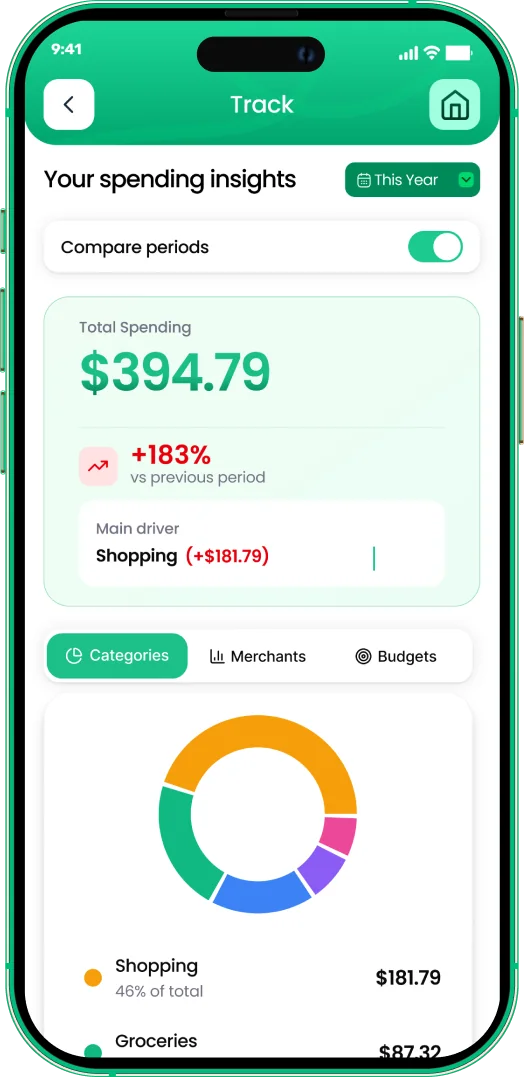
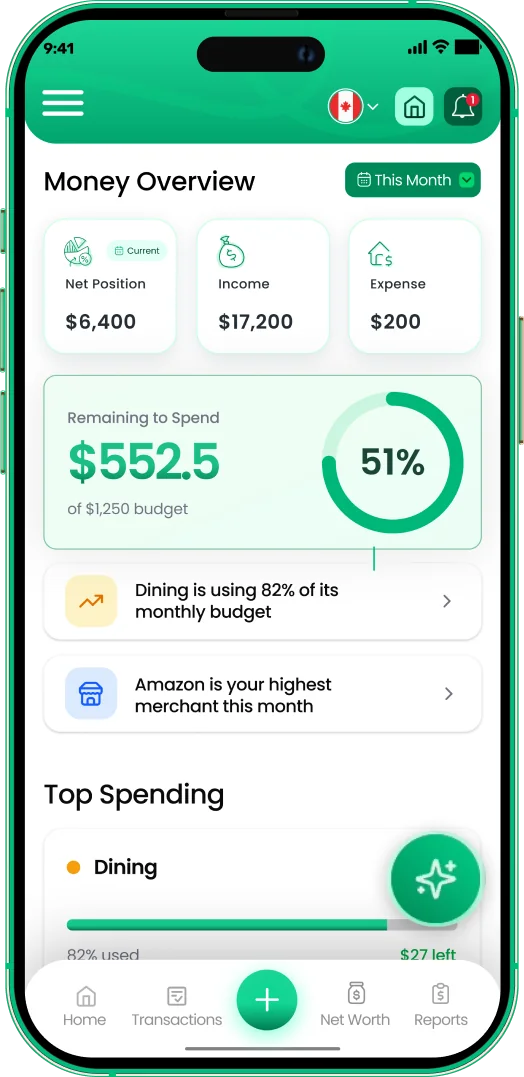
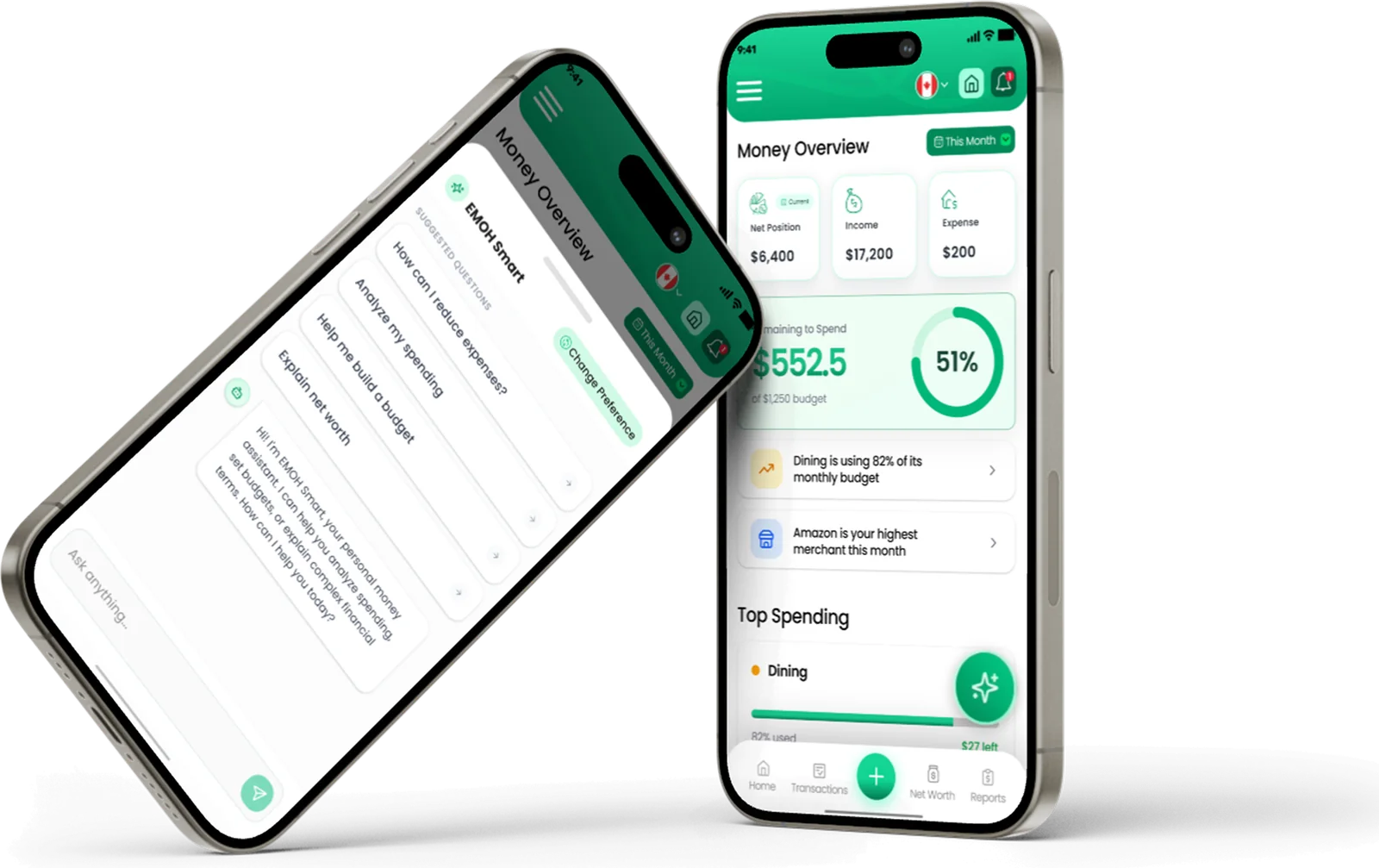
Free to start on iPhone, Android and the web, always in sync. It combines expense tracking with budgets and overspend alerts, bill tracking, receipts, savings goals, net worth, reports, Ask AI and family sharing with separate logins. It supports 148 currencies with automatic conversion and exports to PDF and Excel. EMOH Pro, at $4.99 a month, adds automatic bank sync, which is confirmed for Canadian banks only, so users elsewhere log expenses manually. Read more about the expense tracker app.
Expensify
Built around receipts and expense reports, which makes it a natural fit for employees and small teams who submit expenses for reimbursement. It is more than most people need for a household budget.
Spendee
A clean personal tracker with shared wallets for couples or flatmates. It suits people who want simple tracking and light budgeting.
Wallet by BudgetBakers
Designed for tracking many accounts and currencies in one place, with bank connections offered in a number of countries. Check coverage for your bank.
Money Manager (Realbyte)
A long-standing manual tracker with detailed categories and account views. It suits people who like logging every transaction themselves.
YNAB
A budgeting method first and a tracker second. It asks you to give every dollar a job, which rewards commitment. See how it compares in EMOH Pay vs YNAB.
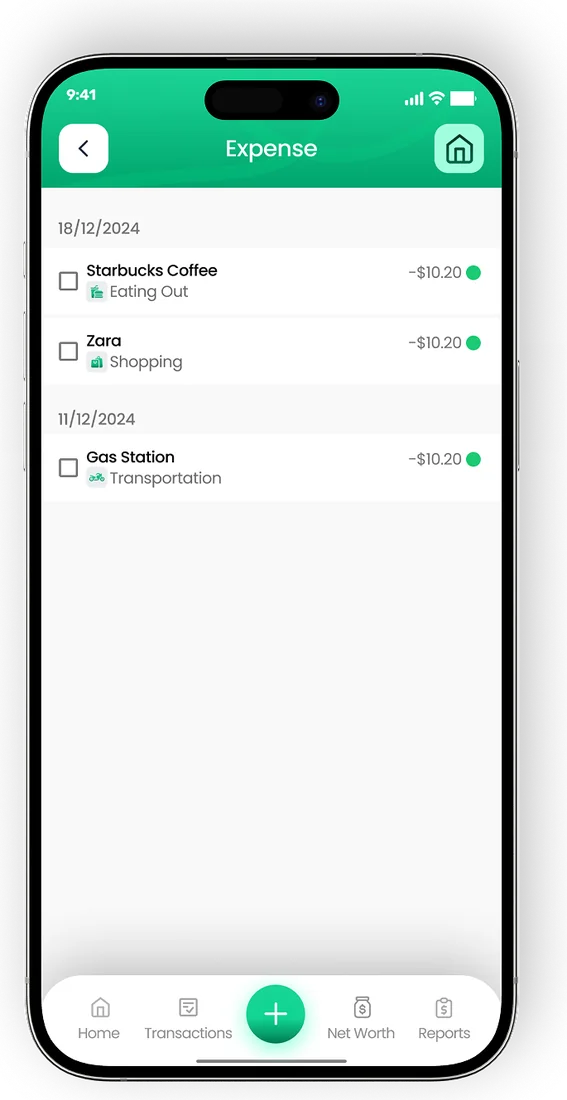
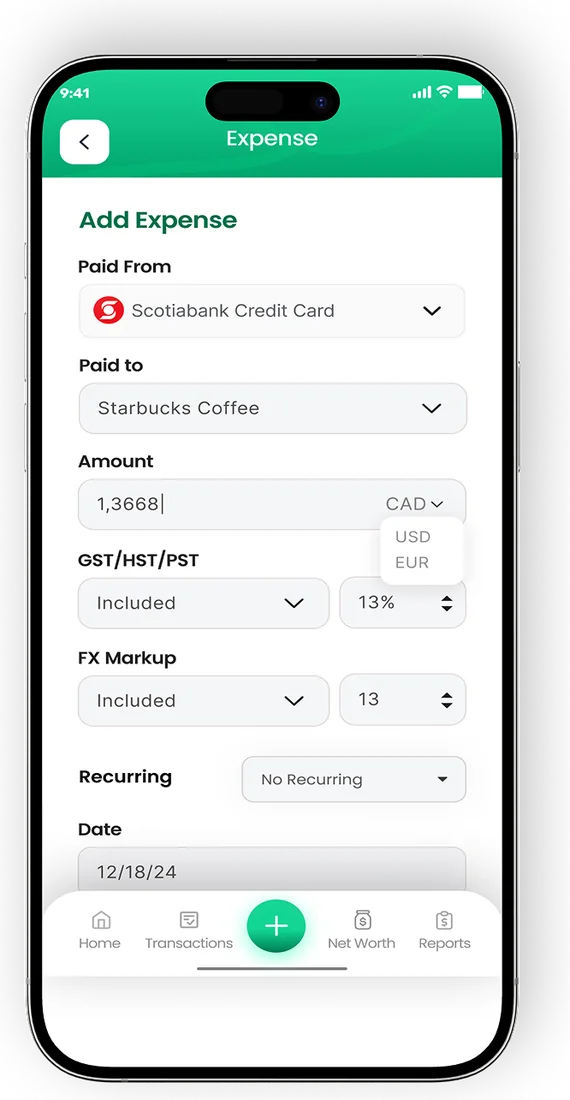
Log a purchase in two taps
- Smart categories sort every transaction
- Tag who spent what in a shared household
- Export PDF or Excel reports any month


Free versus paid expense tracker apps
Most expense tracker apps offer a free tier for manual tracking and charge for automatic bank sync, extra accounts or advanced reports. Bank sync costs providers money to run, which is why it usually sits behind a subscription.
If you are happy logging expenses yourself, a free tier is often enough. Manual logging also builds awareness, because you notice every purchase. If you have many accounts or little time, paying for sync can be worth it. Our roundup of the best free budgeting apps lists options that cost nothing.
Which expense tracker is right for you?
| If you want to... | Consider |
|---|---|
| Track household spending and stay on budget | EMOH Pay, Spendee |
| Track spending in several currencies | EMOH Pay, Wallet by BudgetBakers |
| Submit work expense reports with receipts | Expensify |
| Log everything manually in detail | Money Manager |
| Follow a strict zero-based budget | YNAB |
| Share a budget with a partner or family | EMOH Pay, Spendee |
Whichever app you pick, the habit matters more than the tool. Our guide on how to track expenses covers a simple weekly routine that works in any app. Self-employed? Our small business expense tracker page covers separating business and personal spending.
Track every dollar
Put the numbers on autopilot
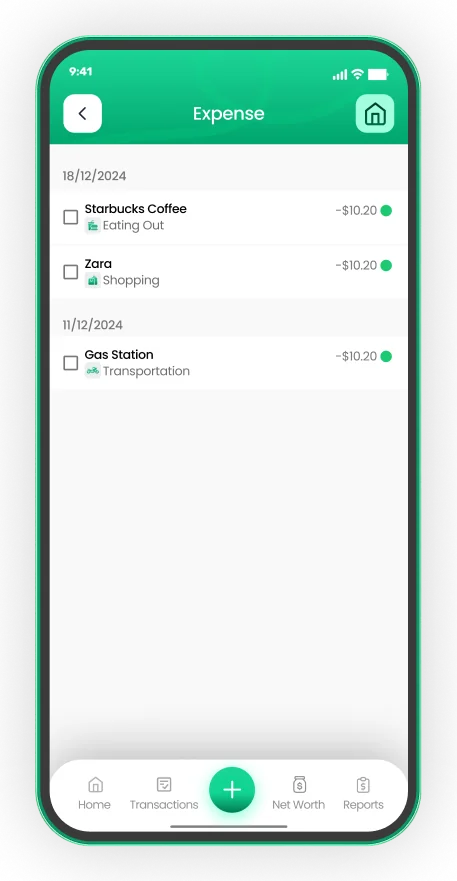
EMOH Pay tracks your spending, budgets and net worth on your phone and in the browser, always in sync. Free to start, made in Canada.
Get started free➜Best Expense Tracker Apps 2026: frequently asked questions
What is the easiest expense tracker app to use?
The easiest app is the one with the fewest taps to add an expense. Try two or three free tiers for a week each and keep the one you actually open every day.
Is there a free expense tracker app?
Yes. EMOH Pay, Spendee, Wallet by BudgetBakers and Money Manager all offer free versions. Paid tiers usually add bank sync or extra features.
Do expense tracker apps connect to my bank?
Many do, but coverage depends on your country and bank. EMOH Pay's bank sync on EMOH Pro is confirmed for Canadian banks only.
Can I track expenses in more than one currency?
Yes, with an app that supports multiple currencies. EMOH Pay supports 148 currencies with automatic conversion.
Should I use an expense tracker or a budgeting app?
An expense tracker shows where money went. A budgeting app also plans where it should go. Many apps, including EMOH Pay, do both.
Sources and further reading
Related guides and tools
EMOH Pay is a free expense tracker app built in Canada. Add expenses in two taps on your phone or laptop, snap receipts, and…
Best Expense Tracker Apps in Canada (2026)Best Expense Tracker Apps in Canada: EMOH Pay leads for Canadians, with honest rankings of the alternatives. Updated for…
How to Track ExpensesTracking expenses means recording where money actually goes — the foundation under every budget. Manual, automatic, or…
Snap it. Saved forever.Photograph receipts as you spend and EMOH Pay attaches them to transactions — searchable, organized and backed up for…
Best Free Budgeting Apps (2026)Best Free Budgeting Apps: EMOH Pay leads for Canadians, with honest rankings of the alternatives. Updated for 2026. Free to…
Multi Currency Budget AppEMOH Pay supports 148 currencies with live conversion — perfect for expats, travellers, newcomers and anyone whose money…
Start free today
Free on iPhone, Android and the web. Upgrade to EMOH Pro anytime for bank sync and advanced AI.
Download for iOS➜ Get it on Android➜