
Best Budgeting App for iPhone
Six popular iPhone budgeting apps compared on budgeting style, pricing model, where else they run and who they suit best, with notes for Canadians. We make EMOH Pay and say so where it matters.
Get started free➜ Download the app➜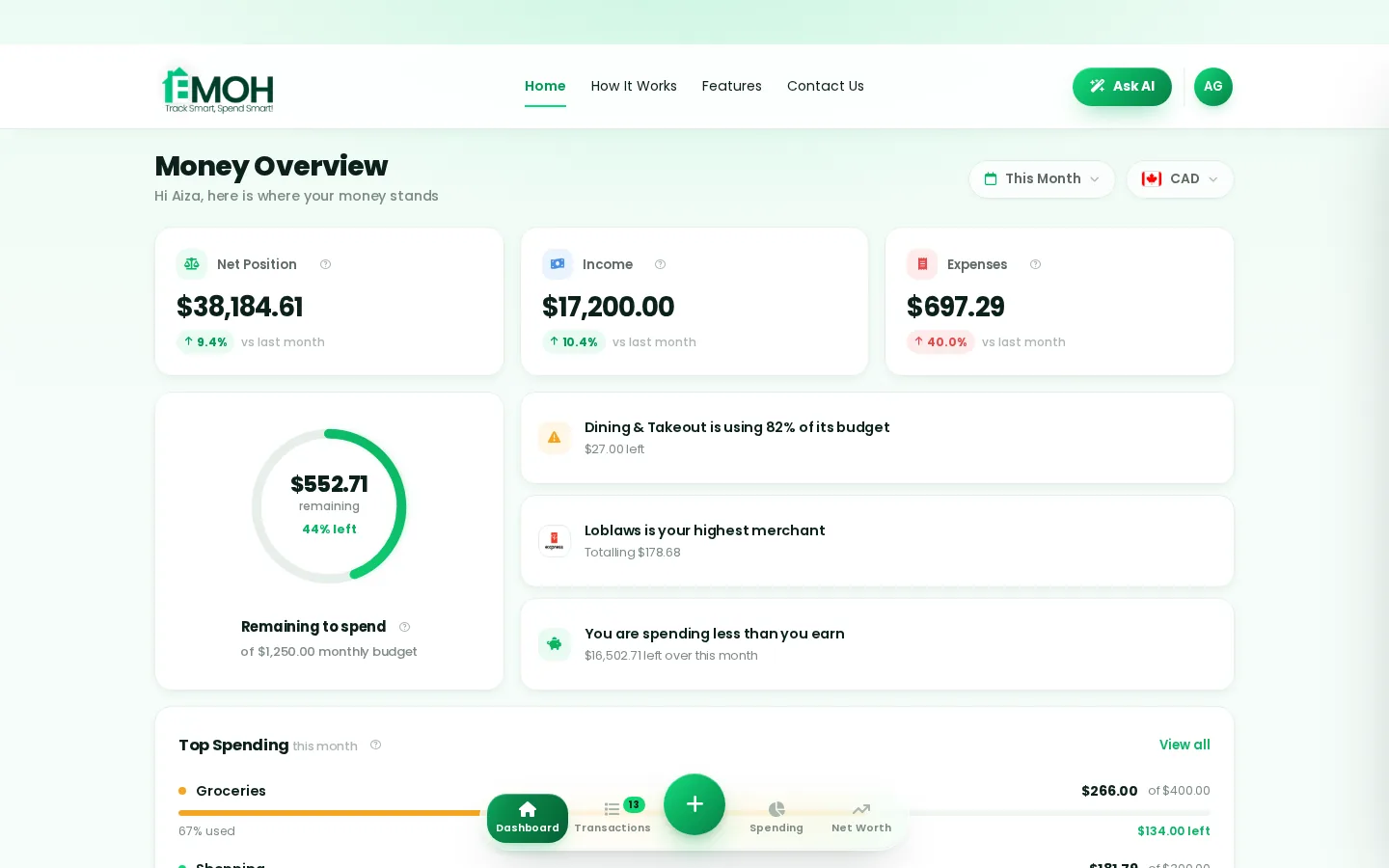
What is the best budgeting app for iPhone?
The best budgeting app for iPhone depends on your style and where you bank. EMOH Pay suits Canadians who want a free, all-in-one budget with optional Canadian bank sync. YNAB suits strict zero-based budgeters, Goodbudget suits envelope fans, and Monarch Money and Copilot Money suit people happy to pay for a polished, subscription-only app.
Best budgeting apps for iPhone compared
Every app below is available on the App Store and works well on iPhone. They differ in budgeting style, price and whether they also run on Android, Mac or the web, which matters if your household uses mixed devices.
The table reflects each app's published details at the time of writing (September 2026). Prices and bank coverage change, so confirm on the App Store listing or the app's website.
| App | Style | Also runs on | Pricing model |
|---|---|---|---|
| EMOH Pay | All-in-one budgets, tracking, goals, net worth | Android, web | Free to start; Pro $4.99/month |
| YNAB | Zero-based | Android, web | Subscription after free trial |
| Monarch Money | All-in-one with investments | Android, web | Subscription after free trial |
| Copilot Money | iPhone-first, automated | iPad, Mac | Subscription after free trial |
| Goodbudget | Envelope | Android, web | Free and paid plans |
| PocketGuard | Spending limits | Android, web | Paid plans; check for a current free option |
What should you look for in an iPhone budget app?
Look for an iPhone budget app that makes adding an expense quick, shows what is left in each category at a glance and warns you before you overspend. After that, check the price, whether it syncs with your bank and whether it runs on your other devices.
- Quick entry. Adding a purchase should take seconds on the go.
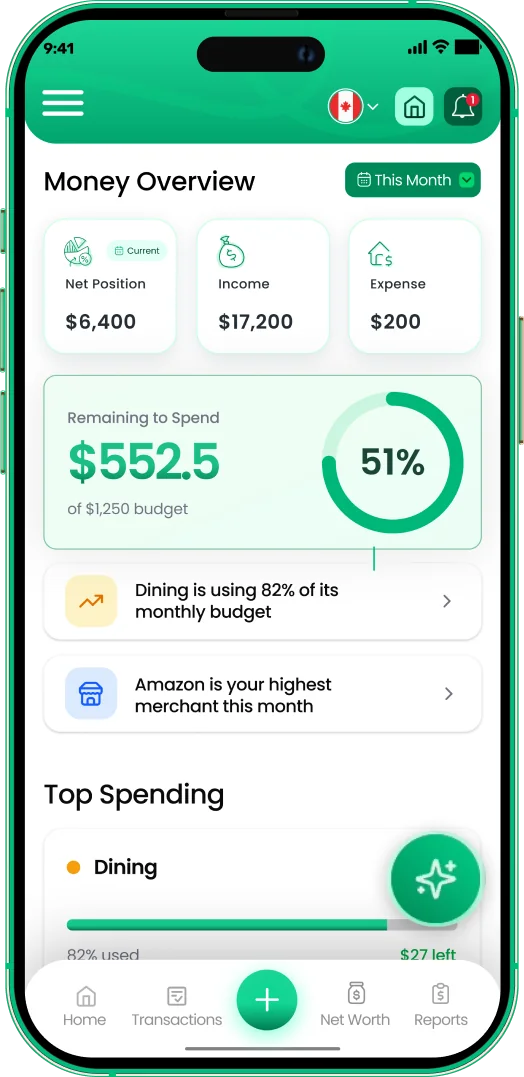
- Clear budgets. See what is left in each category on the home screen.
- Alerts. Notifications before a budget runs out, and before bills are due.
- Bank sync where you bank. Coverage depends on country and bank, so check yours.
- Other devices. A web or Mac version makes monthly reviews easier. Our guide to budgeting on a Mac covers this.
- Privacy. Encryption, read-only bank access and data that is never sold.
- Fair pricing. A free tier or trial long enough to form a habit.
The iPhone budgeting apps in more detail
EMOH Pay
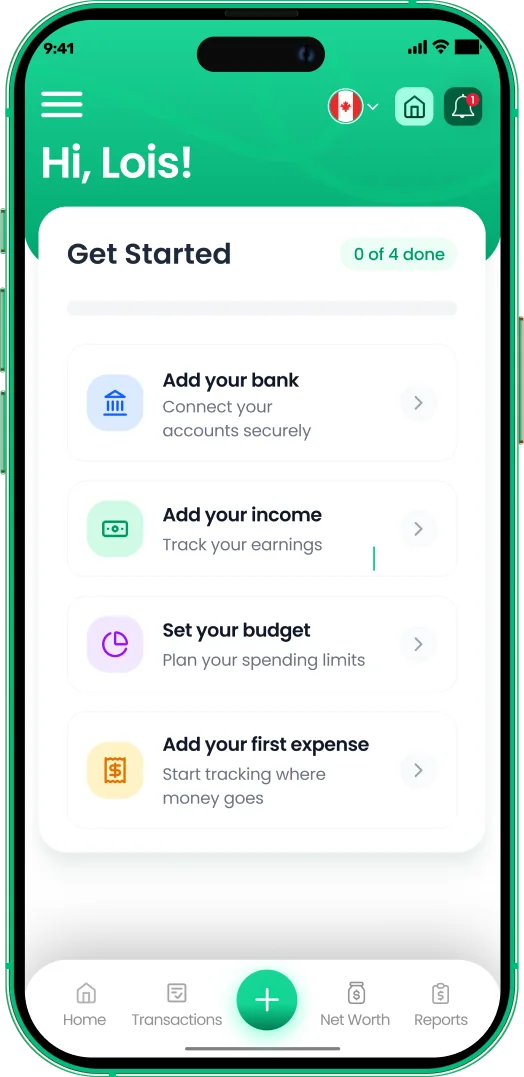
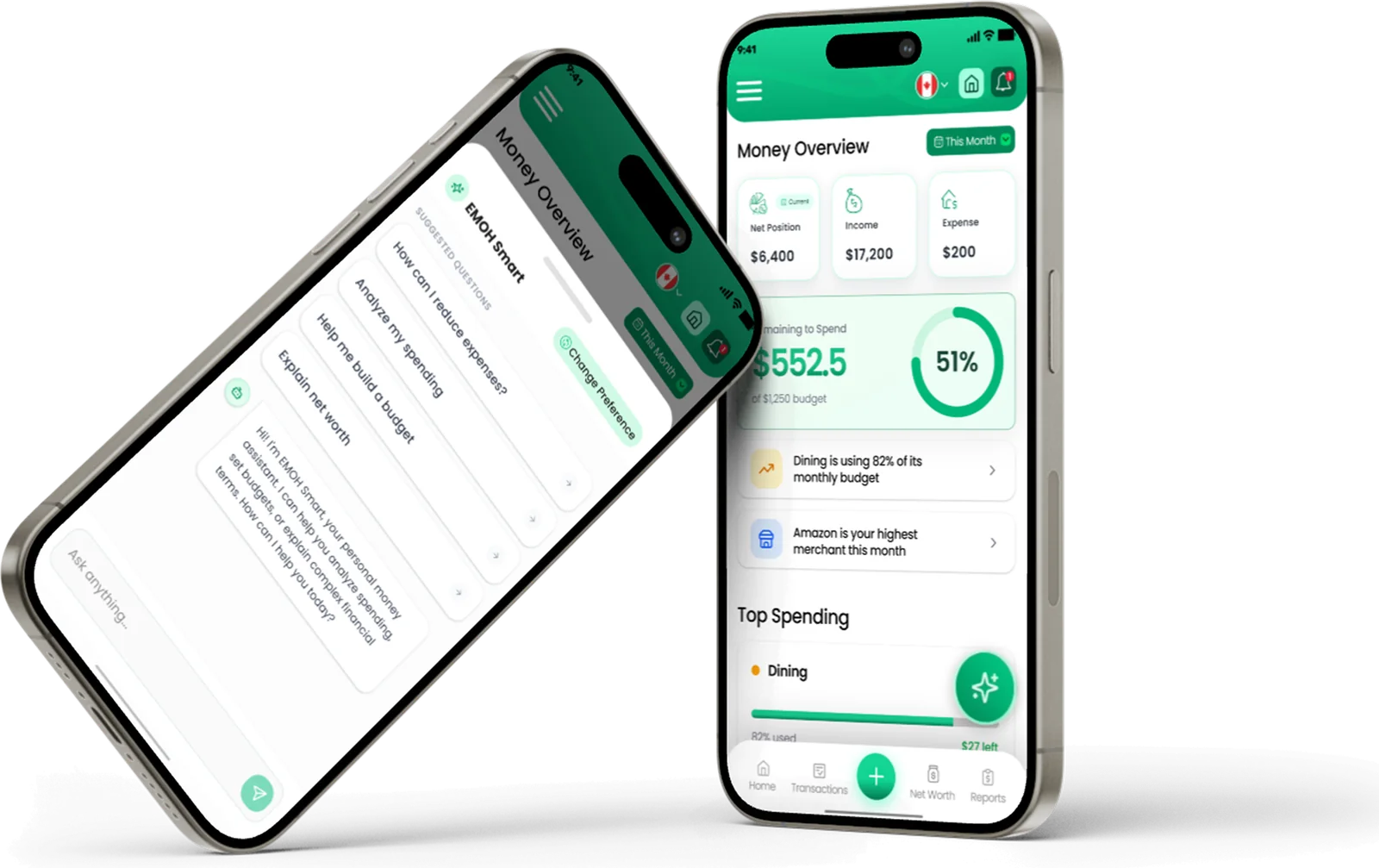
Built in Canada and free to start on iPhone, Android and the web, always in sync. It includes expense tracking, budgets with overspend alerts, bills, savings goals, net worth, receipts, reports, Ask AI, a daily money digest and family sharing with separate logins. EMOH Pro, at $4.99 a month, adds automatic bank sync through Plaid for Canadian banks. See all features.
YNAB
A zero-based method where every dollar gets a job. Loyal users credit it with changing their habits, but it takes time to learn and has no free tier after the trial. Compare it in EMOH Pay vs YNAB.
Monarch Money
A polished all-in-one app with budgets, investments and collaboration for couples. Subscription only after the trial. See our Monarch Money alternative page for the Canadian angle.
Copilot Money
Designed around the iPhone, with a clean interface and automatic categorization. It is subscription only, and bank coverage outside its main market is worth checking. See our Copilot Money alternative page.
Goodbudget
A digital version of the envelope method, good for couples who share envelopes. Much of the entry is manual by design.
PocketGuard
Focuses on how much you can safely spend after bills and goals. Suits people who want one simple number.
Set up in about five minutes
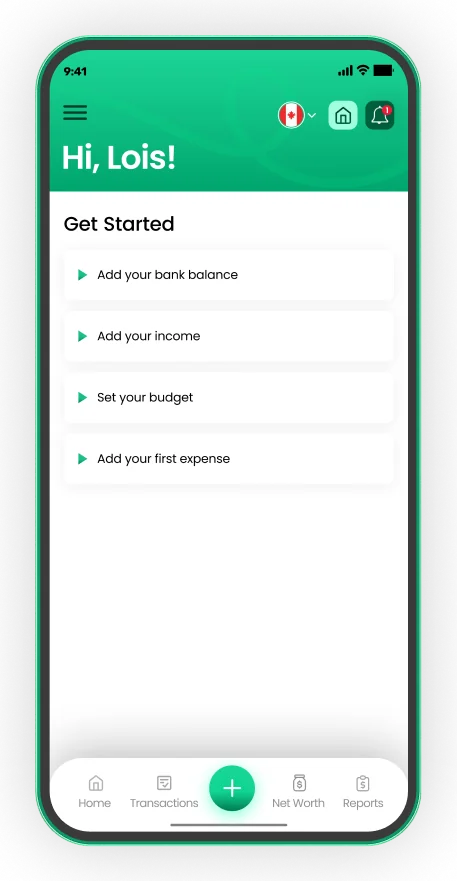
- Sign up with email, Google or Apple
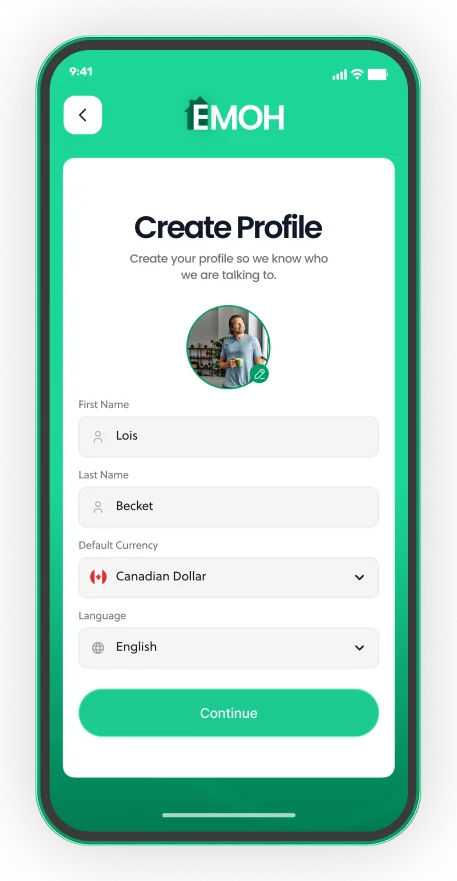
- Pick your default currency and language
- Add income, a budget and your first expense


What is the best budget app for iOS in Canada?
The best budget app for iOS in Canada is one that handles Canadian dollars, supports Canadian banks if you want sync and fits Canadian needs such as GST/HST. Many popular apps are built for the US first, so their bank coverage and features can be thinner for Canadians.
EMOH Pay is built in Canada, supports automatic bank sync with Canadian banks on EMOH Pro, tracks GST/HST and handles data in line with PIPEDA. For a wider Canadian comparison across all platforms, see the best budgeting apps in Canada.
- Canadian bank sync. Confirm your bank and account types are supported before paying.
- CAD by default. Avoid apps that assume US dollars or US tax rules.
- Privacy law. Canadian users are covered by PIPEDA or similar provincial laws when a business handles their personal information.
Free versus paid iPhone budget apps
Some iPhone budget apps are free to start with optional paid upgrades, while others are subscription only after a free trial. Paid tiers usually add automatic bank sync, deeper reports or extra users.
If you are new to budgeting, start with a free app and manual entry for a month. You will learn your spending patterns, and you can upgrade later if typing becomes the thing that stops you. For a ranked list across every platform, see our best budgeting apps for 2026.
Getting started on your iPhone
- Download EMOH Pay from the App Store, or visit our download page.
- Create a free account and choose your currency.
- Set budgets for your biggest categories, such as rent, groceries and transport.
- Add expenses as they happen, or upgrade to EMOH Pro for automatic bank sync with Canadian banks.
- Open emohpay.com on your computer for a monthly review on a bigger screen.
Get started in minutes
Put the numbers on autopilot
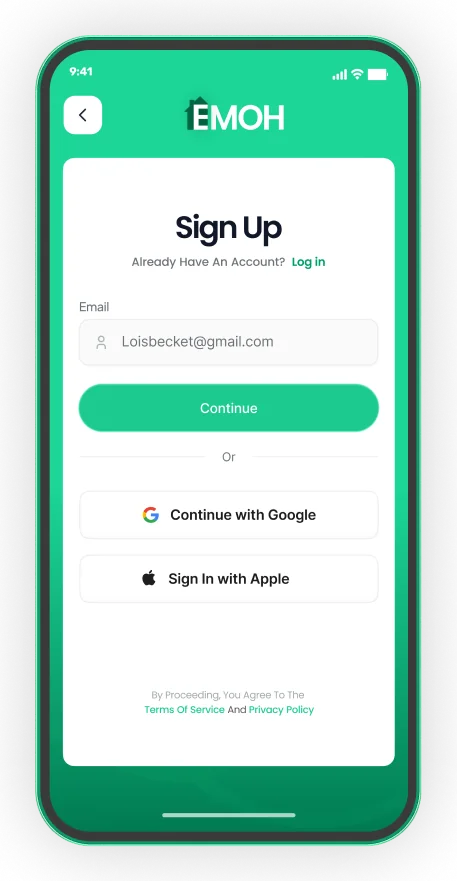
EMOH Pay tracks your spending, budgets and net worth on your phone and in the browser, always in sync. Free to start, made in Canada.
Get started free➜Best Budgeting App for iPhone: frequently asked questions
Is there a free budgeting app for iPhone?
Yes. EMOH Pay and Goodbudget have free options. YNAB, Monarch Money and Copilot Money offer free trials and then require a subscription. Check each app for current plans, as they change.
Does Apple have a built-in budgeting app?
iOS does not include a dedicated budgeting app. Apple Card holders can see spending summaries in the Wallet app, but that covers only that card.
Which iPhone budget apps work with Canadian banks?
Coverage varies and changes over time. EMOH Pay's bank sync on EMOH Pro is built for Canadian banks. For other apps, check their support pages for your bank.
Can my partner use the app on Android?
With EMOH Pay, yes. It runs on iPhone, Android and the web, and family sharing gives each person their own login.
Is it safe to use a budgeting app on my iPhone?
Choose an app that encrypts data, uses read-only bank access and does not sell your information. Keep your iPhone updated and protected with a passcode.
Sources and further reading
Related guides and tools
All EMOH Pay features: expense tracking, budgets, net worth, Ask AI, family sharing, GST/HST, multi-currency and more. Free…
Best Budgeting App for AndroidFind the best budgeting app for Android in 2026. Compare six Android budget apps by style, pricing model and devices, with…
Best Budgeting Apps 2026: 10 Tested and RankedThe right budgeting app won’t just track your spending — it will change how you relate to money entirely. But in 2026, there…
Best Budgeting Apps in Canada (2026)Best Budgeting Apps in Canada: EMOH Pay leads for Canadians, with honest rankings of the alternatives. Updated for 2026.…
Download EMOH Pay — iOS, Android & WebDownload EMOH Pay free on the App Store or Google Play, or use the full web app in your browser. One synced account…
Budgeting App for MacLooking for a budgeting app for Mac? Compare native Mac apps, browser apps and Numbers, see what matters on macOS and how to…
Start free today
Free on iPhone, Android and the web. Upgrade to EMOH Pro anytime for bank sync and advanced AI.
Download for iOS➜ Get it on Android➜