
Personal Finance App
A personal finance app can track spending, run a budget, follow your net worth and keep bills on time. Here is how to pick the right one for how you actually handle money.
Get started free➜ Download the app➜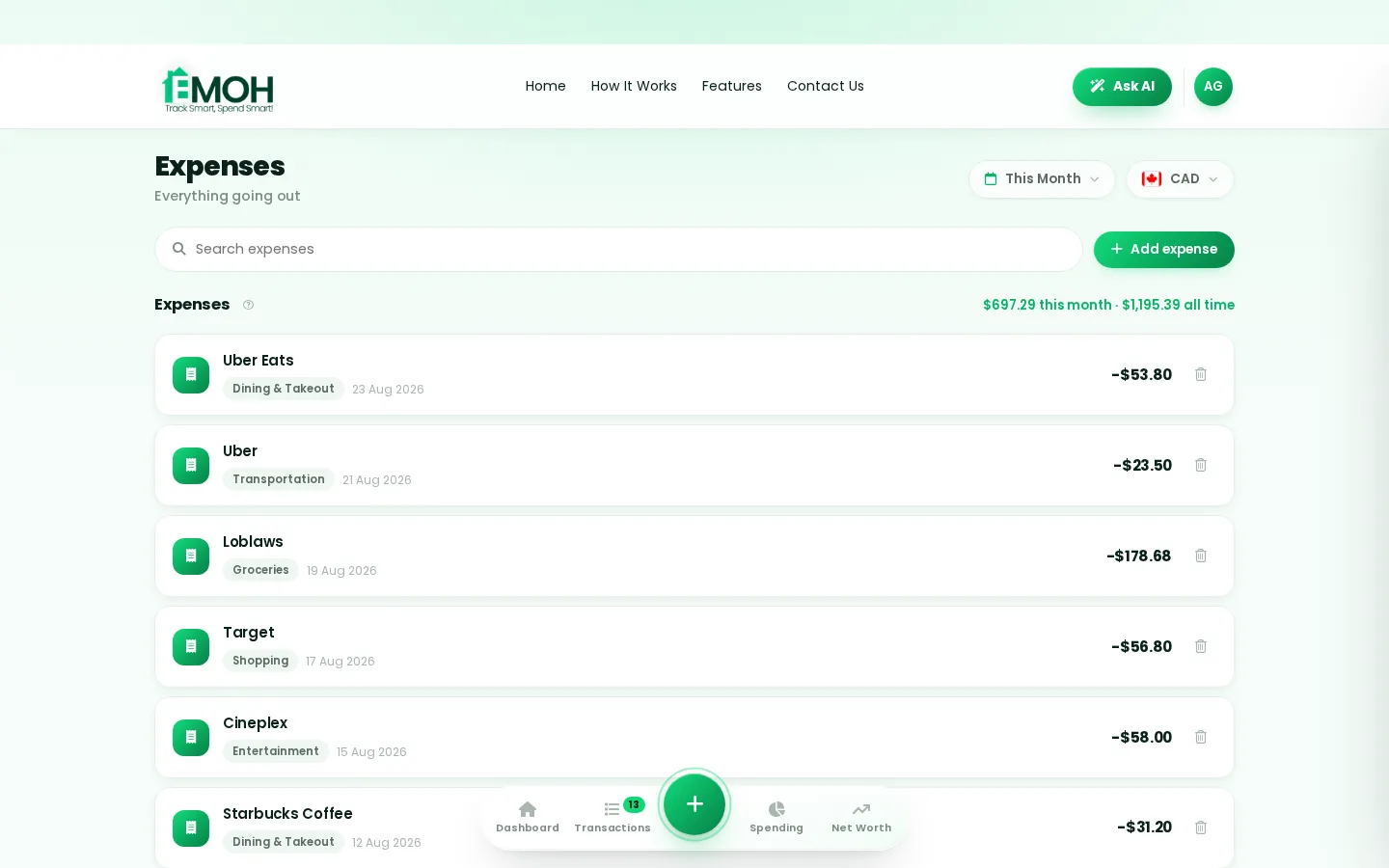
What is the best personal finance app?
The best personal finance app is the one that covers what you need and that you will open every week. For most people that means expense tracking, budgets with alerts, bill reminders, savings goals and net worth in one place, strong security and a fair price. Investors or small business owners may need a more specialized app.
What is a personal finance app?
A personal finance app is software on your phone or computer that helps you see and manage your money. Some focus on one job, such as investing or credit scores. Others, often called money apps, bring spending, budgets, bills, savings and net worth together in one view.
Knowing which type you need narrows the choice quickly. Most people looking for a personal finance app want the all-in-one budgeting type, and add a bank or brokerage app alongside it.
| Type | What it does | Good for |
|---|---|---|
| Budgeting and money management | Tracks spending, sets budgets, bills, goals and net worth | Everyday money control |
| Expense tracker | Logs and categorizes spending, often with receipts | Knowing where money goes |
| Bank app | Shows one bank's accounts, transfers and payments | Moving money at one bank |
| Investing app | Buys and tracks investments | Growing savings and retirement |
| Credit score app | Shows your credit score and report | Building or checking credit |
Which features should a personal finance app have?
A good personal finance app should make it easy to record spending, compare it with a plan and act before you overspend. Look for fast expense entry, budgets with alerts, bill tracking, savings goals and net worth. Bank sync, reports and sharing are valuable extras depending on how you live.
- Expense tracking. Quick manual entry and clear categories. Automatic import is a bonus.
- Budgets with alerts. A warning before a category runs out is what changes behaviour.
- Bills and subscriptions. Reminders stop late fees and forgotten renewals.
- Savings goals. A visible target for an emergency fund, trip or down payment.
- Net worth. Assets minus debts, tracked over time. See our net worth tracker.
- Reports and exports. Monthly summaries plus exports for tax time or your own spreadsheets.
- Sharing. Couples and families benefit from a shared budget where each person has their own login.
- Works everywhere. Phone and computer access, kept in sync.
How to choose the best personal finance app for you
Choosing the best personal finance app is mostly about fit. Features on a comparison chart matter less than whether the app suits your habits, your bank and your household.
- Name the main job. Is it stopping overspending, paying off debt, saving for something specific or managing money with a partner?
- Check your country and bank. Bank sync coverage differs by country and provider. Confirm your bank is supported before paying for sync.
- Decide on manual or automatic. Manual entry builds awareness. Automatic sync saves time. Many apps offer both.
- Check the platforms. Make sure it runs on every device you use, including a browser if you like budgeting on a laptop.
- Read the privacy policy. Look for encryption, read-only bank access and a clear statement that your data is not sold.
- Try the free tier for a month. If you are still opening it after four weeks, it is a good fit.
For a ranked comparison of named apps, see our best budgeting apps for 2026. For a deeper look at the all-in-one category, read about money management apps.
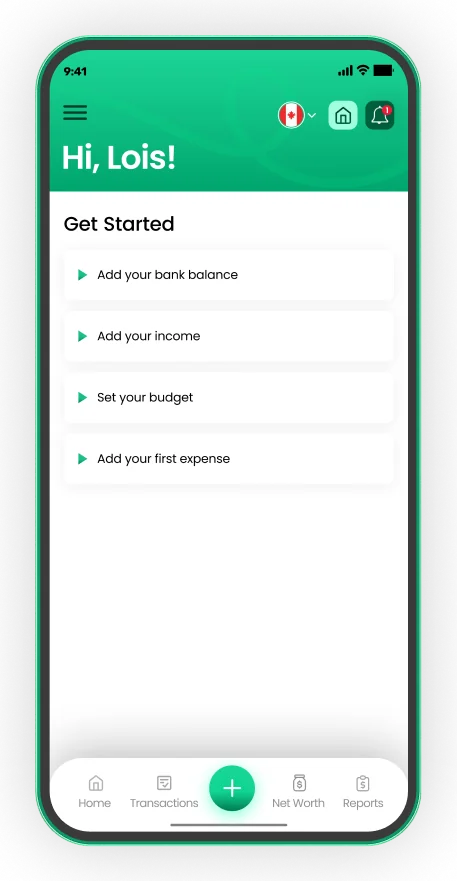
Set up in about five minutes
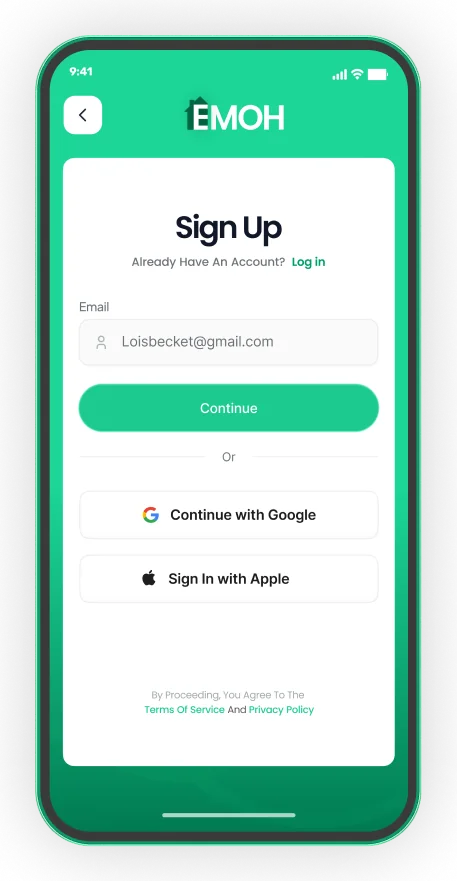
- Sign up with email, Google or Apple
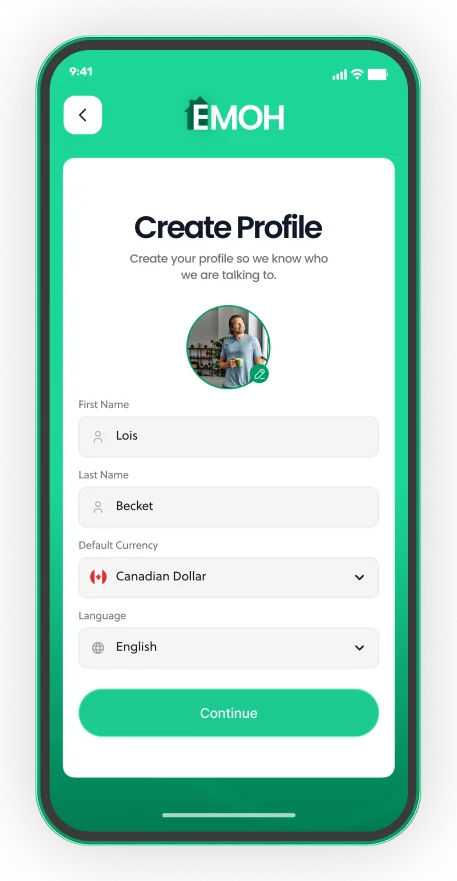
- Pick your default currency and language
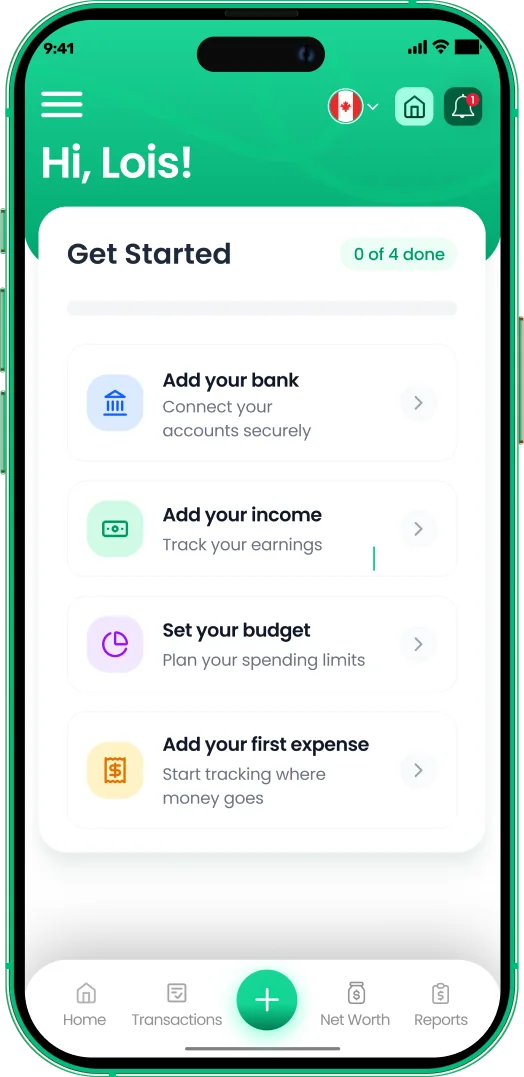
- Add income, a budget and your first expense


Free versus paid money apps
Personal finance apps usually follow one of three pricing models: fully free, free with paid upgrades, or subscription only after a trial. Free apps may be supported by ads or by selling financial products, so it is worth reading how an app makes money.
Paid tiers typically add automatic bank sync, which costs the app provider money to run, along with deeper reports or advanced features. Prices change often, so check each app's current pricing page rather than relying on a comparison written months ago. Our roundup of the best free budgeting apps covers apps you can use without paying.
| Model | What to expect | Watch for |
|---|---|---|
| Free | Core tracking and budgets at no cost | Ads, product offers or data use |
| Freemium | Free core app, paid plan for sync or extras | Which features sit behind the paywall |
| Subscription only | Full app after a trial, billed monthly or yearly | Auto-renewal and cancellation terms |
Is it safe to use a personal finance app?
A well-built personal finance app is generally safe when it encrypts your data, connects to banks with read-only access through an established provider, and does not sell your information. Protect your side too: use a strong, unique password and turn on your phone's screen lock.
Read-only access means the app can see transactions but cannot move money. In Canada, private-sector organizations that collect personal information are generally covered by PIPEDA, the federal privacy law, or by similar provincial laws. See how EMOH Pay handles this on our security page.
Where EMOH Pay fits
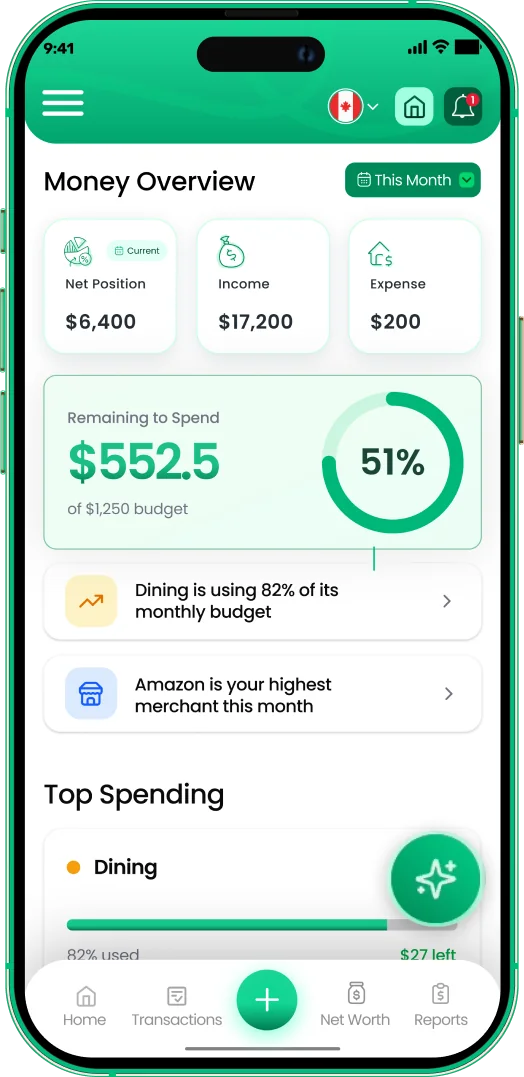
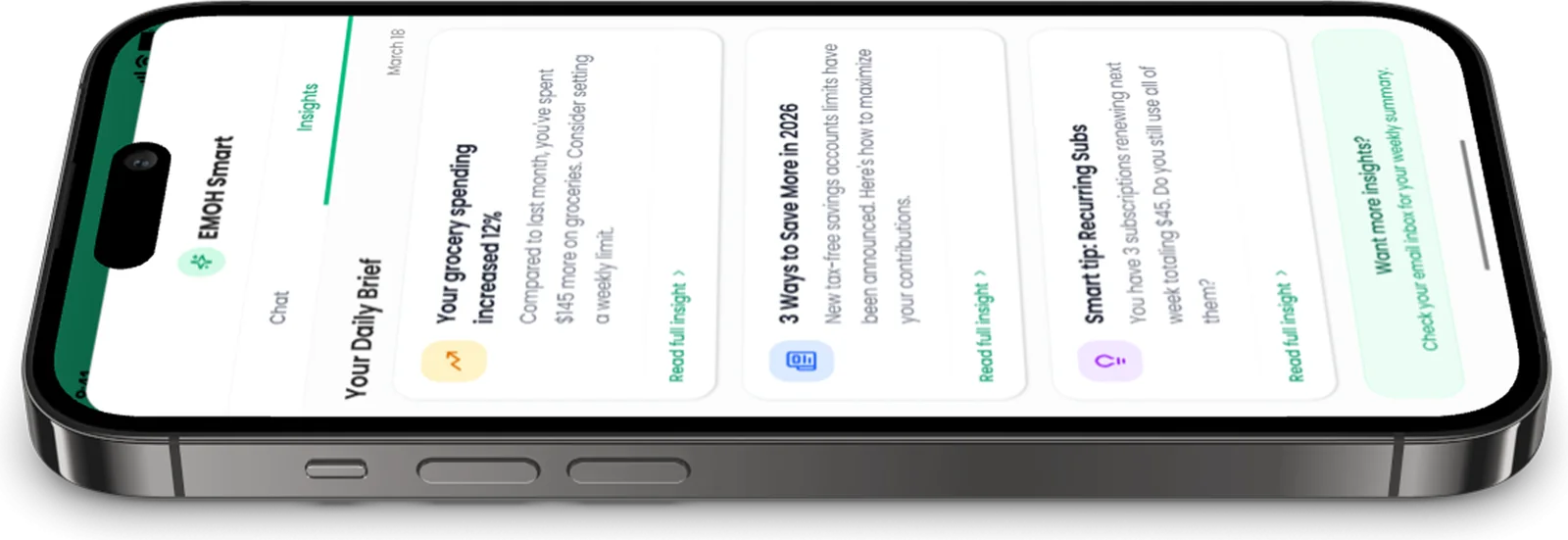
EMOH Pay is an all-in-one personal finance app built in Canada. It is free to start on iPhone, Android and the web, always in sync, with expense tracking, budgets with overspend alerts, bill tracking, savings goals, net worth, receipts, reports and a daily money digest. Family sharing gives each person their own login.
EMOH Pro costs $4.99 a month and adds automatic bank sync through Plaid for Canadian banks, plus advanced AI. Data is AES-256 encrypted, never sold and handled in line with PIPEDA. See every feature in detail.
Get started in minutes
Put the numbers on autopilot
EMOH Pay tracks your spending, budgets and net worth on your phone and in the browser, always in sync. Free to start, made in Canada.
Get started free➜Personal Finance App: frequently asked questions
What is the difference between a personal finance app and a budgeting app?
A budgeting app focuses on planning and tracking spending. A personal finance app is a broader term that can also include net worth, bills, goals, investing or credit scores. Many budgeting apps now cover most of these.
Do I need to connect my bank account?
No. Most personal finance apps work with manual entry. Bank sync saves time but is optional, and you can add it later.
Is there a completely free personal finance app?
Yes, several apps offer free plans. Check what the free tier includes and how the app makes money, such as ads or paid upgrades.
Can a personal finance app help me save money?
It helps by showing where money goes and warning you before you overspend. The saving still comes from the choices you make with that information.
Does EMOH Pay work outside Canada?
Yes. EMOH Pay supports 148 currencies with automatic conversion. Automatic bank sync is currently confirmed only for Canadian banks, so users elsewhere track manually.
Sources and further reading
Related guides and tools
All EMOH Pay features: expense tracking, budgets, net worth, Ask AI, family sharing, GST/HST, multi-currency and more. Free…
The free money management app for your whole financial life.EMOH Pay is a money management app that brings accounts, budgets, spending and net worth together — free to start, on your…
Best Budgeting Apps 2026: 10 Tested and RankedThe right budgeting app won’t just track your spending — it will change how you relate to money entirely. But in 2026, there…
Best Free Budgeting Apps (2026)Best Free Budgeting Apps: EMOH Pay leads for Canadians, with honest rankings of the alternatives. Updated for 2026. Free to…
Budgeting App with Bank SyncConnect your Canadian bank securely through Plaid and EMOH Pro imports transactions automatically — read-only, encrypted…
Security at EMOH Pay — AES-256, PIPEDAYour money data, locked down and never sold: AES-256 encryption, Canadian PIPEDA privacy, read-only bank connections via…
Start free today
Free on iPhone, Android and the web. Upgrade to EMOH Pro anytime for bank sync and advanced AI.
Download for iOS➜ Get it on Android➜