
EMOH Pay vs Monarch Money
Two capable budgeting apps with different home markets. Here is how they compare for people who live, bank and pay tax in Canada.
Get started free➜ Download the app➜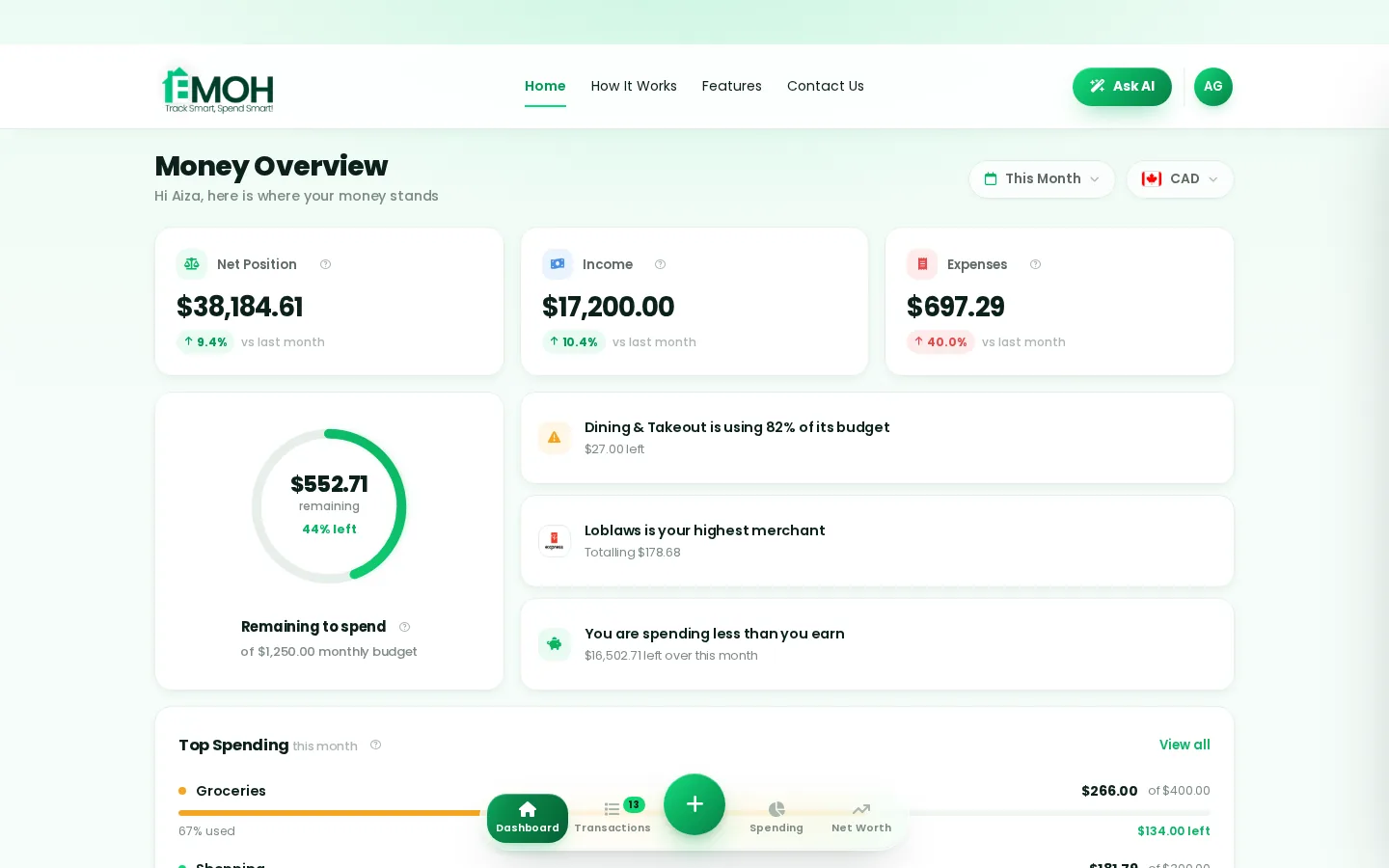
Is EMOH Pay or Monarch better for Canadians?
For most Canadians, EMOH Pay is the better fit: it is built in Canada, syncs Canadian banks on EMOH Pro, tracks GST/HST, handles 148 currencies and is free to start. Monarch Money is a strong choice for US households, especially those who want detailed investment tracking, but it is designed around US institutions and has no free plan.
Monarch Money vs EMOH Pay at a glance
This page answers one question: which app is better for someone in Canada. If you have already decided to leave Monarch and want a wider list of options, our Monarch Money alternative guide compares several replacements instead.
Details about Monarch are stated at the time of writing (September 2026). Monarch updates its product often, so confirm current features and pricing on its site.
| EMOH Pay | Monarch Money | |
|---|---|---|
| Home market | Canada | United States |
| Free plan | Yes, free to start | No; paid after a free trial |
| Paid plan | EMOH Pro, $4.99/month | Monthly or annual subscription |
| Automatic bank sync | Canadian banks via Plaid on EMOH Pro | Built mainly around US institutions |
| Currencies | 148 with automatic conversion | Designed around US dollars |
| GST/HST tracking | Yes | Not a focus |
| Partner or family sharing | Family sharing with separate logins | Invite a partner to the household |
| Investment tracking | Net worth tracking | Detailed investment and portfolio views |
| Platforms | iPhone, Android and web | iPhone, Android and web |
| Data | AES-256 encrypted, never sold, PIPEDA-compliant | See Monarch's privacy policy |
Does Monarch Money work in Canada?
Monarch Money can be used from Canada, but it is built for the US market. Its bank connections, categories and reports are designed around US institutions and US dollars, so Canadian coverage can be patchy and Canadian tax features such as GST/HST tracking are not a focus. Check Monarch's help centre for your specific banks before subscribing.
The practical test is simple. During a free trial, try to connect every account you use day to day, including your credit cards and any US dollar account. If a key account will not connect, you will be entering it by hand, which removes much of the value of a paid sync app.
Bank sync and currencies
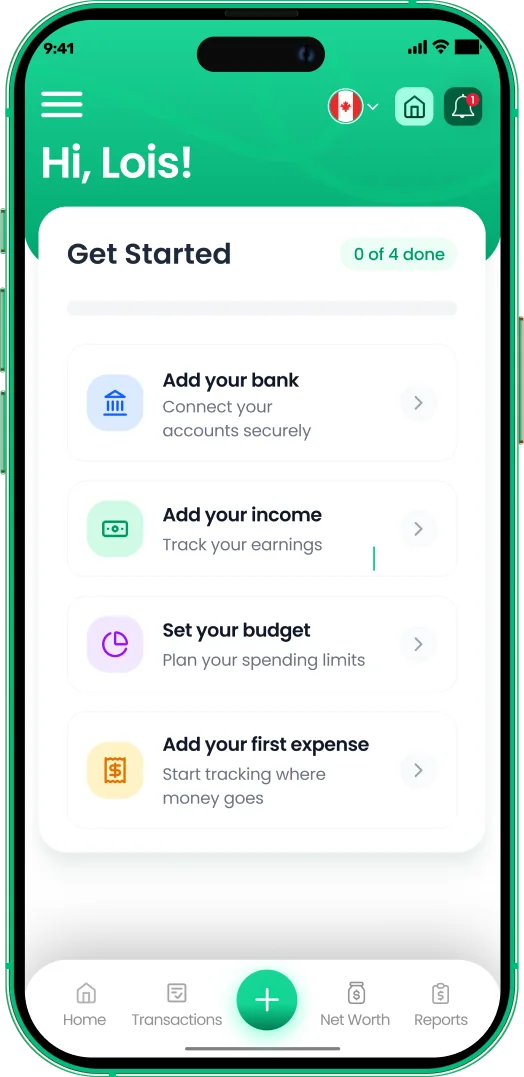
EMOH Pay connects to Canadian banks through Plaid on EMOH Pro. The connection is read-only, so the app can see transactions and balances but cannot move money. Our page on budgeting apps with bank sync explains how that works and how to check coverage for your account types.
Currencies are where the two apps differ most for Canadians. Many households hold a US dollar account, pay for cross-border shopping or send money to family abroad. EMOH Pay supports 148 currencies with automatic conversion into your home currency, so a US dollar purchase and a rupee transfer both land in one budget. Monarch is designed around US dollars.
Set up in about five minutes
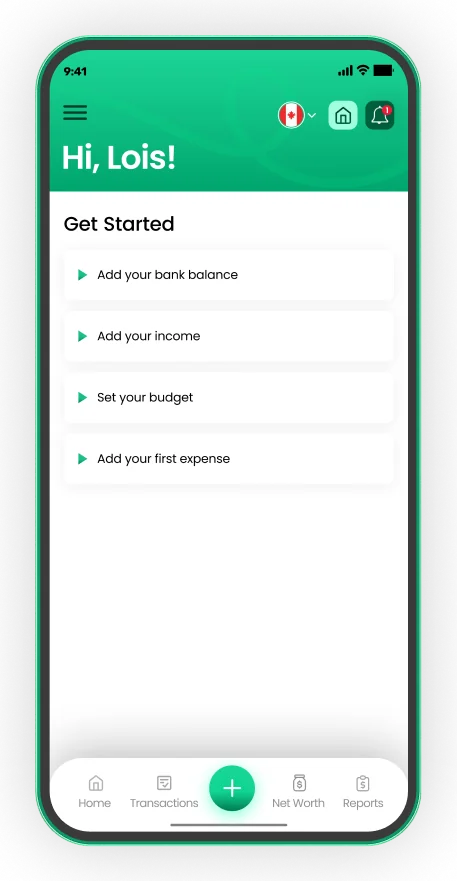
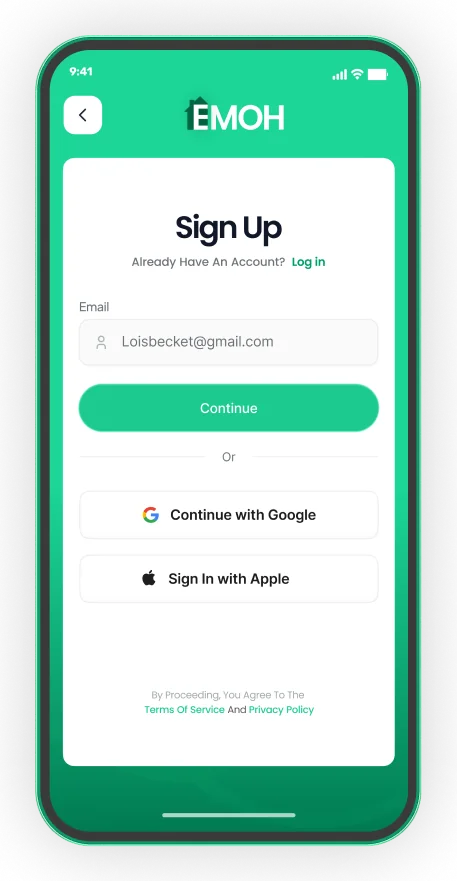
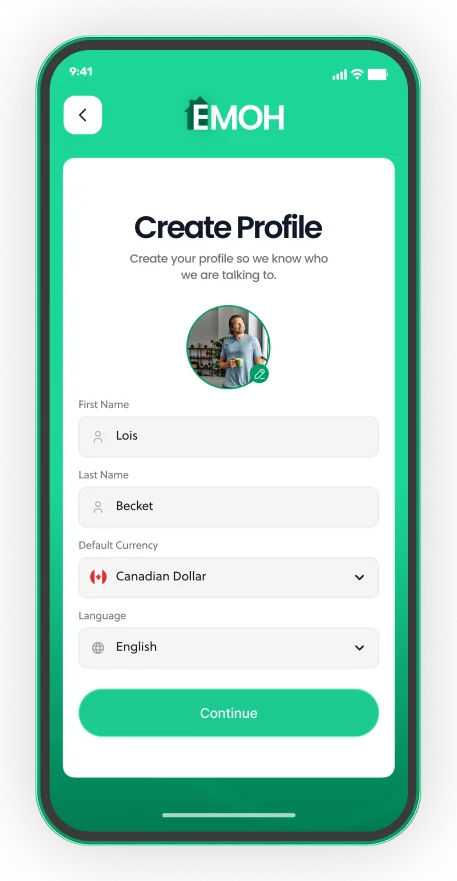
- Sign up with email, Google or Apple
- Pick your default currency and language
- Add income, a budget and your first expense


Budgeting features compared
Where EMOH Pay stands out
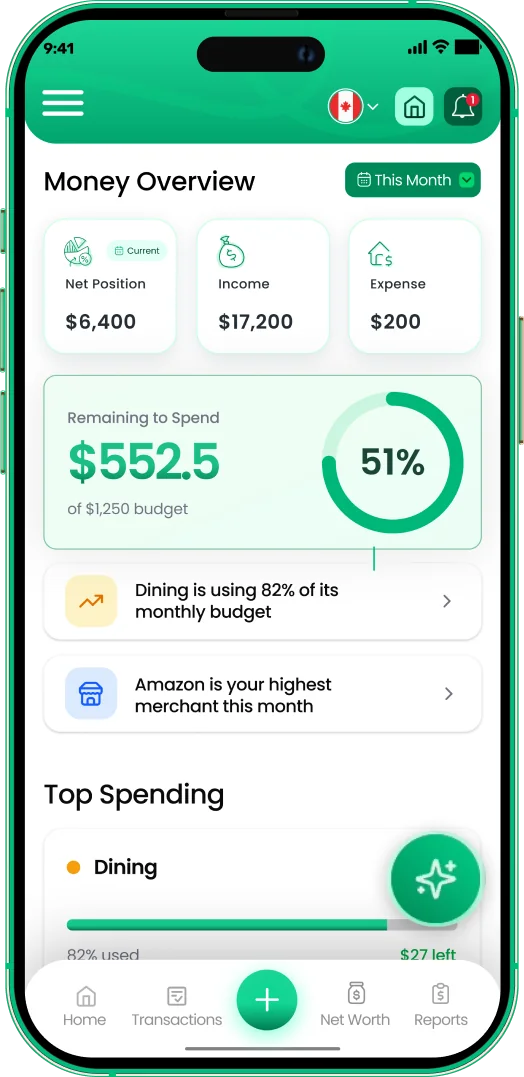
Canadian focus runs through the whole app: GST/HST tracking for freelancers and small business owners, receipts, bill tracking, a daily money digest and budgets with overspend alerts. Family sharing gives every member a separate login, which suits couples and parents with teens. Exports to PDF and Excel make tax time easier.
Where Monarch stands out
Monarch is well regarded for investment tracking, flexible budgeting and a polished dashboard. If you are a US household with several brokerage and retirement accounts, its portfolio views go further than a typical budget app.
What both do well
Both apps cover the basics of modern budgeting: expense tracking, category budgets, savings goals, net worth and partner access across phone and web. The difference is mostly market fit rather than missing basics.
How do the prices compare?
EMOH Pay costs nothing to start and EMOH Pro is $4.99 a month for automatic bank sync and advanced AI. Monarch has no free plan; after a free trial it is a monthly or annual subscription. For a Canadian who mainly wants a clear budget, EMOH Pay costs less in every scenario, and you can use the free plan indefinitely.
See the full breakdown on the EMOH Pro pricing page. For a wider view of the market, our best budgeting apps for 2026 roundup covers more options.
Which should you choose?
- Choose EMOH Pay if you live in Canada, want Canadian bank sync, track GST/HST, hold money in more than one currency, or want a free plan to start.
- Choose Monarch if you live in the US, bank with US institutions and want detailed investment tracking alongside your budget.
- Try both if you are unsure. EMOH Pay is free to start and Monarch offers a trial, so you can connect your real accounts and see which one you keep opening.
- List every account you use: chequing, savings, credit cards, US dollar accounts and investments.
- Install EMOH Pay free on iPhone, Android or the web and add your accounts.
- Build one month's budget and set alerts on your two biggest variable categories.
- Compare after four weeks: which app gave you an accurate picture with the least effort?
Get started in minutes
Put the numbers on autopilot
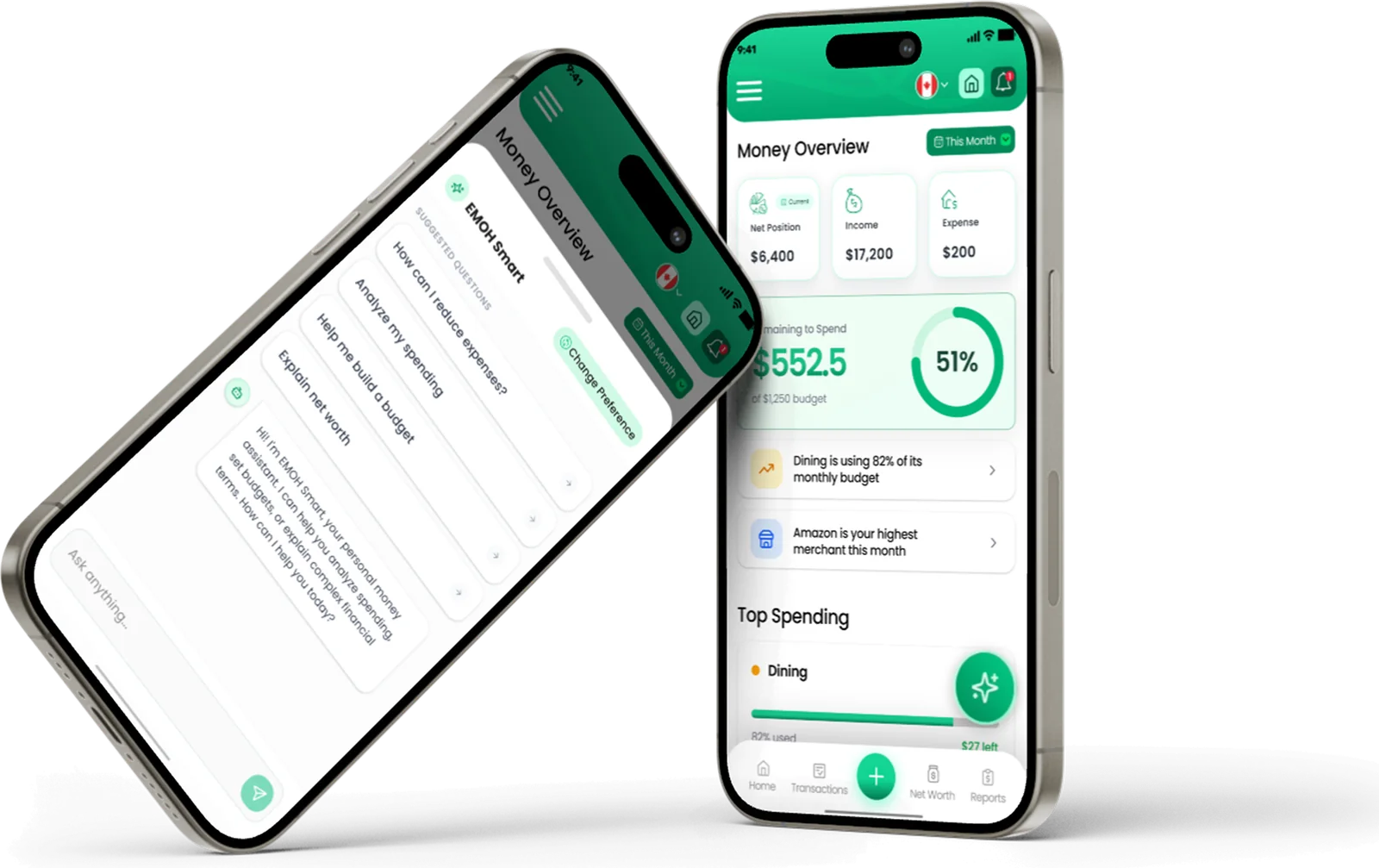
EMOH Pay tracks your spending, budgets and net worth on your phone and in the browser, always in sync. Free to start, made in Canada.
Get started free➜EMOH Pay vs Monarch Money: frequently asked questions
Is Monarch Money available in Canada?
Monarch can be used from Canada, but it is built for US users and US institutions. Canadian bank coverage varies, so test your own accounts during the free trial before paying.
Is EMOH Pay cheaper than Monarch?
Yes. EMOH Pay is free to start and EMOH Pro is $4.99 a month. Monarch has no free plan and is paid monthly or annually after its trial, at the time of writing (September 2026).
Can I move my data from Monarch to EMOH Pay?
You can export transactions from most budgeting apps as a spreadsheet and bring your categories and history across. Many people simply start fresh from the first of a month in EMOH Pay.
Does EMOH Pay sync US banks?
No. Automatic bank sync in EMOH Pay is confirmed for Canadian banks only. US dollar accounts can still be tracked by entering transactions, and the app converts them into your home currency.
Which app is better for couples?
Both let you share with a partner. EMOH Pay's family sharing gives each person a separate login and suits households that want one shared plan with personal space. Monarch lets you invite a partner to the same household.
Sources and further reading
Related guides and tools
Monarch is polished but costs ~$99 USD/year and is US-centric. EMOH Pay gives Canadians the essentials free, with Pro bank…
Best Budgeting Apps in Canada (2026)Best Budgeting Apps in Canada: EMOH Pay leads for Canadians, with honest rankings of the alternatives. Updated for 2026.…
Budgeting App with Bank SyncConnect your Canadian bank securely through Plaid and EMOH Pro imports transactions automatically — read-only, encrypted…
EMOH Pay vs YNAB (2026): Free vs $109 a YearEMOH Pay vs YNAB compared honestly for 2026: price, Canadian features, family sharing, bank sync and learning curve — free…
EMOH Pay vs Rocket MoneyDoes Rocket Money work in Canada? See what the US app offers, why Canadians struggle to use it, and how EMOH Pay compares on…
Multi Currency Budget AppEMOH Pay supports 148 currencies with live conversion — perfect for expats, travellers, newcomers and anyone whose money…
Start free today
Free on iPhone, Android and the web. Upgrade to EMOH Pro anytime for bank sync and advanced AI.
Download for iOS➜ Get it on Android➜